

WordPress SEO for beginners is simpler than most site owners expect. The hard part is not installing tools. It is knowing what to fix first so your site sends clear signals about which pages matter, how they are connected, and what each page is actually about.
A green light in an SEO plugin does not mean the page deserves to rank. Most beginner mistakes come from scattered effort: too many plugins, unclear titles, thin archive pages, and no real plan for internal links. If you want a cleaner starting point, our WordPress SEO setup for beginners guide and our WordPress SEO setup problems article are good companion reads.
What beginners need to know first
Beginner WordPress SEO works best when you focus on visibility basics before fine-tuning. That means using one SEO plugin, making sure search engines can crawl the right pages, writing useful titles, and keeping your site structure simple enough for visitors and Google to follow.
Google recommends descriptive, concise title text and warns against keyword stuffing and repetitive boilerplate. Google also recommends crawlable links with descriptive anchor text so search engines can better understand site structure and page relationships. Meta descriptions can also help when they give a more accurate summary of the page in search results.
Start with one SEO plugin
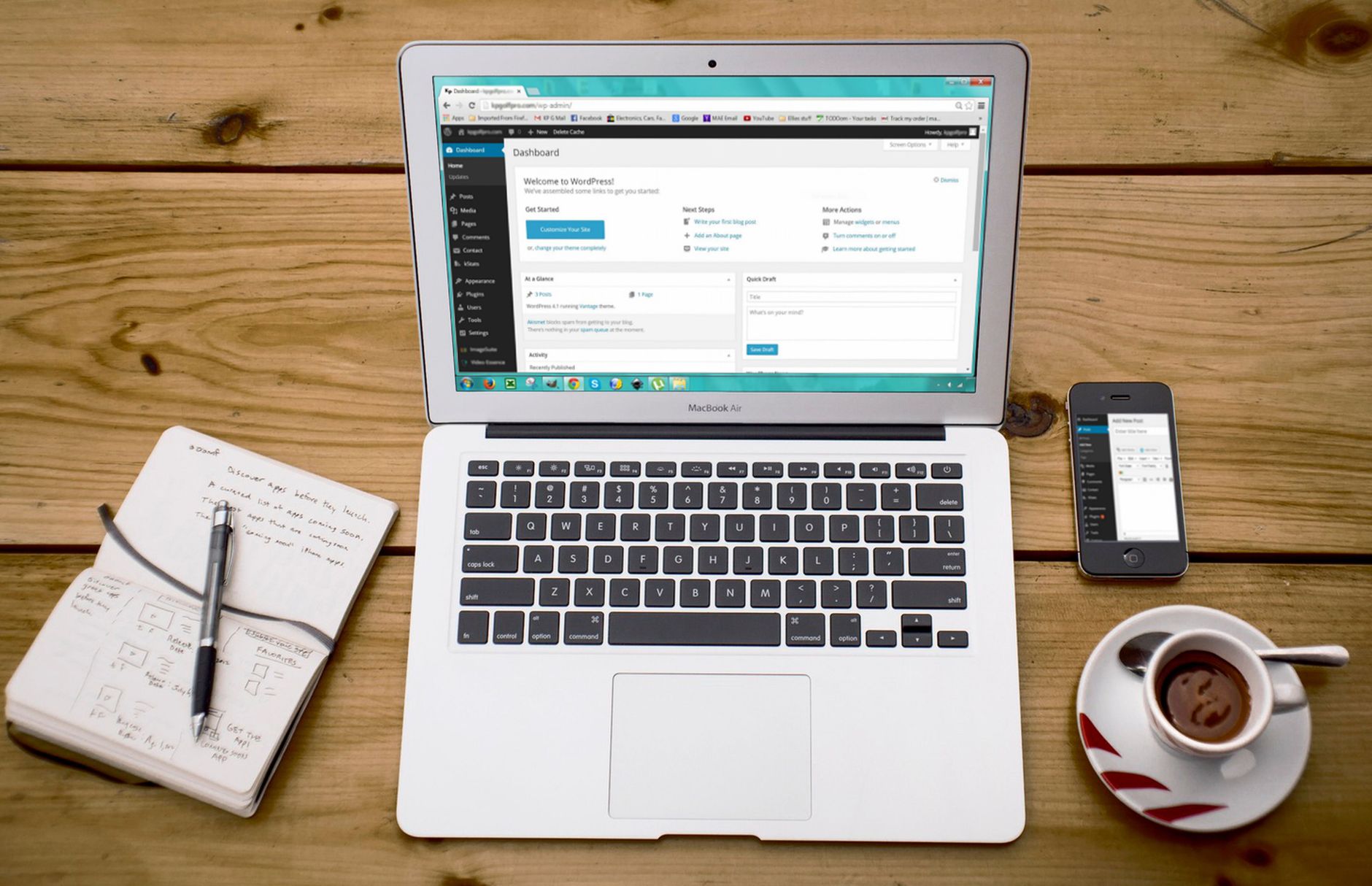
One well-configured SEO plugin is enough for most beginner sites. Running overlapping plugins often creates duplicate metadata, conflicting canonicals, and multiple sitemap outputs that make troubleshooting harder instead of easier.
If your site already has more than one SEO plugin installed, simplify before you optimize. Keep the one you plan to use long term, review its basic settings, and remove overlapping tools. You do not need a crowded dashboard. You need one clean system you can actually manage.
Check whether search engines can crawl your site
If important pages are blocked, no amount of title editing or content tweaking will fix the real problem. Beginners should confirm that key pages are live, linked internally, and allowed to be crawled before spending time on cosmetic plugin tasks.
Look for accidental noindex settings, pages that are buried too deep in the site, or important content that only appears in a sitemap and nowhere else. A page should be reachable through normal HTML links, not hidden behind a broken structure or left unsupported.
Write clear page titles

Your title tag is one of the strongest beginner controls in WordPress SEO. A good title should tell users what the page offers, match the main topic, and avoid repetitive phrases that make the result look generic or spammy.
Many site owners overdo this step by forcing the same keyword into every variation of the title. That usually makes the page look worse in search results. Keep titles specific, readable, and tied to the page itself.
| Weak title | Stronger title |
|---|---|
| SEO Services | SEO Company | SEO Expert | WordPress SEO Services for Small Businesses |
| Blog | WordPress SEO for Beginners |
| Best SEO Plugin, SEO Plugin, WordPress SEO Plugin | How to Choose a WordPress SEO Plugin |
Use meta descriptions to support clicks
Meta descriptions are not a shortcut to rankings, but they can improve how your page is summarized in search. Beginners should write them for important pages first instead of trying to fill every field on every archive and tag page.
Focus on your homepage, primary service pages, and posts that already have value or search potential. Write short descriptions that explain the benefit of the page in plain language. If Google thinks your description is the best summary, it may use it in the search snippet.
Keep your site structure simple
A simple structure usually outperforms a clever but cluttered one. Beginners should make key pages easy to reach, use a small number of meaningful categories, and avoid publishing multiple thin pages that target tiny keyword variations.
Most site owners do not have one catastrophic problem. They have a stack of smaller issues that compound over time. Thin tag archives, duplicate category pages, and orphaned blog posts can weaken the overall structure even when each issue looks minor on its own.
Build internal links with purpose

Internal links help search engines discover pages and understand which content matters most. They also help users move from one useful page to the next instead of reaching a dead end after one visit.
Use descriptive anchor text and connect related articles where the next step is obvious. For example, if you are deciding how to configure your site, review our beginner SEO setup guide. If you are already dealing with confusing settings or plugin overlap, see our guide on fixing WordPress SEO setup problems.
If you are experiencing these issues, our team at WordPress SEO Expert can help. A focused review usually finds whether the real issue is crawlability, duplication, weak targeting, or plugin clutter.
What beginners should stop doing
Beginners should stop chasing plugin scores as if they guarantee rankings. A green light can be useful as a prompt, but it is not proof that the page is strong, helpful, or well prioritized.
Also stop stacking multiple SEO plugins, rewriting every heading to satisfy a score meter, and publishing thin near-duplicate posts. You do not need a perfect score. The goal is a site that loads cleanly, is easy to use, and sends consistent signals about which pages matter most.
A simple beginner SEO checklist
The best way to stay focused is to follow a short order of operations. Fix the issues that block visibility before the issues that polish visibility. That sequence saves time and keeps beginners from spending hours on tasks that do not solve the real problem.
| Priority | What to check |
|---|---|
| 1 | Search visibility and crawl access |
| 2 | Single SEO plugin setup |
| 3 | Title tags for important pages |
| 4 | XML sitemap and indexing rules |
| 5 | Internal links to key pages |
| 6 | Duplicate archive and URL cleanup |
| 7 | Speed improvements on core pages |
When to get help
If your rankings are flat after the basics, the problem is often prioritization rather than effort. A second set of eyes can usually tell whether the bottleneck is indexing, duplication, weak internal linking, or a setup problem that has been quietly holding the site back.
WordPress SEO Expert can help you sort out what to fix first without turning your site into a plugin experiment. Book a free SEO consultation. No pitch, no pressure. Just an honest look at what your site actually needs and whether your current setup is part of the solution or part of the problem.
Contact WordPress SEO Expert today to schedule a consultation if you want a practical plan for improving your site without overcomplicating the basics.

















