
Better rankings usually come from fixing a stack of smaller problems, not from installing one more plugin. A practical WordPress SEO checklist should help you find what is actually holding pages back, prioritize the fixes, and stop wasting time on plugin scores that do not move traffic.
Most WordPress sites that feel stuck have the same pattern: unclear keyword targeting, weak internal linking, index bloat from archives or duplicate URLs, and technical issues that quietly dilute stronger pages. This guide walks through the fixes in the order that usually matters most so you can improve visibility without turning SEO into a full-time job.
What this checklist should help you fix first
Start with crawlability, indexation, and page purpose before you touch advanced tweaks. If Google cannot clearly crawl, understand, and prioritize the right pages, changing schema settings or rewriting alt text will not solve the real problem.
This is the same principle behind a strong WordPress SEO strategy for small business. You need a clear page-to-keyword map, a clean site structure, and only one SEO system controlling titles, canonicals, and sitemaps.
WordPress SEO checklist in priority order
Work through this checklist from top to bottom. The sequence matters because technical access and indexing issues can cancel out everything below them.
| Area | What to check | Why it matters |
|---|---|---|
| Indexing | Confirm important pages are indexable and not blocked by settings or tags | If pages cannot be indexed, on-page improvements will not help |
| Site structure | Map one main topic to each important page and remove overlap | Clear page purpose reduces cannibalization |
| Titles and headings | Write concise, descriptive titles and one clear H1 per page | Helps users and search engines understand relevance |
| Internal links | Link related pages with descriptive anchor text | Supports discovery and clarifies page relationships |
| Technical setup | Check canonicals, redirects, XML sitemap, mobile rendering, and plugin conflicts | Prevents dilution, duplication, and crawl waste |
| Performance | Compress large images, enable caching, and test templates on mobile | Improves usability and supports page experience |
1. Make sure the right pages can be indexed
The first check is simple: important pages must be indexable, and low-value pages should not compete with them. Many ranking problems start because the site is sending mixed signals about what belongs in search.
Review your homepage, service pages, category pages, and top blog posts in the page source. Make sure they do not carry a noindex directive by mistake. Then review archives such as tags, dates, and author pages. If those archive pages do not add unique value, they often create thin duplicate URLs that distract from stronger pages.
If you are unsure how to handle these settings before or after a redesign, the pre-launch process in WordPress SEO Checklist for New Websites: Pre-Launch covers the same core issues that cause indexing failures.
Quick checks
Use one SEO plugin only. Confirm your XML sitemap loads correctly. Check that the pages you want indexed appear there, and low-value noindex pages do not. Make sure your preferred domain version redirects consistently and that HTTP resolves to HTTPS.
2. Give each important page one clear job
Better rankings depend on page purpose more than content volume. If several pages try to rank for the same phrase, Google gets mixed signals about which page should win, and weaker pages often hold each other back.
Assign one primary keyword theme to each core page. Your homepage should target the broadest business topic. Service or category pages should target buyer-intent terms. Blog posts should answer related questions that support those money pages rather than compete with them.
This is where many site owners over-publish. They add more posts instead of consolidating overlapping pages. In practice, one strong service page usually performs better than several thin variations built around slightly different wording.
3. Fix titles, H1s, and search snippet basics
Your titles should help people decide to click, not just repeat keywords. Google recommends descriptive, concise titles and specifically advises against keyword stuffing and repetitive boilerplate across pages.
Check every important page for one clear H1, a specific title tag, and a useful meta description. Avoid vague titles such as Home or Services. Also avoid stuffing multiple keyword variations into the same title because it makes the result look weaker, not stronger.
| Weak title | Stronger title |
|---|---|
| SEO Services | SEO Company | SEO Expert | WordPress SEO Services for Small Businesses |
| Blog | Marketing Tips | WordPress SEO Checklist for Better Rankings |
| Plumber Services City Name | Emergency Plumbing Services in Austin, TX |
Google’s guidance on title links and the SEO Starter Guide is worth following here because the basics still matter when pages are otherwise competitive.
4. Strengthen internal links before writing more content
Internal linking is one of the fastest fixes on an underperforming WordPress site. It helps search engines discover deeper pages and gives clearer context about how pages on the site relate to each other.
Link from supporting blog posts to service or category pages using descriptive anchor text. Link between related guides where the next step is natural. Google has said that descriptive anchor text helps people and search engines make better sense of site structure and linked pages.
A good rule is to update older posts whenever you publish a new related page. That keeps useful pages from becoming orphaned and gives your strongest URLs more support over time.
5. Clean up the technical SEO basics

Technical SEO does not need to be complicated, but it does need to be clean. Most sites do not have one catastrophic issue. They have several smaller technical problems that compound and make good pages underperform.
Check canonical tags on important pages to make sure each one points to the correct preferred URL. Review redirects after slug changes, redesigns, or migrations. Make sure pagination, filter URLs, and archive pages are not creating unnecessary duplication. If you run WooCommerce, this step matters even more because faceted navigation and duplicate category paths can expand crawl waste quickly.
WordPress also includes a built-in Site Health area under Tools that helps surface update, security, and configuration problems. It is not a full SEO audit, but it is a useful starting point when you need to identify obvious technical issues.
If you are working through these issues and are not sure what to prioritize, our team at WordPress SEO Expert can help. Request a free WordPress SEO audit if you want a second set of eyes before changing plugin settings or templates.
6. Improve page experience without chasing perfection
Speed matters because slow templates make pages harder to use, especially on mobile. But the goal is not to obsess over perfect lab scores. The goal is to remove the biggest bottlenecks that affect real visitors.
Start with oversized images, missing caching, bloated plugins, and heavy page-builder sections. Compress images before upload, use modern formats where practical, and test key templates on an actual phone. Focus on homepage, service, product, and category templates first because they usually affect the largest share of traffic and conversions.
There is a practical stopping point here. Once the site feels fast, stable, and easy to use on mobile, the next gains often become expensive and small. That is why performance work should stay tied to user experience and business pages, not vanity scores.
7. Review Search Console before making bigger changes

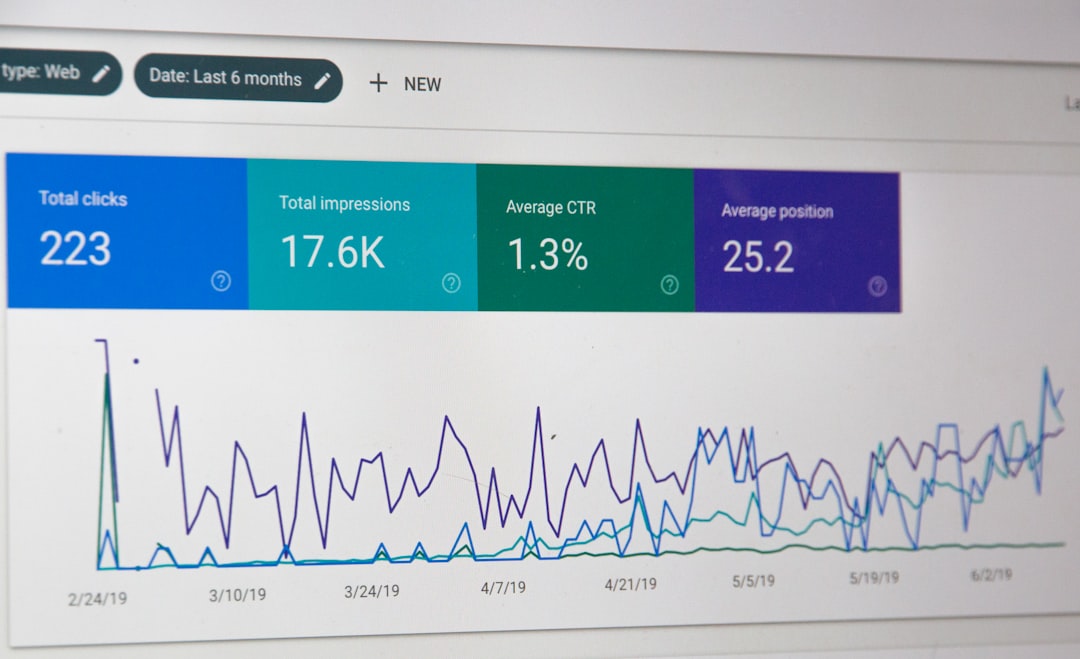
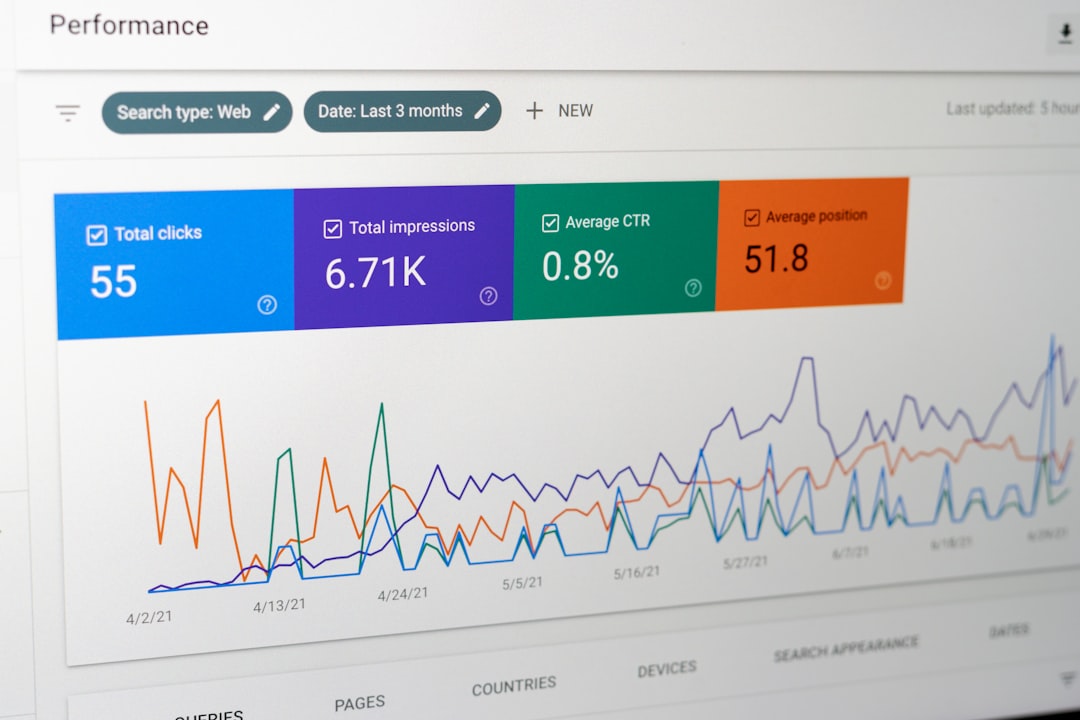
Search Console usually shows the clearest next move. Before rewriting large sections of the site, check which pages already get impressions, which queries they appear for, and where click-through rates look weak.
Pages with strong impressions but weak clicks often need better titles and meta descriptions. Pages ranking for the wrong queries may have an intent problem. Pages slipping slowly can point to technical drift, stronger competition, or content that no longer answers the query as well as it used to.
Google’s documentation on helpful, reliable, people-first content is the right lens here. The fix is rarely to add more words everywhere. It is to make the page more useful for the visitor who searched that topic.
A simple monthly SEO maintenance checklist
SEO maintenance works best when it stays short and repeatable. A small monthly review catches more problems than a giant audit that happens once and never gets acted on.
| Monthly task | What to review |
|---|---|
| Search Console review | Top pages, rising queries, low CTR pages, and pages losing visibility |
| Technical spot check | Indexation status, sitemap health, redirect errors, and canonical issues |
| Internal linking | New opportunities from recent posts to service or category pages |
| Content refresh | Pages with outdated sections, weak examples, or missing answers |
| Performance check | Large images, template changes, plugin additions, and mobile rendering |
Common mistakes this checklist helps you avoid
The biggest mistake is treating SEO as a plugin checklist instead of a prioritization problem. More plugins, more schema types, and more content do not help if the wrong pages are competing, hidden, or technically diluted.
Other common mistakes include leaving archive bloat unchecked, ignoring internal links, rewriting pages without checking search intent, and stacking overlapping SEO tools that generate conflicting settings. A cleaner setup almost always beats a more complicated one.
Final takeaway
A WordPress SEO checklist for better rankings should give you order, not overwhelm. Fix indexation first, clarify page purpose, strengthen titles and internal links, then clean up technical issues and performance bottlenecks. That sequence is what usually turns scattered effort into measurable improvement.
If your rankings are still stuck after working through these checks, contact WordPress SEO Expert today to schedule a consultation. We will help you identify which fixes matter first and which ones are just noise.

















