

Low rankings usually come from a scattered plan, not one missing plugin. In 2026, WordPress SEO still depends on clean indexation, strong internal linking, clear titles, controlled duplicate URLs, and a site that works well on mobile. If you chase plugin scores before fixing those basics, your rankings usually stay stuck.
Google still uses signals like title elements, prominent on-page headings, internal anchor text, crawl access, and indexing rules to understand pages. WordPress gives you a workable foundation, but themes, builders, archive settings, and plugin overlap can quietly create SEO drag if no one checks them carefully. For related launch checks, review our WordPress SEO checklist for new websites.
What matters most for WordPress SEO in 2026
The biggest priority is not a new trick. It is making your important pages easy to crawl, easy to understand, and worth clicking. That means confirming indexability first, then fixing canonicals, titles, internal links, page speed friction, and thin archive clutter before you publish more content.
Most site owners do not have one catastrophic problem. They have a stack of smaller issues that compound over time. A noindex tag on the wrong template, bloated JavaScript from a page builder, orphaned service pages, and repetitive titles can all suppress performance even when the content itself is solid.
Start with indexability before anything else
If Google cannot crawl and index the right URLs, everything else is secondary. Your first checks should cover search visibility settings, robots directives, sitemap coverage, canonical output, and whether your important pages return a normal 200 status.
WordPress sites often underperform because archive pages, attachment pages, search results, staging URLs, or plugin-generated filters create noise around the pages that actually matter. Google documents that a noindex meta tag removes pages from search results, while robots.txt mainly controls crawling, not guaranteed deindexing. That distinction matters when you are trying to keep low-value URLs out of search.
Use this order for quick checks. Confirm that search engine visibility is enabled in WordPress. Review plugin-level noindex settings for posts, pages, categories, tags, and author archives. Then inspect a live page source to verify what is actually rendered, because dashboards do not always reflect theme or plugin conflicts.
Use one SEO plugin, not a stack of them
There is no single best SEO plugin for WordPress. There is only the best fit for your workflow. What usually hurts performance is not choosing Yoast versus Rank Math versus another option. It is running overlapping tools that all try to control titles, schema, canonicals, redirects, and sitemaps at the same time.
Pick one primary SEO plugin and configure the essentials well. Set title templates, archive indexing rules, XML sitemaps, default social images, and schema basics. Then leave advanced toggles alone unless you can explain the trade-off. A clean setup is easier to audit and much less likely to break during updates.
Write titles for humans, not plugin meters
Your title tag is still one of the clearest relevance signals you control, and it strongly shapes click-through rate. In Google Search, title links may be pulled from the title element, main heading, anchor text, and other prominent text if Google thinks the original title is weak or incomplete.
Google’s title link guidance is a good reality check here. Repetitive boilerplate, half-empty titles, and outdated labels create weak signals. A page called SEO Services | SEO Company | SEO Expert says very little. A page called WordPress SEO Services for Small Businesses tells both users and search engines what the page is actually about.
Weak title: SEO Services | SEO Company | SEO Expert. Stronger title: WordPress SEO Services for Small Businesses. Weak title: Blog. Stronger title: WordPress SEO Tips for Service Businesses. This is simple work, but it is often higher impact than spending another hour adjusting plugin score suggestions.
Keep duplicate URLs under control
Canonical discipline still matters because WordPress can create more duplicate pathways than site owners realize. Common problems include HTTP and HTTPS versions, www and non-www versions, category and tag overlap, pagination confusion, and WooCommerce filter URLs that expose near-duplicate page sets.
The fix is rarely complicated, but it does require decisions. Choose a preferred URL format. Redirect obsolete versions. Make sure canonicals point to the version you actually want indexed. Link internally to that preferred version consistently. If you skip this step, you can split signals across multiple URLs without noticing.
If your site recently launched or changed domains, this gets even more important. Our pre-launch WordPress SEO checklist covers the specific settings and redirect checks that prevent those problems from surfacing after go-live.
Internal linking is still one of the highest-leverage fixes
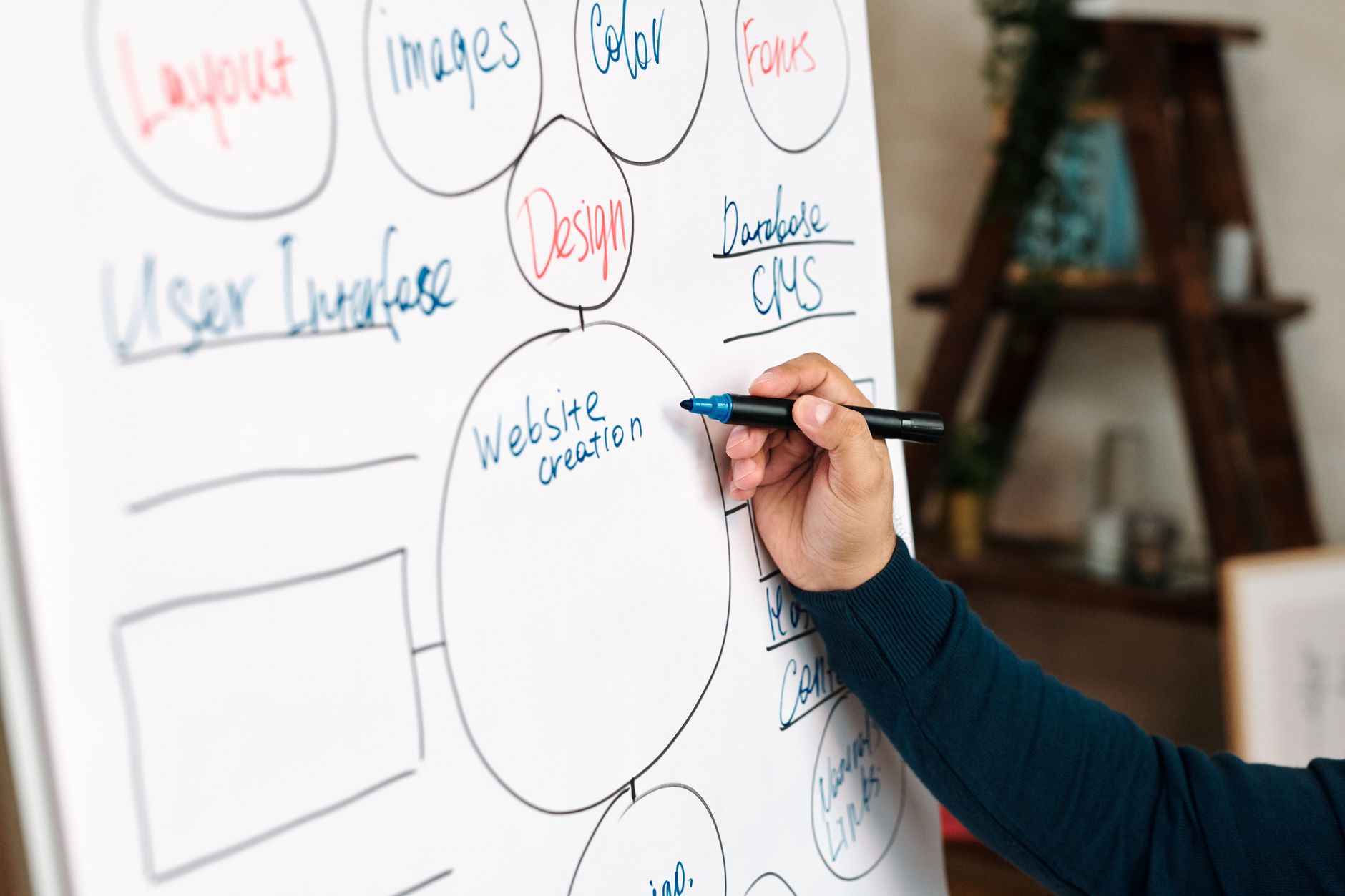
Internal links help search engines discover pages, understand hierarchy, and evaluate which URLs matter most on your site. They also help users continue their journey instead of bouncing after one page. That makes internal linking both an SEO fix and a usability fix.
Google’s documentation on sitelinks recommends concise, relevant anchor text. In practice, that means linking broad guides to deeper service pages, linking service pages to supporting educational content, and making sure important URLs are never orphaned. If a page only exists in your sitemap and nowhere in your navigational structure, fix that before publishing the next article.
If you are not sure whether your pages support each other well enough, WordPress SEO Expert can help. We often find that rankings improve after architecture and internal links are cleaned up, even before a full content rewrite happens.
Core Web Vitals matter, but not as a vanity score
Performance matters because slow, unstable, or laggy pages create friction for real users. The goal is not to hit a perfect synthetic score. The goal is to remove the technical bottlenecks that make key templates feel heavy, especially on mobile connections and lower-powered devices.
Common WordPress issues include oversized hero images, too many third-party scripts, autoplay media, bulky page builders, font overload, and WooCommerce features loading on pages that do not need them. Google’s Search Central guidance also stresses that important page resources should remain crawlable and accessible. That means blocking CSS or JavaScript files carelessly can create rendering problems instead of SEO improvements.
A practical stopping framework helps here. If your important templates load cleanly, your mobile experience is stable, and your biggest issues are under control, keep moving. Do not burn days chasing cosmetic gains while ignoring indexation, duplicate pages, or weak commercial page copy.
WordPress XML sitemaps need one clear source
Your sitemap should help search engines discover important URLs, not create confusion. Since WordPress 5.5, core includes XML sitemap functionality. If your SEO plugin also generates a sitemap, make sure you are not unintentionally presenting two competing sitemap systems.
WordPress introduced a core XML sitemap in version 5.5. Many SEO plugins provide richer sitemap controls, so the main best practice is consistency. Use one authoritative sitemap source, confirm that it includes indexable pages, and make sure low-value noindex URLs are excluded where appropriate.
Content structure still affects SEO more than people think
Well-structured content is easier to scan, easier to interpret, and easier to match with search intent. One clear H1, useful H2s and H3s, short paragraphs, and descriptive supporting copy do more for usability than stuffing keyword variants into every subheading.
Do not split one strong topic into several thin pages just to force slight keyword variations. Do not publish generic archive pages with no context and expect them to rank. For most small business sites, fewer stronger pages outperform a larger pile of shallow ones.
That is especially true when rankings are flat. The problem is often not that you need more posts. It is that the existing pages do not align tightly enough with intent, are not linked well enough internally, or are buried under weak templates and thin taxonomy clutter.
Priority checklist for 2026
If you want a practical sequence, fix the highest-impact issues first. Technical access and duplication problems usually block growth faster than small copy tweaks. Once those are clean, stronger titles, internal links, and page improvements become much easier to measure.
| Priority | What to check | Why it matters |
|---|---|---|
| 1 | Indexing and noindex rules | Pages cannot rank if they are blocked or excluded incorrectly |
| 2 | Canonical and redirect setup | Prevents duplicate URL confusion and split signals |
| 3 | Title tags and page intent | Improves relevance and click-through potential |
| 4 | Internal linking | Helps discovery, hierarchy, and topical relationships |
| 5 | Performance bottlenecks | Improves usability on important templates |
| 6 | Content depth and structure | Helps pages satisfy search intent more clearly |
| 7 | Sitemap and schema hygiene | Supports cleaner technical signals |
What to stop doing in 2026
Stop treating green plugin indicators as proof that a page is optimized. Stop stacking multiple SEO plugins. Stop creating dozens of tags that generate thin archive pages. Stop publishing near-duplicate service pages for tiny keyword variations if they do not deserve separate search intent coverage.
Just as important, stop assuming WordPress is automatically SEO-friendly because you installed a plugin. WordPress can support excellent SEO, but the result depends on your theme, hosting, content structure, plugin stack, and how carefully you manage crawl and indexation signals over time.
If you have worked through these priorities and rankings are still stuck, WordPress SEO Expert can help you isolate what is actually holding the site back. We can review your technical setup, page targeting, and internal linking before you spend more time publishing into the same bottlenecks.
The best next step for most site owners
The best next step is a focused audit of your highest-value pages, not a sitewide panic rewrite. Look at the service pages, category pages, product pages, and blog posts that already matter to revenue or impressions. Those are usually the fastest places to find practical gains.
If you want a second set of eyes before changing settings or rewriting pages, WordPress SEO Expert can help you prioritize the fixes that actually matter. Book a free SEO consultation and we will help you separate high-impact work from plugin noise.

















