

Low rankings usually come from a scattered plan, not one missing plugin. Most WordPress sites that stall in Google are dealing with a stack of smaller mistakes: conflicting plugin settings, weak titles, thin pages, crawl traps, and internal links that do not help users or search engines understand priority.
A green light in an SEO plugin does not mean the page deserves to rank. Google recommends descriptive, concise titles and warns against keyword stuffing and repetitive boilerplate, while its broader guidance emphasizes helpful, people-first content and clear canonical signals for duplicate URLs. If your setup sends mixed signals, rankings can slip even when the site looks “optimized.”
If you want a second set of eyes before changing templates, plugins, or URL settings, WordPress SEO Expert can help you sort the blocking issues from the cosmetic ones.
Fix the issues that block visibility before the issues that polish visibility
The fastest way to recover momentum is to prioritize technical mistakes that stop crawling, indexing, or consolidation. Tuning keyword density or adding more FAQs will not help much if Google is seeing duplicate versions, thin near-duplicates, or unclear page targets.
| Mistake | Why it hurts | What to do first |
|---|---|---|
| Running overlapping SEO plugins | Can create duplicate metadata, conflicting canonicals, and multiple sitemaps | Keep one plugin and audit titles, canonicals, schema, and sitemap output |
| Repetitive title tags | Makes pages harder to distinguish and lowers click appeal | Write distinct, concise titles based on page intent |
| Thin near-duplicate pages | Weakens topical signals and can trigger consolidation problems | Merge overlap into one stronger page |
| Bad canonical setup | Sends mixed signals about which URL should rank | Align canonicals, redirects, and sitemap URLs |
| Poor internal linking | Hides priority pages and weakens site structure | Link with descriptive anchor text from relevant pages |
1. Using more than one SEO plugin

One well-configured SEO plugin is enough. Running overlapping plugins often creates duplicate metadata, conflicting canonicals, and competing sitemap outputs, which makes troubleshooting harder and can quietly distort what Google sees.
This mistake is common after redesigns, migrations, or agency handoffs. A site may keep Yoast settings in place, add Rank Math later, and leave theme SEO options active too. The result is not extra optimization. It is a pileup of signals that makes indexation and title control less predictable.
Check your page source, XML sitemap settings, and canonical tags. If two tools are trying to manage the same fields, simplify the stack first. If you are comparing configurations, comparing plugins directly can help you choose one clean setup instead of layering both.
2. Writing titles for plugin scores instead of clicks
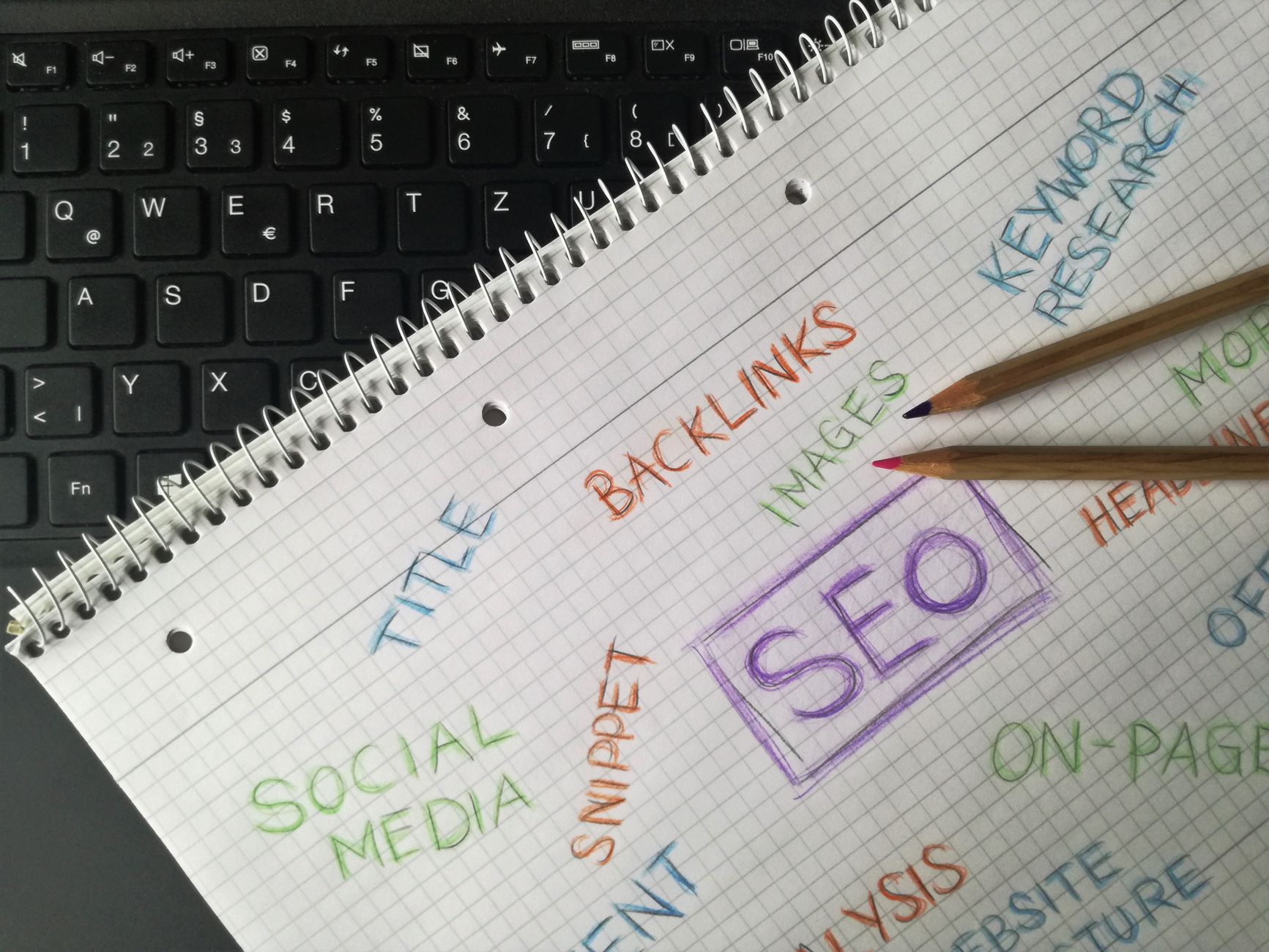
Title tags should help a real searcher understand the page quickly. Repeating the same keyword, city, or service variation to satisfy a plugin score can make titles look spammy and gives Google a reason to rewrite them.
| Weak title | Stronger title |
|---|---|
| SEO Services | SEO Company | SEO Expert | WordPress SEO Services for Small Businesses |
| Technical SEO WordPress SEO Technical Audit | Technical SEO Audit for WordPress Sites |
| Plumber Miami Plumber Services Miami FL | Emergency Plumbing Services in Miami |
Google recommends descriptive, concise titles and warns against keyword stuffing and repeated boilerplate. That means every important page should have a distinct title that matches the page’s actual purpose, not a stitched-together list of target phrases.
If your service pages all sound the same, review yyour on-page SEO approach and rewrite titles around intent, not score chasing.
3. Publishing thin pages for every keyword variation
More URLs do not automatically mean more visibility. Publishing several short pages that say nearly the same thing often spreads authority thin and makes it harder for Google to understand which page should rank.
Small business sites often create separate posts or service pages for tiny keyword variations with little original value added. A better move is usually consolidation: one stronger page with clear sections, better examples, and a cleaner internal linking path. Google’s people-first content guidance aligns with that approach. It rewards usefulness, depth, and satisfying answers over search-engine-first page inflation.
4. Leaving canonical and redirect signals misaligned
Canonical mistakes usually do not look dramatic, but they can suppress the wrong URL or split signals across duplicates. When redirects, canonicals, and sitemap entries point to different versions, Google has to guess what you meant.
This often shows up on WordPress sites with HTTP and HTTPS leftovers, www and non-www inconsistencies, trailing slash variations, parameter URLs, tag archives, or WooCommerce filter pages. Google treats redirects as a strong canonical signal, rel=canonical as a strong signal, and sitemap inclusion as a weaker one. Those signals should support each other, not compete.
Start by identifying the preferred version of each important URL. Then align redirects, canonical tags, internal links, and sitemap entries to that version. If you are untangling a broader visibility drop, a technical SEO checklist is a useful companion.
5. Using weak internal links and orphaning important pages
Internal links are not filler. They help users navigate, show Google which pages matter, and clarify the relationship between topics. Weak anchors like “read more” or pages with no meaningful links pointing to them make that job harder.
Google recommends concise, relevant anchor text for internal links. That does not mean stuffing exact-match keywords everywhere. It means linking naturally from context with phrases that describe the destination. Priority pages should receive links from related blog posts, service pages, and navigation paths, not sit isolated in the sitemap.
If you are experiencing these symptoms, our team at WordPress SEO Expert can help.
6. Letting taxonomy, search, and filter URLs bloat the index
Not every WordPress-generated URL deserves to rank. Tag archives, internal search result pages, faceted filters, author archives, and attachment pages can create index bloat when they offer little standalone value.
This does not mean every archive is bad. Some category pages are useful and should be improved, not hidden. The point is to audit what is truly helpful versus what exists only because WordPress or a plugin generated it. Most site owners do not have one catastrophic problem. They have a stack of smaller issues that compound over time.
7. Ignoring post-migration SEO checks
Traffic drops after a redesign usually trace back to a short list of causes: noindex settings left on, broken redirects, changed URLs, removed content, or altered internal links. The longer these problems sit, the harder recovery feels.
After any launch, verify indexability, crawl the old and new URL sets, test templates for title and canonical output, and review Search Console for sudden shifts in indexed pages and top queries. You do not need a perfect score. The goal is a site that loads cleanly, is easy to use, and sends consistent signals.
What to fix first on a stuck WordPress site

If your rankings are flat, work in sequence. Start with indexation, canonicals, redirects, and plugin conflicts. Then improve titles, consolidate overlapping pages, and strengthen internal links. Leave cosmetic score chasing for last, or skip it entirely.
A practical 90-day plan usually beats a massive audit document nobody implements. The right next step is not “do everything.” It is identifying which two or three mistakes are suppressing the site right now and fixing those first.
Book a free SEO consultation. No pitch, no pressure. Just an honest look at what your site actually needs and whether your current setup is part of the solution or part of the problem. Contact WordPress SEO Expert today to schedule a consultation.

















