
Low rankings usually come from a scattered plan, not one missing plugin. A strong WordPress SEO setup starts with crawlability, clean structure, and pages that match real search intent. This step-by-step WordPress SEO guide walks through what to fix first so later content work has a better chance to rank.
Most site owners do not have one catastrophic SEO issue. They have a stack of smaller problems that compound over time: weak titles, thin internal linking, bloated media, mixed indexing rules, and pages targeting vague keywords. If that sounds familiar, the right fix is usually a short, prioritized plan rather than another plugin.
Start with technical foundations first

Before you touch content, make sure search engines can crawl and index the right pages. Google recommends using noindex controls rather than robots.txt when you need to keep a page out of search, because blocked pages may still be discovered while Google cannot see the noindex instruction itself.
That means checking HTTPS, your preferred domain version, search engine visibility in WordPress, and whether your SEO plugin is outputting clean titles, canonicals, and sitemaps. If your site already has crawl issues, review a pre-launch WordPress SEO checklist and resolve those basics before publishing more content.
Step 1: Install one SEO plugin only
One plugin is enough for most WordPress sites. Running overlapping SEO plugins often creates conflicting title tags, duplicate schema, and competing XML sitemaps.
Whichever plugin you choose, finish the setup completely. Review homepage metadata, content type indexing, sitemap settings, canonical behavior, media attachment rules, and breadcrumb settings. A half-configured plugin causes more confusion than a simple setup done well.
Step 2: Clean up permalinks and site structure
Short, readable URLs make your site easier to understand for both users and search engines. The goal is not to cram keywords into every slug. The goal is to remove noise and prevent duplicate archive clutter.
Use a simple permalink structure, keep slugs concise, and avoid creating unnecessary tags or thin archive pages. If you change URLs on a live site, add permanent redirects and update internal links so users and crawlers land on the final destination directly.
Step 3: Assign one primary keyword per page

Each page should target one main query and one clear search intent. That keeps the page focused instead of trying to rank for several unrelated phrases at once.
A service page should target a commercial-intent keyword. A blog post should target an informational query. Then support that main keyword with close variations in headings and body copy where they fit naturally. If you are not sure which pages are competing with each other, our step-by-step WordPress SEO guide and audit process can help you map pages more clearly.
Step 4: Write better title tags and meta descriptions

Your title tag affects relevance and click potential. Google recommends titles that are descriptive, concise, unique to the page, and free from keyword stuffing or repetitive boilerplate.
Weak title: SEO Services | SEO Company | SEO Expert. Stronger title: WordPress SEO Services for Small Businesses. Write titles that describe the page clearly, place the main topic near the front, and avoid repeating the same phrasing across multiple URLs. Then write meta descriptions that explain the benefit of clicking rather than recycling the title.
Step 5: Improve on-page SEO without chasing plugin scores
On-page SEO works when it improves clarity, not when it chases a green light. The goal is to make the page obviously useful, well-structured, and aligned with the keyword it targets.
Use one clear H1. Organize the page with logical H2s and H3s. Include the primary keyword naturally in the title, H1, introduction, and a relevant subheading if it fits. Expand with examples, comparisons, FAQs, and next-step guidance instead of repeating the same phrase. If you want a second set of eyes before changing settings, WordPress SEO Expert can help.
Step 6: Add internal links with intent
Internal links help search engines understand page relationships and help readers move to the next useful page. This is one of the simplest SEO improvements because you control it completely.
Link from stronger, relevant pages to the pages you want to support. Use descriptive anchor text, not vague phrases. Google also advises using anchor text that is natural, concise, and relevant to the linked page. A good example is linking a migration article to your WordPress SEO checklist for new websites instead of using generic wording.
Step 7: Optimize images and media
Large images slow pages down and weaken the user experience. Media optimization is one of the fastest technical wins on most WordPress sites.
Compress images before upload, keep dimensions appropriate for the layout, and add alt text that describes the image in context. Google’s SEO guidance also recommends descriptive alt text because it helps search engines understand the image and improves accessibility for screen readers.
Step 8: Match the content format to search intent
A page can be technically optimized and still underperform if it does not match what searchers expect. Search intent usually matters more than squeezing in another keyword variation.
Look at the current search results for your target term. If the results are mostly tutorials, write a tutorial. If they are mostly service pages, build a stronger service page. Then make your version more useful with clearer steps, better examples, and a cleaner structure.
Step 9: Check indexing and performance in Search Console
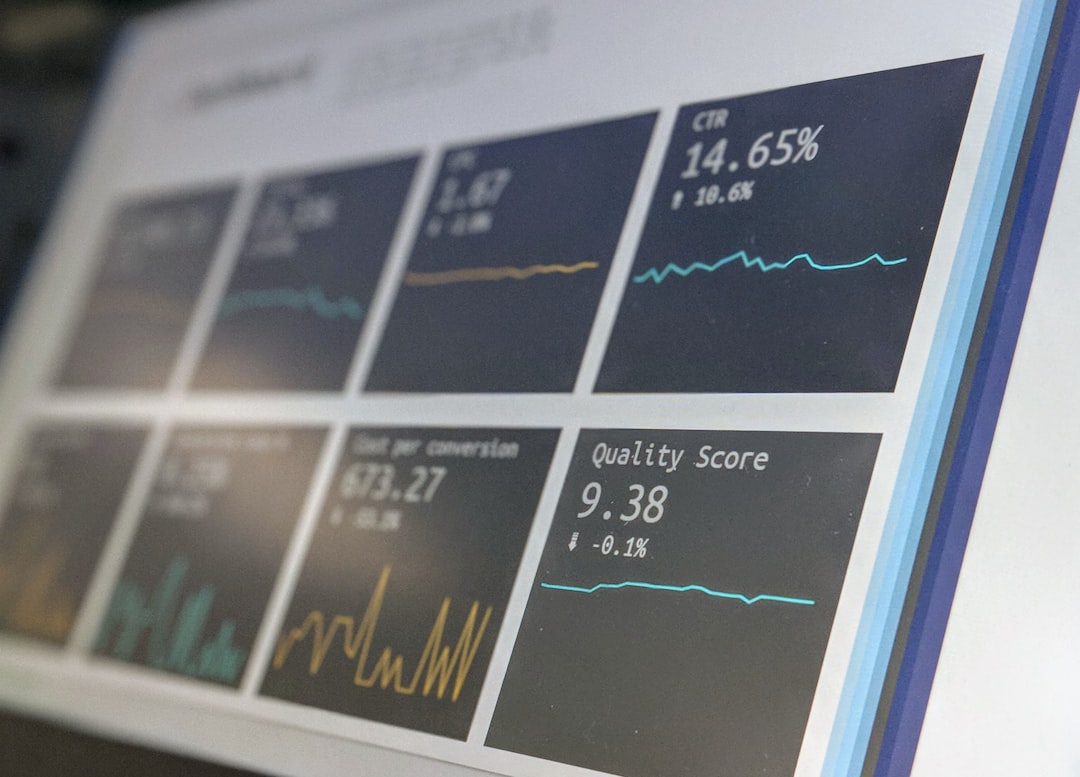
You cannot diagnose SEO properly without performance data. Google Search Console shows which pages are indexed, which queries generate impressions, and where low click-through rates may point to title or snippet problems.
Review the Pages report for indexing issues, the Search results report for queries and landing pages, and your sitemap status after major updates. Pages with impressions but few clicks often need better metadata before they need a full rewrite.
Step 10: Update older pages before publishing too much new content
Refreshing existing content is often a faster win than creating another article from scratch. Older pages may already have impressions, internal links, or backlinks that give them a head start.
Update outdated sections, improve headings, sharpen the keyword target, add supporting internal links, and merge overlapping pages when needed. Most flatlining sites need better consolidation and clearer page purpose before they need more volume.
A practical WordPress SEO checklist
If you want a simpler way to apply this process, use this checklist during setup and monthly reviews. The order matters because technical access issues usually undermine everything that comes after.
| Area | What to check first | Why it matters |
|---|---|---|
| Indexing | Important pages are crawlable and not accidentally noindexed | Pages cannot rank if search engines cannot index them |
| Plugin setup | One SEO plugin controls titles, canonicals, schema, and sitemaps | Reduces conflicts and keeps settings consistent |
| URLs | Permalinks are clean and changed URLs use redirects | Prevents duplication and broken paths |
| Page targeting | Each page has one main keyword and matching intent | Improves relevance and avoids dilution |
| Metadata | Titles and meta descriptions are unique and useful | Supports clearer relevance and better clicks |
| Structure | Each page uses one H1 with logical subheadings | Makes the page easier to scan and understand |
| Internal links | Important pages receive descriptive links from related content | Helps search engines understand page relationships |
| Media | Images are compressed and have descriptive alt text | Supports speed and accessibility |
| Monitoring | Search Console is reviewed regularly | Shows what is indexed and where pages are underperforming |
When to get expert help
If you have been publishing consistently but rankings are still flat, the issue is usually not effort. It is usually a mismatch in technical setup, page targeting, internal linking, or content quality.
This is often where a short audit saves time. WordPress SEO Expert can review the site, identify the highest-impact fixes, and help you decide what to change first. Book a free SEO consultation if you want a clear diagnosis before you keep publishing into the same bottleneck.
Final takeaway
A good WordPress SEO process is usually simpler than people expect. Set up the site correctly, choose clear keyword targets, improve page structure, link pages together intentionally, and monitor performance often enough to catch problems early.
If you want a second set of eyes on what is actually holding rankings back, contact WordPress SEO Expert to request a free WordPress SEO audit.

















