

Low rankings usually come from a scattered plan, not one missing plugin. SEO for WordPress business websites works best when you fix structure, page targeting, and technical health before publishing more content. That approach gives each page a clear job and makes it easier for Google to crawl, understand, and rank the site.
Most business sites do not have one catastrophic SEO issue. They have a stack of smaller problems: overlapping pages, weak titles, thin service copy, slow templates, and internal links that do not support the pages that matter most. If you want a cleaner roadmap before changing settings, review our WordPress SEO strategy for small business article for a planning-first approach.
What SEO for WordPress should focus on first
The first goal is not chasing plugin scores. It is making sure every important page matches a real search intent, can be reached easily, and gives a better answer than thinner competing pages. Google’s guidance consistently favors helpful, people-first content and clear page titles over search engine-first publishing habits.
For most business websites, that means prioritizing your homepage, service pages, location pages if relevant, and a small set of supporting blog posts. A blog cannot carry the whole SEO strategy if the pages that sell the service are vague or hard to navigate.
Build a simple page-to-keyword map
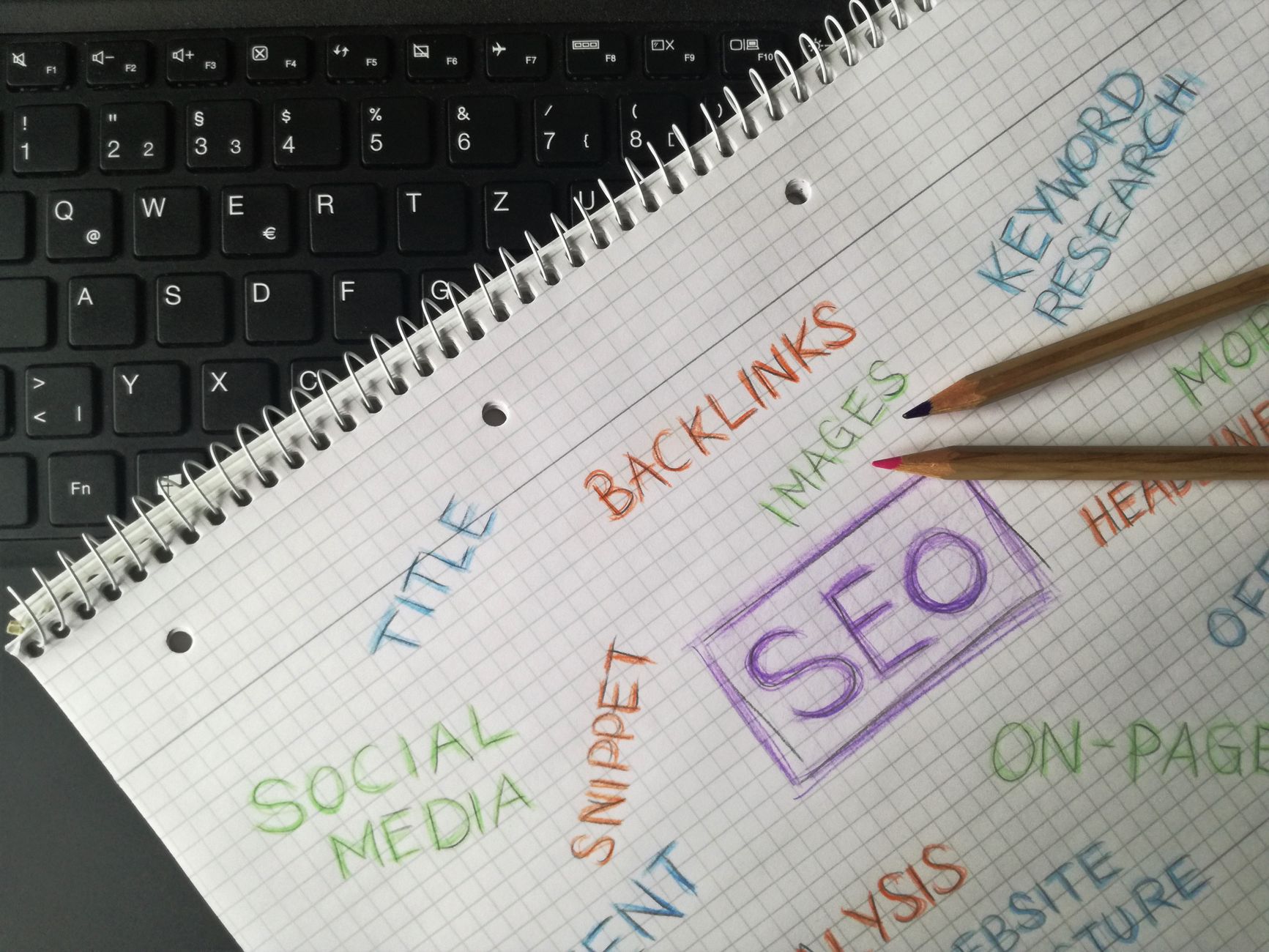
Each important page should target one primary topic and closely related variations. This reduces overlap, keeps your copy focused, and helps prevent multiple pages from competing for the same search. When three pages all aim at the same phrase, Google gets mixed signals about which page matters most.
A simple map usually looks like this: the homepage targets the broad core service, service pages target specific buyer-intent terms, and blog posts answer questions that support those services. That is a much stronger setup than publishing random articles and hoping one ranks.
| Page type | Main SEO role |
|---|---|
| Homepage | Target the broad primary service or business category |
| Service page | Target a specific commercial-intent topic |
| Location page | Target a service plus city or service area when local intent exists |
| Blog post | Answer supporting questions and link readers to the right service page |
Fix site structure before adding more content

A surprising number of WordPress SEO problems are structural, not editorial. If key pages are buried, orphaned, or diluted by unnecessary archive pages, publishing more content usually adds clutter instead of authority. Google recommends making pages reachable through links from other findable pages and using concise, relevant anchor text.
Start by checking whether your most valuable pages are reachable within a few clicks from the homepage. Then review menus, footer links, breadcrumbs, and in-content links. Supporting articles should point back to the main service or category page they are meant to strengthen. If speed and technical bottlenecks are part of the problem, our guide on how to improve WordPress site speed for SEO covers the fixes that usually move results faster than generic advice.
What to clean up in WordPress
Most sites benefit from a short cleanup pass. Remove or noindex low-value archives if they create duplication, fix broken internal links, and make sure categories reflect real content groupings instead of leftover experiments. Keep the structure simple enough that a visitor can predict where to click next.
| Area | What to check first | Why it matters |
|---|---|---|
| Navigation | Core services linked in main menu | Helps users and search engines find your highest-priority pages |
| Internal links | Supporting posts link to money pages | Passes context and keeps important pages from being isolated |
| Archives | Thin tag or author archives | Reduces duplication and crawl waste |
| URL structure | Short, readable slugs | Makes pages easier to understand and share |
Get the on-page basics right on every core page
Strong on-page SEO is usually simpler than people think. You need one clear H1, a descriptive title, useful subheadings, and copy that answers the next obvious customer question. The page should explain what you offer, who it is for, how the process works, and what the visitor should do next.
Title tags matter because they help searchers decide whether to click and help search engines understand the page. Weak title: SEO Services | SEO Company | SEO Expert. Stronger title: WordPress SEO Services for Small Businesses. Clear beats stuffed.
Meta descriptions matter for click-through rate, even when Google rewrites them. Think of them as ad copy for the page rather than a place to repeat keywords. A short promise of what the page helps solve is usually enough.
What better service-page copy looks like
Many business websites lose leads because the service page stays too generic. Replace broad claims with specifics: industries served, common problems you solve, whether work is local or national, the typical process, and what happens after a form submission. That helps the visitor and reduces the chance that the page feels interchangeable with dozens of competitors.
Keep the technical setup clean
Technical SEO for WordPress does not need to be complicated, but it does need to be deliberate. A clean setup usually means one SEO plugin, one caching setup, a working sitemap, updated themes and plugins, and no accidental indexing blocks. WordPress also includes Site Health, which gives site owners a practical starting point for checking updates, PHP version, and other maintenance issues.
Be careful not to stack multiple SEO plugins or overlapping optimization tools. That often creates conflicting metadata, duplicate features, and extra code without improving rankings. One clean stack is easier to manage and easier to troubleshoot.
| Technical area | What to review | Priority |
|---|---|---|
| Indexing | Make sure important pages are not blocked or noindexed by mistake | High |
| Sitemaps | Confirm your sitemap is live and includes the pages you want indexed | High |
| Plugins | Remove overlapping SEO features across multiple plugins | High |
| Site Health | Review WordPress updates, PHP version, and critical issues | Medium |
| Speed | Compress images, cache pages, and reduce unnecessary scripts | Medium |
If you are seeing rankings stall after redesigns, plugin changes, or migrations, WordPress SEO Expert can help. Our team diagnoses whether the issue is technical, structural, or content-related before recommending a fix.
Use content to support service pages, not replace them
Business blogs work best when they support a commercial page instead of drifting into unrelated topics. A blog post should answer a question your audience actually asks, then guide them toward the next relevant page. That internal path helps both users and search engines understand which page is the main destination.
For example, a post about SEO plugin settings can link naturally to a broader service page about on-page SEO or technical cleanup. The post informs. The service page converts. When those roles are clear, the site becomes easier to scale without creating cannibalization.
Track what matters in Search Console

Search Console is where you see whether the plan is working. Focus on clicks, impressions, average position, and the queries tied to important pages. Rising impressions with flat clicks often point to weak titles or mismatched search intent. Flat impressions usually suggest the page is not earning enough visibility yet.
A monthly review is enough for many small business websites. Check which pages gained impressions, which lost visibility, and which pages have strong impressions but weak click-through rates. Then update the pages with the clearest upside first.
A practical SEO roadmap for WordPress business sites
The most useful SEO plan is short enough to execute. Start with cleanup, move to core pages, then add supporting content once the foundation is stable. This avoids the common trap of publishing aggressively on top of a weak structure.
| Phase | Main actions |
|---|---|
| Weeks 1-2 | Audit indexing, review structure, map page topics, fix obvious technical issues |
| Weeks 3-6 | Rewrite homepage and core service pages, improve titles, strengthen internal links |
| Weeks 7-12 | Publish supporting articles, monitor Search Console, refresh pages with the highest upside |
Common WordPress SEO mistakes to avoid
Most avoidable SEO mistakes come from doing too much without a clear order. Sites often target broad keywords too early, publish several weak versions of the same page, rely on plugin checklists as the strategy, or ignore internal linking altogether. None of those problems require advanced tactics to fix. They require prioritization.
A good rule is to simplify before you expand. One strong service page is better than four thin versions. One useful supporting article is better than ten posts that never connect back to a revenue page.
Final takeaway
SEO for WordPress business websites works when the site is easy to understand, technically clean, and organized around real customer intent. You do not need a complicated stack or a giant content calendar to start improving. You need a focused structure, stronger core pages, and a habit of measuring what changes actually help.
If you want a second set of eyes before making changes, WordPress SEO Expert can help you identify what is actually holding the site back. Contact WordPress SEO Expert today to schedule a consultation.

















