

Low rankings usually come from a scattered process, not one missing plugin. A practical SEO for WordPress workflow helps you move in the right order: confirm indexation, clean up technical issues, map keywords to pages, improve on-page signals, and then strengthen internal links and performance.
Most WordPress sites do not have one catastrophic problem. They have a stack of smaller issues that compound over time. That is why a page can be well written and still underperform. The goal is not to chase plugin scores. The goal is to build a repeatable workflow that fixes the issues most likely to hold rankings back.
Start with crawl and indexation first
Before changing titles or publishing new content, make sure search engines can actually crawl and index the right pages. If key pages are blocked, no amount of content work will make up for it.
Start in WordPress by checking Settings, Reading and confirm that search engine visibility is not discouraging indexing. Then review your XML sitemap, robots.txt rules, canonical tags, and noindex settings inside your SEO plugin. Google advises site owners to focus on clear crawl signals, mobile usability, and an overall strong page experience instead of assuming one signal will solve ranking problems. It also recommends descriptive, concise titles and warns against keyword stuffing and repetitive boilerplate titles.
If your site has already published SEO content, compare this workflow with practical ways to improve WordPress SEO so you can spot overlap and prioritize technical fixes before rewriting pages.
| Area | What to check first | Why it matters |
|---|---|---|
| Indexation | Main service, category, product, and location pages are indexable | Important pages cannot rank if they are blocked or noindexed |
| Sitemap | Only canonical, indexable URLs appear | Helps search engines focus on pages that should rank |
| Canonicals | Self-referencing canonicals on primary pages | Reduces confusion from duplicate or near-duplicate URLs |
| Mobile usability | Content and navigation work cleanly on mobile | Google uses mobile-first indexing |
| Internal links | Important pages receive contextual links | Helps discovery, crawling, and topical relevance |
Use one clean SEO plugin setup
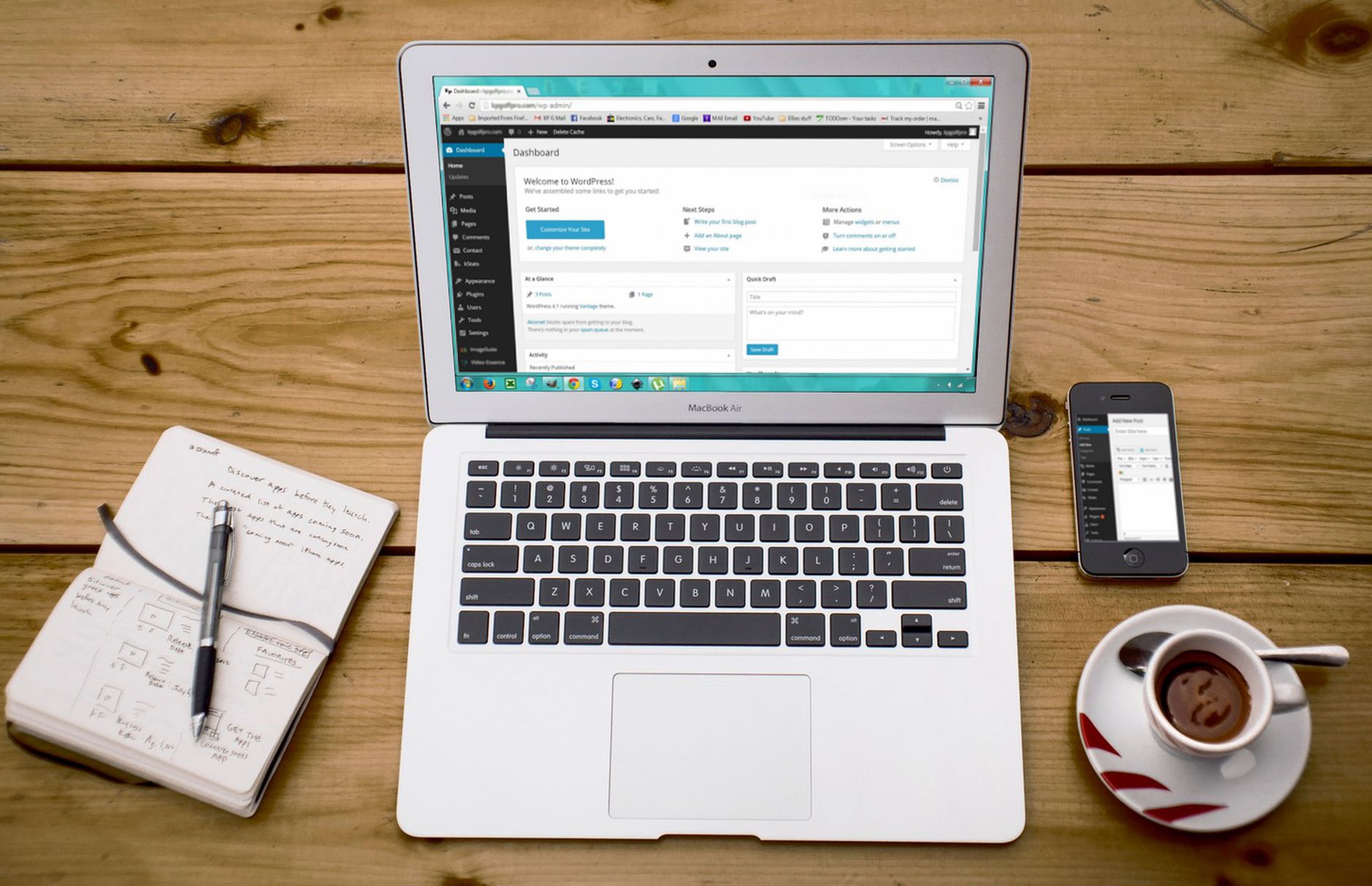
There is no single best SEO plugin for WordPress in every situation, but there is a best approach: pick one primary SEO plugin and configure it cleanly. Running overlapping plugins often creates duplicate meta tags, sitemap conflicts, and confusing indexation rules.
Your workflow should include title templates, meta description defaults, schema settings where appropriate, sitemap controls, and social sharing defaults. Keep templates simple so pages can still have distinct titles. Google specifically recommends concise, descriptive titles instead of boilerplate patterns repeated across a site.
If you are unsure how this fits into a bigger plan, review our WordPress SEO strategy for small business to see how workflow decisions connect to page targeting and long-term content structure.
Map one keyword theme to one primary page
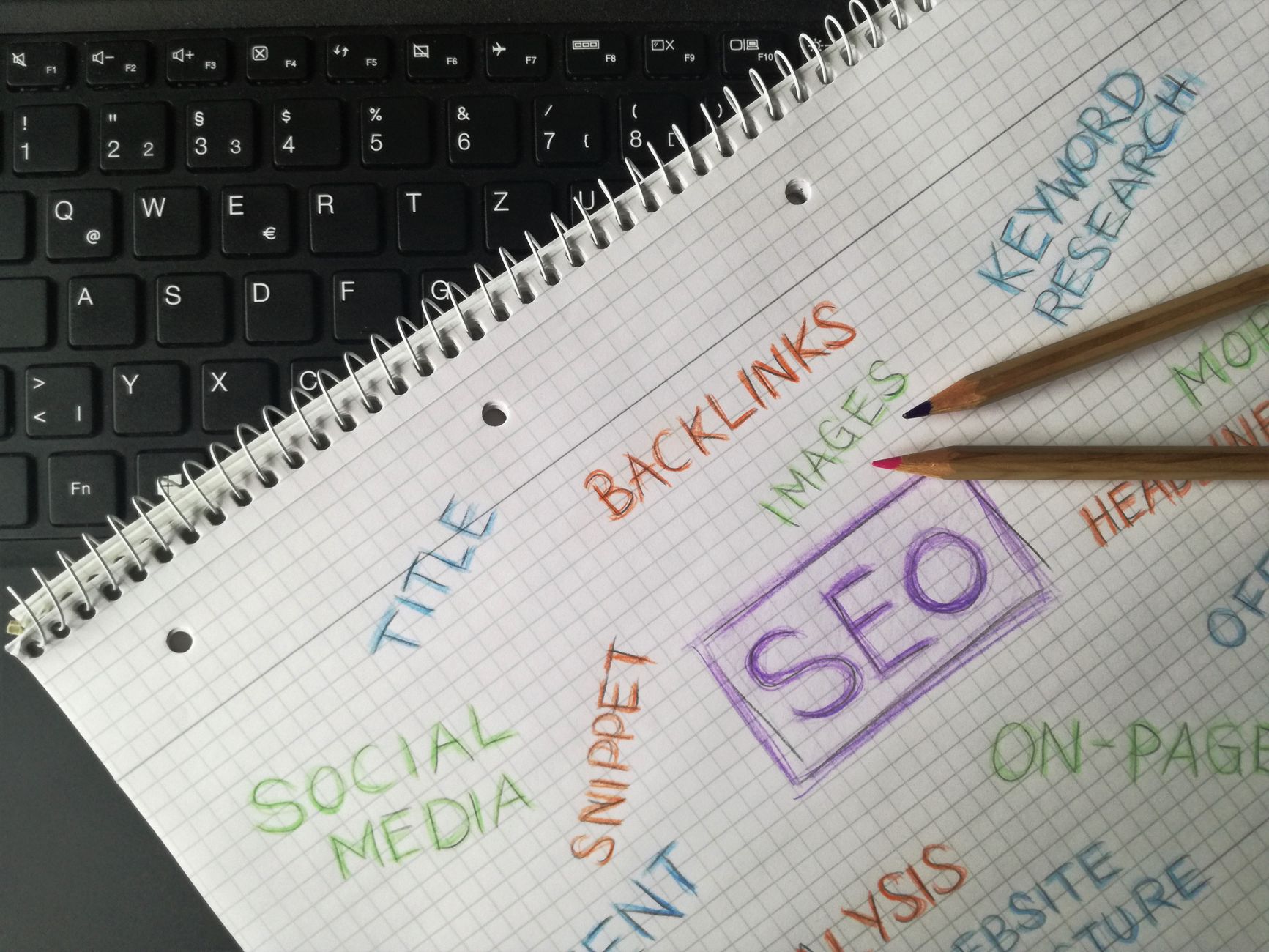
Keyword targeting gets easier when each important page has one main theme. When multiple pages chase the same term, WordPress sites often create their own competition and dilute relevance.
Create a simple page map with columns for URL, page type, primary keyword, secondary variations, search intent, and next optimization step. Service pages should usually target commercial intent. Blog posts should target informational intent. Category pages should target broader transactional themes where that matches the site structure.
A weak setup looks like five blog posts and two service pages all trying to rank for the same phrase. A stronger setup gives one page the primary target, then uses supporting content to reinforce it through internal linking and narrower subtopics.
Fix on-page elements in a set order
On-page SEO works best when you stop treating every element as equally important. Fix the signals that affect relevance and click-through first: title tag, H1, intro copy, subheadings, body depth, internal links, and image alt text where useful.
| Priority | What to optimize | What strong execution looks like |
|---|---|---|
| 1 | Title tag | Clear, specific, concise, and distinct from other pages |
| 2 | H1 and intro | Directly match the page topic and confirm search intent quickly |
| 3 | Subheadings | Organize the page around real questions and decision points |
| 4 | Body content | Useful detail, examples, and plain-English explanations |
| 5 | Internal links | Descriptive anchors pointing to related pages and deeper resources |
| 6 | Images | Helpful filenames, alt text when relevant, and compressed delivery |
Weak title: SEO Services | SEO Company | SEO Expert. Stronger title: SEO for WordPress Workflow for Small Business Sites. The better version tells both users and search engines what the page actually delivers.
Build internal links while you publish
Internal linking should be part of the workflow, not a cleanup task you postpone for later. Every new page should link to related service pages, supporting articles, and the next logical step for the reader.
Use descriptive anchor text that sounds natural in the sentence. Google recommends anchor text that is relevant, concise, and useful for users. That means linking phrases like WordPress SEO strategy, technical SEO service, or improve WordPress SEO where they genuinely help the reader understand what comes next.
If you are seeing ranking issues tied to crawl waste, redirects, canonicals, or indexation conflicts, our team at WordPress SEO Expert can help. A second set of eyes often finds the bottleneck faster than another round of plugin tweaks.
Treat speed as a support system, not the whole strategy
Performance matters, but it is rarely the only reason rankings are stuck. Use speed improvements to support crawl efficiency, usability, and conversion, while remembering that content quality and relevance still carry more weight than chasing perfect lab scores.
Google says there is no single page experience signal, and good scores alone do not guarantee top rankings. WordPress also began adding native lazy-loading for images in version 5.5, which helps with offscreen image loading by default. That is helpful, but it does not replace image compression, sizing discipline, cleaner themes, or selective plugin use.
A practical stopping point is this: if the site feels fast on mobile, key templates load cleanly, and your biggest pages are not dragged down by oversized assets or bloated scripts, move on to stronger content targeting and internal links before chasing a perfect score.
Use a monthly workflow instead of random fixes

SEO compounds when you repeat a short, prioritized process every month. The strongest WordPress workflows are boring in the best way: audit, fix, publish, link, measure, and repeat.
A workable monthly cycle looks like this: review indexation and errors, refresh underperforming priority pages, publish one supporting page tied to a main service or category, add internal links, and then compare clicks, impressions, and rankings over time. That approach usually beats publishing more content without a page map.
A simple SEO for WordPress workflow
If you need a practical sequence, use this order: technical checks, plugin settings, keyword mapping, on-page improvements, internal linking, then performance cleanup. That order prevents wasted effort and helps you fix what is actually holding the site back.
WordPress SEO Expert can review your current setup and tell you what to fix first, what can wait, and what is not worth touching. If you want a clearer roadmap instead of another generic checklist, contact WordPress SEO Expert and request a free WordPress SEO audit.

















