

Low rankings on WordPress usually come from setup decisions, not from one missing plugin. The way your site handles URLs, titles, internal links, speed, and indexing directly affects how easily Google can crawl pages, understand them, and decide whether they deserve visibility.
There is no separate secret called “SEO for WordPress” that overrides normal SEO. WordPress simply gives you the framework. A clean setup helps SEO move forward. A messy setup creates crawl waste, duplicate pages, weak signals, and content that underperforms even when it is well written.
If you are trying to figure out why rankings are stuck, start with the basics before publishing more. Our WordPress SEO checklist for new websites covers the technical defaults that often cause visibility problems, and our WordPress SEO strategy for small business shows how those basics fit into a broader plan.
How WordPress affects SEO

WordPress affects SEO through site structure, technical settings, and content management. It can make optimization easier because it supports custom titles, clean URLs, internal linking, and plugins. It can also hurt performance if defaults are ignored or too many overlapping tools create conflicts.
Google does not rank a site well just because it uses WordPress. What matters is whether the platform is configured to help search engines access and understand the right pages. That includes index settings, title tags, heading structure, canonicals, XML sitemaps, image handling, and mobile performance.
What WordPress does well for SEO
WordPress gives site owners a strong SEO foundation when it is configured correctly. It supports editable page titles, readable permalinks, content hierarchy, and plugin-based control over metadata, schema, redirects, and sitemaps without requiring custom development for every change.
That matters because Google recommends descriptive, concise titles and warns against keyword stuffing or repetitive boilerplate. WordPress makes those page-level edits practical at scale when you use one clean SEO setup instead of stacking multiple plugins that fight each other.
WordPress also supports strong internal linking. Google’s documentation notes that internal anchor text helps people and Google understand your site more easily, which is why clear navigation, relevant cross-links, and a sensible page hierarchy often improve performance more than another round of plugin tweaking.
Where WordPress can hurt SEO

WordPress hurts SEO when the site creates too many weak pages, uses conflicting plugins, or ships with technical mistakes. Most sites do not have one catastrophic issue. They have a stack of smaller problems that dilute relevance and make it harder for Google to trust the site structure.
Common examples include thin tag archives, duplicate category behavior, incorrect noindex settings, poor title templates, slow page builders, oversized images, redirect chains, and inconsistent internal links. On WooCommerce sites, filter URLs and product variations can expand the problem even further if they are not controlled carefully.
Fix this first: the WordPress factors that matter most
If you want better SEO results from WordPress, prioritize crawl access, page targeting, and site structure first. Those areas affect every important page. After that, improve titles, internal links, speed, and supporting metadata. This sequence usually produces better results than chasing plugin scores.
| Area | What to check | Why it matters |
|---|---|---|
| Indexing | Make sure important pages are not blocked by noindex settings or crawl restrictions | If Google cannot crawl or index the page, nothing else matters yet |
| URLs | Use clean permalinks and one preferred version of each URL | Prevents duplication and consolidates ranking signals |
| Titles | Write unique, descriptive page titles | Helps Google understand the page and improves click appeal |
| Internal links | Link related pages with descriptive anchor text | Clarifies page relationships and passes context through the site |
| Archives | Review category, tag, author, and date archive behavior | Reduces thin or repetitive pages competing in the index |
| Speed | Compress images, limit plugin bloat, and use caching | Supports better page experience and usability |
Titles, headings, and content still do the heavy lifting
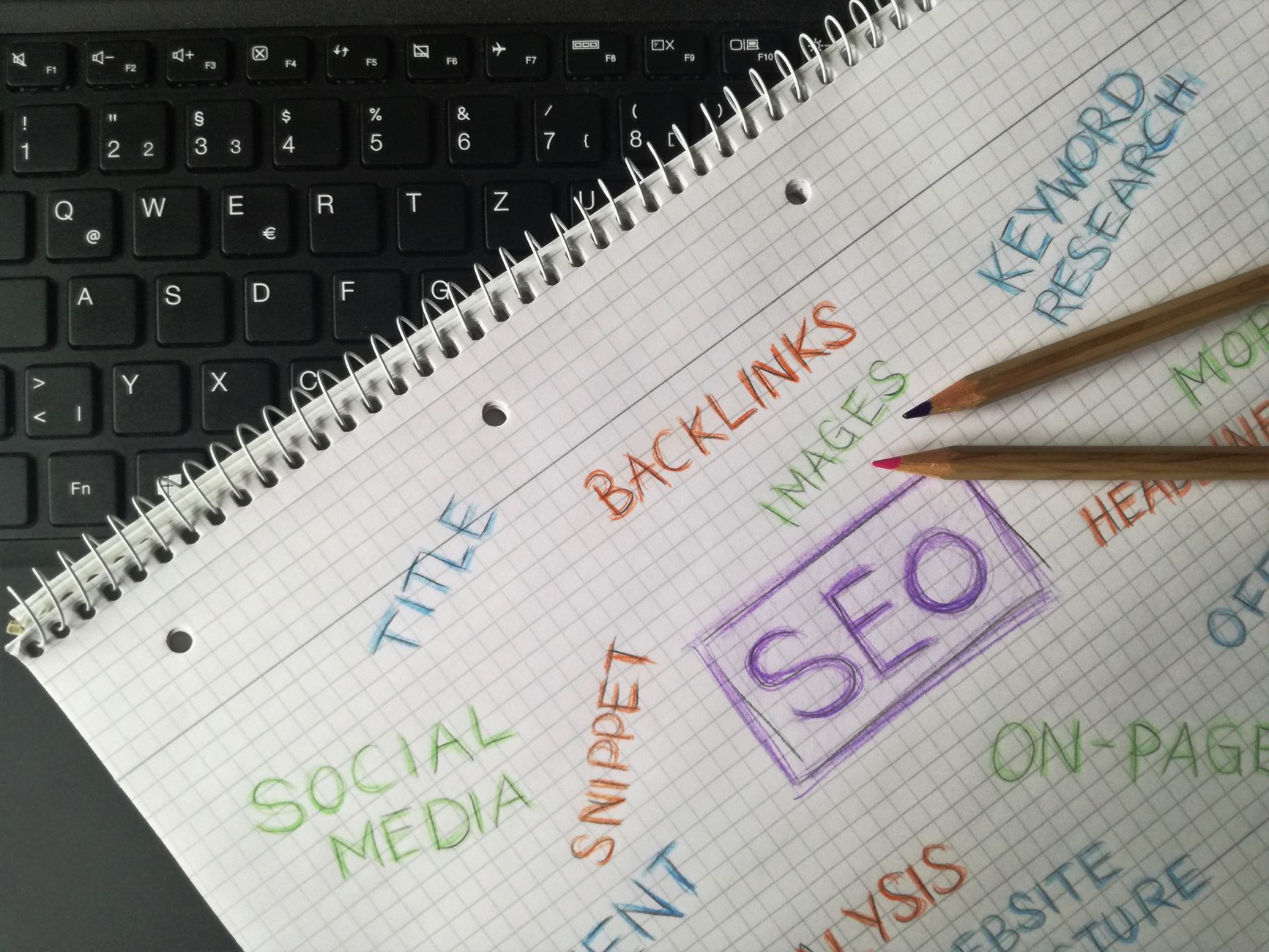
WordPress can help you publish optimized pages, but the page itself still has to deserve rankings. A fast theme and a green plugin score will not rescue a page that targets the wrong query, answers the wrong question, or repeats the same service topic across multiple URLs.
Google’s guidance on helpful, reliable, people-first content makes the bigger point clear: content should be created to help users, not primarily to manipulate rankings. WordPress affects how well that content is organized and delivered, but it does not replace strategy, search intent, or expertise.
That is why page purpose matters so much. Your homepage should target your broad service theme. Service or category pages should target buyer-intent searches. Blog posts should support those pages instead of competing with them. If that mapping is unclear, WordPress SEO becomes scattered very quickly.
Sitemaps and structure help Google find the right pages
WordPress can help discovery by generating XML sitemaps and organizing content types, but structure matters more than the sitemap alone. Since WordPress 5.5, core has included XML sitemap functionality, which means many sites can expose indexable URLs even before an SEO plugin is configured.
That can be useful, but it also means site owners need to review what is being surfaced. If a site publishes unnecessary archives or duplicate-like sections, the sitemap may simply make those URLs easier to discover. A better setup keeps the sitemap focused on pages you actually want indexed.
If your site has grown messy over time, review your taxonomy settings, post type behavior, and internal linking patterns before creating more content. If you are experiencing these issues, our team at WordPress SEO Expert can help.
Common mistakes people make with WordPress SEO
Most WordPress SEO mistakes are simple, but they compound. The usual pattern is a site owner installs multiple SEO tools, publishes content without a keyword map, leaves weak archives indexable, and assumes more posts will solve a technical or structural problem they have not diagnosed yet.
Other common issues include using generic page titles, letting several pages target the same phrase, relying on plugin traffic-light scores, and ignoring descriptive internal anchor text. Google’s documentation specifically highlights the value of relevant internal links and concise titles, so these are not minor details.
Does WordPress improve SEO by itself?
No, WordPress does not improve SEO by itself. It improves your ability to implement SEO correctly. That distinction matters because many underperforming sites already have decent content. They just need cleaner structure, better page targeting, and fewer technical conflicts.
A good WordPress setup makes strong SEO easier to execute. A poor setup makes every improvement slower and less effective. The platform is not the ranking factor. The decisions made inside the platform are what affect the outcome.
Final takeaway
SEO for WordPress affects SEO because WordPress controls the technical and structural environment your content lives in. When URLs, indexing, titles, internal links, and page experience are handled well, your pages have a better chance to perform. When those basics are messy, even strong content can stall.
If you want a second set of eyes on what is actually holding your site back, contact WordPress SEO Expert today to schedule a consultation. We will help you identify the fixes most likely to move rankings, traffic, and leads in the right direction.

















