

SEO feels vague when you are publishing content, tweaking plugins, and still cannot tell what is actually improving. The fix is not more dashboards. It is a short tracking system built around Google Search Console, Google Analytics, rankings for your most important pages, and a simple monthly review that shows what changed and why.
Most WordPress sites do not need enterprise reporting. They need a way to answer four practical questions: are more people finding the site, which pages are gaining or slipping, are visitors taking action, and what should be fixed first. If you already have the basics in place from a broader WordPress SEO strategy for small business, tracking becomes much easier because each page has a clear job.
What should you track for WordPress SEO?
Track a small set of metrics that connect rankings to business outcomes. For most sites, that means clicks, impressions, average position, click-through rate, organic sessions, conversions, and page-level performance. Anything beyond that is secondary until these numbers are being reviewed consistently.
The mistake is watching only rankings. A page can move from position 9 to position 5 and still produce little business value if the query is weak, the title is unconvincing, or the page does not lead to contact form submissions. In the same way, a page with rising impressions but flat clicks usually points to a snippet problem rather than a content problem.
| Metric | What it tells you | Why it matters |
|---|---|---|
| Clicks | How many searchers visited from Google | Best starting point for organic traffic growth |
| Impressions | How often your pages appeared in search | Shows visibility even before traffic increases |
| Average position | Where pages tend to rank | Helps spot gains, losses, and near-page-one opportunities |
| CTR | How often impressions turn into clicks | Useful for improving titles and meta descriptions |
| Organic sessions | Visits from unpaid search | Confirms traffic trends in analytics |
| Conversions | Calls, forms, sales, or leads | Connects SEO work to results that matter |
Use Google Search Console first
Google Search Console should be your main SEO tracking tool because it shows how your site performs in Google search results. Start there before paying for rank trackers or building custom dashboards. It gives you the clearest view of which pages and queries are gaining attention.
Open the Performance report and review clicks, impressions, average CTR, and average position over the last 28 days and compare it to the previous period. Then switch from Queries to Pages. This is where the real insight usually appears. You will often find one service page slipping, one blog post gaining impressions, and one page getting shown for the wrong search terms.
If you are not sure whether weak performance is caused by technical friction, check your page experience and site health alongside your search data. Problems like slow templates, unstable layouts, or plugin bloat can distort SEO progress even when content is improving. That is why performance tracking pairs well with work like improving WordPress site speed for SEO.
What to look for in Search Console
Look for patterns, not isolated spikes. Rising impressions with low CTR often mean the page is relevant enough to appear but not compelling enough to win the click. Falling clicks with stable position can signal lower search demand or weaker snippets. Falling position on a core page usually deserves faster attention.
| Pattern | Likely meaning | What to do next |
|---|---|---|
| Impressions up, clicks flat | Your snippet is not winning enough clicks | Rewrite title tag and meta description |
| Position improving, conversions flat | Traffic quality or page intent may be off | Strengthen page copy and calls to action |
| Clicks down, impressions down | Visibility is slipping | Check competitors, content freshness, and indexing |
| High impressions, average position 8-15 | The page has upside | Refresh content, internal links, and on-page targeting |
Use Google Analytics to measure outcomes
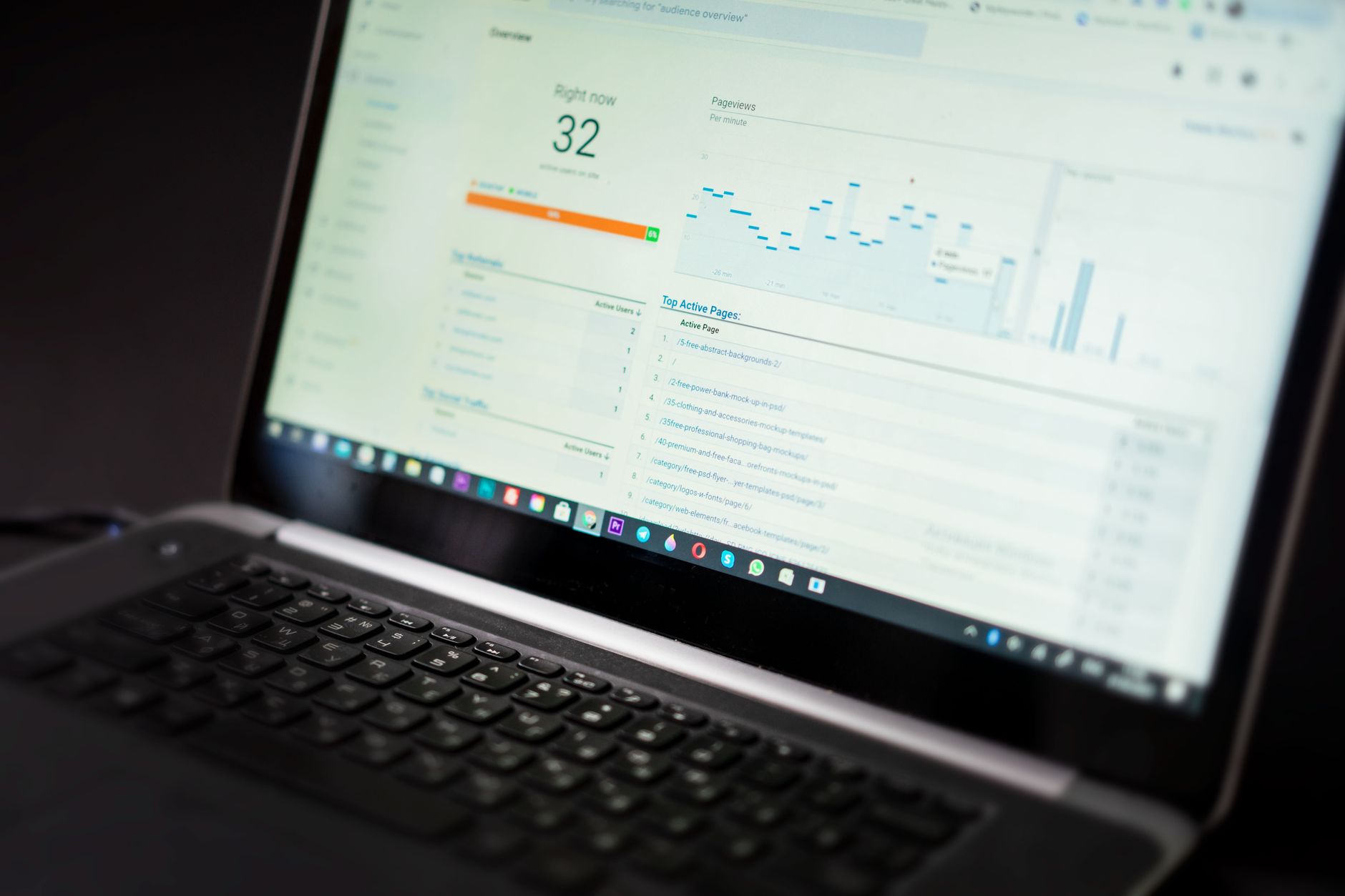
Search Console tells you how people reached the site. Google Analytics tells you what they did after arriving. Use it to confirm whether organic traffic is leading to contact forms, purchases, phone clicks, or other actions that matter to your business.
For service businesses, set up conversions around contact form submissions, booked calls, and click-to-call actions. For WooCommerce sites, track product views, add-to-cart events, checkout starts, and purchases. If SEO traffic is growing but conversion actions are flat, the problem may be page quality, offer clarity, or intent mismatch rather than rankings alone.
Track page-level SEO, not just sitewide numbers
Sitewide traffic trends can hide what is really happening. Track your key pages individually: homepage, main service pages, location pages, top categories, and any blog posts that support conversions. This is usually where the fastest SEO decisions come from.
A small business site may have only five to ten pages that drive most leads. If one important service page loses visibility, the overall site can still look stable for a while. Page-level tracking catches problems earlier. It also shows where a modest update can produce the biggest return.
A simple page tracking sheet
Keep a lightweight spreadsheet and update it monthly. You do not need complicated formulas. The goal is to compare the same pages over time and record what changed so you can connect results to actual work.
| Page | Primary keyword | Clicks | Impressions | Average position | Conversions | Notes |
|---|---|---|---|---|---|---|
| Homepage | Your main service term | Record monthly | Record monthly | Record monthly | Record monthly | Note title, copy, or link changes |
| Service page | Main buyer-intent term | Record monthly | Record monthly | Record monthly | Record monthly | Track updates and outcomes |
| Blog post | Support topic | Record monthly | Record monthly | Record monthly | Record monthly | Watch for internal link opportunities |
How often should you review SEO results?
Review SEO monthly for strategy and weekly for major problems. Daily checking usually creates noise because rankings and clicks naturally fluctuate. A 28-day comparison window is a more reliable way to judge whether your changes are working.
Use a weekly glance for obvious issues such as indexing problems, sudden traffic drops, broken forms, or pages disappearing from search. Then use a deeper monthly review to decide what to update next. That is enough frequency for most small business WordPress sites without turning SEO into a constant distraction.
What counts as a good SEO result?
A good SEO result is any measurable improvement that supports your business goal. That could be more qualified clicks to a service page, more organic leads, stronger visibility for a target query, or better conversion rates from organic traffic. The right benchmark depends on the page’s purpose.
Do not expect every page to rank quickly or convert directly. Blog content may build impressions and assist service pages through internal linking. Service pages may convert with lower traffic because intent is stronger. Tracking works best when you judge each page by the job it is supposed to do.
Common mistakes when tracking WordPress SEO
The biggest mistake is collecting too much data without a decision framework. If your report has twenty charts but does not tell you what to fix first, it is not helping. Most site owners need a short review process that turns numbers into action.
Other common mistakes include relying only on plugin scores, obsessing over daily ranking swings, failing to track conversions, and making multiple SEO changes at once without documenting them. When that happens, you may see improvement but have no idea which change actually caused it. If you are experiencing these issues, our team at WordPress SEO Expert can help.
A practical monthly SEO review process

Keep your review simple: check visibility, identify pages with the most upside, note what changed, and pick one to three actions for the next month. This is enough to create momentum without burying yourself in reporting.
| Step | What to review | Outcome |
|---|---|---|
| 1 | Search Console clicks, impressions, CTR, and position | Spot winning and slipping pages |
| 2 | Organic conversions in analytics | See whether traffic is producing business value |
| 3 | Top pages with position 5-15 | Choose pages with the clearest upside |
| 4 | Recent content, title, speed, or link changes | Connect results to actions taken |
| 5 | Next month priorities | Create a short, realistic action list |
This kind of process keeps SEO grounded in evidence instead of guesswork. It also helps you avoid rewriting pages that are already moving in the right direction while ignoring higher-impact opportunities.
Final takeaway
Tracking WordPress SEO results does not need to be complicated. Start with Search Console, confirm outcomes in analytics, monitor key pages individually, and review progress monthly with a short action list. That is usually enough to see what is improving, what is stuck, and what deserves attention first.
If you want a second set of eyes before changing settings or rewriting pages, WordPress SEO Expert can help you build a cleaner reporting process and identify what is actually holding rankings back. Contact WordPress SEO Expert today to schedule a consultation.

















