

SEO feels vague when you only check rankings once in a while. The clearest way to track WordPress SEO results is to measure clicks, impressions, click-through rate, average position, conversions, and page-level changes in Google Search Console and Google Analytics 4, then review those numbers on a simple monthly schedule.
Most site owners do not have one catastrophic problem. They have a stack of smaller issues that compound over time, which is why a page can be well written and still underperform. Good tracking shows whether the issue is visibility, weak snippets, poor engagement, or a page that ranks for the wrong searches. If you want a second set of eyes before building reports, WordPress SEO Expert can help you set up a cleaner measurement process.
What should you track for WordPress SEO?
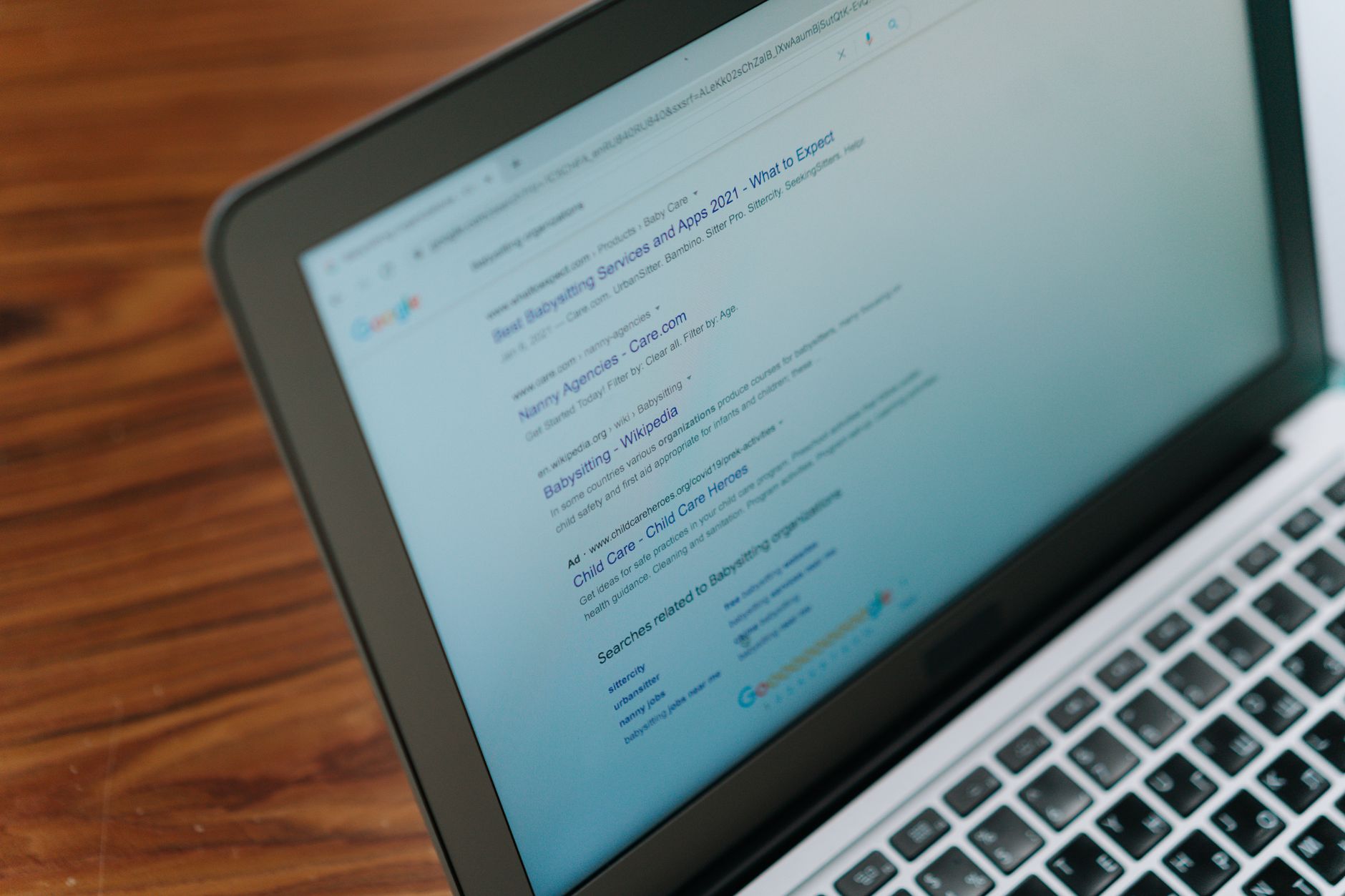
Track search visibility first, then business outcomes. For most WordPress sites, that means monitoring impressions, clicks, average position, CTR, top queries, landing pages, conversions, and technical health instead of obsessing over one keyword rank.
Google Search Console is the best starting point because it shows how your pages actually appear in Google search. Google describes the Performance report as a way to review total clicks, total impressions, average CTR, and average position, which makes it the core SEO dashboard for site owners. You can also use it alongside the workflow explained in our WordPress SEO strategy for small business guide so tracking connects directly to page priorities.
Google Analytics 4 adds the business side. It shows what visitors do after the click, whether they submit a form, call, purchase, or leave without taking the next step. SEO reporting breaks down when you only measure traffic and ignore outcomes.
The core SEO metrics that matter most
Use a short list of metrics so reporting stays useful. A smaller dashboard is better than a giant spreadsheet nobody reviews, especially when you are trying to decide what to fix first.
| Metric | What it tells you | What to do if it is weak |
|---|---|---|
| Impressions | How often your page appears in search | Improve topical coverage, internal links, and indexation |
| Clicks | How much search traffic a page earns | Check rankings, search intent, and snippet quality |
| CTR | How often searchers choose your result | Rewrite title tags and meta descriptions |
| Average position | General visibility trend for queries | Strengthen content depth and supporting links |
| Conversions | Whether SEO traffic leads to business results | Improve page messaging, offers, and forms |
| Indexed pages | Whether important pages are eligible to appear | Review noindex tags, canonicals, and crawl issues |
This is the same principle behind a practical WordPress site speed for SEO review. You do not chase every number. You focus on the few signals that explain whether the page can be found, clicked, and used.
How to set up SEO tracking in WordPress

The setup is straightforward if you keep it clean. Connect Search Console, install GA4, define conversion events, and avoid stacking multiple analytics or SEO plugins that create duplicate scripts and messy data.
1. Verify Google Search Console
Search Console should be your first install because it tells you what Google sees. Once verified, submit your XML sitemap, confirm the preferred property, and start reviewing page and query data weekly. Google also provides URL inspection, indexing information, and Core Web Vitals reporting inside Search Console, which makes it useful beyond rankings alone.
2. Install Google Analytics 4
GA4 tracks behavior after the visit. Connect it through a single method, such as your theme, Google Tag Manager, or one trusted plugin, so pageview and event data do not double count.
3. Set up real conversion events
Conversions make the report meaningful. Track form submissions, phone clicks, booked calls, purchases, quote requests, and key lead actions that matter to your business. Rankings without conversions are not strong SEO results.
4. Track technical health separately
Technical issues can flatten results even when content is improving. Review index coverage, sitemap submission, mobile usability signals where applicable, and Core Web Vitals so traffic trends are not interpreted in isolation.
If you are experiencing these reporting gaps, our team at WordPress SEO Expert can help. We can sort out whether the issue is setup, tracking noise, or a deeper technical SEO problem.
What a good monthly SEO report looks like
A good monthly report is short, page-focused, and tied to actions. It should tell you what improved, what slipped, why it likely happened, and which pages deserve attention next month.
| Section | Include |
|---|---|
| Traffic summary | Organic users, clicks, and conversions compared with the prior period |
| Top landing pages | Pages gaining or losing impressions, clicks, and CTR |
| Top queries | Search terms driving visibility and where intent looks misaligned |
| Technical notes | Indexing issues, crawl problems, speed concerns, or template changes |
| Next actions | Three to five prioritized fixes or updates |
This format prevents a common reporting mistake: collecting data without making decisions. Rising impressions with flat clicks usually point to snippet or intent issues. Flat impressions on an important service page usually point to weak relevance, internal linking, or indexation problems.
How often should you check SEO results?
Check core metrics weekly for obvious problems and review trends monthly for decisions. Daily checking usually creates anxiety because search visibility moves naturally, especially on smaller sites with fewer landing pages.
A weekly review can be as simple as checking clicks, impressions, conversions, and sudden page drops. The monthly review is where you compare periods, refresh weak pages, improve internal links, and decide whether a page needs stronger content or a technical fix.
What counts as SEO progress?

Progress is not only a ranking increase. Good SEO progress can look like more impressions on service pages, better CTR from rewritten titles, more qualified leads from the same traffic, or a page starting to rank for more relevant buyer-intent queries.
This is where many site owners get discouraged too early. SEO often improves in layers. First Google crawls and indexes changes, then impressions rise, then clicks improve, and only after that do conversions become easier to evaluate. Looking at one metric in isolation hides that pattern.
Common mistakes when tracking WordPress SEO
Most bad SEO reporting comes from chasing the wrong signals. Plugin scores, vanity rankings, and total traffic alone do not explain whether your site is earning qualified visibility.
Common mistakes include tracking only homepage rankings, ignoring page-level query data, failing to set up conversions, checking too often, and making major changes before there is enough trend data to judge performance. Another frequent issue is using several plugins or scripts that duplicate analytics events and muddy the numbers.
The simplest tracking workflow to follow
If you want a process you will actually maintain, keep it short. One monthly worksheet or dashboard is enough for most small business WordPress sites.
| Step | Action |
|---|---|
| 1 | Review Search Console clicks, impressions, CTR, and positions |
| 2 | Review GA4 organic conversions and top landing pages |
| 3 | Identify 3 pages with the highest upside |
| 4 | Update titles, internal links, content sections, or technical issues |
| 5 | Recheck results next month and compare changes |
The goal is not to produce a perfect report. The goal is to make better decisions each month with less guessing.
Final takeaway
Tracking SEO results for WordPress works best when you measure visibility, clicks, conversions, and technical health together. Search Console tells you how Google sees the site. GA4 tells you what visitors do next. Your monthly review tells you what to fix first.
If your rankings feel stuck and you are not sure whether the problem is content, tracking, or technical setup, contact WordPress SEO Expert today to schedule a consultation. We will help you identify which numbers matter, which pages need attention, and what to change first.

















