
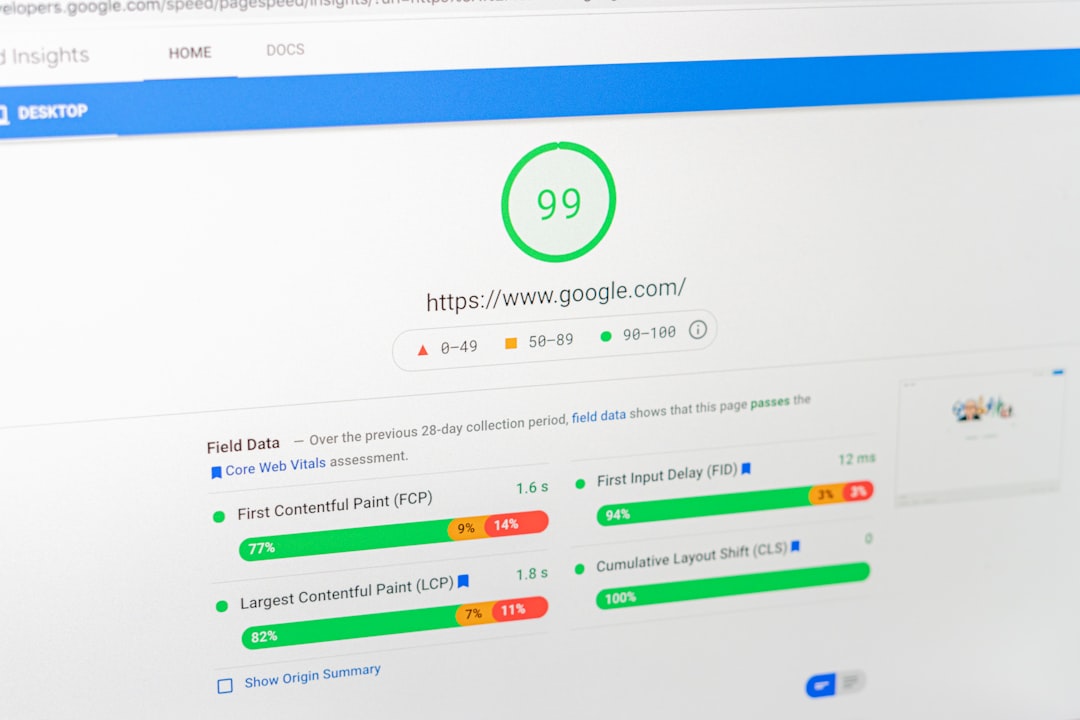
Better WordPress SEO usually comes from cleaning up priorities, not adding more tools. If your traffic is flat, the problem is often a mix of weak page targeting, thin internal linking, duplicate signals, and plugin clutter rather than one dramatic technical failure.
WordPress SEO Expert helps site owners sort out what matters first. A green light in an SEO plugin does not mean the page deserves to rank. The goal is a site that loads cleanly, is easy to use, and sends consistent signals about which pages matter most.
Start With the Problems That Block Visibility
The fastest way to improve WordPress SEO is to fix the issues that stop search engines from understanding your site. That means checking indexing, crawl access, duplicate URLs, title setup, and internal links before you spend time polishing minor settings.
Many site owners jump straight to writing more posts or changing plugins. That usually creates more noise. A cleaner process is to review whether your important pages can be crawled, whether they target a clear topic, and whether the rest of the site supports them with useful links. If you need a broader baseline first, review this practical WordPress SEO guide for DIY site owners.
Use One SEO Plugin and Configure It Well
One well-configured SEO plugin is enough for most WordPress sites. Running overlapping plugins often creates duplicate metadata, conflicting canonicals, and competing sitemap outputs that make troubleshooting harder than it should be.
If your site has changed hands or gone through a redesign, plugin overlap is one of the first things to check. Keep one primary SEO plugin, remove the extras, and simplify the setup before changing anything else. If your current configuration feels messy, this guide to fixing WordPress SEO setup problems is a useful next step.
Improve Titles, Headings, and Page Focus
Your most important pages should make their topic obvious within seconds. Clear title tags, one strong H1, logical subheadings, and content that matches a single search intent usually do more for rankings than adding extra features inside a plugin.
Weak pages often try to cover too many keyword variations at once. A better approach is to give each core page one main purpose. Your homepage targets your broadest service. Service pages target buying or comparison intent. Blog posts answer specific questions and lead readers toward related service pages when appropriate.
| Weak title | Stronger title |
|---|---|
| SEO Services | SEO Company | SEO Expert | WordPress SEO Services for Small Businesses |
| Blog | WordPress SEO Tips for Service Businesses |
| Home | WordPress SEO Consultant for Small Business Sites |
A green light in an SEO plugin does not mean the title is persuasive or specific. The better test is whether the title clearly tells both users and search engines what the page actually offers.
Strengthen Internal Links Before Publishing More
Internal linking is one of the simplest ways to improve WordPress SEO without adding new content. Strong internal links help search engines discover pages, understand page relationships, and see which pages matter most on your site.
Link broad blog posts to focused service pages. Link related posts to each other with descriptive anchor text. Make sure important pages are linked from more than just the main menu. If a page only exists in your sitemap, it is usually under-supported. For a more detailed framework, you can also review how to audit a WordPress SEO setup.
Clean Up Archives, Canonicals, and Duplicate URLs
Duplicate signals quietly weaken many WordPress sites. Thin tag pages, author archives, attachment pages, and inconsistent URL versions can split relevance across pages that should be sending one clear signal.
Most site owners do not have one catastrophic problem. They have a stack of smaller issues that compound over time. Review whether thin archive pages should be indexed, whether canonicals point to the preferred version, and whether outdated URLs redirect properly after redesigns or migrations.
Make Speed and Usability Good Enough
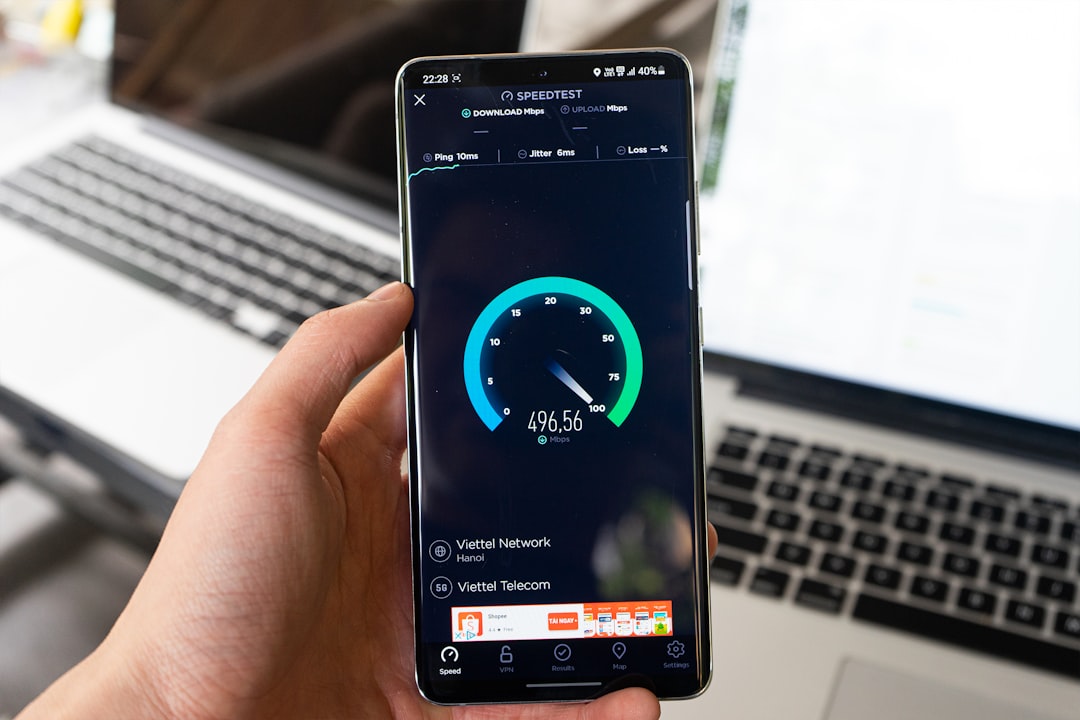
Site speed matters when it affects usability, not because a perfect score guarantees rankings. Focus on practical improvements such as compressed images, caching, fewer unnecessary plugins, and cleaner templates on the pages that drive the most business value.
You do not need a perfect score. The goal is a site that loads cleanly, is easy to use, and avoids obvious friction on mobile and desktop. Test your homepage, a key service page, and a blog post separately because different templates often have different performance issues.
If you are experiencing these symptoms, our team at WordPress SEO Expert can help. A focused review can usually tell whether your real problem is indexing, duplication, weak targeting, or plugin clutter.
A Simple Order of Operations
If you want to improve WordPress SEO without getting overwhelmed, follow a simple sequence. Fix the issues that block visibility before the issues that polish visibility. That keeps you from spending hours on minor edits while larger technical problems stay unresolved.
| Priority | What to improve | Why it matters first |
|---|---|---|
| 1 | Indexing and crawl access | Pages cannot rank if search engines cannot reliably reach them |
| 2 | Plugin conflicts and duplicate signals | Conflicting metadata and sitemap output create sitewide confusion |
| 3 | Page titles and content targeting | Search engines need a clear topic and purpose for each page |
| 4 | Internal linking | Supports discovery, hierarchy, and topic relevance |
| 5 | Speed and usability improvements | Helps users complete tasks without friction |
When DIY Fixes Stop Being Efficient
Some WordPress SEO issues are simple. Others turn into guesswork because several smaller problems overlap. If your rankings are flat and you are not sure whether the real problem is indexing, duplication, weak targeting, or plugin clutter, an outside review can save a lot of wasted effort.
WordPress SEO Expert can help you sort the technical problems from the content problems before you make more changes. Book a free SEO consultation. No pitch, no pressure. Just an honest look at what your site actually needs and whether your current setup is part of the solution or part of the problem.
Contact WordPress SEO Expert today to schedule a consultation if you want a practical plan for improving your WordPress SEO without adding more confusion.

















