

Better WordPress SEO results usually come from fixing priorities, not chasing more plugins. Most sites that feel “stuck” already have enough content to rank for something, but the pages are targeting the wrong terms, competing with each other, or sitting on a weak technical foundation.
That is why better results usually start with three questions: which pages matter most, what search intent each page should satisfy, and what is quietly holding those pages back. WordPress SEO Expert helps site owners sort those answers before they spend another month publishing content that never gains traction.
What improves WordPress SEO fastest?
The fastest gains usually come from improving existing important pages before creating new ones. If your homepage, main service pages, or top product categories are unclear, slow, or poorly linked, publishing more blog posts rarely fixes the core problem.
Start by reviewing the pages closest to revenue. For most sites, that means the homepage, service pages, location pages, category pages, and a small set of blog posts that already earn impressions. A simple WordPress SEO strategy for small business works best when each page has one clear job instead of trying to rank for everything at once.
If your rankings are flat, the issue is often one of these: weak title tags, overlapping page topics, thin internal linking, slow templates, or pages that answer the wrong query. None of those problems are glamorous, but they are common reasons a site underperforms.
Fix your page targeting before writing more content

Page targeting is where many WordPress SEO campaigns drift off course. When three pages target nearly the same phrase, Google gets mixed signals about which one should rank, and all three can end up underperforming.
Map one primary topic to each important page. Your homepage should target your broadest core offering. Service or category pages should target buyer-intent searches. Blog posts should support those pages by answering related questions, objections, and comparison searches.
This also helps you spot cannibalization. If you have multiple posts covering nearly identical variations of the same keyword, consolidate them or clearly differentiate their purpose. One strong page usually performs better than several weaker versions split across the same topic.
Improve on-page SEO where it actually matters
On-page SEO still matters, but better results come from clarity, not repetition. A strong page makes its topic obvious in the title, heading structure, copy, and internal links without sounding forced.
Review each core page for the basics. Make sure there is one clear H1, a focused title tag, useful subheadings, a readable URL, and copy that explains what you offer, who it is for, and what the next step should be. Weak title: SEO Services | SEO Company | SEO Expert. Stronger title: WordPress SEO Services for Small Businesses.
Do not treat plugin scores as the goal. A green light inside an SEO plugin does not mean the page matches search intent or deserves to rank. Better content structure, stronger proof, and clearer positioning usually matter more than squeezing in one more exact-match phrase. If you need a deeper page-level process, review our guidance on on-page SEO principles and page improvements.
Strengthen internal links so your best pages are easier to understand
Internal linking helps search engines understand which pages matter and how your topics connect. It also helps users move from early research content to service or product pages without getting lost.
Link from related blog posts into your priority service, category, and location pages using descriptive anchor text. Then link supporting pages to each other where that path makes sense for readers. This creates a clearer topic structure and helps spread authority through the site.
Most underperforming WordPress sites do not have one catastrophic SEO problem. They have a stack of smaller issues: a few orphan pages, vague anchors, buried service pages, and too many posts that never link back to the pages that need help. Cleaning up that structure often lifts results faster than publishing another article.
Check technical issues that quietly suppress rankings
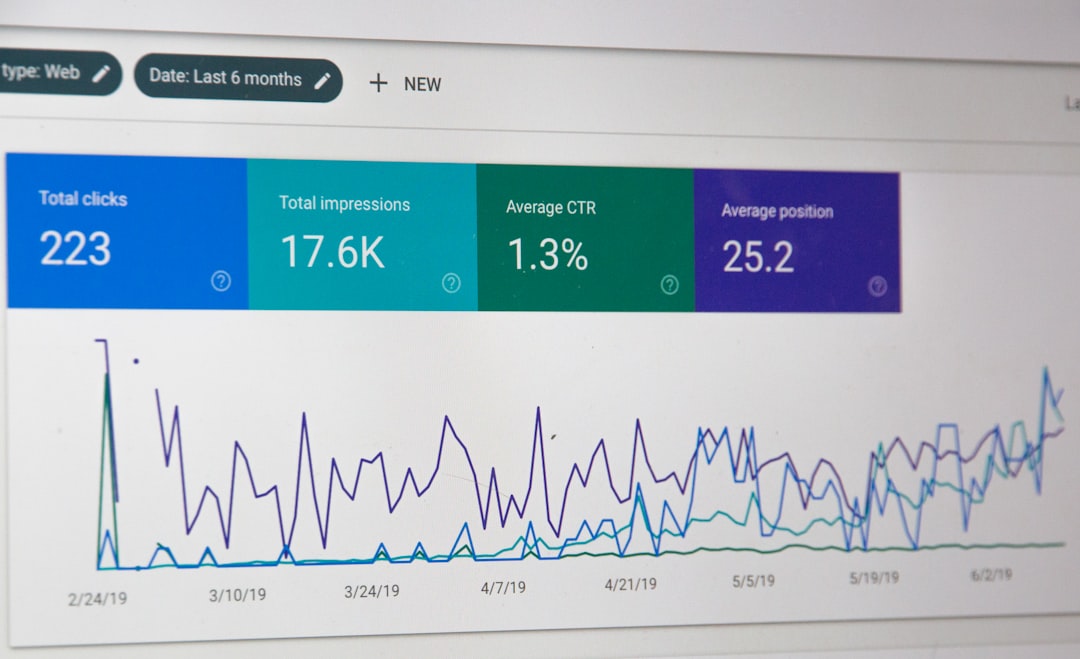
Technical SEO problems are easy to miss because the site can look fine on the surface. A page may be well written and still struggle because of indexing mistakes, bloated templates, duplicate archives, or plugin conflicts.
Start with the highest-impact checks first.
| Area | What to check | Why it matters |
|---|---|---|
| Indexing | Pages accidentally set to noindex, blocked in robots settings, or omitted from your main sitemap | Important pages cannot rank if search engines are told not to index them |
| Site structure | Orphan pages, weak navigation, and duplicate service or category pages | Important URLs become harder to crawl and understand |
| Speed | Heavy images, slow themes, extra scripts, and poor caching | Slow pages hurt usability and can limit results on competitive queries |
| Plugin overlap | Multiple SEO, caching, or schema plugins doing similar jobs | Conflicts can create duplicate metadata and unnecessary bloat |
| Redirects | Broken internal links and old URLs without proper redirects | Authority gets fragmented and users hit dead ends |
Site speed is one of the most visible technical bottlenecks. If your pages are heavy or your templates load too many scripts, improving them can help both users and SEO performance. For a more detailed breakdown, see how to improve WordPress site speed for SEO with practical fixes and settings.
If you are unsure what to check first, our team at WordPress SEO Expert can help you sort technical issues from content issues so you do not waste time fixing the wrong layer.
Use a simpler plugin setup
More SEO plugins do not produce better SEO. In many cases, they create duplicated features, inconsistent settings, and extra code that slows the site down.
A cleaner setup usually works better: one SEO plugin, one caching solution, and only the tools you actually use. Keep your metadata, schema settings, sitemap behavior, and redirects organized in a way that is easy to audit later. If you cannot explain what each plugin is doing, the setup is probably too crowded.
Track better signals in Search Console
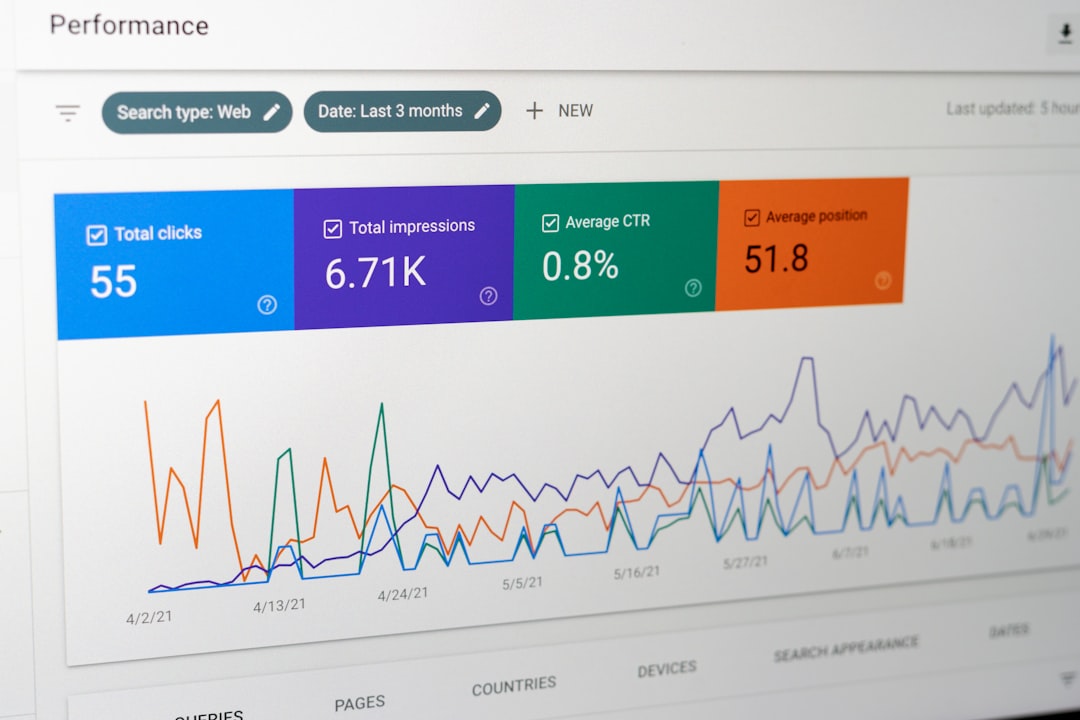
Better SEO results depend on better feedback. Search Console gives you page-level clues about what is improving, what is slipping, and where your best opportunities are hiding.
Focus on patterns, not vanity metrics. Pages with rising impressions but flat clicks often need stronger titles and descriptions. Pages ranking for the wrong queries often need clearer intent and copy. Pages sitting just outside stronger visibility may need tighter internal links, content updates, or technical cleanup.
A monthly review is enough for many small business sites. Check which pages are earning impressions, which queries are driving them, and which important pages are not showing up at all. That gives you a practical action list instead of a vague feeling that SEO is not working.
A practical order for better results
The best way to improve WordPress SEO is to work in sequence. Fixing the foundation first prevents you from pouring effort into pages that are still hard to crawl, poorly targeted, or not persuasive enough to convert.
| Priority | What to do first |
|---|---|
| 1 | Review your main pages and assign one clear target topic to each |
| 2 | Improve titles, headings, copy clarity, and calls to action on those pages |
| 3 | Strengthen internal links between supporting content and revenue pages |
| 4 | Fix technical blockers such as indexing issues, plugin overlap, and slow templates |
| 5 | Use Search Console data to decide what to update next |
When to get outside help
You should consider help when the site has enough content, the basics seem in place, and results are still flat. That usually means the problem is not effort. It is diagnosis.
WordPress SEO Expert works best as a second set of eyes for site owners who want to know what is actually blocking growth. We help identify whether the issue is technical SEO, page targeting, internal linking, content quality, or a mix of smaller problems compounding over time.
If you want a clearer plan before changing settings or rewriting pages, book a free SEO consultation with WordPress SEO Expert. We will help you prioritize the fixes most likely to improve rankings, traffic quality, and lead flow.
Final takeaway
Getting better results with WordPress SEO is usually less about doing more and more about tightening the pages and systems you already have. Clear targeting, stronger on-page structure, better internal linking, and cleaner technical setup outperform scattered effort almost every time.
Contact WordPress SEO Expert today to schedule a consultation if you want a practical review of what is holding your site back and what to fix first.

















