

WordPress SEO problems usually do not come from one missing plugin setting. They come from a stack of smaller issues like noindex pages, weak titles, thin content, slow templates, and internal links that do not help Google understand your site. The fastest way to improve results is to diagnose the basics in the right order.
This guide gives you a practical fix-first plan. If you have been chasing plugin scores without seeing ranking gains, start here, then compare your setup with our WordPress SEO audit process and our broader WordPress SEO strategy for small business.
Fix indexing problems first
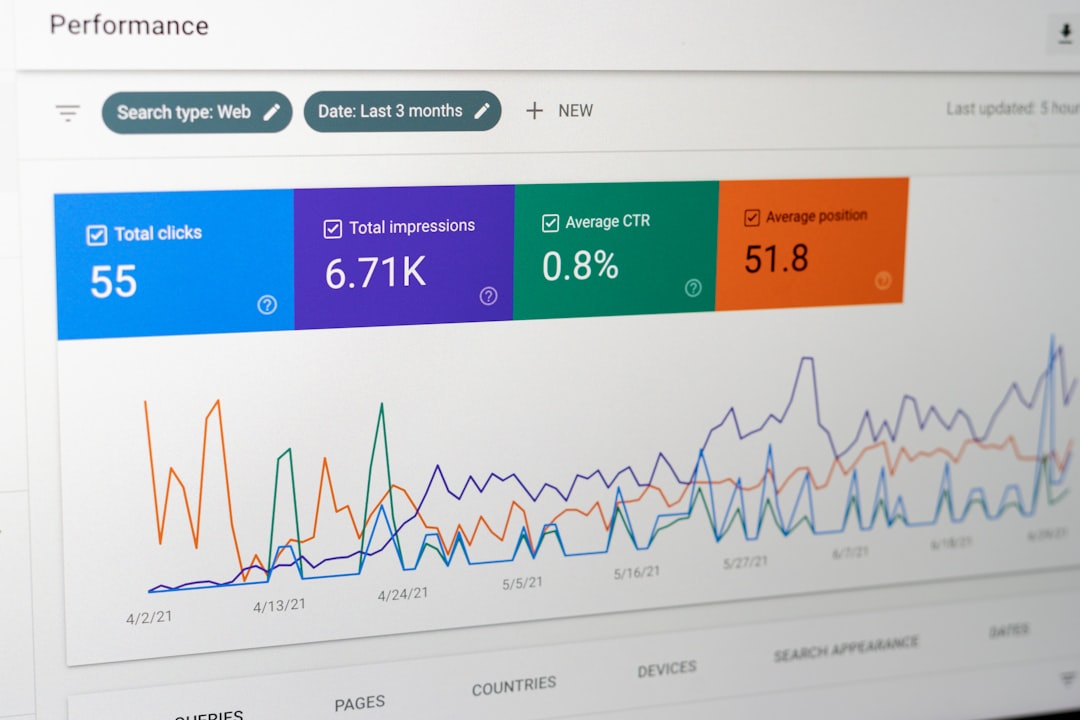
If important pages are blocked from indexing, nothing else matters yet. A well-written page cannot rank if Google is told not to index it or cannot crawl the right version of the URL.
Start by checking WordPress reading settings, page-level noindex options, robots directives, and canonical tags. Make sure your main service pages, location pages, category pages, and core blog posts are indexable. Google’s documentation also makes a clear distinction here: robots.txt can block crawling, but a noindex directive is the stronger way to keep a page out of search when that is actually your goal.
| Area | What to check | Why it matters |
|---|---|---|
| Search engine visibility | Make sure “Discourage search engines from indexing this site” is off | A sitewide block can suppress rankings across the whole site |
| Page-level settings | Review noindex settings in your SEO plugin | Important pages are often hidden by accident |
| Canonical tags | Point canonicals to the preferred live URL | Wrong canonicals can shift signals away from the page you want ranked |
| URL versions | Confirm one preferred version of each page | Multiple versions create duplication and crawl waste |
Rewrite titles before adding more content
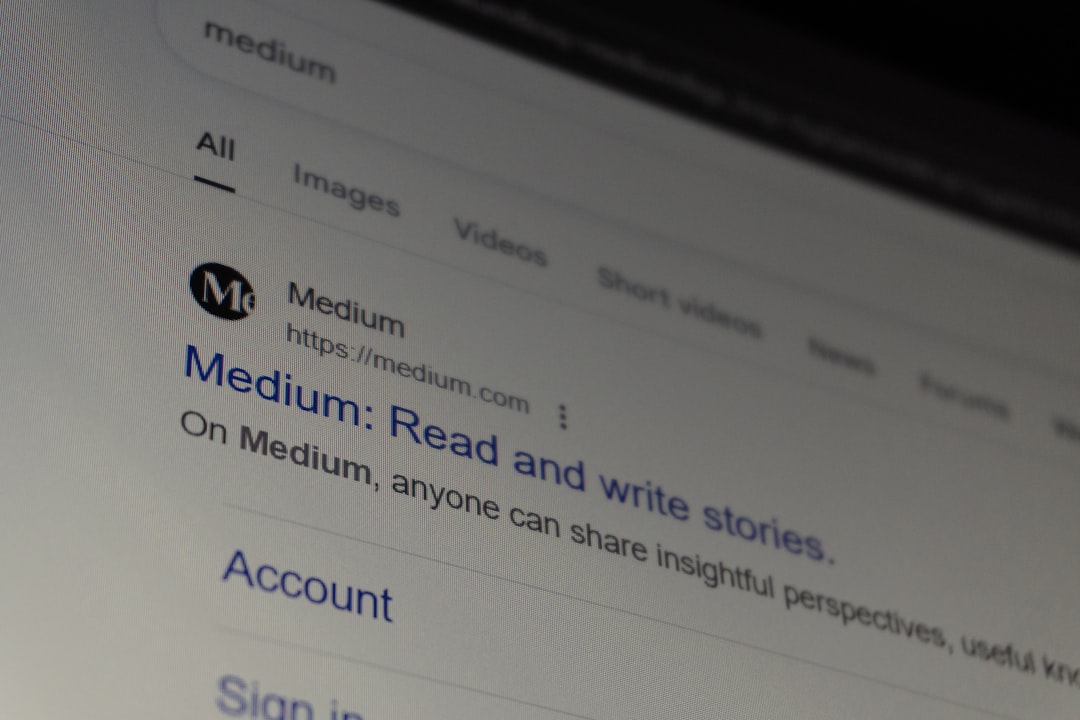
Weak titles can hold back good pages even when the content is decent. Google recommends descriptive, concise titles and specifically advises against keyword stuffing and repetitive boilerplate across pages.
A common problem is using the same pattern on every page, such as service name plus city plus brand, with very little distinction from one URL to the next. Each important page should have a unique title that clearly describes the page, matches the main heading, and gives searchers a reason to click.
Weak example: SEO Services | SEO Company | SEO Expert
Stronger example: WordPress SEO Services for Small Businesses
If title tags are messy across the site, review the process in our WordPress SEO best practices post and align titles with the actual intent of each page rather than forcing the same keyword pattern everywhere.
Improve thin pages instead of publishing more weak ones
Publishing more content does not fix weak content quality. If existing pages are shallow, repetitive, or unclear about search intent, adding more articles usually spreads the problem instead of solving it.
Look at the pages that matter most for leads and revenue. Do they answer the real question behind the search, or do they just mention the keyword several times? Google’s people-first content guidance emphasizes useful, descriptive headings, originality, and content that actually helps someone complete a task or make a decision.
For service pages, expand the page with specifics like who the service is for, what problems it solves, what the process includes, common objections, and what a next step looks like. For blog posts, remove filler intros and lead each section with a direct answer.
Clean up internal links and site structure
Internal links help Google understand which pages matter and how topics connect. When links are random, sparse, or use vague anchor text, good pages often stay buried deeper than they should.
Link related pages naturally inside the body copy using descriptive anchor text. Google’s own guidance says to write links naturally and use relevant text that helps users understand the destination page. That means linking phrases like WordPress site speed fixes or WordPress SEO audit, not generic phrases like read more.
A practical pattern is to connect service pages to supporting blog posts, connect beginner topics to more technical articles, and make sure your main navigation and footer do not carry all the internal linking weight. If your structure is loose, our guide to fixing WordPress SEO problems and WordPress site speed SEO fixes show how these issues compound.
Fix performance problems that affect usability
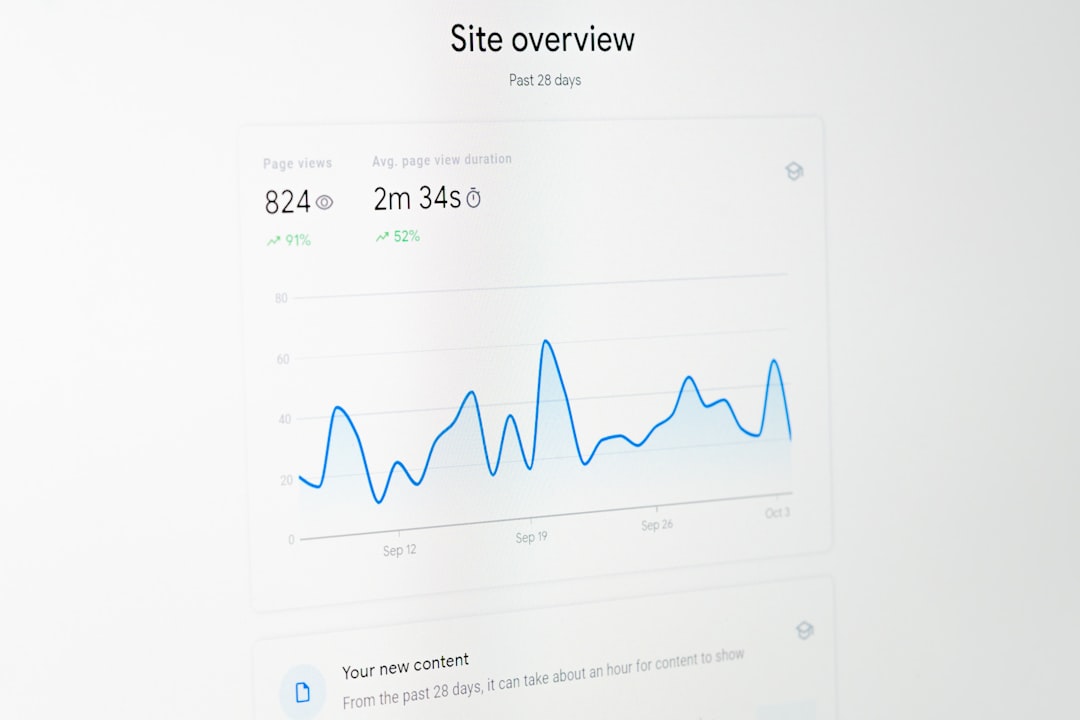
Speed matters most when it reflects a real user problem. You do not need a perfect synthetic score, but you do need pages that load cleanly, stay stable, and respond quickly on mobile devices.
Search Console’s Core Web Vitals report groups URLs by status and focuses on LCP, INP, and CLS. That gives you a better prioritization framework than reacting to one isolated test run. In practice, slow themes, oversized images, stacked plugins, and bloated page builders are the usual causes on WordPress sites.
Start with image compression, page caching, script cleanup, and template simplification. If your homepage is heavy, fixing that one template can improve performance across many URLs. If you are not sure where to begin, WordPress SEO Expert can help you identify whether the real bottleneck is hosting, theme output, plugin bloat, or render-blocking assets.
Use one clean SEO plugin setup
Too many WordPress SEO problems come from overlapping plugins and conflicting settings. Running multiple SEO plugins, schema add-ons, redirect tools, and sitemap generators at the same time often creates duplication instead of control.
Pick one primary SEO plugin and make sure it handles titles, meta descriptions, XML sitemaps, and index settings consistently. Then review whether another plugin is outputting duplicate schema, redirect rules, or Open Graph tags. There is no single best SEO plugin for every site, but there is a best clean setup for your specific stack.
What to fix first
If your rankings are stuck, prioritize the problems that block visibility before the ones that polish presentation. Most sites do better when they fix crawl and index issues first, improve page targeting second, and only then expand content or advanced tactics.
| Priority | Fix first | Typical result |
|---|---|---|
| 1 | Indexing, noindex, canonical, sitemap issues | Important pages become eligible to rank properly |
| 2 | Title tags, headings, and search intent alignment | Better relevance and stronger click potential |
| 3 | Thin content on key money pages | Clearer topical depth and better conversions |
| 4 | Internal linking and site structure | Stronger page relationships and crawl paths |
| 5 | Performance improvements | Better usability and fewer mobile friction points |
If you have already tried plugin tweaks and basic checklists but rankings still are not moving, WordPress SEO Expert can help. We look for the actual constraint first so you do not waste time fixing the wrong thing.
When to get a second set of eyes
A stalled site usually needs diagnosis, not more random changes. If traffic dropped after a redesign, migration, plugin switch, or template overhaul, the issue is often technical and easier to find with a structured audit than with trial and error.
Request a free WordPress SEO audit if you want a second set of eyes on indexing, titles, internal links, and site performance. WordPress SEO Expert can help you sort out what is actually blocking progress and what can wait.

















