

WordPress SEO fundamentals problems usually come from misalignment, not a lack of effort. If rankings are flat, the real issue is often that indexing, titles, internal links, and plugin settings are working against each other instead of reinforcing the same priority pages.
A green light in an SEO plugin does not mean the page deserves to rank. The fastest way to improve performance is to fix the issues that block visibility before the issues that only polish visibility. That means starting with crawlability and page signals, then cleaning up duplication, then strengthening internal links.
Start with indexing and crawl access

If Google cannot reliably crawl and index your important pages, the rest of your SEO work will underperform. Check whether your main service pages, category pages, and priority posts are indexable, linked internally, and included in a clean sitemap.
In WordPress, fundamentals problems often begin with accidental noindex settings, archive pages that should not be indexed, or pages that are technically live but hard to discover through site navigation. Google recommends crawlable HTML links with descriptive anchor text, so buried pages and weak internal navigation can quietly hold back visibility even when the content itself is decent.
If your setup feels messy from the start, review resources on how to fix WordPress SEO setup problems alongside this guide. It is a useful companion if you need a broader view of the common technical issues that appear before rankings improve.
Use one SEO plugin and simplify the setup
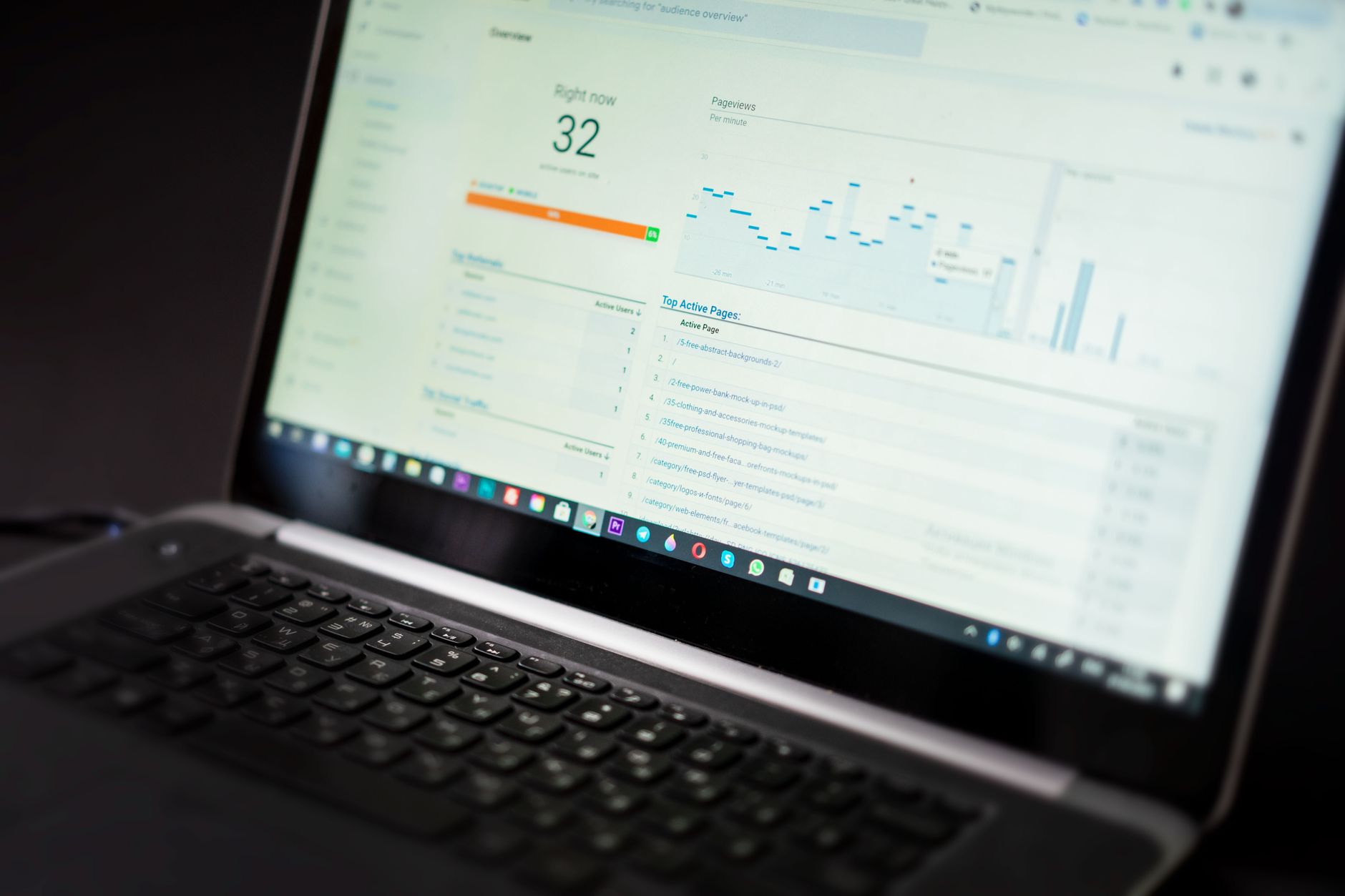
One well-configured SEO plugin is enough. Running multiple SEO plugins often creates duplicate metadata, conflicting canonicals, and competing sitemap output that make diagnosis harder than it needs to be.
This is one of the most common WordPress fundamentals problems on older sites and redesigned sites. When more than one plugin controls titles, schema, redirects, or XML sitemaps, you stop sending consistent signals. Keep one primary plugin, configure it carefully, and remove overlapping features elsewhere. If you are still weighing options, compare your approach against your plugin stack before adding anything new.
If plugin overlap may be part of the problem, a practical guide for DIY site owners explains why layered fixes outperform feature-heavy setups.
Fix title tags before rewriting everything
Title tags are one of the clearest signals you control, so they deserve early attention. Before rewriting full pages, make sure your core titles are distinct, concise, and aligned with what each page is actually trying to rank for.
Google recommends writing descriptive, concise title text and avoiding keyword stuffing or repetitive boilerplate in title elements. That is why weak titles like SEO Services | SEO Company | SEO Expert tend to underperform clearer titles that describe the actual page. Focus first on your homepage, main service pages, key category pages, and any post already earning impressions.
| Weak title | Stronger title |
|---|---|
| SEO Services | SEO Company | SEO Expert | WordPress SEO Services for Small Businesses |
| Blog | WordPress SEO Tips for Service Businesses |
| Home | WordPress SEO Consultant for Small Business Sites |
Clean up meta descriptions and page templates
Meta descriptions do not fix weak rankings, but they can improve how your pages are summarized in search. The goal is not keyword stuffing. The goal is writing a useful summary that matches the specific page and gives searchers a reason to click.
Google says it may use the meta description when it better summarizes the page, and it recommends unique descriptions that accurately describe each page. If your plugin is generating the same pattern across dozens of URLs, correct the template before publishing more content. This is a support layer, not a shortcut.
Resolve duplicate URLs, canonicals, and thin archives
Duplicate URL problems dilute signals and make it harder for search engines to understand which page matters. Clean canonical handling and archive settings are foundational, especially after migrations, redesigns, or WooCommerce expansions.
Common WordPress duplication sources include tag archives, author archives, attachment pages, parameter URLs, and inconsistent internal linking to multiple versions of the same page. You do not need to eliminate every variation manually, but you do need a consistent primary version, clean redirects where needed, and clear rules about which archive pages deserve indexation.
If you are seeing several small issues at once, WordPress SEO Expert can help. Most site owners do not have one catastrophic problem. They have a stack of smaller issues that compound over time.
Strengthen internal links after the technical basics

Once indexing and duplication are under control, internal linking becomes one of the clearest next wins. Good internal links help search engines discover pages, understand hierarchy, and connect your informational content to revenue-driving pages.
Google advises using crawlable links and descriptive anchor text. In practice, that means linking related posts to service pages, connecting overlapping guides, and making sure important pages do not rely on the sitemap alone for discovery. If a page exists but rarely receives internal links, it is often under-supported rather than under-optimized.
If you are experiencing these symptoms, our team at WordPress SEO Expert can help.
Keep schema accurate and limited
Schema should clarify visible content, not compensate for weak fundamentals. Add structured data that matches what users can see on the page, and avoid turning on every schema type your plugin offers.
Google’s structured data guidance says markup should represent the main page content and should not be misleading. For most WordPress sites, simpler and more accurate schema is better than more schema. If the page is weak, schema will not fix the underlying problem.
Fix issues in the right order
The right sequence saves time and reduces false starts. Fix the issues that block visibility before the issues that polish visibility, so you are not rewriting content while technical problems are still suppressing the page.
| Priority | What to fix | Why it comes first |
|---|---|---|
| 1 | Indexing and crawl access | Pages cannot rank if search engines cannot reach or index them properly |
| 2 | SEO plugin conflicts | Conflicting metadata and sitemaps create mixed signals across the site |
| 3 | Canonicals and redirects | Reduces duplicate URL confusion and keeps authority consolidated |
| 4 | Title tags and templates | Improves topical clarity and click potential on core pages |
| 5 | Meta descriptions | Supports better snippets and cleaner page summaries |
| 6 | Internal linking | Strengthens discovery, context, and page hierarchy |
| 7 | Schema cleanup | Refines signals after the foundation is stable |
What to stop doing
Stop treating plugin scores as the goal. A green light in an SEO plugin does not mean the page deserves to rank, and it does not tell you whether the page is the best answer for the search.
You do not need a perfect score. The goal is a site that loads cleanly, is easy to use, and sends consistent signals about which pages matter most. That usually means fewer plugins, clearer templates, better internal links, and less duplication across thin archives and low-value pages.
When to get expert help
If your rankings are still flat after you clean up the basics, the next step is usually diagnosis, not another tool. A focused review can tell you whether the real bottleneck is indexing, duplication, weak targeting, internal link support, or a migration issue that never got fully resolved.
WordPress SEO Expert can help you sort out what to fix first instead of guessing through scattered advice and overlapping plugin settings. Book a free SEO consultation. No pitch, no pressure. Just an honest look at what your site actually needs and whether your current setup is part of the solution or part of the problem.
Contact WordPress SEO Expert today to schedule a consultation if you want a practical plan for fixing WordPress SEO fundamentals without overcomplicating the site.

















