

Flat rankings usually point to a weak sequence of fixes, not a missing plugin. A WordPress SEO fundamentals audit should start with crawlability and indexation, then move to duplicate signals, page targeting, and internal links. A green light in an SEO plugin does not mean the page deserves to rank.
Most site owners do not have one catastrophic problem. They have a stack of smaller issues that compound over time. That is why a useful audit is less about collecting tasks and more about deciding what to fix first. If you want a related baseline, review our WordPress SEO setup audit guide and our guide to fixing WordPress SEO setup problems before you start changing settings.
Start with crawlability and indexation
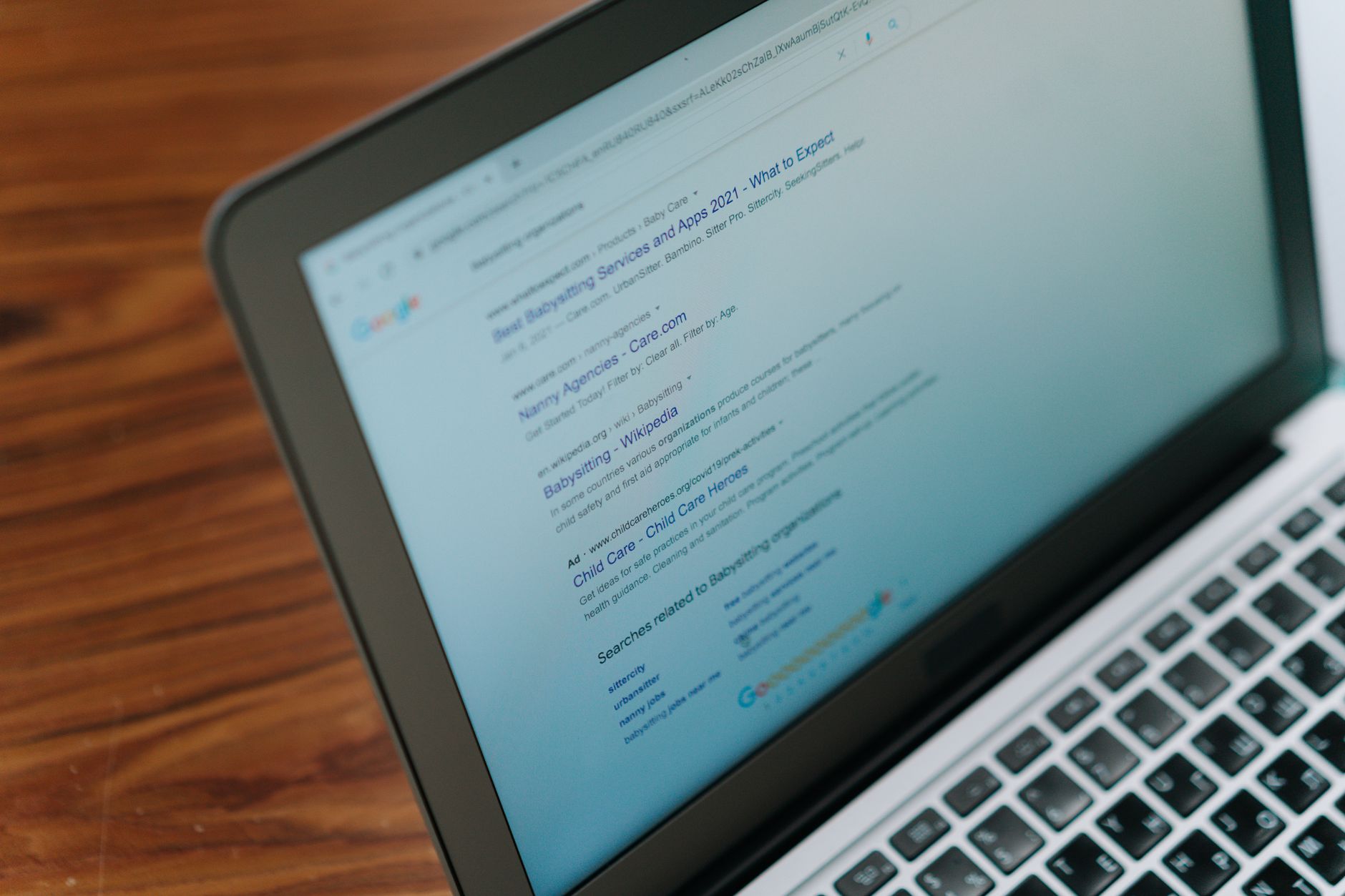
The first question is simple: can search engines reach the pages that matter and are those pages allowed into the index? If the answer is unclear, stop there first. Google’s own documentation emphasizes crawlable links, clear site access, descriptive titles, and pages that can be reached from other discoverable pages.
Inside WordPress, check the search engine visibility setting, your SEO plugin’s indexation rules, robots directives, and page-level noindex settings on your most important URLs. Then inspect whether key service pages, category pages, and revenue pages are linked from navigation or contextual content. A page that is technically published but buried or blocked will underperform no matter how polished its copy looks.
Look for orphaned pages, soft duplicates, outdated staging URLs, and pages that should rank but are missing from your sitemap. One well-configured SEO plugin is enough for most sites. Running overlapping plugins often creates duplicate metadata, conflicting canonicals, and competing sitemap outputs that make this first step harder than it needs to be.
Check plugin overlap before you audit page details

Plugin clutter is one of the fastest ways to create false signals. Before you rewrite titles or add schema, confirm which tool controls titles, meta descriptions, XML sitemaps, canonicals, redirects, and social metadata. If two plugins are handling the same outputs, clean that up first.
This matters because a fundamentals audit is supposed to reduce confusion, not add more of it. Keep one primary SEO plugin, make sure its templates are intentional, and remove redundant features from overlapping tools wherever possible. Fix the issues that block visibility before the issues that polish visibility.
Audit title tags and search intent
Titles are one of the clearest foundational checks because weak patterns are easy to spot. Google recommends descriptive, concise title text and warns against keyword stuffing and repetitive boilerplate. If several pages on your site could swap titles without changing meaning, your targeting is probably too vague.
Review your homepage, primary service pages, top category pages, and any posts already earning impressions. Focus on uniqueness, clarity, and alignment with what the searcher is actually trying to find. Do not write titles for plugin scores. Write them so both users and search engines can quickly understand the page.
| Weak title | Stronger title |
|---|---|
| SEO Services | SEO Company | SEO Expert | WordPress SEO Services for Small Businesses |
| Blog | WordPress SEO Tips for Service Businesses |
| Technical SEO | How to Audit WordPress SEO Fundamentals |
Meta descriptions come next, but they are support layers, not rescue tools. Google may use a meta description when it provides a more accurate summary of the page, so unique page-specific descriptions are still worth cleaning up on important URLs. If the same description pattern is repeated across major pages, rewrite the pages that matter most first.
Review canonicals, redirects, and duplicate URLs
Most WordPress sites carry some duplicate URL risk, and it adds up quietly. A fundamentals audit should identify where more than one URL version can represent the same content and confirm which version is supposed to be primary. Then your canonicals, redirects, sitemaps, and internal links should all support that choice.
Common trouble spots include attachment pages, tag archives, trailing slash inconsistencies, parameter URLs, paginated archives, and WooCommerce filter combinations. You do not need to obsess over every edge case on day one, but you do need a consistent signal about which pages should be indexed and which should stay in the background.
If your site went through a redesign or migration, review redirect coverage carefully. A clean page template cannot recover traffic if old URLs were left behind or key pages changed without proper redirects.
Evaluate internal linking before publishing more content

Internal links often expose the real problem faster than any plugin dashboard. Google recommends crawlable links with descriptive anchor text, and those links help search engines understand hierarchy, discover deeper pages, and interpret what each page is about. If your key pages are lightly linked, they are usually under-supported, not under-optimized.
Check whether your most important commercial pages receive contextual links from related blog posts, guides, and category pages. Then look for overlap. If three posts target nearly the same phrase and none of them points readers toward a core service page, the issue is architecture, not effort. If you are experiencing these symptoms, our team at WordPress SEO Expert can help.
Use descriptive anchors that tell users what they will get on the next page. Also make sure no important page depends only on a sitemap for discovery. If you need another reference point for cleanup priorities, revisit this WordPress SEO audit checklist while you map stronger connections between pages.
Check template-level fundamentals
A single template mistake can affect dozens or hundreds of URLs, which is why fundamentals audits should not stay at the page level. Review your main templates for service pages, blog posts, archives, product pages, and category pages. The goal is consistent signals across the parts of the site that matter most.
Check heading structure, indexation defaults, breadcrumb output, and whether important page elements remain visible and usable on mobile. You do not need a perfect score. The goal is a site that loads cleanly, is easy to use, and sends consistent signals about which pages matter most.
A simple order of operations
The easiest way to avoid wasted work is to use the same audit order every time. Start with the factors that decide whether a page can appear and be understood at all. After that, move to the factors that improve relevance and click potential.
| Priority | What to audit | Why it comes first |
|---|---|---|
| 1 | Indexation and crawl access | Pages cannot rank if they are blocked, hidden, or hard to discover. |
| 2 | Plugin conflicts and sitemap control | Conflicting outputs create misleading signals across the site. |
| 3 | Canonicals and redirects | Prevents duplicate URL confusion and lost equity. |
| 4 | Titles and page intent | Improves clarity, targeting, and click potential. |
| 5 | Internal linking | Strengthens hierarchy, discovery, and topical relationships. |
| 6 | Template-level usability and cleanup | Reduces friction after the core visibility issues are stable. |
What to stop doing during an audit
Stop treating SEO plugin scores as the finish line. A green light can be useful as a reminder, but it is not proof that the page is well targeted, properly indexed, internally supported, or technically clean. Most site owners do not need more features. They need a simpler setup and a better order of operations.
Also stop publishing more content to compensate for unresolved structural problems. If duplicate URLs, weak title templates, poor internal linking, or archive confusion are already limiting the site, new posts usually add complexity faster than they add results.
The best next step after the audit
A strong audit should end with a short list of changes ranked by impact. Start with the pages closest to leads or sales, then the templates that affect the largest part of the site, then the supporting content around them. That gives you a plan you can actually execute instead of a pile of disconnected notes.
If your rankings are flat and you are not sure whether the real problem is indexing, duplication, weak targeting, or plugin clutter, WordPress SEO Expert can help. Book a free SEO consultation. No pitch, no pressure. Just an honest look at what your site actually needs and whether your current setup is part of the solution or part of the problem.
Contact WordPress SEO Expert today to schedule a consultation if you want a cleaner diagnosis, a simpler plugin setup, and a practical order for fixing your WordPress SEO fundamentals.

















