

Low rankings on an ecommerce store usually come from a scattered setup, not one missing plugin. WordPress and WooCommerce can support strong search visibility, but only when your categories, products, filters, and technical settings work together instead of competing with each other.
Most store owners do not have one catastrophic problem. They have a stack of smaller issues that compound over time: thin category pages, duplicate filter URLs, weak internal linking, and slow templates. A green light in an SEO plugin does not mean the page deserves to rank. One well-configured SEO plugin is enough. Running overlapping plugins often creates duplicate metadata, conflicting canonicals, and competing sitemap outputs.
This is where WordPress SEO Expert can help. If you are trying to improve visibility without making your WooCommerce setup more fragile, the right move is to fix the issues that block visibility before the issues that polish visibility. For a broader baseline, review our WordPress SEO best practices and our existing take on WordPress SEO strategy for ecommerce sites.
What to fix first on a WooCommerce store
Start by deciding which pages should rank. For most ecommerce sites, that means category pages and core product pages first, with supporting content helping those pages rather than competing with them.
Many stores publish blog posts and promotional pages while their revenue pages stay underbuilt. That flips the strategy backwards. Google recommends a crawlable store hierarchy that links from menus to category pages, then to subcategory pages, and finally to product pages. It also recommends using standard HTML links so Googlebot can follow navigation cleanly. If important products are reachable only through internal search or JavaScript-heavy interactions, visibility usually suffers.
Your priority order should be simple. First, confirm that high-value categories and product pages are indexable. Second, control duplicate URLs from filters, variants, and sorting parameters. Third, improve page titles, internal links, and on-page content on the templates closest to sales.
Why category pages often matter more than blog posts
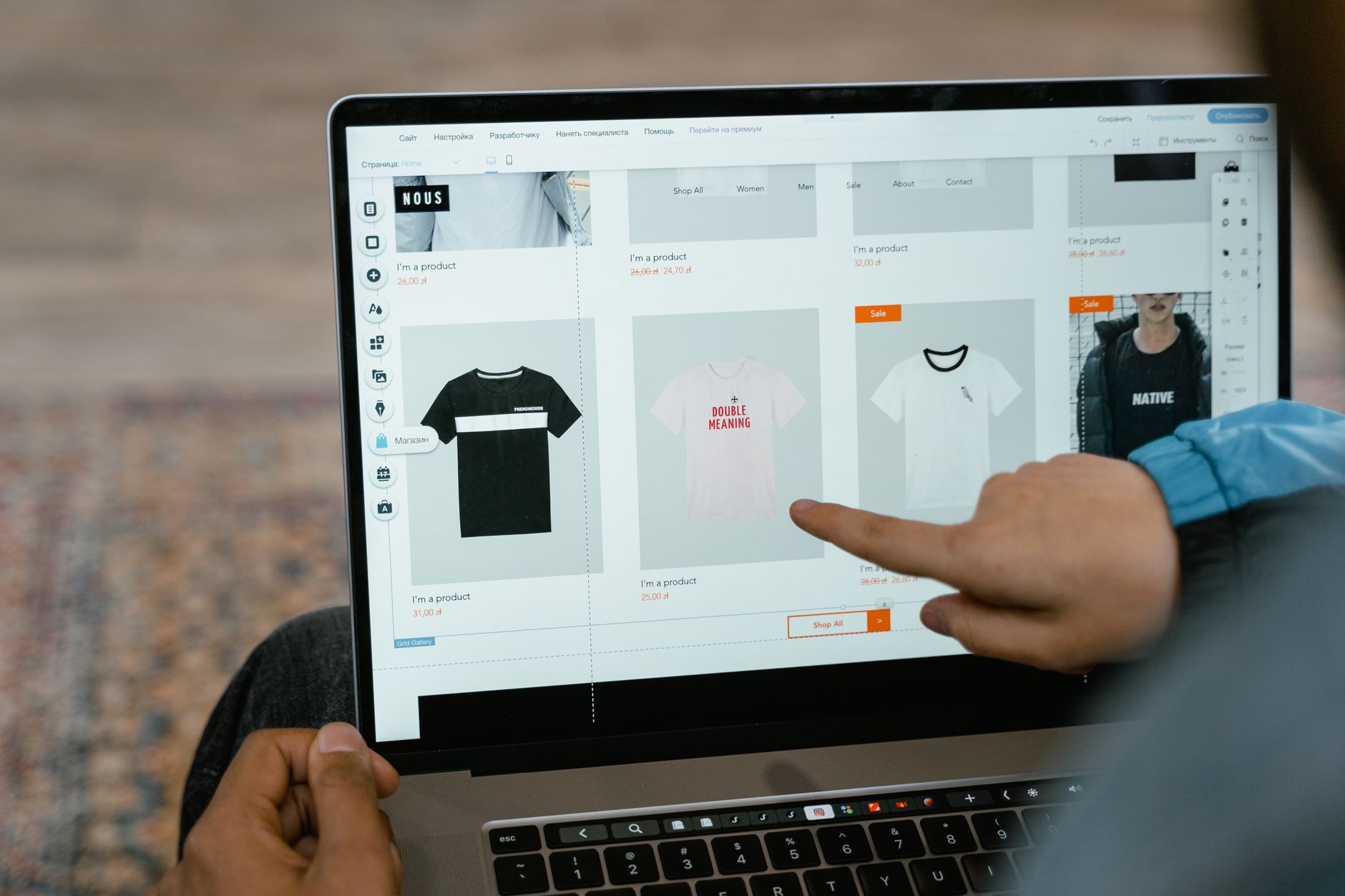
Category pages often carry the strongest commercial intent on an ecommerce site. They can target broader searches, help shoppers compare options, and distribute relevance to the products underneath them.
Thin category pages are one of the most common WooCommerce weaknesses. A page with only a title and product grid may be usable, but it is rarely persuasive or descriptive enough to compete well. Stronger category pages usually include a clear title, one focused H1, a short introductory paragraph, useful subcategory links, and related internal links that help shoppers keep moving.
You do not need to bury the product grid under filler copy. The goal is to make the page clearer, not longer. A short introduction above the grid and additional helpful copy lower on the page is often a better balance than chasing a plugin word-count suggestion.
Product pages need clarity, not padding

Product pages perform better when they make the buying decision easier. The biggest wins usually come from better product detail, cleaner differentiation, and stronger trust signals, not from adding unnecessary text.
Each priority product page should have a distinct title, useful meta description, descriptive heading, original copy, clear specifications, and media that helps a buyer evaluate the item. If multiple stores use the same manufacturer text, your page needs some original value to stand out. Google also supports structured data for eligible product pages and product variants, which is why product detail pages are usually the best place to focus structured data work first.
Control filters, variants, and duplicate URLs
WooCommerce SEO often breaks down around filters and variants. The solution is not to block everything. The solution is to decide which URLs deserve indexing and keep the rest from creating duplication and crawl waste.
Google’s ecommerce documentation explains that product variants should be handled with clear, distinct URLs when you want individual variants to be directly accessible, and canonical handling should stay consistent. It also provides guidance for ecommerce URL structures and faceted navigation so search engines can understand page relationships more efficiently. In practice, that means common sort parameters, temporary tracking parameters, and low-value filter combinations usually should not become indexable landing pages.
If your category pages, filtered pages, and blog posts are all chasing the same term, you create relevance overlap instead of momentum. Consolidation usually beats expansion. One stronger page is better than several near-duplicates that split signals.
Write titles for people, not plugin scores
Title tags still matter, but the goal is relevance and clarity. Google recommends descriptive, concise titles and warns against keyword stuffing and repetitive boilerplate across pages.
That matters even more on ecommerce stores, where templates can easily generate dozens of vague or repetitive titles. You do not need a perfect score. You need titles that help both users and search engines understand what each page actually offers.
| Weak title | Stronger title |
|---|---|
| Running Shoes | Best Running Shoes | Buy Running Shoes | Men’s Running Shoes for Road Training |
| Kitchen Knives | Japanese Kitchen Knives for Home Cooks |
| Product Category | Organic Dog Food for Sensitive Stomachs |
If you are not sure whether your current plugin configuration is helping or quietly hurting you, WordPress SEO Expert can help. We can review title templates, archive rules, and canonical output before those issues spread across the store.
Technical SEO priorities for WooCommerce
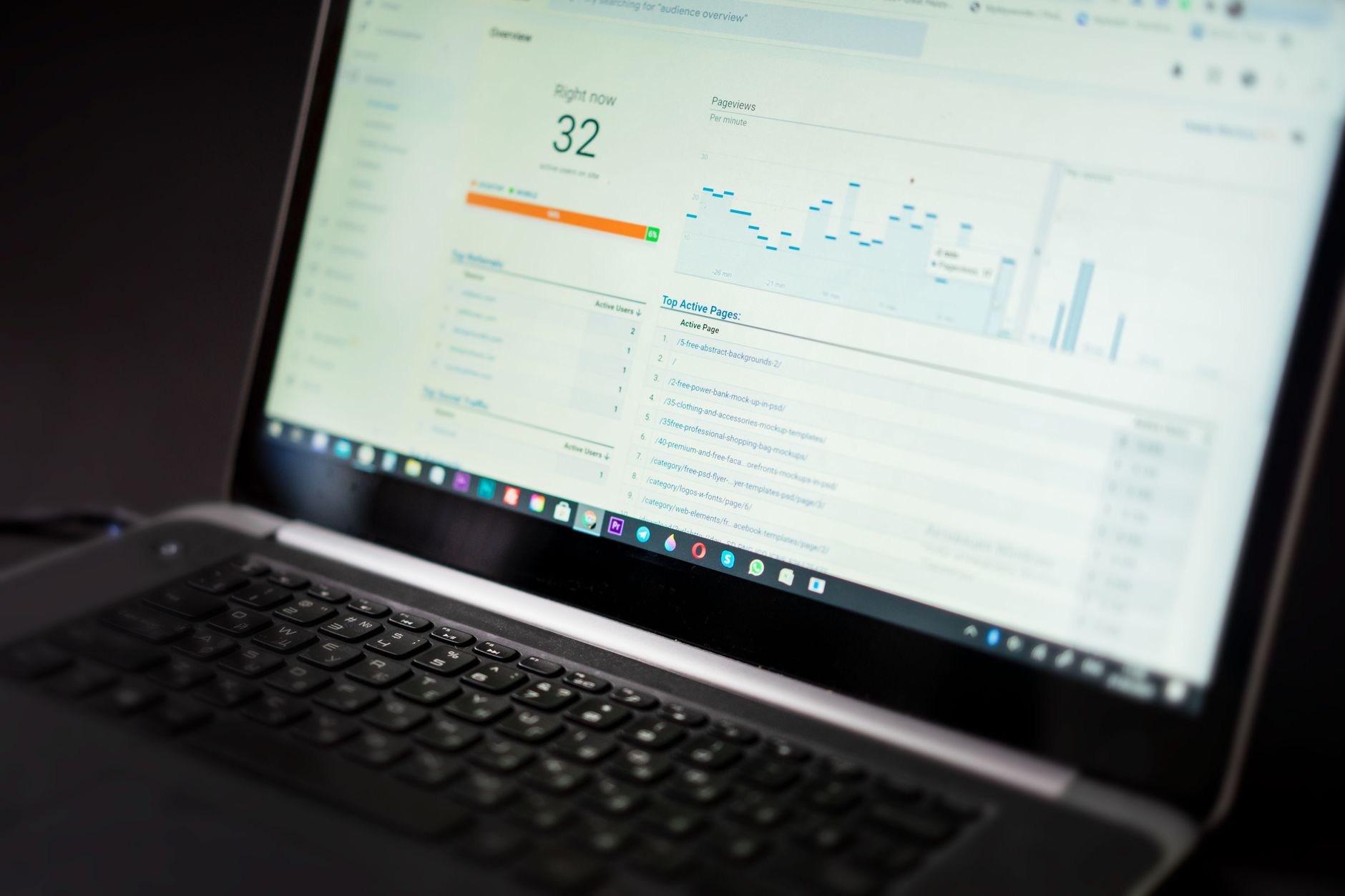
The technical goal is simple: make high-value pages easy to crawl, easy to index, and easy to understand. Everything else should support that goal, not distract from it.
Start with indexability and internal linking. Google recommends linking products through crawlable navigation and using descriptive internal links so site structure is easier to interpret. After that, review canonicals, redirects, sitemaps, archive rules, and template behavior. Product pages and category pages should not be buried behind weak architecture or conflicting plugin settings.
Speed matters too, but not as a vanity exercise. Heavy product galleries, app-like scripts, and oversized images can slow category and product templates enough to hurt usability. A store does not need a perfect performance score. It needs a fast, stable experience on the pages that drive revenue.
Do not cache the wrong pages
Caching can help WooCommerce performance, but some pages must stay dynamic. WooCommerce’s developer documentation says Cart, Checkout, and My Account pages should be excluded from page caching so customers do not see stale or broken session data.
This is one reason generic WordPress advice can create ecommerce problems. A faster site is not better if it introduces checkout issues. Clean SEO and stable store functionality need to work together.
A practical Google SEO checklist for ecommerce
Most stores improve faster when they follow a sequence. Fix the issues that block visibility before the issues that polish visibility. That keeps teams focused on what actually moves rankings and revenue.
| Priority | What to check | Why it matters |
|---|---|---|
| 1 | Indexability of category and product pages | Pages cannot rank if they are blocked, noindexed, or missing from crawl paths |
| 2 | Canonical and redirect setup | Prevents duplicate URL confusion and diluted signals |
| 3 | Category page quality | These pages often target the broadest commercial intent |
| 4 | Product page clarity | Improves relevance for purchase-focused searches |
| 5 | Filter and variant controls | Reduces crawl waste and index bloat |
| 6 | Internal linking | Helps Google understand which pages matter most |
| 7 | Template speed and stability | Supports usability without breaking core store pages |
What to stop doing
Stop treating plugin indicators as proof that a page is optimized. Stop stacking multiple SEO plugins. Stop publishing thin variations of the same collection page just to target slight keyword changes. Those habits create more noise than momentum.
Also stop treating blog content as the center of the ecommerce strategy if your category and product pages are still weak. Supporting content matters, but it should strengthen your store architecture and guide shoppers toward commercial pages.
The best next step
The fastest path forward is usually a focused review of the templates and URLs tied closest to sales. Look at the categories already earning impressions, the product pages closest to page one, and the parameter patterns creating unnecessary duplication.
If you are experiencing these issues, our team at WordPress SEO Expert can help. Book a free SEO consultation. No pitch, no pressure. Just an honest look at what your site actually needs and whether your current setup is part of the solution or part of the problem.
Contact WordPress SEO Expert today to schedule a consultation. We will help you identify what is actually holding your store back and what to fix first.

















