

Low rankings usually come from a scattered plan, not one missing plugin. On ecommerce sites, that usually means category pages, product pages, filter URLs, and plugin settings sending mixed signals. A strong WordPress ecommerce SEO strategy starts by deciding which pages should rank first, then fixing the technical and content issues that keep those pages from performing.
Most store owners do not have one catastrophic problem. They have a stack of smaller issues that compound over time: thin category pages, duplicate URLs, weak internal links, heavy templates, and titles written for plugin scores instead of searchers. If you want a broader baseline first, review our WordPress SEO best practices. If performance is part of the problem, our guide on WordPress SEO strategy for ecommerce sites covers related store issues in more depth.
What to fix first on an ecommerce WordPress site
Fix the issues that block visibility before the issues that polish visibility. For most WordPress ecommerce sites, that means checking crawl paths, indexability, canonicals, category page quality, and template speed before spending time on minor plugin tweaks.
Google recommends making ecommerce pages reachable through linked navigation, with links from menus to category pages, from category pages to subcategory pages, and then to product pages. It also recommends using standard HTML links so Google can reliably crawl those paths. If your products are mainly discoverable through search boxes, filters, or JavaScript-only interactions, the store structure is already working against you.
Choose which page types should rank
Your best SEO pages are usually category pages first and priority product pages second. That sounds simple, but many stores do the opposite and pour energy into blog content while core commercial pages stay thin, duplicated, or poorly linked.
Category pages should target broader commercial intent. Product pages should target specific purchase intent. Supporting content should answer pre-purchase questions and send visitors back to the right categories and products. This reduces cannibalization and keeps your most valuable pages closest to search demand.
Build category pages that can actually rank

Thin category pages are one of the most common ecommerce SEO weaknesses. A title, a grid, and a filter sidebar may work for navigation, but they rarely make the page strong enough to compete for broader search terms.
Start with a clear title, one useful H1, a short introduction that explains what the category covers, and internal links to relevant subcategories or buying guides. Keep the opening copy concise so you do not bury products. You do not need to turn every category into a giant article. You need to make it clear what the page is for, who it helps, and how it connects to the rest of the store.
Improve product pages with precision

Product page SEO works best when it is specific, not padded. The goal is to help search engines and buyers understand the product quickly, trust the page, and compare it with confidence.
Make sure important product pages have unique titles, unique descriptions, useful product details, original copy where possible, and visible trust information such as shipping or return details when relevant. If many stores use the same manufacturer text, your version needs some original value or the page becomes easier to replace in search results.
Control duplicate URLs and filter sprawl
Duplicate URL patterns quietly drain performance on ecommerce sites. Product variants, sort orders, filtered collections, tags, internal search pages, and inconsistent URL versions can all compete with the pages that should rank.
Google’s guidance on duplicate URLs makes the priority clear: choose the main version of a page and reinforce it consistently. On ecommerce sites, that means deciding which variants or filtered pages deserve indexing, linking internally to the preferred version, and avoiding unnecessary crawl paths that create endless low-value combinations. Faceted navigation is not automatically bad, but uncontrolled faceted URLs can create a large amount of duplicate or near-duplicate crawl activity.
If you are not sure whether your current plugin configuration is helping or quietly hurting you, WordPress SEO Expert can help. We can identify whether the real issue is filter indexing, canonical confusion, or another technical conflict that is harder to spot inside WooCommerce.
Use one SEO plugin and configure it well
One well-configured SEO plugin is enough. Running overlapping plugins often creates duplicate metadata, conflicting canonicals, and competing sitemap outputs.
The gap between plugin setups is usually not that one works and one does not. The gap is in how cleanly the store is configured. Set title templates, product and category indexing rules, XML sitemaps, schema defaults, and canonical behavior once. Then test the output on live pages instead of assuming a dashboard setting is correct because it looks complete.
Write titles for searchers, not score badges
Your titles should describe the page clearly and help the right person click. A green light in an SEO plugin does not mean the page deserves to rank.
Google recommends descriptive, concise titles and warns against keyword stuffing and repetitive boilerplate. That matters even more on stores, where dozens of pages can end up using near-identical patterns. A weak title like SEO Services | SEO Company | SEO Expert tells the searcher very little. A stronger title explains the page more directly and distinguishes it from similar results.
Keep navigation and internal links simple
Simple architecture usually beats clever architecture. Important categories and products should be reachable through plain links, clear menus, and a hierarchy that makes sense without forcing users to click through a maze.
Google’s ecommerce navigation documentation notes that if category pages do not include direct links to all products, Googlebot may not find them all through crawling alone. Link your priority categories from menus, connect subcategories to parent collections, and add contextual internal links from relevant buying guides or support content. If you are cleaning up the broader site structure too, our WordPress SEO best practices article is a useful companion.
Improve speed where it affects buying behavior
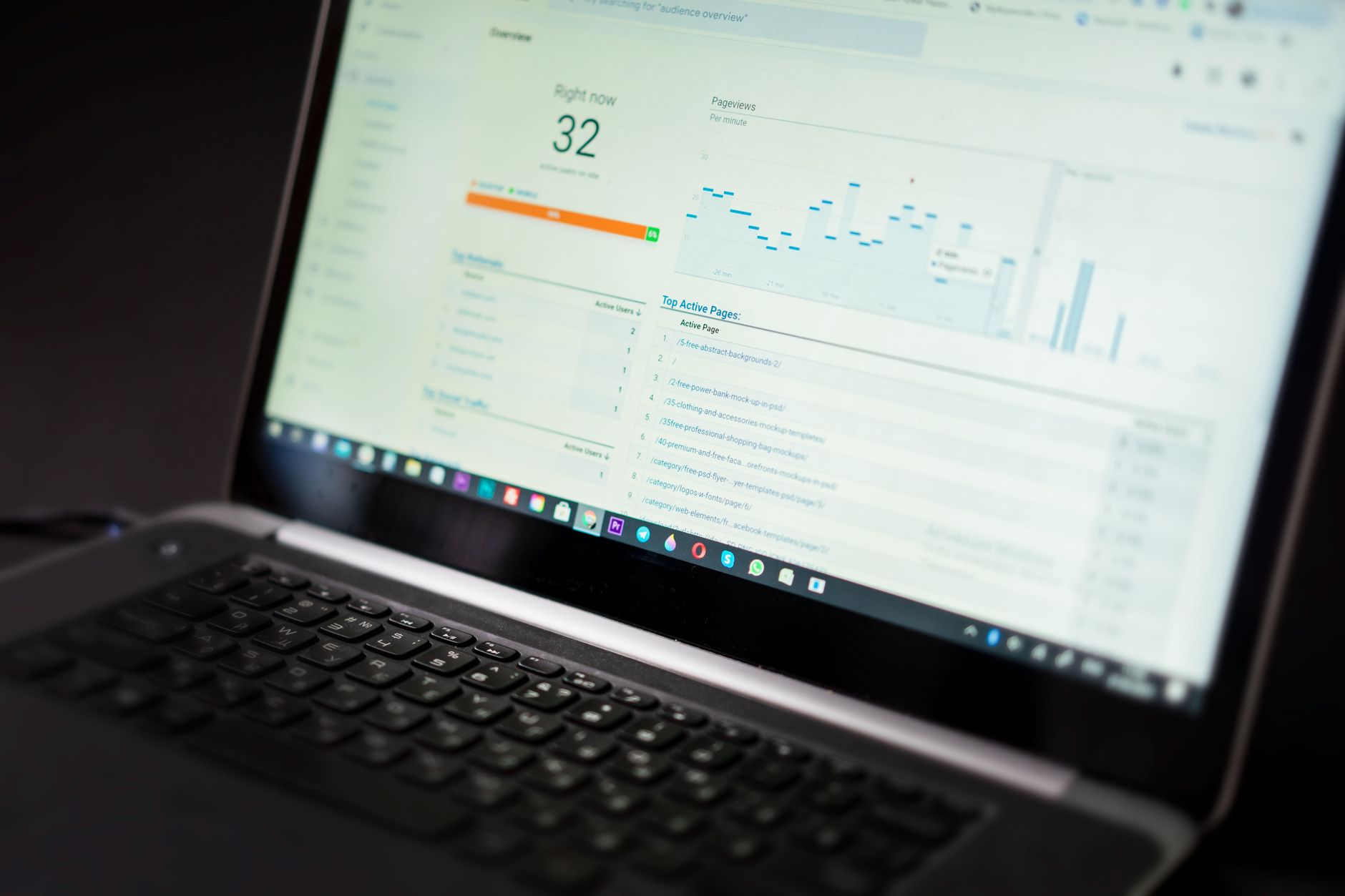
Speed matters most when heavy templates frustrate shoppers or make key pages harder to use. The goal is not a perfect performance score. The goal is a site that loads cleanly and is easy to use.
Test category pages, product pages, cart pages, and checkout separately because they often behave differently. On WooCommerce, caching also needs care. WooCommerce’s developer documentation says cart, checkout, and My Account pages should be excluded from page caching because they need to stay dynamic for each customer session. That is a good example of why generic WordPress advice does not go far enough for ecommerce.
A practical priority order
Most stores improve faster when they work in sequence. Fix the pages closest to revenue first, then expand into supporting content and refinements.
| Priority | What to review | Why it matters |
|---|---|---|
| 1 | Indexability and crawl paths | Pages cannot rank if search engines cannot reach or index them properly |
| 2 | Canonicals, redirects, and duplicate URL patterns | Prevents diluted signals and page competition |
| 3 | Category page quality | Strengthens the broad commercial pages most stores depend on |
| 4 | Product page clarity | Improves relevance and conversion support on purchase-intent pages |
| 5 | Internal linking and navigation | Helps search engines and shoppers reach important pages faster |
| 6 | Template speed and WooCommerce setup | Supports usability without breaking dynamic store pages |
| 7 | Schema and metadata polish | Improves supporting signals after the foundation is stable |
What to stop doing
Stop publishing around technical problems. More posts will not solve category cannibalization, duplicate product URLs, or crawl waste from filters. Stop stacking overlapping plugins and stop treating plugin recommendations as strategy.
You also do not need to make every page longer. Some pages need more content. Others need cleaner structure, clearer titles, or stronger internal links. The right fix depends on the page’s job in the store.
The best next step
The smartest next move is usually a review of your highest-value category and product pages, not a full-site rewrite. Look at the URLs tied most closely to revenue, then work backward into navigation, canonicals, and supporting content.
If your rankings are flat and you are not sure what to fix first, WordPress SEO Expert can help. Book a free SEO consultation. No pitch, no pressure. Just an honest look at what your site actually needs and whether your current setup is part of the solution or part of the problem.
Contact WordPress SEO Expert today to schedule a consultation.

















