

Low rankings usually come from a scattered plan, not one missing plugin. Most WordPress sites do not have one catastrophic SEO problem. They have a stack of smaller mistakes that compound over time, from weak title tags to duplicate URLs to plugin conflicts. Fix the issues that block visibility before the issues that polish visibility.
Common WordPress SEO mistakes usually fall into four buckets: indexing problems, on-page misfires, weak site structure, and unnecessary plugin complexity. If you want the broader foundation first, review our WordPress SEO best practices and our comparison of Yoast SEO vs Rank Math before changing settings sitewide.
Using More Than One SEO Plugin
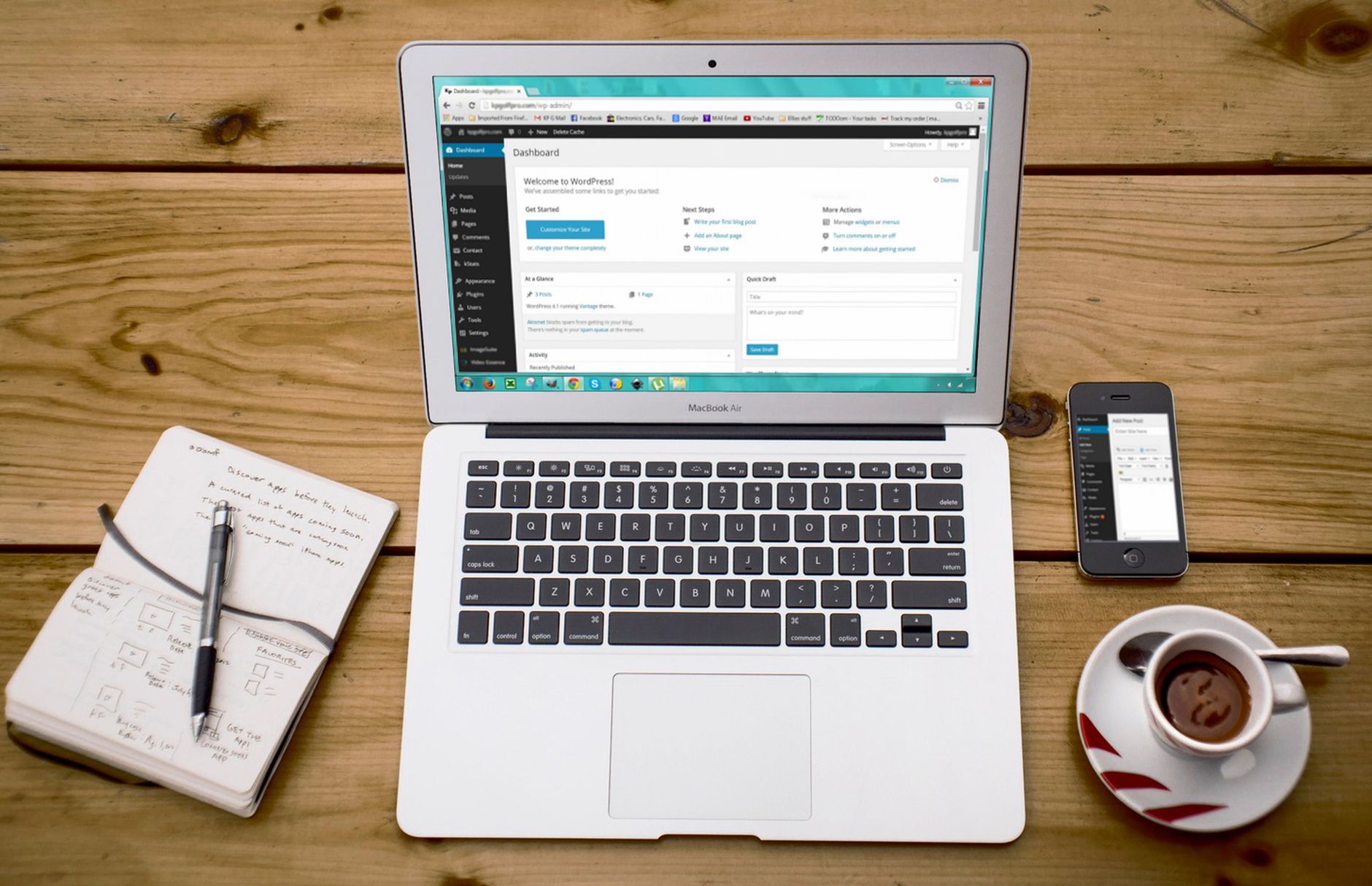
One well-configured SEO plugin is enough. Running overlapping plugins often creates duplicate metadata, conflicting canonicals, and competing sitemap outputs that make troubleshooting harder than it needs to be.
This is one of the most common setup mistakes on WordPress. Site owners install one plugin for titles, another for schema, and a third for redirects, then assume more tools means better optimization. Usually it means more noise. If two plugins are trying to control the same SEO output, Google gets mixed signals and you get a harder cleanup job later.
A green light in an SEO plugin does not mean the page deserves to rank. The plugin gives you controls, not strategy. Pick one primary SEO plugin, configure the basics properly, and stop there unless you have a clear technical reason to add a separate specialist tool.
Ignoring Indexing and Crawlability First
If search engines cannot crawl or index the right pages, everything else underperforms. Titles, schema, and content refreshes will not help much if your important pages are blocked, orphaned, or marked the wrong way.
Common WordPress crawl issues include accidental noindex settings, weak internal linking, thin archive pages, and URLs that exist but are difficult for crawlers to reach through normal navigation. Google recommends making links crawlable and using descriptive anchor text so it can better understand site structure and linked pages. That matters even more on WordPress sites with lots of categories, tags, or WooCommerce filters.
Check your service pages, product categories, and top blog posts first. Make sure they return a normal status code, appear in your sitemap if they should be indexed, and are linked from other crawlable pages. Fix that foundation before you spend time rewriting every paragraph.
Writing Title Tags for Plugin Scores Instead of Humans
Your title tag is one of the strongest on-page signals you control, but many WordPress sites waste it by stuffing variations, repeating boilerplate, or writing titles that only exist to satisfy a plugin checklist.
Google recommends descriptive, concise titles and warns against keyword stuffing and repetitive boilerplate. In practice, that means each important page should have a distinct title that clearly matches the topic and intent of the page. A vague or overloaded title makes it harder for users and search engines to understand what the page actually offers.
| Weak title | Stronger title |
|---|---|
| SEO Services | SEO Company | SEO Expert | WordPress SEO Services for Small Businesses |
| Blog | WordPress SEO Tips for Service Businesses |
| Best SEO Plugin, SEO Plugin WordPress, Plugin SEO | How to Choose a WordPress SEO Plugin |
If you are not sure whether your titles are helping or quietly blending into the same pattern across your site, WordPress SEO Expert can help you diagnose what to rewrite first instead of changing everything at once.
Publishing Thin Variations Instead of Consolidating
Publishing several weak pages around slight keyword variations usually creates content overlap, not more visibility. One stronger page is often better than four thin pages competing with each other.
This happens when site owners chase every phrase they see in a plugin or keyword tool. They publish near-duplicate posts with only minor wording changes, or build location and service pages that swap a few terms but keep the same structure and copy. That creates internal competition and weakens the overall content map.
Instead, consolidate overlapping pages, improve the depth and clarity of the strongest version, and support it with better internal links. The result is usually easier to maintain and more useful for real visitors.
Letting Duplicate URLs Pile Up
Duplicate URL issues are one of the most common technical mistakes on WordPress. When several URLs show similar content, search engines can get mixed signals about which version should rank.
Common sources include tag archives, attachment pages, parameter URLs, trailing slash inconsistencies, and WooCommerce filter combinations. These are not always dramatic errors, but they add friction. Over time that friction dilutes internal signals and makes indexing less efficient.
Choose the preferred version of each important page, use that version consistently in internal links, and redirect outdated or unnecessary variations when appropriate. For many sites, this cleanup does more than publishing another blog post.
Using Weak Internal Linking
Internal links help search engines discover pages, understand hierarchy, and see which URLs matter most. Weak internal linking leaves good pages isolated and makes your site harder to navigate for users.
A common mistake is relying on the sitemap to do the work. Pages that only exist in your XML sitemap but are not linked naturally from other relevant pages are much weaker than pages supported by thoughtful internal links. Descriptive anchor text also matters more than generic phrases because it gives better context about the linked page.
Connect informational posts to service pages, link related articles where the next step is genuinely useful, and make sure your highest-value pages are not buried several clicks deep. If you need a stronger baseline, our WordPress SEO best practices article covers the broader structure in more detail.
Creating a Messy Site Structure
A simple structure usually performs better than a clever one. Important pages should be easy to reach, clearly grouped, and built around how visitors actually move through your site.
On many WordPress sites, page depth grows quietly over time. New categories get added, tags multiply, archives expand, and key commercial pages end up buried while low-value pages absorb crawl attention. The result is not always a penalty. It is often just a weaker signal about what matters most.
Keep categories limited and meaningful. Avoid creating archives that add little value. For WooCommerce stores, pay close attention to faceted navigation and filter combinations that can create endless low-value crawl paths.
Chasing Perfect SEO Scores
Perfect plugin scores are not the goal. The goal is a site that loads cleanly, answers intent clearly, and makes it easy for users and search engines to find the right pages.
Score chasing often leads to awkward headings, forced keyword repetition, bloated intros, and meta descriptions written for a robot instead of a person. Those changes may improve a checklist while making the page less persuasive and less readable. That is not a trade worth making.
You do not need a perfect score. You need a page that is technically sound, genuinely useful, and clearly targeted. If your current plugin setup is pushing you toward formulaic copy, the setup may be part of the problem.
Overlooking Speed Problems That Affect Real Pages

Speed matters most when slow pages frustrate users or make the site harder to use. The biggest mistake is either ignoring performance entirely or obsessing over homepage scores while key templates remain heavy.
Service pages, product pages, blog posts, and archives can perform very differently. Test the templates that matter most to leads and sales. Heavy images, unused plugins, bloated scripts, and weak caching usually have more impact than switching between major SEO plugins. If plugin choice is part of your question, our Yoast SEO vs Rank Math breakdown explains where the real differences matter and where they do not.
What to Fix First
The right sequence matters. Fix the issues that block visibility before the issues that polish visibility, or you will spend time improving pages that search engines still cannot interpret correctly.
| Priority | What to fix | Why it comes first |
|---|---|---|
| 1 | Indexing and crawl access | Pages cannot rank if they are blocked, orphaned, or misconfigured |
| 2 | Canonical and duplicate URL issues | Prevents mixed signals and wasted crawl attention |
| 3 | Title tags and page intent | Improves relevance and click potential |
| 4 | Internal linking | Strengthens discovery, hierarchy, and support for key pages |
| 5 | Speed and template cleanup | Improves usability on the pages that matter most |
| 6 | Content consolidation and refinement | Reduces overlap and strengthens the best page version |
The Best Next Step
The best next move is usually not a sitewide rewrite. It is a focused review of your highest-value pages, your current plugin setup, and the technical signals that may be holding those pages back.
If you are seeing flat rankings, WordPress SEO Expert can help. We look at what is actually blocking growth, whether that is indexing rules, content overlap, weak internal architecture, or plugin conflicts that are easy to miss from the dashboard alone.
Contact WordPress SEO Expert today to schedule a consultation. No pitch, no pressure. Just an honest look at what your site actually needs and whether your current setup is part of the solution or part of the problem.

















