

Beginner WordPress SEO gets easier when you stop chasing plugin scores and start fixing the basics in the right order. If your site is live, your pages are published, and traffic is still flat, the issue is usually not effort. It is that the most important settings, page signals, and internal links are not working together yet.
You do not need code to make meaningful SEO improvements in WordPress. You need one clean SEO plugin, clear page titles, helpful content, simple site structure, and crawlable internal links. Google recommends descriptive titles, unique meta descriptions, and links that search engines can crawl, which makes WordPress SEO much more manageable than it seems when you focus on the fundamentals instead of every available feature.
If you are trying to sort out the basics first, start with our practical WordPress SEO guide for DIY site owners and our advice on fixing WordPress SEO setup problems. Those two topics pair well with the beginner steps below.
What should beginners fix first?
Beginners should fix visibility blockers before they polish anything else. That means checking whether search engines can crawl your site, choosing one SEO plugin, improving page titles and headings, and adding internal links to your most important pages.
This order matters because small SEO issues compound. A better meta description will not help much if a page is hard to discover. A new blog post will not do much if your main service pages have vague titles and no supporting internal links. Fix the issues that block visibility before the issues that polish visibility.
| Priority | What to do | Why it matters |
|---|---|---|
| 1 | Check search visibility settings | Makes sure your pages can be indexed |
| 2 | Use one SEO plugin | Avoids conflicting metadata and sitemap output |
| 3 | Rewrite titles and headings | Clarifies what each page is about |
| 4 | Improve internal links | Helps Google find and understand key pages |
| 5 | Clean up images and speed basics | Improves usability without technical complexity |
Use one SEO plugin, not several
One well-configured SEO plugin is enough for most beginner sites. Running overlapping plugins often creates duplicate metadata, conflicting canonicals, and competing sitemap outputs that are hard to spot if you are new to WordPress.
Pick one tool and keep the setup simple. A green light in an SEO plugin does not mean the page deserves to rank. The plugin is there to help you manage titles, descriptions, sitemaps, and indexing rules. It is not a substitute for clear page targeting or useful content.
If your current setup feels cluttered, WordPress SEO Expert can help you review whether the problem is indexing, duplication, weak targeting, or plugin overlap before you change anything major.
Check the no-code settings that affect indexing
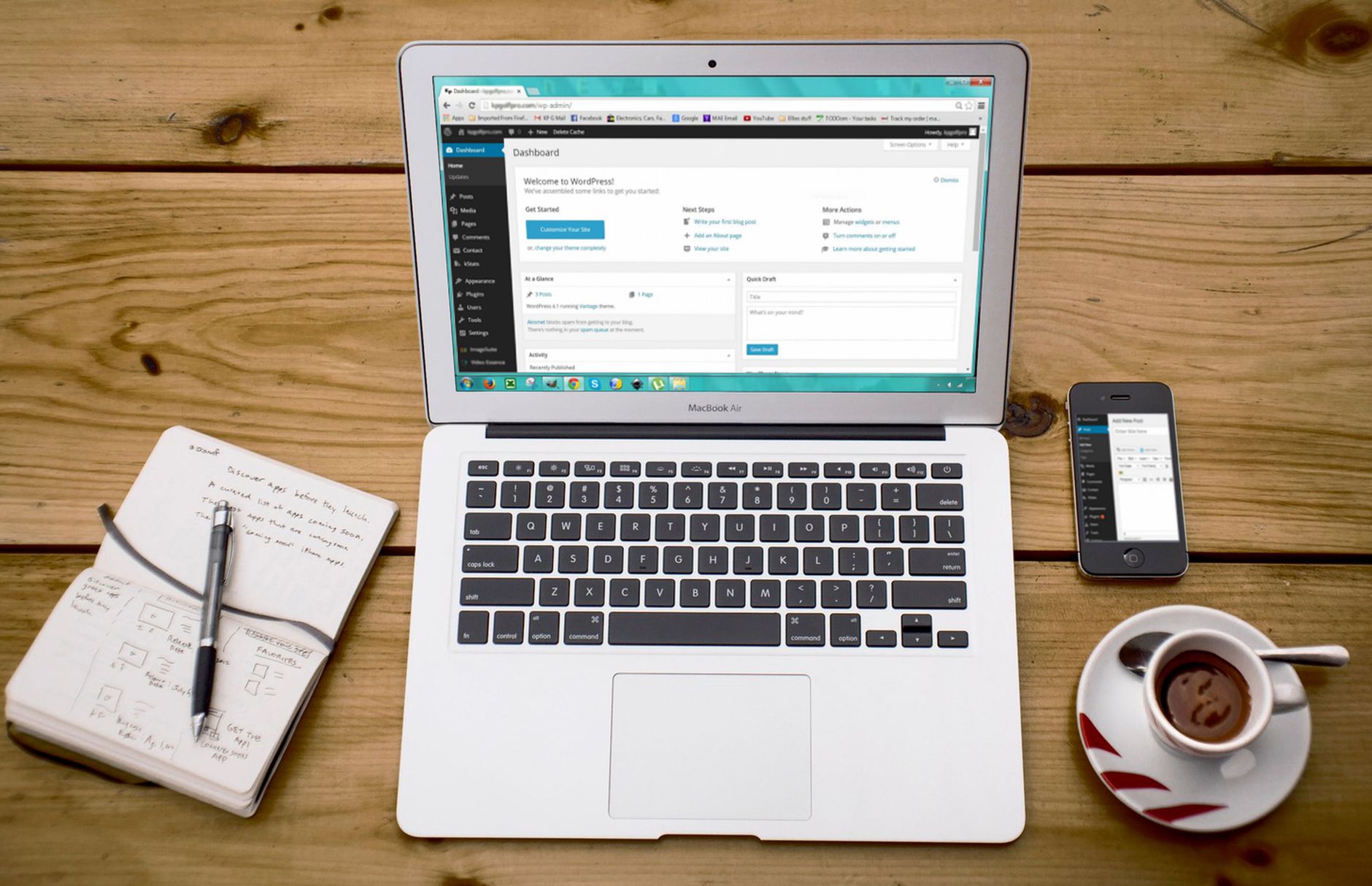
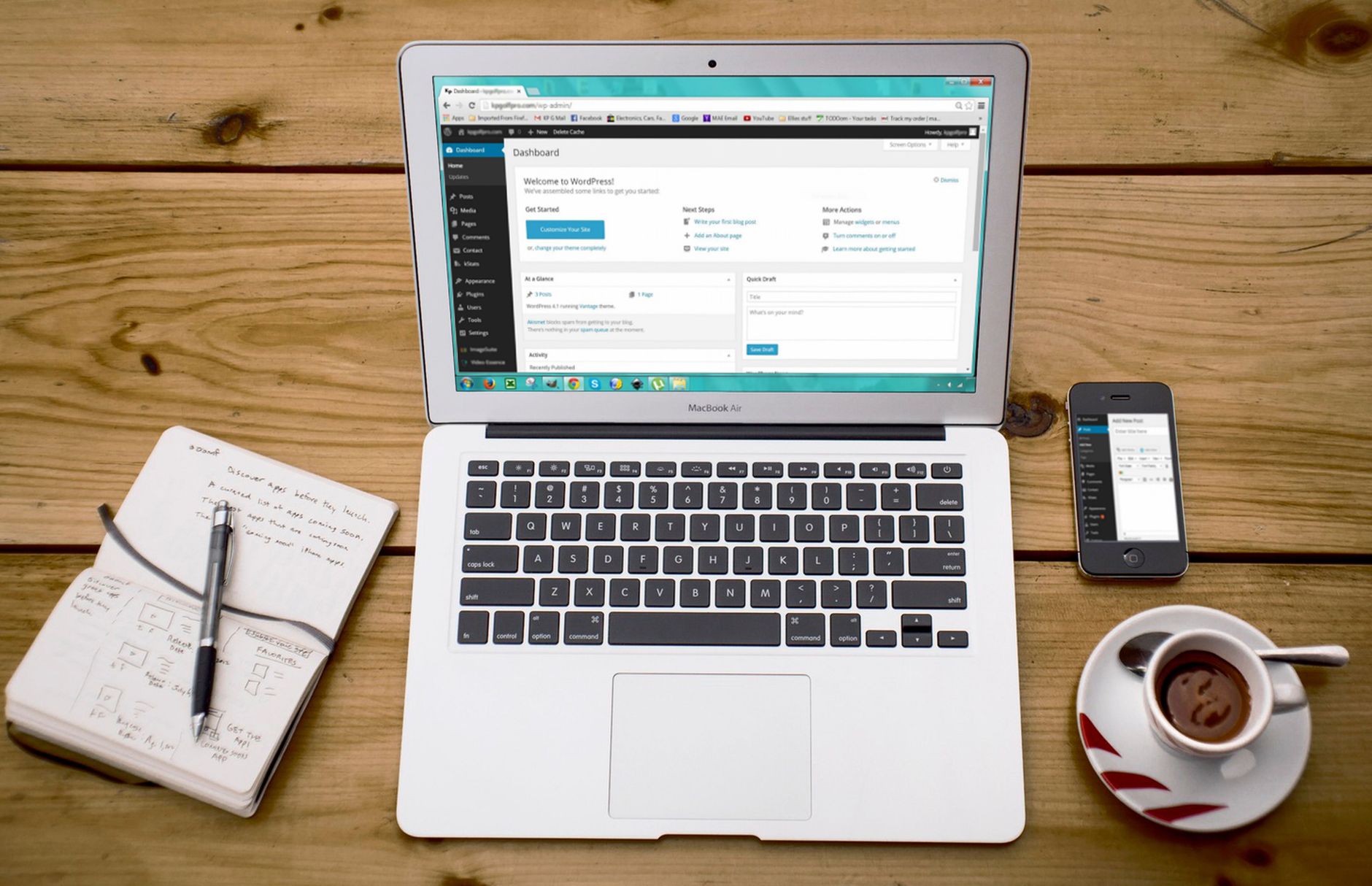
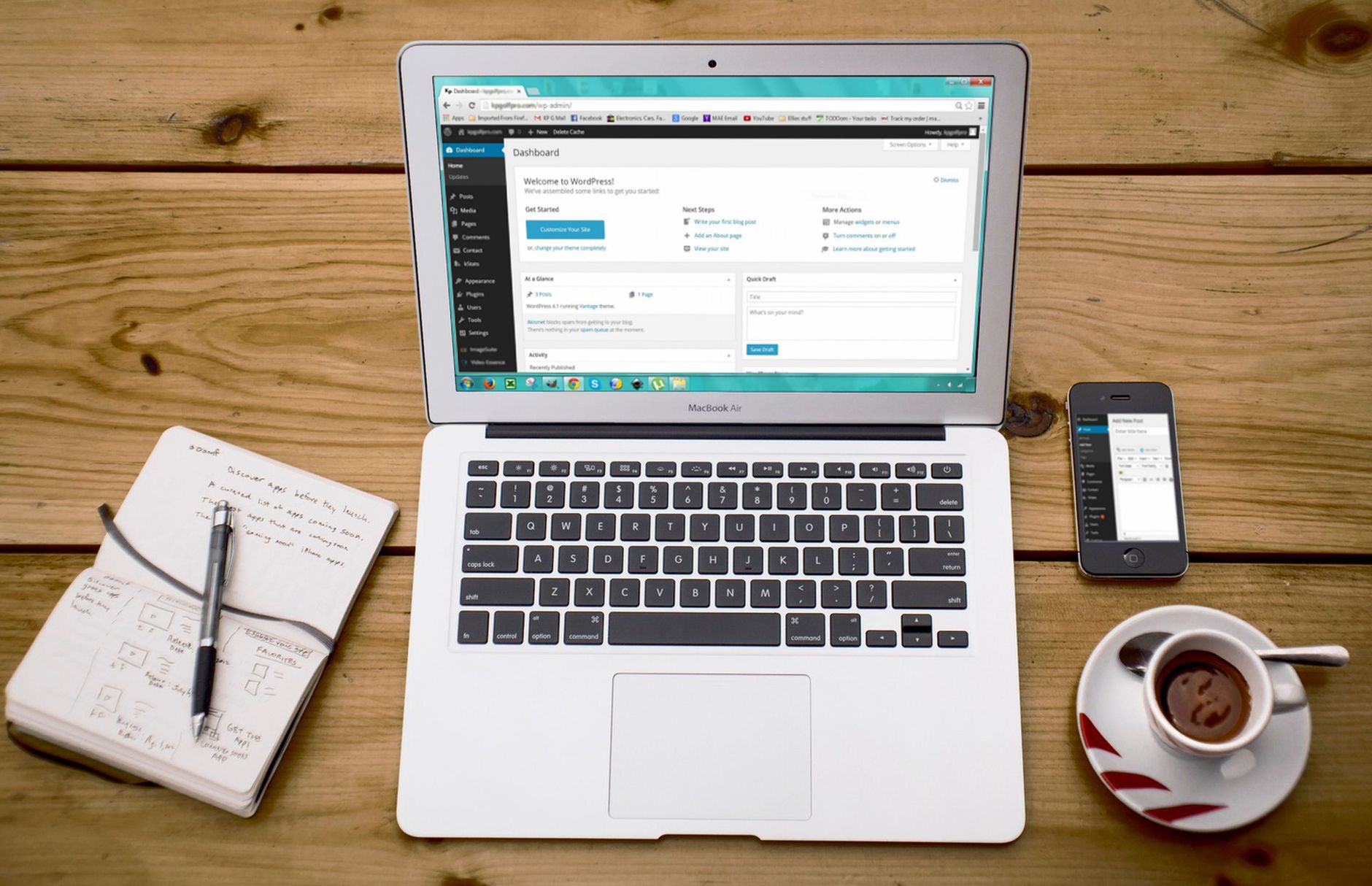
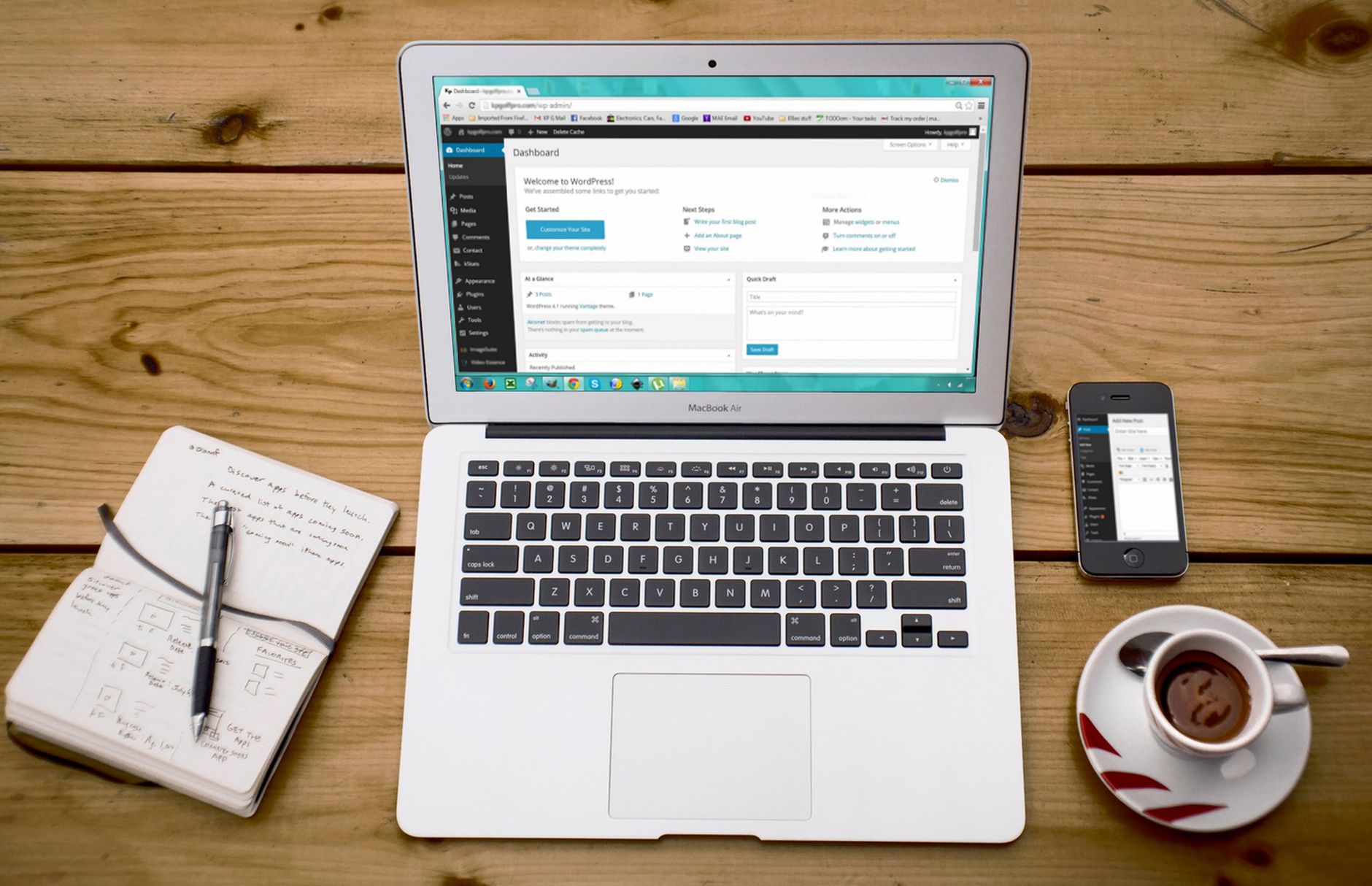
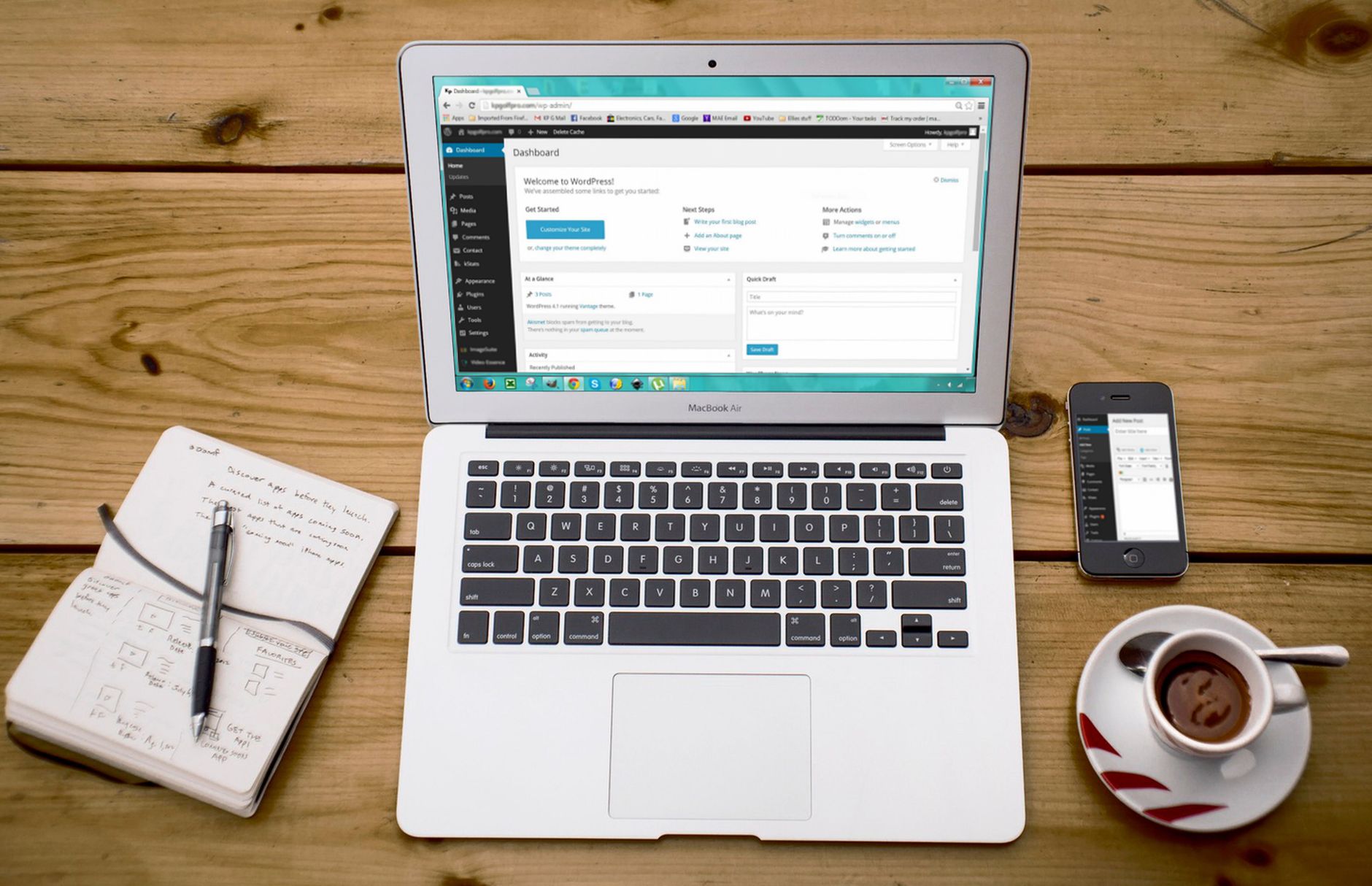
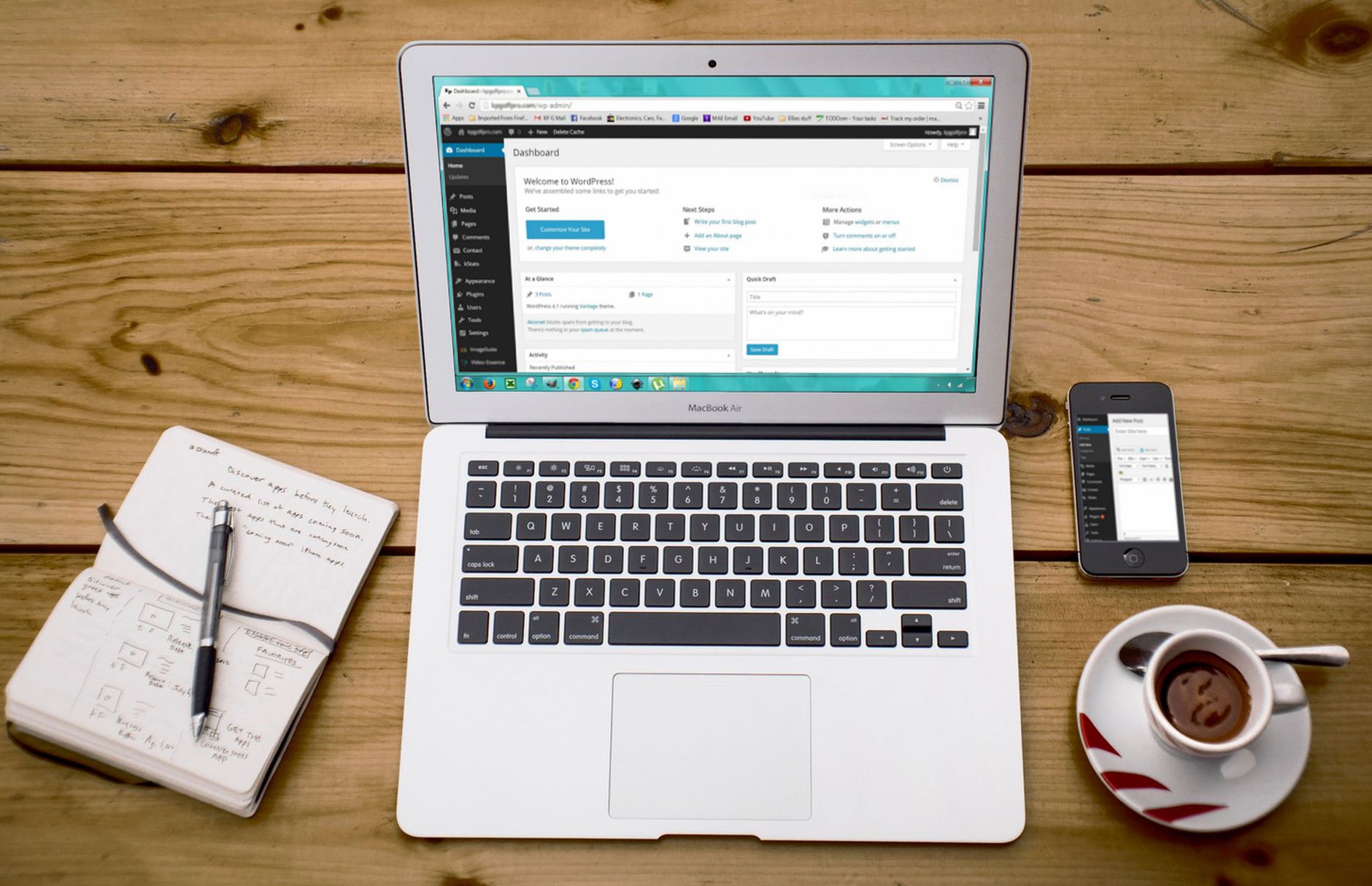
The fastest technical win is checking whether WordPress is accidentally discouraging search engines or indexing low-value pages. You can review these settings in the dashboard without editing code.
Go to Settings, then Reading, and make sure the option that discourages search engines is not selected on a live site. In your SEO plugin, review whether thin archives, search-result pages, or attachment pages are being indexed when they do not add value. This is a cleaner beginner move than adding more plugins or chasing advanced schema features too early.
Write better page titles and headings


Page titles and headings are among the clearest signals you control without code. Google recommends unique, descriptive, concise titles and warns against keyword stuffing and repetitive boilerplate, so your goal is clarity, not stuffing every variation into one field.
Beginners usually improve fastest by rewriting the homepage title, main service pages, and posts that already matter most. Keep the title closely aligned with the page topic, and make sure the visible page heading matches the same intent in plain language.
| Weak title | Stronger title |
|---|---|
| Home | WordPress SEO Help for Small Business Sites |
| SEO Services | SEO Company | SEO Expert | WordPress SEO Services for Small Businesses |
| Blog | Beginner WordPress SEO Tips Without Coding |
Google also says every page should have a descriptive title and meta description, and that words people search for should appear in prominent places like the title and main heading. That is a useful reminder that simple on-page cleanup often matters more than feature-heavy plugin settings.
Improve meta descriptions for better clicks
Meta descriptions are worth writing because they can improve how your page is summarized in search results, even though they are not a shortcut to rankings. A good description helps the right visitor decide to click.
Write a different description for each important page. Keep it specific to that page, explain the benefit, and avoid repeating the same generic line across your whole site. Google may choose its own snippet, but it recommends unique descriptions that accurately summarize the page.
Add internal links that are easy to crawl
Internal links are one of the best beginner-friendly SEO improvements because they help search engines find your pages and understand which topics connect. You do not need a technical setup for this. You need crawlable links and descriptive anchor text.
Google recommends using standard HTML links that it can crawl and anchor text that is descriptive and concise. In practical terms, that means linking naturally between related posts and pages instead of relying only on menus, buttons, or vague phrases. Add links from blog posts to your core service pages, and connect overlapping articles where the reader would genuinely want the next step.
A simple beginner habit is to add two or three internal links every time you publish or update a page. You can also review existing posts and connect them to newer pages that deserve more visibility.
Clean up images and speed basics



You do not need advanced performance work to improve beginner WordPress SEO. The goal is a site that loads cleanly, feels easy to use, and does not frustrate visitors on key pages.
Start with the basics you can control from plugins and the media library. Compress large images before upload when possible, avoid uploading oversized files for small page areas, remove plugins you do not use, and use one caching solution instead of stacking several. Most beginners get more value from simplifying the site than from trying to force a perfect speed score.
Focus on helpful pages, not volume
Publishing more pages does not automatically improve SEO. Beginners usually see better results when each page has a clear purpose, answers one main search intent, and links to related pages instead of competing with them.
If two posts cover almost the same topic, it is often better to combine and strengthen them than to keep both. Google’s core guidance emphasizes helpful, people-first content, and that usually rewards clearer, more complete pages over thin content created just to target slight keyword variations.
If you are experiencing these symptoms, our team at WordPress SEO Expert can help. We can show you whether your site needs better page targeting, stronger internal links, or a simpler plugin setup instead of more content for the sake of activity.
A simple beginner SEO routine
The best beginner routine is small and repeatable. Review a few important pages each month, improve the parts users and search engines actually rely on, and avoid changing five systems at once.
A practical routine looks like this: check whether your key pages are indexed, update one or two weak titles, improve one page heading if it is vague, add a few internal links from related content, and refresh outdated sections on pages that already matter. That is far more effective than spending hours chasing every recommendation inside an SEO plugin.
When beginner fixes are not enough
If your site still is not improving after the basics are in place, the issue is usually not that you missed one secret tactic. It is more likely that indexing, duplication, weak targeting, or site structure problems are compounding quietly in the background.
WordPress SEO Expert can help you sort out what to fix first. Book a free SEO consultation. No pitch, no pressure. Just an honest look at what your site actually needs and whether your current setup is part of the solution or part of the problem.
Contact WordPress SEO Expert today to schedule a consultation if you want a practical plan for improving WordPress SEO without coding and without overcomplicating your site.

















