

Beginner WordPress SEO is easier when you stop chasing every tactic at once. Most new site owners do not need more plugins or more checklists. They need a simple order: make pages crawlable, target the right topics, tighten titles and headings, and build internal links that help both users and search engines.
A green light in an SEO plugin does not mean the page deserves to rank. WordPress SEO Expert sees this problem constantly. Beginners often do real work, but the work is scattered. The goal is not a perfect score. The goal is a site that sends clear signals about what each page is for and which pages matter most.
Start with the basics that control visibility
If Google cannot crawl your important pages or understand what they target, the rest of your effort will underperform. Fix the issues that block visibility before the issues that polish visibility. That means checking indexing, using one SEO plugin, and making sure your key pages are easy to reach through normal site navigation and contextual links.
If you want a broader foundation before changing settings, read this practical WordPress SEO guide for DIY site owners. If your setup already feels messy, this walkthrough on fixing WordPress SEO setup problems can help you spot conflicts early.
Use one SEO plugin and configure it well
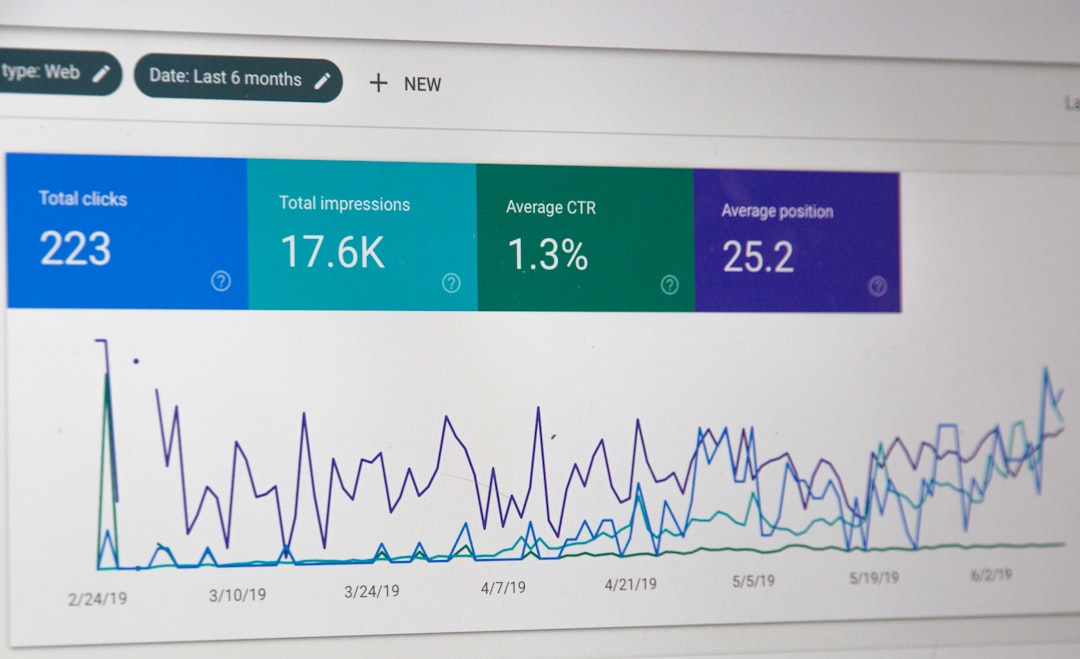
One well-configured SEO plugin is enough for most beginner sites. Running overlapping plugins often creates duplicate metadata, conflicting canonicals, and competing sitemap outputs. Keep the setup simple so you can understand what your site is actually telling search engines.
Whether you choose Yoast, Rank Math, or another established option, focus on the basics first: title templates, meta descriptions, XML sitemaps, and archive settings. Do not turn on every feature just because it exists. A clean setup almost always beats a crowded one.
Make sure your pages can be indexed
Beginners should check indexation before rewriting content. If important pages are blocked, set to noindex, or buried too deep in the site, rankings will stay flat no matter how polished the copy looks. Start with your homepage, core service pages, category pages, and best blog posts.
Look for a few common issues inside WordPress: search engine visibility accidentally disabled, thin archive pages indexed, attachment pages creating clutter, and pages with no internal links pointing to them. Most site owners do not have one catastrophic problem. They have a stack of smaller issues that compound over time.
Write clearer titles and headings
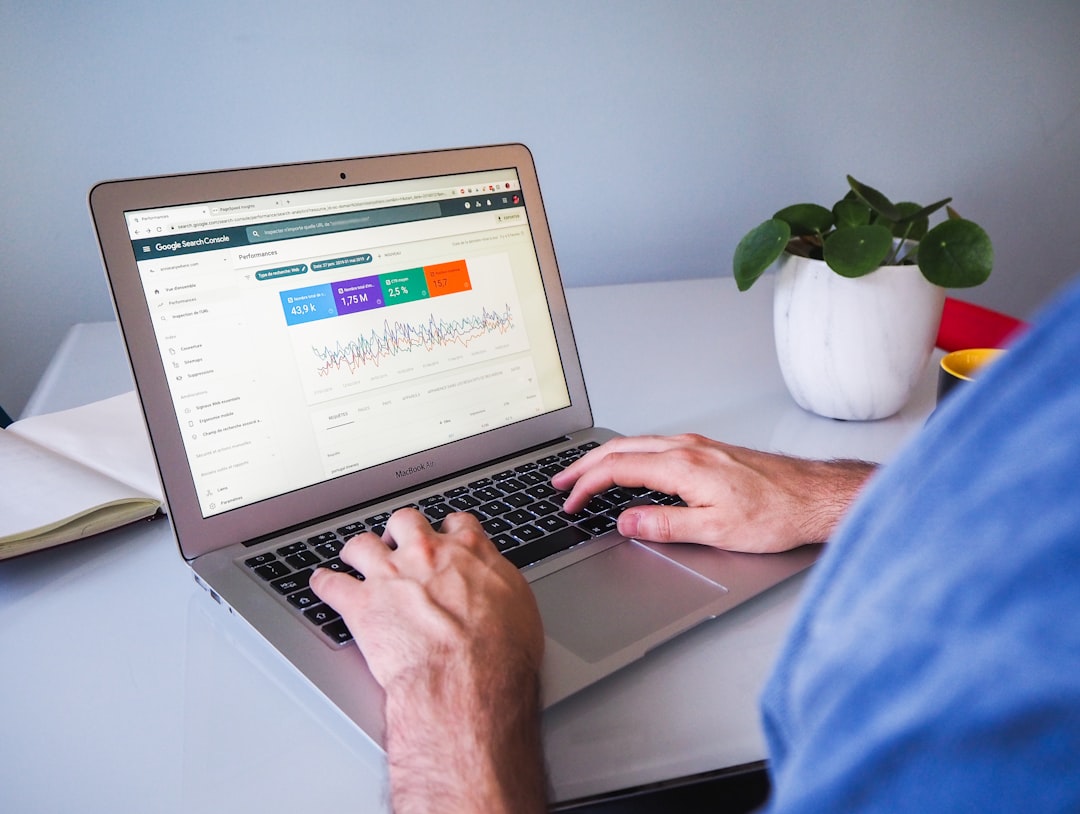
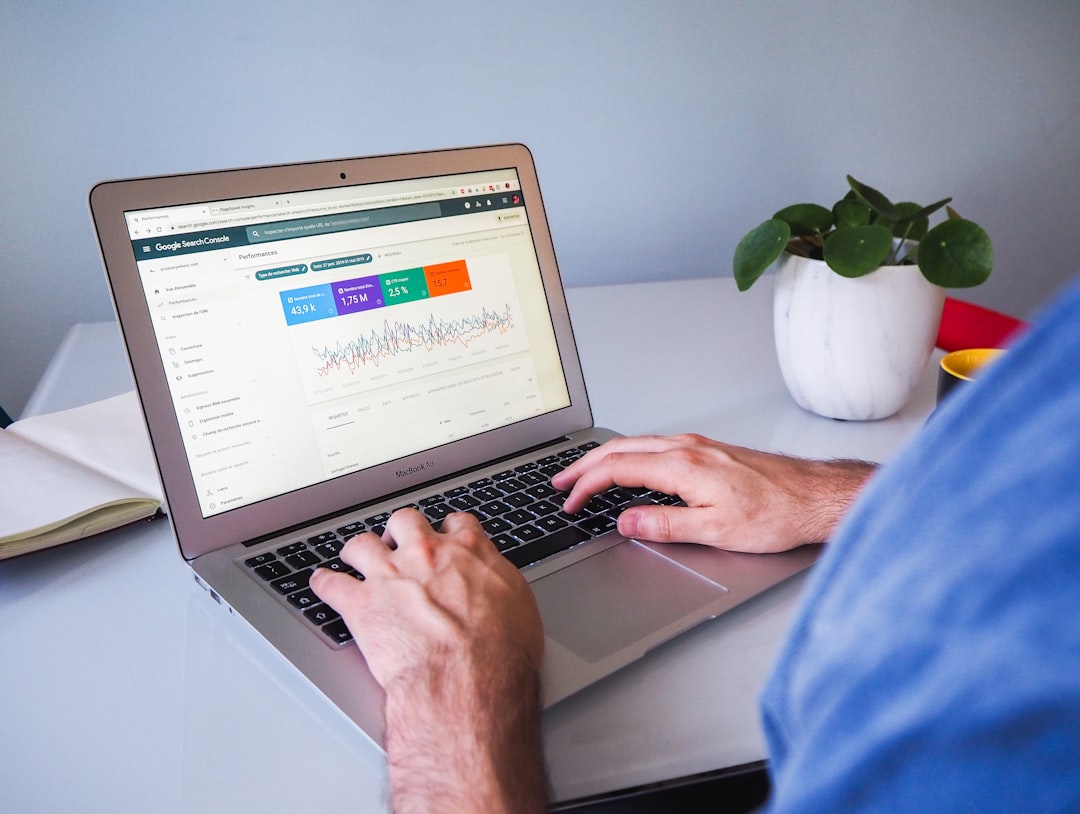
Page titles and headings are some of the clearest relevance signals you control. Google recommends descriptive, concise title text and advises against keyword stuffing and repetitive boilerplate. It also recommends descriptive anchor text and unique descriptions that accurately summarize each page.
That means your title should tell both Google and the reader what the page is actually about. Your H1 should match the page topic clearly, and your H2s should break the topic into logical sections instead of repeating slight keyword variations.
| Weak title | Stronger title |
|---|---|
| SEO Tips | WordPress SEO Tips for Beginners |
| Home | WordPress SEO Services for Small Businesses |
| Blog Post | How to Improve WordPress SEO Without More Plugins |
If you are unsure where to begin, fix titles on the pages that already matter most. Start with pages already getting impressions in search, then improve lower-value pages later.
Match one main topic to each page
Beginner SEO gets easier when each page has one primary job. A homepage targets your broad business theme. Service pages target buying or comparison intent. Blog posts answer narrower questions and support the pages that drive leads or sales.
Problems start when multiple pages chase the same phrase with slightly different wording. Instead of creating thin near-duplicates, build one stronger page and support it with related posts. This is usually how you reduce confusion for both users and search engines.
Use internal links to show page priority
Internal links are one of the most practical beginner wins in WordPress SEO. Google recommends crawlable links with descriptive anchor text. Good internal links help search engines discover your pages, understand relationships between them, and see which pages deserve more attention.
Link broad blog posts to more specific service or category pages. Link related articles to each other when the next step is obvious. For example, a beginner learning the basics may also need a WordPress SEO setup checklist or a simple WordPress SEO audit process once the first round of changes is done.
Keep technical SEO simple at first
Beginners do not need to master every advanced SEO setting on day one. They need a stable technical baseline: a submitted sitemap, clean canonical output, reasonable archive rules, and pages that load well enough to be usable. That is enough to create traction before moving into advanced tuning.
Do not let schema, redirect rules, or plugin modules become distractions before the basics are stable. Support layers matter, but they work best after your crawlability, page targeting, and internal linking are already in better shape.
What beginners should do first
The fastest beginner plan is short and practical. Use one plugin. Check indexation. Improve page titles and headings. Consolidate overlapping pages. Add internal links to your important pages. Then review performance before making more changes.
| Priority | What to do |
|---|---|
| 1 | Confirm important pages are crawlable and indexable |
| 2 | Remove overlapping SEO plugins and simplify settings |
| 3 | Rewrite weak titles and headings on core pages |
| 4 | Add descriptive internal links to key pages |
| 5 | Consolidate thin or overlapping content |
If you are experiencing these symptoms, our team at WordPress SEO Expert can help. A focused review usually makes it clear whether the real problem is indexing, duplication, weak targeting, or plugin clutter.
When beginner SEO stops being beginner SEO
If your site has faceted navigation, WooCommerce filter URLs, migration problems, or large archive sections, the work becomes more technical. That does not mean the site is broken. It usually means the next gains come from diagnosis and prioritization, not from publishing more pages or installing another plugin.
WordPress SEO Expert can help you sort out what to fix first without turning the process into a bigger mess. Book a free SEO consultation. No pitch, no pressure. Just an honest look at what your site actually needs and whether your current setup is part of the solution or part of the problem.
Contact WordPress SEO Expert today to schedule a consultation if you want a practical plan for improving beginner WordPress SEO without wasting time on scattered advice.

















