
Better rankings usually come from better sequencing, not more tools. If you are new to SEO on WordPress, the goal is not to chase every tip at once. The goal is to fix the few issues that help search engines crawl, understand, and trust your most important pages first.
A green light in an SEO plugin does not mean the page deserves to rank. Most beginners do not need a complicated stack. They need one clear checklist, one well-configured SEO plugin, and a practical order of operations they can follow without second-guessing every setting.
If you want a broader foundation before working through this checklist, start with our practical guide for DIY WordPress site owners. If your setup already feels messy, our post on how to fix WordPress SEO setup problems can help you spot conflicts early.
What should beginners fix first?
Beginners should fix visibility blockers before polishing details. That means checking whether search engines can access the right pages, whether titles and headings are clear, and whether your site structure points users and Google toward the pages that matter most.
Google recommends clear title text, unique page descriptions when possible, crawlable links, and structured data that reflects visible page content. Those basics matter more than chasing a perfect plugin score or enabling every feature in your dashboard.
Your WordPress SEO checklist
This checklist works best when you follow it in order. Fix the issues that block visibility before the issues that polish visibility.
1. Use one SEO plugin
One well-configured SEO plugin is enough. Running overlapping plugins often creates duplicate metadata, conflicting canonicals, and competing sitemap outputs. If you have more than one plugin managing titles, schema, or XML sitemaps, simplify before you do anything else.
2. Check search engine visibility settings
Make sure your site is not discouraging search engines from indexing it. In WordPress, this is usually under Settings and Reading. A single checkbox can quietly block visibility, especially on sites that were rebuilt, staged, or recently launched.
3. Submit your XML sitemap
Your sitemap helps search engines discover your key URLs more efficiently. Most SEO plugins generate one automatically. Add it to Google Search Console so you can monitor indexing issues instead of guessing which pages are being found.
4. Write clear title tags

Title tags are one of the strongest on-page signals you control. Google recommends descriptive, concise titles and warns against keyword stuffing or repetitive boilerplate. Each important page should have a title that clearly describes what the page is about.
| Weak title | Stronger title |
|---|---|
| SEO Services | SEO Company | SEO Expert | WordPress SEO Services for Small Businesses |
| Blog | WordPress SEO Tips for Beginners |
| Home | WordPress SEO Consultant for Growing Sites |
5. Add helpful meta descriptions
Meta descriptions do not guarantee rankings, but they can improve how your page is summarized in search results. Google may use your meta description when it gives a more accurate summary of the page. Write unique descriptions for your most important pages instead of reusing the same generic line everywhere.
6. Keep one clear H1 on each page
Each page should have one main heading that explains the topic. Then use H2s and H3s in a logical order underneath it. This helps users scan the page and helps search engines understand how the information is organized.
7. Improve internal links
Internal links are one of the easiest beginner wins. Google advises using crawlable HTML links and descriptive anchor text. Link related posts and pages together naturally so visitors can keep moving and search engines can understand which pages support each other.
If you are unsure how to prioritize this, review our advice on fixing WordPress SEO setup problems and connect your most useful blog posts to your core service pages. Important pages should not depend only on the navigation menu or sitemap for discovery.
8. Noindex thin archive pages when needed
Not every archive page deserves to rank. Single-author blogs often do not need author archives indexed, and thin tag archives can create duplication. The goal is not to index every possible URL. The goal is to keep attention on pages with real value.
9. Remove or fix duplicate pages
Beginners often create overlap without realizing it. Similar service pages, tag archives, attachment pages, and outdated drafts can send mixed signals. If two pages target the same topic and intent, one stronger page is usually better than two weak ones.
10. Speed up the pages that matter most
Site speed matters most when slow pages frustrate visitors and make the site harder to use. You do not need a perfect score. The goal is a site that loads cleanly, is easy to use, and gives your best pages a fair chance to perform.
Start with image compression, caching, and plugin cleanup. Test your homepage, a service page, and a blog post separately because different templates often behave differently.
11. Add schema carefully
Schema can help search engines understand a page, but it is not a shortcut. Google’s documentation says structured data should match the visible content on the page and should not be misleading. Keep the markup accurate and limited to what is actually present.
12. Review Search Console every month
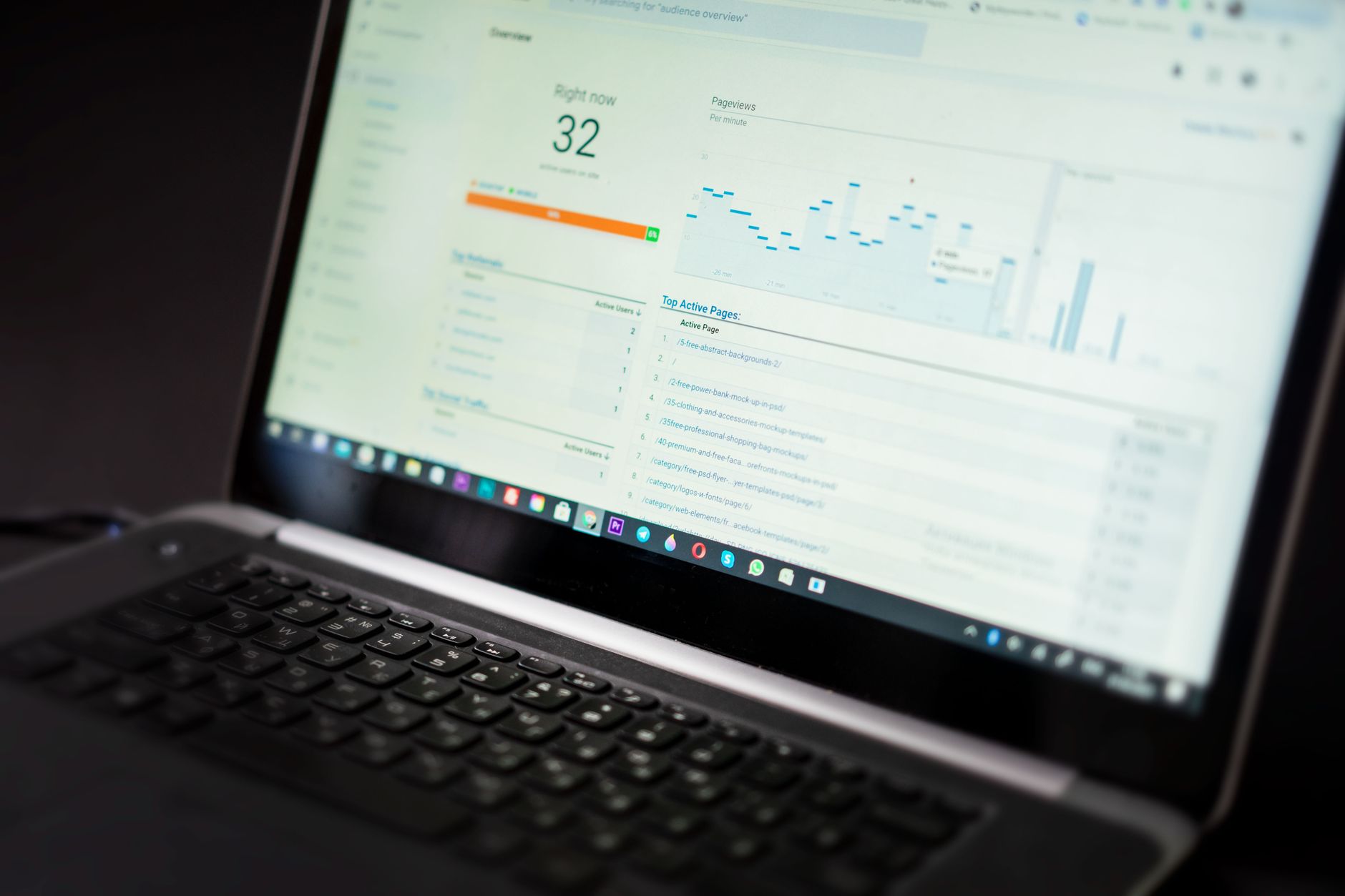
Search Console shows you what Google is actually seeing. Check which pages are indexed, which queries generate impressions, and where your strongest opportunities sit. Beginners often skip this and rely only on plugin feedback, which is far less useful than real search data.
A simple beginner priority order
If you feel overwhelmed, reduce the checklist to a sequence. Start with access and indexing, then move to page clarity, then improve structure and performance. That order prevents wasted effort.
| Priority | What to do | Why it comes first |
|---|---|---|
| 1 | Check visibility settings and sitemap | Pages cannot rank if search engines cannot find or index them |
| 2 | Clean up plugin conflicts | Conflicting metadata can affect the entire site |
| 3 | Fix titles, headings, and page targeting | These clarify what each page should rank for |
| 4 | Strengthen internal links | This improves discovery and topic relationships |
| 5 | Improve speed and polish schema | These support performance after the basics are stable |
What beginners should stop doing
Most beginners do not need more SEO features. They need fewer distractions. Stop installing overlapping plugins, stop rewriting pages just to satisfy plugin scoring systems, and stop publishing thin posts that target tiny keyword variations with no clear purpose.
If your rankings are flat and you are not sure whether the real problem is indexing, duplication, weak targeting, or plugin clutter, WordPress SEO Expert can help. A short review often reveals whether your issue is technical, structural, or simply a matter of better prioritization.
When to get help
This checklist is enough to improve many WordPress sites, but some problems are harder to spot from inside the dashboard. Sites recovering from redesigns, migrations, WooCommerce complexity, or years of plugin buildup often need a deeper review before more content work makes sense.
Book a free SEO consultation with WordPress SEO Expert. No pitch, no pressure. Just an honest look at what your site actually needs and whether your current setup is part of the solution or part of the problem.
Contact WordPress SEO Expert today to schedule a consultation if you want a practical roadmap for better rankings without adding more confusion to your setup.

















