
Flat rankings usually come from a scattered plan, not one missing plugin or one line of code. If you have already installed an SEO plugin, written blog posts, and still are not seeing traction, the problem is usually prioritization. You do not need to code your way out of that. You need a cleaner order of operations.
Most site owners do not have one catastrophic SEO problem. They have a stack of smaller issues that compound over time: weak titles, thin internal links, messy archives, duplicate plugin features, and important pages that are hard for search engines to understand. A green light in an SEO plugin does not mean the page deserves to rank.
This tutorial walks through the highest-impact WordPress SEO improvements you can make without touching code. If you want a broader foundation first, review our practical WordPress SEO guide for DIY site owners and our walkthrough on how to fix WordPress SEO setup problems.
Start With the Pages That Matter Most
The fastest SEO wins usually come from improving a small set of important pages, not from trying to optimize everything at once. Start with your homepage, main service pages, top product or category pages, and any blog posts that already get impressions.
This matters because search engines rely on clear page signals. Google recommends using words people would use to find your content in prominent places like the title, main heading, and link text, and it emphasizes helpful, people-first content over pages built to manipulate rankings. That means your first job is clarity, not feature chasing.
Use One SEO Plugin, Not Several
One well-configured SEO plugin is enough. Running overlapping plugins often creates duplicate metadata, conflicting canonicals, and competing sitemap outputs that make your setup harder to trust and harder to troubleshoot.
If you have Yoast, Rank Math, or another major SEO plugin active, keep one and remove overlapping SEO features from the others. The goal is not more settings. The goal is one clean source of truth for titles, meta descriptions, canonicals, schema defaults, and sitemaps.
Fix Your Title Tags Before Anything Else
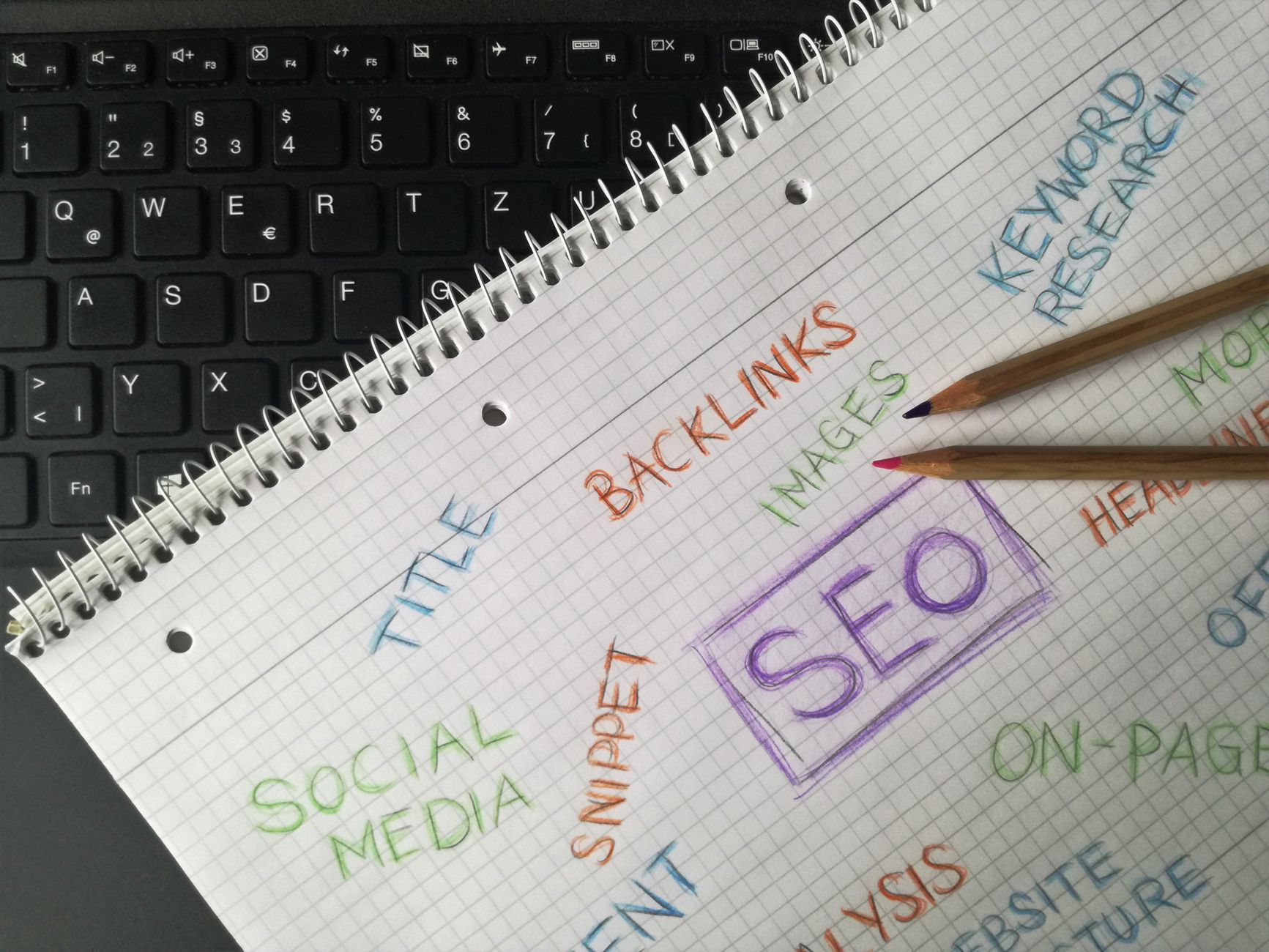
Title tags are one of the strongest on-page signals you control, and they do not require coding to improve. Google recommends descriptive, concise titles and explicitly warns against keyword stuffing and repetitive boilerplate.
Inside your SEO plugin, rewrite the title tag for each important page so it is specific to that page. Avoid vague labels like Home, Services, or Blog. Also avoid stuffing several versions of the same keyword into one title. A tighter title usually sends a cleaner signal and earns better clicks.
| Weak title | Stronger title |
|---|---|
| SEO Services | SEO Company | SEO Expert | WordPress SEO Services for Small Businesses |
| Blog | WordPress SEO Tips for Service Businesses |
| Home | WordPress SEO Consultant for Growing Websites |
If your rankings are flat and your core pages still use generic titles, fix those first. This is usually a better use of time than tweaking schema settings or chasing perfect plugin scores.
Write Better Meta Descriptions
Meta descriptions do not need code changes either, and while they are not the main ranking lever, they can improve how your page is summarized in search. Google says it may use the meta description when it gives users a more accurate page summary, and it recommends unique descriptions for each page.
Write a short description for each important page that explains what the visitor will get. Keep it specific. Promise a clear benefit. Do not duplicate the same description across the whole site.
Clean Up Headings on the Page
Your heading structure helps search engines and users understand what the page actually covers. You do not need code for this. You can edit headings directly in the WordPress block editor or page builder.
Use one clear H1 for the page topic, then use H2s for major sections and H3s for subpoints. Keep headings descriptive rather than clever. If a heading does not help someone scan the page and understand the next section, rewrite it.
Improve Internal Links With Descriptive Anchor Text

Internal linking is one of the most underused WordPress SEO improvements, and it requires no coding at all. Google recommends crawlable HTML links and descriptive anchor text because links help it discover pages and understand how your content connects.
Go through older blog posts and add links to your important service or category pages where they fit naturally. Then connect related posts to each other using descriptive phrases, not empty anchors like click here or read more. If you want a stronger baseline before adding links, our WordPress SEO guide for DIY site owners explains how internal structure supports rankings over time.
Every important page should be reachable from other crawlable pages on your site. If a page only exists in your sitemap and nowhere else, it is under-supported.
Noindex Thin Archives You Do Not Need
Archive cleanup is one of the easiest no-code fixes on WordPress because most SEO plugins let you control it with simple settings. If you have thin tag pages, date archives, or author archives that add little value, they can dilute your site structure and create duplication.
For many small sites, it makes sense to noindex thin archives and keep search engines focused on the pages that actually matter. This is especially helpful on single-author sites where author archives often repeat the main blog listing.
Simplify URLs and Navigation

Clear URLs and clear navigation help both users and search engines understand your site. You do not need a developer to fix every issue here, but you do need consistency.
Keep permalinks readable, use descriptive menu labels, and avoid burying important pages deep inside dropdowns with no supporting links in the page content. When possible, link to key pages from both navigation and relevant body copy so they are easier to discover.
Improve Image SEO and Page Speed the Easy Way
Page speed improvements do not have to start with code changes. The easiest wins usually come from image compression, caching, and plugin cleanup. The goal is not a perfect score. The goal is a site that loads cleanly, feels stable, and does not frustrate visitors.
Before uploading new images, resize them appropriately and add descriptive alt text. Then use one caching plugin and remove plugins you no longer need. Many WordPress sites are slowed down more by plugin clutter and oversized images than by anything custom in the codebase.
Refresh Existing Content Before Publishing More
If traffic is flat, publishing more content is not always the answer. Refreshing existing pages often produces a better return because those pages may already have impressions, links, or topical relevance that new pages do not have yet.
Update weak introductions, improve headings, tighten title tags, add internal links, and remove overlap between similar posts. Fix the issues that block visibility before the issues that polish visibility. If two articles target nearly the same search intent, combining them into one stronger page is often better than keeping both.
If you are experiencing these symptoms, our team at WordPress SEO Expert can help. We can tell you whether the real issue is indexing, duplication, weak targeting, or a setup problem that is quietly holding the site back.
A Simple No-Code SEO Order of Operations
The right sequence matters more than the length of your checklist. Work from visibility blockers to visibility polish so your effort compounds instead of scattering across low-impact tasks.
| Priority | What to do | Why it comes first |
|---|---|---|
| 1 | Check indexing and sitemap settings | Pages cannot rank if search engines cannot find or index them |
| 2 | Keep one SEO plugin | Reduces conflicts in metadata, canonicals, and sitemaps |
| 3 | Rewrite titles for core pages | Improves topical clarity and click potential |
| 4 | Improve headings and content structure | Makes pages easier to understand and scan |
| 5 | Add internal links | Strengthens discovery, hierarchy, and relevance |
| 6 | Noindex thin archives | Reduces duplication and keeps focus on useful pages |
| 7 | Compress images and simplify plugins | Improves load time without a rebuild |
When DIY Stops Being Efficient
Some WordPress SEO problems look simple on the surface but turn out to be a mix of indexing issues, template problems, and weak page targeting. If you have been making changes for months and rankings are still flat, the problem is usually not effort. It is that the wrong issues are getting attention first.
WordPress SEO Expert can help you sort out what actually needs to be fixed and what can be ignored. Book a free SEO consultation. No pitch, no pressure. Just an honest look at what your site actually needs and whether your current setup is part of the solution or part of the problem.
Contact WordPress SEO Expert today to schedule a consultation if you want a practical plan for improving WordPress SEO without coding and without adding more clutter to your site.

















