
WordPress SEO fundamentals are less about collecting tools and more about using a small number of tools in the right order. If rankings are flat, the issue is usually prioritization, not effort. A green light in an SEO plugin does not mean the page deserves to rank, and a crowded plugin stack often creates more noise than progress.
The core work is simple to describe even if it takes discipline to execute: make sure search engines can crawl and index the right pages, write clearer titles and headings, strengthen internal links, and keep your setup clean. If you need a broader starting point first, review our practical WordPress SEO guide for DIY site owners before changing multiple settings at once.
What are the core WordPress SEO fundamentals?
The fundamentals are crawlability, indexation, page targeting, internal linking, and performance. Most site owners do not have one catastrophic problem. They have a stack of smaller issues that compound over time, which is why scattered fixes rarely move rankings for long.
Start with the pages that matter most: your home page, core service pages, top category pages, and posts already earning impressions. Google recommends clear, concise titles, unique page descriptions, crawlable links, and structured data that matches visible content. That means your setup should help search engines understand the page, not bury the signal under repetitive templates or conflicting plugin output.
Which SEO tools actually help on WordPress?
The best toolset is usually smaller than people expect. One SEO plugin, one caching tool, Google Search Console, and a way to compress images will cover most of the work on a typical WordPress site. More tools do not automatically create better SEO. In many cases, they create duplicate metadata, conflicting canonicals, and extra troubleshooting.
Google Search Console is the most useful diagnostic tool because it shows which queries already generate impressions, which pages are indexed, and where problems appear. Your SEO plugin manages titles, meta descriptions, canonicals, and sitemaps. A caching plugin and image optimization tool support page speed. If your current setup feels messy, our guide to fixing WordPress SEO setup problems will help you simplify before you add anything new.
A simple WordPress SEO tool stack
| Need | What the tool should do |
|---|---|
| SEO plugin | Control titles, meta descriptions, canonicals, schema defaults, and XML sitemaps |
| Search Console | Show indexing status, impressions, clicks, and query/page performance |
| Caching | Reduce load time and improve repeat performance on key templates |
| Image optimization | Compress large images and serve lighter formats where supported |
| Redirect management | Handle changed URLs after content updates, redesigns, or migrations |
How should you prioritize WordPress SEO work?
Fix the issues that block visibility before the issues that polish visibility. That means crawl and indexation problems come before copy tweaks, and title clarity comes before advanced schema experiments. This order prevents you from spending hours polishing pages that search engines are not processing correctly in the first place.
A practical sequence looks like this: confirm the right pages are indexable, remove plugin conflicts, clean up duplicate URLs, improve titles and headings, then strengthen internal linking. Performance improvements matter too, but they work best when the site architecture and page targeting are already clear. If you are experiencing these symptoms, our team at WordPress SEO Expert can help.
| Priority | Why it comes first |
|---|---|
| Indexing and crawl access | Pages cannot rank if search engines cannot reach or index them |
| Plugin and canonical cleanup | Conflicting signals can affect the whole site, not just one page |
| Titles and headings | They improve topical clarity and help search engines understand intent |
| Internal links | They support discovery, context, and page hierarchy |
| Speed and polish | They improve experience after the core signals are stable |
What techniques matter most for on-page SEO?
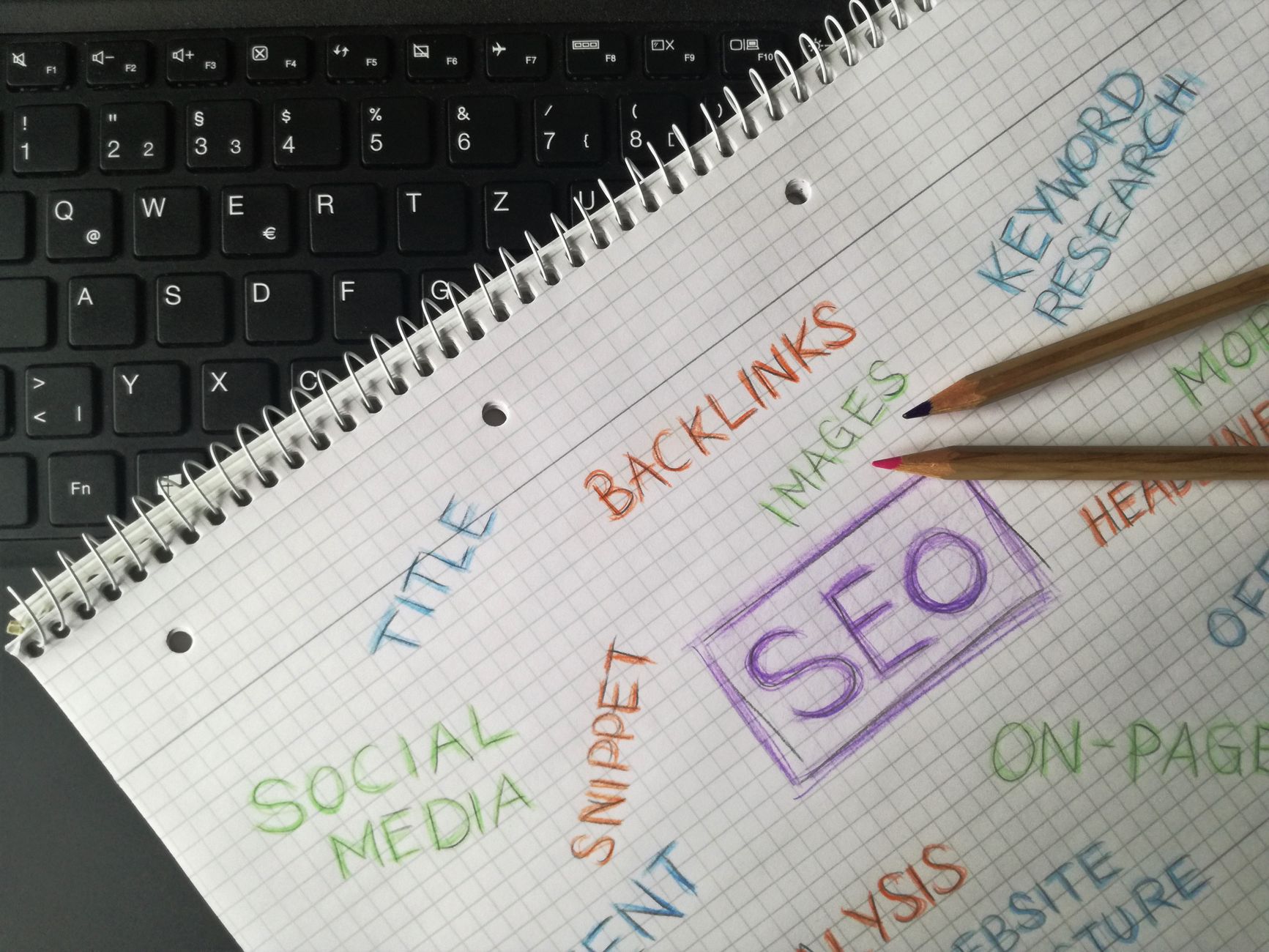
The most important on-page techniques are writing specific title tags, using one clear H1, organizing sections with logical H2s and H3s, and linking related pages with descriptive anchor text. These are durable basics. They help both users and search engines understand what each page is trying to do.
Google advises site owners to write descriptive, concise title text and avoid keyword stuffing or repetitive boilerplate. Google also recommends using crawlable HTML links with relevant, descriptive anchor text and creating unique descriptions that accurately describe each page. Those principles are straightforward, but many WordPress sites dilute them with generic templates and weak internal links.
Weak vs stronger title examples
| Weak title | Stronger title |
|---|---|
| SEO Services | SEO Company | SEO Expert | WordPress SEO Services for Small Businesses |
| Blog | WordPress SEO Tips for Service Businesses |
| Home | WordPress SEO Consultant for Growing Sites |
The stronger versions tell the reader what the page is actually about. They also reduce the temptation to chase every keyword variation in one field. If title work is one of your weak spots, we recommend reviewing your most important pages first instead of editing every archive and low-value page.
What technical SEO techniques matter most on WordPress?
The technical essentials are straightforward: make sure important pages are indexable, submit a clean sitemap, avoid duplicate SEO plugin output, and keep internal links crawlable. Structured data can help, but only when it matches the visible content on the page. Technical SEO works best as clarity, not complexity.
WordPress makes it easy to publish content, but it can also create archive pages, attachment pages, and duplicate paths that do not deserve equal attention. One well-configured SEO plugin is enough. Running overlapping plugins often creates duplicate metadata, conflicting canonicals, and competing sitemap outputs. You do not need a perfect score. The goal is a site that loads cleanly, is easy to use, and sends consistent signals about which pages matter most.
When should you ask for professional help?
You should ask for help when rankings are flat and you are not sure whether the real problem is indexing, duplication, weak targeting, or plugin clutter. That uncertainty is usually the signal. The longer a messy setup stays in place, the harder it becomes to tell which issue is suppressing performance most.
WordPress SEO Expert can help you sort the technical problems from the content problems before you change anything major. Book a free SEO consultation. No pitch, no pressure. Just an honest look at what your site actually needs and whether your current setup is part of the solution or part of the problem.
A practical takeaway
WordPress SEO fundamentals do not require a huge toolkit or a perfect plugin score. They require a clean setup, a clear order of operations, and consistent signals across the pages that matter most. If you focus on crawlability, targeting, internal links, and a simpler tool stack, you will usually make better progress than chasing every feature your plugins expose.
Contact WordPress SEO Expert today to schedule a consultation if you want a practical plan for cleaning up your WordPress SEO without overcomplicating it.

















