

WordPress SEO fundamentals affect SEO by shaping whether search engines can crawl your pages, understand what each page is about, and trust your site structure enough to rank the right URLs. When rankings stay flat, the issue is usually not effort. It is usually a weak foundation, scattered priorities, or settings that send mixed signals.
That is why the basics matter more than most site owners expect. A green light in an SEO plugin does not mean the page deserves to rank. Clean titles, crawlable links, focused page intent, and a simple plugin setup usually do more for visibility than adding another feature or publishing another rushed post.
What WordPress SEO fundamentals actually include
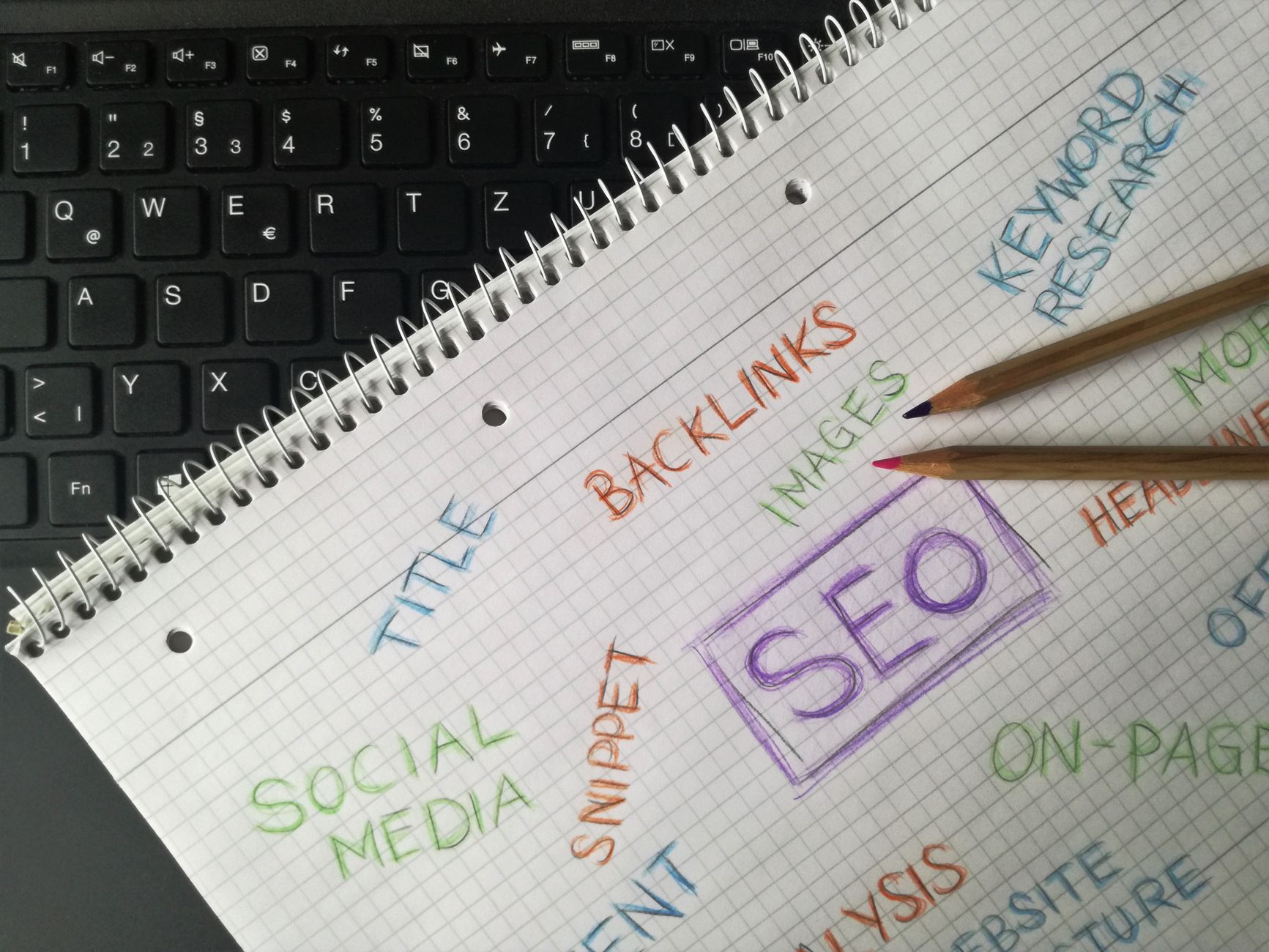
WordPress SEO fundamentals are the core settings and page elements that help search engines discover, index, and interpret your content correctly. These basics include title tags, headings, internal links, permalink structure, indexing controls, site speed, image optimization, and plugin configuration.
Google recommends descriptive, concise titles and warns against keyword stuffing and repetitive boilerplate in title elements. It also recommends crawlable HTML links with descriptive anchor text so search engines can find and understand connected pages. Those principles are simple, but they shape nearly every meaningful WordPress SEO decision site owners make. Google title guidance and Google link guidance make that clear.
If you want the broader baseline first, our WordPress SEO practical guide for DIY site owners explains how these layers connect before you start changing settings.
Why the fundamentals affect rankings so much
The fundamentals affect rankings because they influence crawl access, topical clarity, and site structure all at once. If those three layers are weak, stronger content and better design often cannot carry the page far enough to compete.
Search engines need to reach the page, interpret its main topic, and understand how it fits into the rest of your site. Google’s SEO documentation emphasizes descriptive titles, useful headings, and words people actually use in prominent page elements. It also stresses crawlable links as a way to help Google discover more of your content. In practical terms, WordPress SEO fundamentals affect SEO because they control how clearly your site communicates relevance. Google’s SEO Starter Guide and Google Search Essentials both support that direction.
The biggest fundamentals that move performance
The biggest fundamentals are usually indexing, titles, internal links, content targeting, and technical simplicity. Most site owners do not have one catastrophic problem. They have a stack of smaller issues that compound over time.
1. Indexing and crawl access
If important pages are blocked, buried, or accidentally set to noindex, they will struggle no matter how well written they are. This is why indexing checks come before title tweaks, schema cleanup, or content expansion.
WordPress sites often run into thin archives, attachment pages, or plugin-created URL variations that distract crawlers from the pages that matter most. Fix the issues that block visibility before the issues that polish visibility. If your setup feels messy, our post on how to fix WordPress SEO setup problems walks through the order clearly.
2. Titles and headings
Titles and headings affect SEO because they help define page focus. Weak titles create weak relevance signals, while generic headings make it harder for search engines and users to confirm they landed on the right page.
Google advises site owners to write unique, descriptive, concise titles and avoid stuffing repeated terms into the title element. That matters on WordPress because template settings can quietly generate boilerplate across large parts of the site. Google’s title documentation is especially useful here.
| Weak title | Stronger title |
|---|---|
| SEO Services | SEO Company | SEO Expert | WordPress SEO Services for Small Businesses |
| Blog | WordPress SEO Tips for Service Businesses |
| Home | WordPress SEO Consultant for Small Business Sites |
3. Internal links and site structure

Internal links affect SEO because they help search engines discover pages and understand which pages matter most. They also help reinforce topical relationships across services, guides, and supporting content.
Google says links should be crawlable and use descriptive anchor text. On WordPress sites, that usually means contextual links inside the body matter more than many owners realize. A page linked only from a menu or sitemap is often under-supported. Google’s link best practices explain why.
If you are experiencing these symptoms, our team at WordPress SEO Expert can help. We look for pages that are technically live but strategically isolated, then connect them with a cleaner internal linking structure.
4. Plugin configuration and technical simplicity
Plugin setup affects SEO because overlapping tools can create duplicate metadata, conflicting canonicals, and competing sitemap outputs. More SEO plugins rarely mean better SEO. They usually mean more ways to send inconsistent signals.
One well-configured SEO plugin is enough. Running overlapping plugins often creates duplicate metadata, conflicting canonicals, and competing sitemap outputs. WordPress gives site owners flexibility, but that flexibility makes misconfiguration easier. Simplicity is often the stronger technical choice.
5. Content targeting and page intent
Fundamentals also affect SEO through content targeting. When one page tries to rank for everything, or several pages chase the same intent, search engines get mixed signals about which URL deserves visibility.
Google’s guidance emphasizes using the words people search for in prominent locations such as the title and main heading. That does not mean stuffing variations into every field. It means building one page around one main purpose, then supporting it with useful detail and internal links. Google Search Essentials reinforces that approach.
What WordPress site owners often get wrong
The most common mistake is treating WordPress SEO as a plugin checklist instead of a site-wide system. Site owners change meta boxes, chase scores, and publish more pages without fixing the signals that shape visibility in the first place.
That usually leads to familiar problems: generic title templates, thin archive pages, weak internal links, duplicate URL versions, and content that overlaps instead of supporting a clear structure. You do not need a perfect score. The goal is a site that loads cleanly, is easy to use, and sends consistent signals about which pages matter most.
A simple order for fixing the fundamentals
The best order is to fix the fundamentals that control visibility first, then improve the elements that refine relevance and clicks. This helps you stop spending time on low-impact polishing while bigger structural issues are still holding the site back.
| Priority | What to fix first | Why it matters |
|---|---|---|
| 1 | Indexing and crawl access | Pages cannot rank if search engines cannot reach or index them |
| 2 | Plugin conflicts and canonical issues | Conflicting signals weaken clarity across the site |
| 3 | Titles, headings, and page focus | Improves relevance and topical targeting |
| 4 | Internal linking | Strengthens discovery, hierarchy, and context |
| 5 | Meta descriptions and refinements | Supports cleaner snippets and better click potential |
The practical takeaway
WordPress SEO fundamentals affect SEO because they determine whether your site is understandable, crawlable, and properly prioritized. When those basics are weak, advanced tactics rarely perform the way site owners expect.
If your rankings are flat and you are not sure whether the real problem is indexing, duplication, weak targeting, or plugin clutter, WordPress SEO Expert can help. Book a free SEO consultation. No pitch, no pressure. Just an honest look at what your site actually needs and whether your current setup is part of the solution or part of the problem.
Contact WordPress SEO Expert today to schedule a consultation if you want a practical roadmap instead of another generic checklist.

















