

Low rankings usually come from a scattered plan, not one missing plugin. A reliable WordPress Google SEO workflow starts by making sure Google can crawl the right pages, understand what each page is about, and follow clear internal links before you spend time chasing plugin scores or publishing more content.
This workflow is built for WordPress site owners who want a practical order of operations. The goal is not to make every plugin light turn green. The goal is to fix the issues that block visibility before the issues that polish visibility, then keep the process simple enough to repeat every month.
What a WordPress Google SEO workflow should do first
Start with crawlability and indexability. If Google cannot reach your important pages, or if WordPress settings, plugins, or duplicate URLs send mixed signals, title tags and content tweaks will not do much until that foundation is fixed.
Check whether your main service pages, category pages, and priority blog posts are indexable, linked from other crawlable pages, and included in your sitemap when they should be. Google’s own guidance emphasizes crawlable links and descriptive anchor text, which is why your site structure and internal linking matter early in the workflow, not as an afterthought. For a broader baseline, review our WordPress SEO best practices.
Step 1: Use one SEO plugin and configure the essentials

One well-configured SEO plugin is enough. Running overlapping plugins often creates duplicate metadata, conflicting canonicals, and competing sitemap outputs that make troubleshooting harder than it needs to be.
Pick one primary plugin and set the basics first: title templates, meta description templates, XML sitemaps, social defaults, and archive indexing rules. A green light in an SEO plugin does not mean the page deserves to rank. It only means the plugin agrees with its own checklist. If you are comparing tools before setting up your workflow, our Yoast SEO vs Rank Math comparison can help you choose without stacking plugins.
Step 2: Confirm Google can crawl and index the right pages
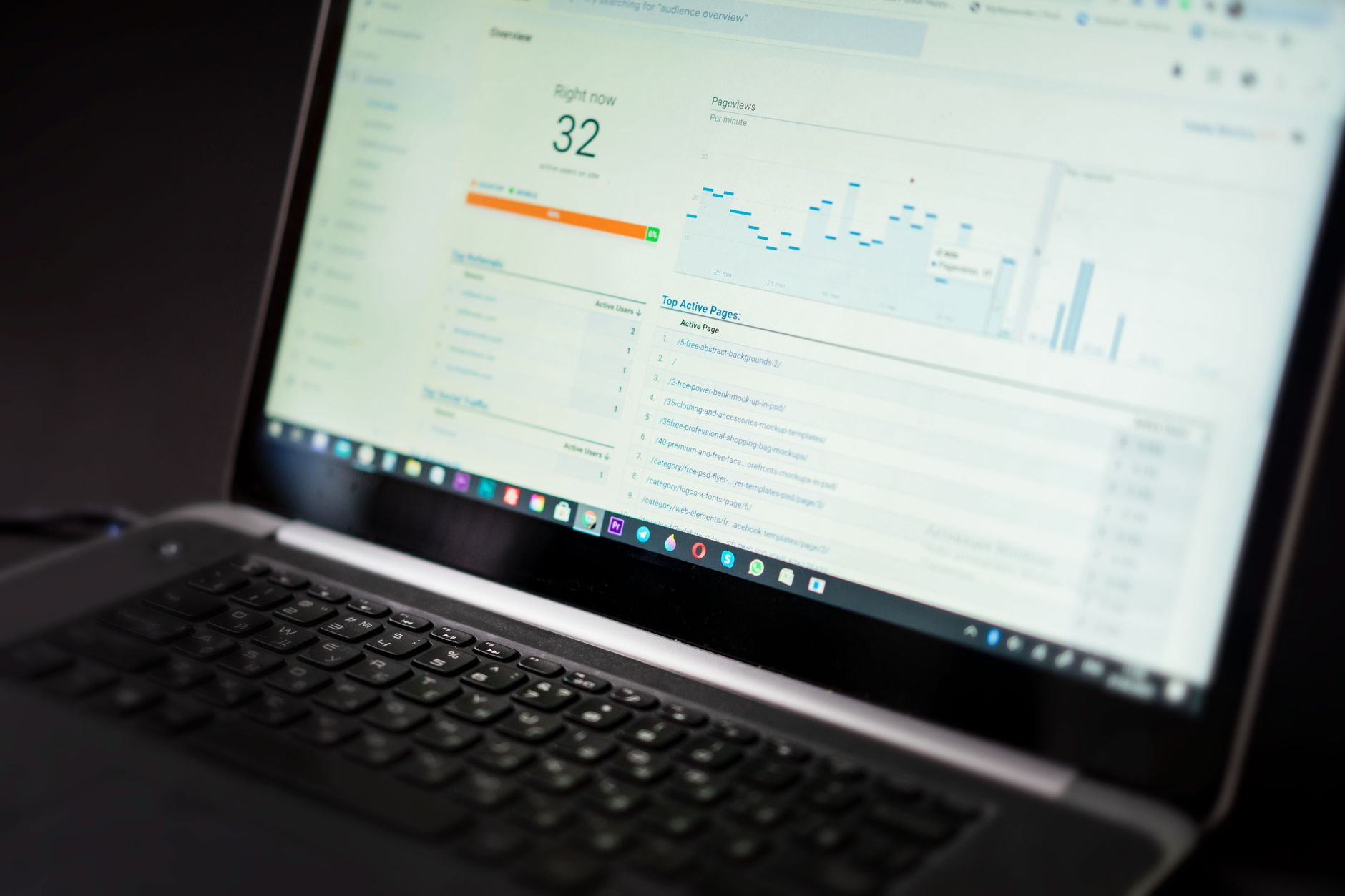
Before editing copy, confirm that your important URLs are allowed to be indexed and are not diluted by avoidable duplicates. Most WordPress SEO problems are not dramatic. They are a stack of smaller technical issues that quietly compound over time.
Look for accidental noindex settings, thin archives, attachment pages, parameter URLs, and inconsistent canonicals. Keep a short list of pages that matter most to revenue or leads, then verify that those pages are the versions you link to internally. If you run WooCommerce, this step matters even more because category filters and variations can multiply low-value URLs quickly.
Step 3: Build titles around page intent, not plugin scores
Your next priority is title quality. Google recommends descriptive, concise title text and warns against keyword stuffing and repetitive boilerplate, so each important page should have a title that clearly matches the page’s actual purpose.
Do not write titles to satisfy a score badge. Write them to help a searcher understand what the page offers in one glance. Google also uses on-page headings and other prominent text as signals when generating title links, which means sloppy title strategy often overlaps with weak page structure.
| Weak title | Stronger title |
|---|---|
| SEO Services | SEO Company | SEO Expert | WordPress SEO Services for Small Businesses |
| Blog | WordPress Google SEO Workflow for Business Sites |
| Technical SEO | Technical SEO Workflow for WordPress Websites |
Step 4: Write meta descriptions as click support
Meta descriptions are not a ranking shortcut, but they can improve how clearly your page is summarized in search. Think of them as click support, not the center of your workflow.
Keep them specific, readable, and aligned with the page. If a page solves a practical problem, say that plainly. Avoid repeating the same template across dozens of URLs. The description should reinforce the title, not compete with it.
Step 5: Clean up URL duplication before publishing more
Fix duplicate URL patterns before you create more content. When several URLs show similar content, Google gets mixed signals about which version should rank, and your authority gets spread thinner than it should.
In WordPress, common duplication sources include tag archives, search result pages, attachment URLs, tracking parameters, and faceted navigation. Decide which version of a page is primary, use that version consistently in internal links, and redirect outdated or weak alternatives where appropriate. This usually has more impact than adding another thin article targeting a slight keyword variation.
Step 6: Add internal links with a clear job

Internal links should help Google discover pages, understand topic relationships, and see which URLs matter most. They should also help a visitor take the next logical step instead of hitting a dead end.
Link informational posts to service pages, connect related articles, and make sure your best pages are not isolated. Google’s documentation says links are easiest to crawl when they use standard HTML anchor elements with href attributes, and descriptive anchor text helps people and Google make sense of the destination. That is why the workflow should include internal linking every time you publish or update a page.
If you are not sure whether your current structure is helping or quietly hurting you, WordPress SEO Expert can help. We can review your site architecture, spot weak link paths, and show you what to fix first without turning the process into a giant strategy document.
Step 7: Match on-page structure to search intent
Once the technical basics are under control, improve the page itself. A clear H1, direct subheadings, short paragraphs, and a focused answer to the searcher’s problem usually outperform bloated pages that try to cover everything poorly.
Lead with the answer in each section. Keep each page centered on one primary need, then support it with examples, comparisons, or process steps. Do not split one topic into multiple thin pages just to chase small keyword variations. A stronger workflow usually consolidates overlap into one better page.
Step 8: Use structured data carefully
Structured data can help Google understand a page more clearly, but it is not a substitute for useful content or clean technical SEO. Use only the markup that matches what users can actually see on the page.
Google’s structured data policies say marked-up content should reflect visible page content and should not be misleading. In practical terms, that means choosing the relevant schema type and keeping it accurate instead of enabling every schema feature your plugin offers just because it is available.
Step 9: Improve speed where it affects real pages
Page speed matters when slow templates frustrate users or make your site harder to use. You do not need a perfect score. The goal is a site that loads cleanly and is easy to use on the pages that actually drive leads, sales, or important traffic.
Test your homepage, top service pages, key blog posts, and major store templates separately. Focus on oversized images, unnecessary plugins, script bloat, caching issues, and heavy page builder sections. Treat speed work as part of the workflow after visibility blockers are handled, not as a substitute for them.
A practical monthly WordPress Google SEO workflow
A good workflow is repeatable. Each month, review technical health first, then improve pages already showing search potential, then publish only when the new page fills a real gap.
| Priority | Monthly action | Why it comes here |
|---|---|---|
| 1 | Check indexing, canonicals, redirects, and sitemap health | Visibility blockers come before content polish |
| 2 | Review pages already earning impressions or tied to leads | Existing demand usually beats starting from zero |
| 3 | Improve titles, headings, internal links, and page clarity | These changes strengthen pages closest to ranking better |
| 4 | Fix template-level speed and UX problems | Usability improvements support performance and conversions |
| 5 | Publish new content only when it fills a clear gap | Prevents thin content and topic overlap |
What to stop doing
Stop treating plugin recommendations as rankings advice. Stop stacking overlapping SEO tools. Stop publishing near-duplicate posts because a keyword tool showed a slight variation. Most WordPress sites do not need more activity. They need a cleaner order of operations.
Fix the issues that block visibility before the issues that polish visibility. That one rule removes a lot of wasted effort from WordPress SEO.
The best next step
The best next step is to review your highest-value pages with this workflow and identify where Google is getting mixed signals. If rankings are flat, the problem is often not one catastrophic error. It is a stack of technical clutter, weak titles, thin internal linking, and pages that are not clearly aligned with intent.
If you want an honest diagnosis before changing settings or restructuring content, WordPress SEO Expert can help. Book a free SEO consultation. No pitch, no pressure. Just a clear look at what your site actually needs and whether your current setup is part of the solution or part of the problem.
Contact WordPress SEO Expert today to schedule a consultation and build a WordPress Google SEO workflow that is simpler, cleaner, and easier to maintain.

















