

Low rankings on an established site usually come from a scattered plan, not one missing plugin. Existing WordPress websites tend to lose momentum because older URLs, weak internal linking, thin templates, and conflicting plugin settings compound over time. The fastest path forward is to fix what blocks visibility before you publish anything new.
This guide walks through a practical SEO process for websites that are already live. It focuses on what to audit first, what to leave alone, and how to improve rankings without turning your site into a plugin experiment. If you want a broader baseline before making changes, review our WordPress SEO best practices and our comparison of Yoast SEO vs Rank Math.
Start with what Google can crawl and index

The first job is simple: make sure your important pages can be crawled, understood, and indexed cleanly. Google recommends using crawlable HTML links with descriptive anchor text and making key pages reachable from other findable pages, which makes site structure easier for both users and search engines to follow.
On an existing WordPress site, check your main service pages, product categories, top blog posts, and location pages first. Make sure they return a normal status code, are not accidentally set to noindex, and are linked from pages that already get crawled. If important URLs only live in a sitemap or only appear after several clicks, they are usually weaker than they should be.
This is also where redesign and migration damage tends to show up. Missing redirects, broken internal links, orphaned pages, and new navigation paths can quietly drag down pages that used to perform well. Most site owners do not have one catastrophic problem. They have a stack of smaller issues that compound over time.
Use one SEO plugin and configure it well
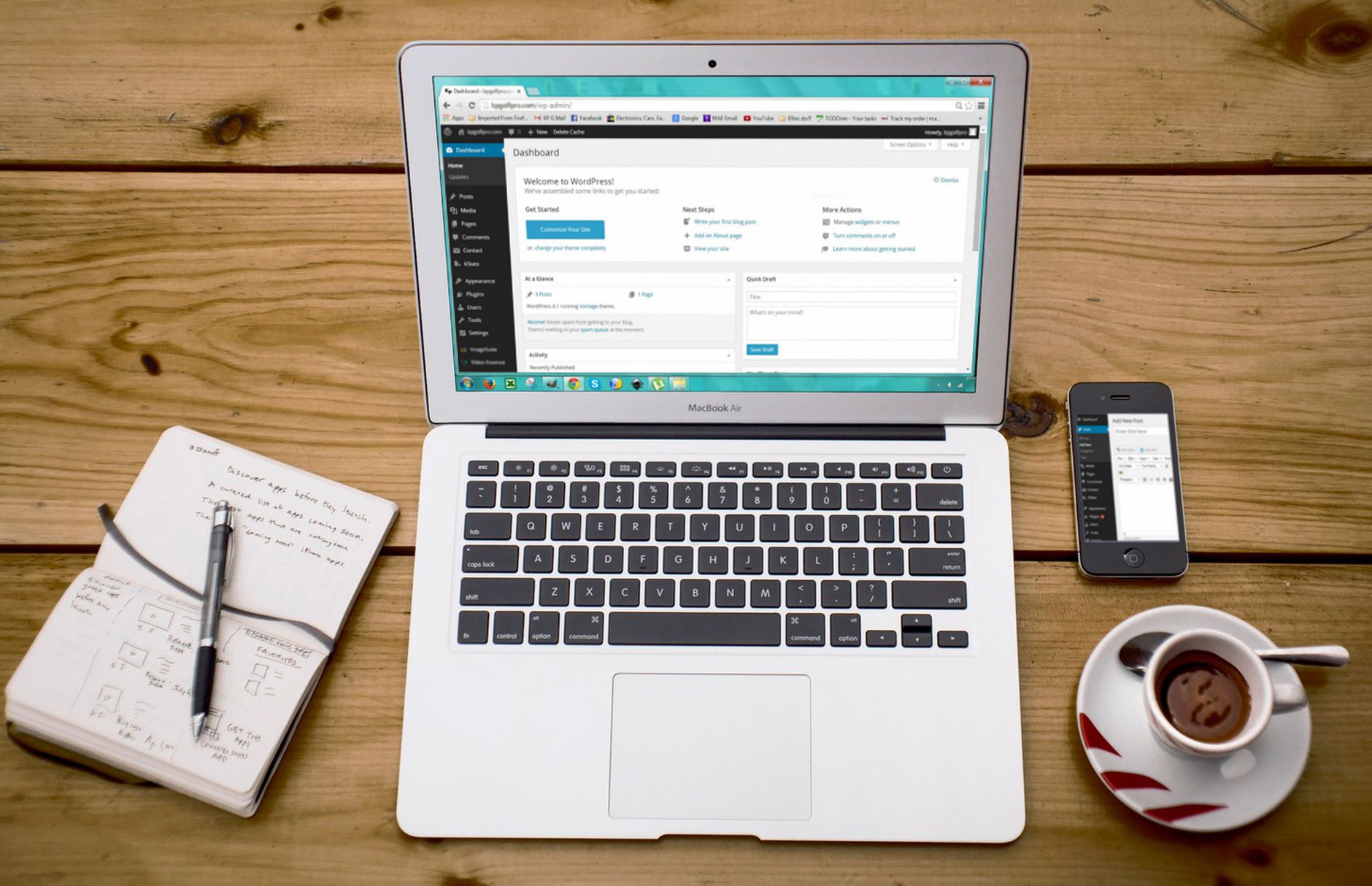
One well-configured SEO plugin is enough. Running overlapping plugins often creates duplicate metadata, conflicting canonicals, and competing sitemap outputs. That kind of clutter is especially common on older WordPress installs where settings were added over time without a clear plan.
If your existing setup works, do not change plugins just for novelty. A green light in an SEO plugin does not mean the page deserves to rank, and a plugin swap rarely fixes deeper issues by itself. Focus first on title templates, meta descriptions, indexing rules, schema defaults, and sitemap hygiene. If you are comparing options before cleaning up an older site, our Yoast SEO vs Rank Math guide can help you choose without adding unnecessary complexity.
Fix duplicate and competing URLs before adding content
Existing websites often underperform because the authority of one good page gets spread across several similar URLs. Before you publish more posts, clean up the versions that already exist. This is usually more valuable than writing another thin page aimed at a slight keyword variation.
In WordPress, duplication often comes from tag archives, attachment pages, parameter URLs, trailing slash inconsistencies, category overlap, and WooCommerce filters. Decide which URL should be the main version, link to that version internally, and redirect outdated alternatives when needed. Google also recommends a crawlable URL structure, which helps search engines process your site more efficiently.
If a page has two or three close substitutes on your site, consolidation is often the better move. Combine overlapping content, strengthen the surviving page, and redirect weaker versions. That gives one page a cleaner chance to rank instead of forcing several mediocre pages to compete with each other.
Write better titles and meta descriptions for existing pages
Older WordPress pages often have vague titles, boilerplate patterns, or titles written for plugin scores instead of search intent. Google recommends descriptive, concise title text and says meta descriptions can be used when they summarize the page well. The goal is not to stuff keywords. The goal is to make the page obviously relevant.
Review pages that already matter to your business first. That means service pages, category pages, and blog posts that already earn impressions. Improve unclear titles, remove repetitive filler, and make sure each important page has a distinct purpose. You do not need a perfect score. You need titles and descriptions that explain what the page actually offers.
| Weak title | Stronger title |
|---|---|
| SEO Services | SEO Company | SEO Expert | WordPress SEO Services for Small Businesses |
| Blog | WordPress SEO Tips for Existing Websites |
| Website Audit | WordPress SEO Audit for Existing Business Sites |
Google explains that snippets are usually generated from page content, but it may use the meta description when that description gives users a better summary of the page. That makes unique descriptions useful for high-value pages, especially when the current snippet is generic or repetitive.
Strengthen internal linking with intent

Internal links help search engines discover pages, understand topic relationships, and judge which pages matter most on your site. On existing websites, weak internal linking is often one of the clearest missed opportunities because the content already exists. You just have to connect it properly.
Start by linking supporting blog posts to service pages, connecting related articles, and checking whether important pages are isolated. Use descriptive anchors instead of vague phrases. Google’s guidance on anchor text and crawlable links supports this approach directly.
If you are updating an older article, add links to the next logical step a reader would want. If you are revising a service page, link out to the best supporting resources on your site. A stronger link structure improves both discoverability and usability, which is why we treat it as a core fix rather than a finishing touch.
If you are not sure which pages deserve more internal links or whether your current structure is quietly burying important URLs, WordPress SEO Expert can help. A short review often reveals easier wins than another round of publishing.
Improve page quality before expanding your content map
Many existing sites already have enough pages to rank better. The issue is that too many of those pages are thin, outdated, overlapping, or not clearly matched to search intent. Fix the pages closest to results before you create new ones.
Look for posts with impressions but weak clicks, service pages with generic copy, and articles that answer part of a topic without answering the whole need. Consolidate near-duplicates, refresh outdated sections, add missing examples, and tighten the page around one core intent. Helpful, people-first content is usually clearer, more specific, and easier to navigate than pages padded for length.
This is where restraint matters. Do not split one useful topic into multiple thin posts just to chase keyword variations. A stronger page with cleaner internal links usually beats several weaker pages competing against each other.
Use schema carefully and only where it matches the page
Structured data can help search engines understand a page more clearly, but it is not a shortcut around weak content or indexing problems. Google’s structured data policies say markup should reflect visible page content and should not be misleading. That makes selective, accurate schema better than dumping every option into your plugin.
For existing websites, review what your plugin is already outputting on your main templates. Make sure service pages, articles, organization details, breadcrumbs, and product pages use appropriate markup. Remove anything that does not match what users can actually see on the page. Clean markup supports clarity. Bloated markup creates noise.
Prioritize fixes in the right order
Fix the issues that block visibility before the issues that polish visibility. Most SEO frustration on existing WordPress sites comes from doing this in reverse. Owners tweak headings, chase plugin badges, and rewrite paragraphs while crawl issues, duplication, and weak page targeting remain untouched.
| Priority | What to fix first | Why it matters |
|---|---|---|
| 1 | Indexing and crawl access | Pages cannot perform if search engines cannot reach or index them properly. |
| 2 | Redirects, canonicals, and duplicate URLs | This prevents competing versions from splitting signals. |
| 3 | Title tags and page intent | Clear targeting improves relevance and click potential. |
| 4 | Internal linking | Better links strengthen discovery, hierarchy, and next-step navigation. |
| 5 | Content depth and consolidation | Stronger pages usually beat scattered thin coverage. |
| 6 | Schema and metadata cleanup | These support cleaner technical signals after the foundation is stable. |
That sequence keeps you from over-optimizing low-impact details while bigger structural issues stay unresolved. It also gives you a cleaner 90-day roadmap instead of a long document nobody executes.
What to stop doing on older WordPress sites
Stop treating plugin indicators as proof a page is optimized. Stop publishing thin variations of the same topic. Stop stacking tools that overlap. Stop editing low-value pages while your high-value pages stay generic, hard to reach, or structurally inconsistent.
You also do not need to rebuild everything at once. The goal is a site that loads cleanly, is easy to use, and gives search engines clear signals about which pages matter. That is a much more practical target than chasing perfect scores across every template.
The best next step for an existing website
The best next move is usually a focused audit of the pages that already drive leads, sales, or impressions. Start where visibility is closest, clean up the structural issues holding those pages back, and then expand content from a stronger foundation. That approach is faster, safer, and easier to measure than random sitewide changes.
If your rankings have flattened and you are not sure whether the problem is technical SEO, weak on-page signals, duplicate URLs, or poor internal linking, WordPress SEO Expert can help. Book a free SEO consultation. No pitch, no pressure. Just an honest look at what your site actually needs and whether your current setup is part of the solution or part of the problem.
Contact WordPress SEO Expert today to schedule a consultation and get a clearer plan for what to fix first on your existing WordPress site.

















