

Low rankings on a new site usually come from a scattered launch plan, not one missing plugin. A strong start in WordPress means making sure search engines can crawl your pages, your site structure is clear, and your first content is built around real user intent instead of plugin scores.
This guide shows you what to set up first, what can wait, and where new sites often go wrong. If you want a broader baseline after this, review our WordPress SEO best practices and compare tools in our Yoast SEO vs Rank Math guide.
What should a new WordPress site focus on first?
Start with visibility blockers before you polish anything else. If search engines cannot crawl, index, and understand the right pages, better copy and cleaner metadata will not do much.
Google recommends giving every important page a descriptive title and meta description, making pages reachable through crawlable links, and keeping site structure logical and easy to understand. It also recommends descriptive, concise title text and warns against keyword stuffing and repetitive boilerplate. Those basics matter more for a new site than advanced schema tweaks or chasing a perfect plugin score.
Your first-launch SEO checklist
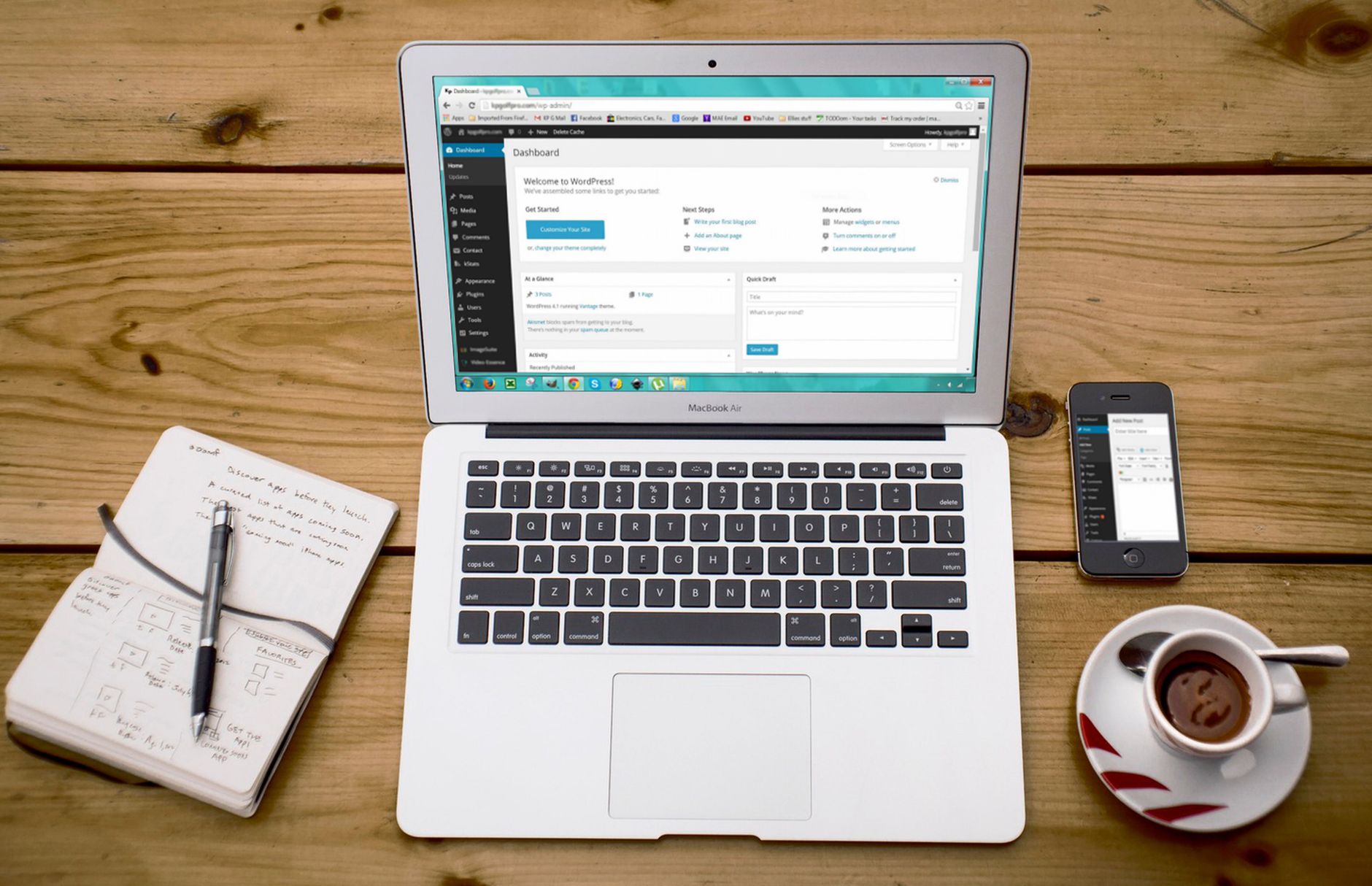
A new WordPress site does not need an oversized strategy document. It needs a short sequence of setup decisions that prevent avoidable problems and help your best pages get discovered quickly.
| Priority | What to set up | Why it matters |
|---|---|---|
| 1 | Allow indexing and crawling | Pages cannot rank if search engines are blocked |
| 2 | Use one SEO plugin | Avoid duplicate metadata, conflicting canonicals, and overlapping sitemaps |
| 3 | Create a simple site structure | Helps users and search engines understand page relationships |
| 4 | Write page-specific titles and meta descriptions | Improves relevance and click potential |
| 5 | Publish core pages before extra blog posts | Builds a stronger foundation for service and product intent |
| 6 | Add internal links between related pages | Helps discovery and reinforces your page hierarchy |
| 7 | Submit your sitemap in Google Search Console | Gives Google a cleaner starting point for discovery |
Check indexing settings before anything else
The fastest way to sabotage a new website is to launch with indexing blocked. This is more common than most site owners think, especially after a redesign, staging copy, or rushed migration.
In WordPress, confirm that your site is not discouraging search engines from indexing it. Then check that your main pages load normally, are linked from navigation or other crawlable pages, and appear in your XML sitemap if they should be indexed. A homepage, service page, contact page, and any key category or product pages should never be orphaned.
Use one SEO plugin, not several
One well-configured SEO plugin is enough for a new WordPress site. Most early plugin problems come from overlap, not from missing features.
Pick one primary plugin and configure the essentials first: title templates, meta descriptions, XML sitemaps, social defaults, and archive indexing rules. Do not stack multiple SEO plugins because it often creates duplicate metadata, conflicting canonical tags, and competing sitemap outputs. If you are still comparing options, our Yoast SEO vs Rank Math comparison will help you choose a cleaner setup.
Build a simple site structure from day one
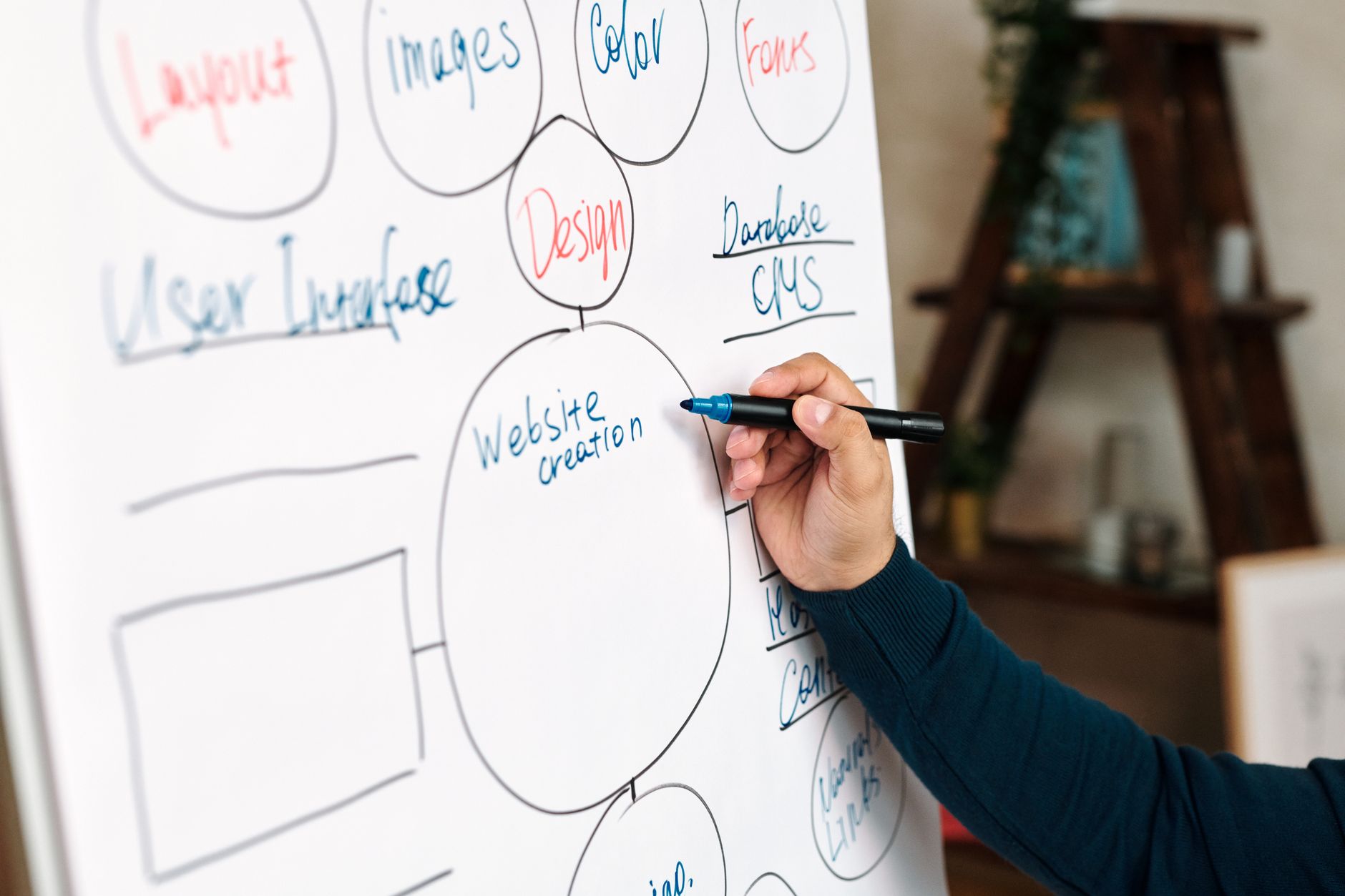
New websites rank faster when their structure is simple enough for both people and search engines to follow. You do not need a deep architecture. You need a clear one.
Keep your core pages close to the homepage and main navigation. Use descriptive URLs with readable words instead of random strings or bloated folder paths. Group blog content into a small number of meaningful categories. If you run WooCommerce, be careful with filter URLs, tags, and variation pages that can create duplicate crawl paths before your site has earned much authority.
Create the right pages before publishing more content
Most new sites do not need twenty blog posts in month one. They need a homepage, clear service or product pages, a contact path, and a few useful support pages that match what customers are actually searching for.
Start with the pages closest to revenue or leads. For a local service business, that usually means service pages, location-relevant pages only when they are truly distinct, and a contact page with clear business information. For a content site, it means a small cluster of strong pages around one topic instead of many thin articles targeting slight keyword variations.
Write titles and descriptions for humans first
Your title tag and meta description should clarify the page, not perform for a plugin score. A green light in an SEO plugin does not mean the page deserves to rank.
Google says title text should be descriptive and concise, and it may use your meta description when that description better summarizes the page than on-page text alone. Each important page should have a distinct title and a useful description that matches the real content on the page.
| Weak title | Stronger title |
|---|---|
| Home | SEO | Marketing | WordPress SEO Services for Small Businesses |
| Blog Post About SEO | WordPress SEO for New Websites: What to Fix First |
| Contact | Contact Our WordPress SEO Team |
Internal links matter earlier than most owners think

Internal linking is not something you add later once traffic arrives. It is one of the main ways new pages get discovered and understood.
Link related pages with descriptive anchor text. Your homepage should point to your core services or top categories. Blog posts should link to relevant commercial pages where appropriate. Supporting content should also connect sideways to closely related articles. If you only publish a page and add it to the sitemap, that is usually not enough. Google has explained that links are a crucial way it finds new pages, so every important URL should be reachable from another findable page.
If you are not sure whether your structure supports discovery or quietly hides key pages, WordPress SEO Expert can help. We can review your architecture before small issues compound into bigger ranking problems.
Do not overbuild technical SEO on a new site
Technical SEO matters, but new websites often waste time on advanced settings before the basics are stable. Fix the issues that block visibility before the issues that polish visibility.
For most launches, that means making sure canonicals are sensible, redirects are clean, sitemaps are active, and archive pages are not creating duplication. It does not mean loading every schema type your plugin offers or creating tag archives for every phrase you want to rank for. Keep the setup clean. Expand only when the site has enough content and purpose to justify the extra complexity.
If you want a stronger baseline for long-term setup choices, our WordPress SEO best practices guide goes deeper into crawlability, internal linking, duplicate URLs, and technical cleanup.
What new site owners should stop doing
Most launch mistakes come from trying to do too much, too fast, with too little structure. Restraint usually performs better than SEO clutter.
Stop publishing thin posts just to make the site look active. Stop copying one title formula across every page. Stop creating duplicate archive pages with little user value. Stop treating plugin recommendations as rules. And stop stacking overlapping tools because it feels thorough. A cleaner setup usually gives you clearer signals and fewer problems to untangle later.
A practical 90-day plan
The first three months should focus on stable foundations, not endless experimentation. New websites benefit more from consistent execution than from constant tool changes.
| Time frame | Primary goal | Key actions |
|---|---|---|
| Days 1 to 30 | Launch cleanly | Check indexing, configure one SEO plugin, set titles, create sitemap, publish core pages |
| Days 31 to 60 | Strengthen relevance | Add internal links, improve page copy, publish supporting content around priority topics |
| Days 61 to 90 | Refine based on data | Review Search Console impressions, improve weak titles, expand pages that are gaining traction |
The best next step for a new site
The best next step is usually a focused review of your launch setup, page structure, and first priority pages. Most site owners do not have one catastrophic problem. They have a stack of smaller issues that compound over time.
If your site is live but impressions are flat, or if you are not sure whether your current setup is helping or quietly hurting you, WordPress SEO Expert can help. Book a free SEO consultation. No pitch, no pressure. Just an honest look at what your site actually needs and whether your current setup is part of the solution or part of the problem.
Contact WordPress SEO Expert today to schedule a consultation and get a clearer plan for what to fix first on your new WordPress site.

















