

Low rankings usually come from a scattered plan, not one missing plugin. WordPress search engine optimization affects SEO because it controls how clearly search engines can crawl, interpret, and prioritize your pages. When the setup is clean, WordPress helps. When the setup is messy, small technical issues stack up and suppress visibility.
That is why the real question is not whether WordPress is good for SEO. It is whether your theme, plugin configuration, page structure, and content templates are helping search engines understand your site or quietly making that harder. For a broader technical baseline, review our WordPress SEO best practices and our comparison of a comparison of Yoast SEO vs Rank Math if your plugin setup is still undecided.
WordPress SEO affects visibility before rankings
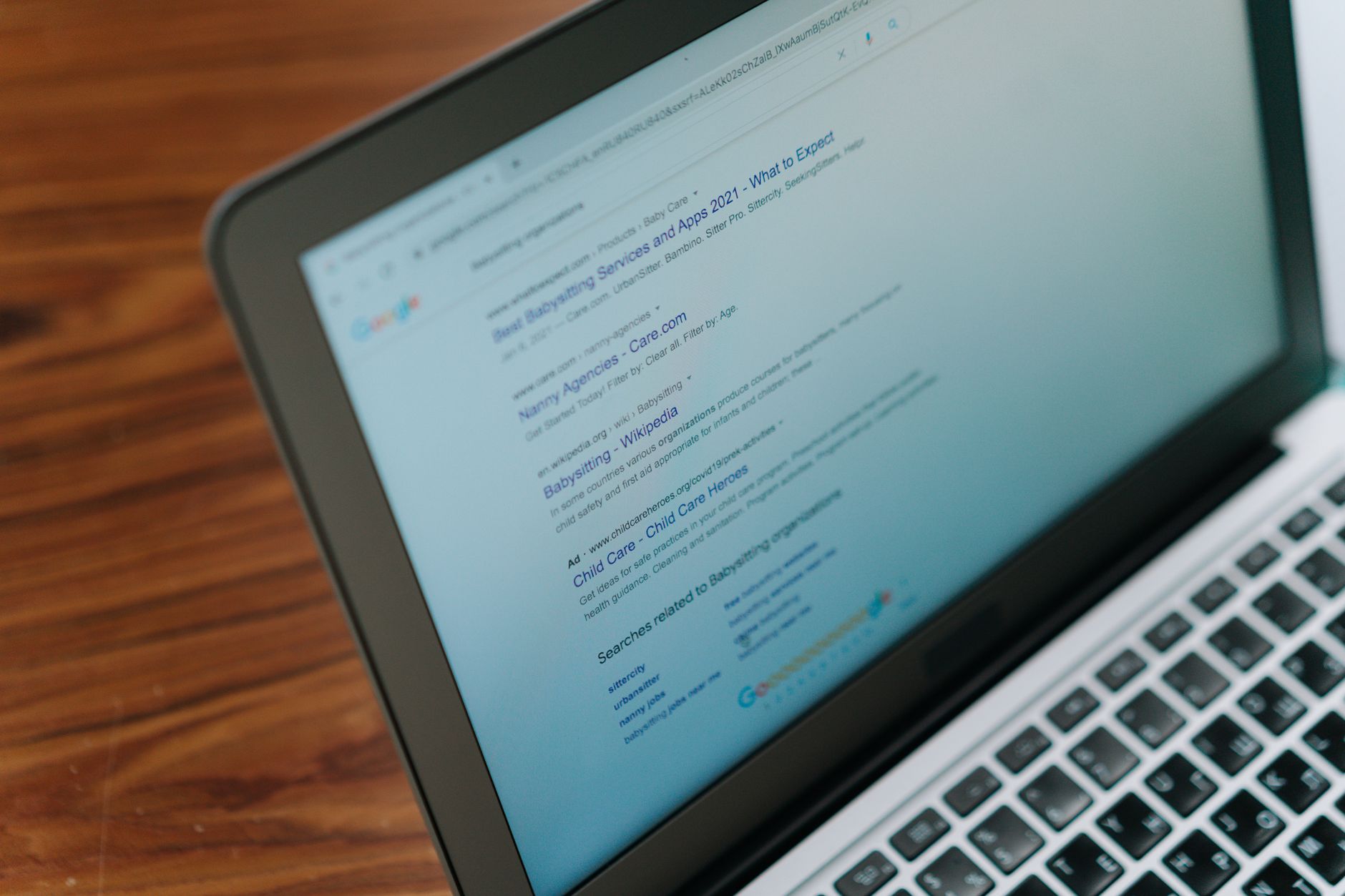
WordPress SEO affects SEO first by shaping visibility. If important pages are blocked, duplicated, or buried in weak internal navigation, search engines may never evaluate them correctly enough for rankings to improve.
Most site owners do not have one catastrophic problem. They have a stack of smaller issues that compound over time. In WordPress, that usually means archive settings, parameter URLs, thin tag pages, attachment pages, poor title templates, or overlapping plugins that output conflicting metadata. Fix the issues that block visibility before the issues that polish visibility.
Titles and meta descriptions influence how pages are understood
Your WordPress SEO setup directly affects title tags and meta descriptions, which shape both relevance and click behavior. These fields do not work like magic, but they are still some of the clearest signals you control on every important page.
Google recommends descriptive, concise title text and warns against keyword stuffing and repetitive boilerplate. Google also explains that search snippets are primarily generated from page content, but it may use the meta description when that description better summarizes the page. In practice, that means each key page needs a distinct title and a useful summary instead of recycled templates and plugin-generated filler. See Google’s title link guidance and Google’s snippet documentation for the underlying principles.
| Weak title | Stronger title |
|---|---|
| SEO Services | SEO Company | SEO Expert | WordPress SEO Services for Small Businesses |
| Blog | WordPress SEO Tips for Service Businesses |
| Homepage | Best SEO | Top SEO | WordPress SEO Consultant for Technical Fixes |
Internal linking changes how authority flows through the site

WordPress SEO affects SEO by controlling how easily your important pages can be discovered from other pages on your own site. Strong internal linking gives search engines context, helps users find the next step, and reinforces which pages matter most.
Google recommends anchor text that is descriptive and natural. That matters in WordPress because many sites publish posts that sit isolated after launch, with no meaningful links from service pages, category pages, or newer content. If your best pages only exist in the sitemap and nowhere in your navigation or body copy, they are harder to prioritize. Review Google’s link best practices if you want the clearest baseline for anchor text and crawlable links.
If you are not sure whether your current linking structure supports rankings or quietly dilutes them, WordPress SEO Expert can help identify which pages deserve more internal authority first.
One plugin can help. Too many can hurt.
One well-configured SEO plugin is enough. Running overlapping plugins often creates duplicate metadata, conflicting canonicals, and competing sitemap outputs that make troubleshooting harder than it needs to be.
This is where many WordPress sites drift off course. A green light in an SEO plugin does not mean the page deserves to rank. Plugins are useful because they expose controls for titles, sitemaps, schema, and indexing rules. They are not a substitute for search intent, useful content, and clean architecture. If your current setup feels cluttered, a Yoast SEO vs Rank Math comparison can help you simplify the stack instead of adding more tools.
Sitemaps and crawl access support discovery
WordPress SEO affects SEO through discovery as well. A clean XML sitemap and crawlable internal links make it easier for search engines to find the pages you actually want indexed.
Google notes that many CMS platforms, including WordPress, already make a sitemap available, and it recommends submitting sitemaps through Search Console. That does not mean every URL in the sitemap should rank. It means your indexable pages should be consistently discoverable, while low-value duplicates and thin archives should not clutter the signal. Review Google’s sitemap guidance if you want to confirm your baseline.
Content structure matters more than plugin scores
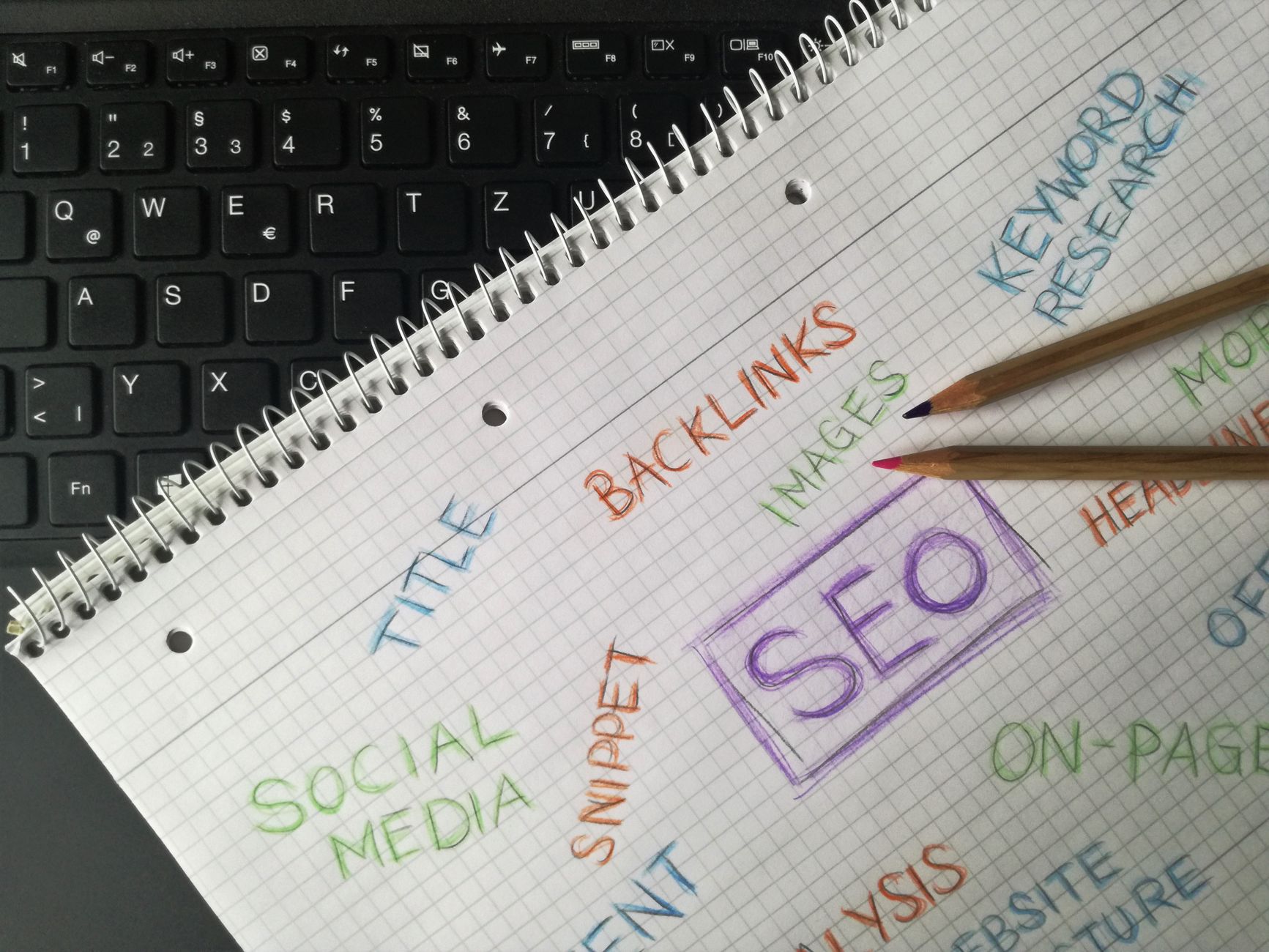
WordPress SEO affects SEO because the platform shapes how content is organized and presented. One clear H1, useful subheadings, short paragraphs, and focused sections make content easier for both users and search engines to follow.
Google’s people-first content guidance emphasizes helpful, reliable content created for users rather than for ranking manipulation. That is why publishing five thin posts around slight keyword variations usually underperforms one stronger page with better structure and internal links. You do not need a perfect plugin score. The goal is a page that loads cleanly, answers the query directly, and fits naturally into your broader site architecture.
What WordPress site owners should fix first
If your rankings are flat, start with the issues that affect crawling, indexing, duplication, and page targeting. Cosmetic tweaks come later. This order usually produces clearer gains and fewer wasted hours.
| Priority | What to fix | Why it matters |
|---|---|---|
| 1 | Indexing and crawl settings | Pages cannot rank if search engines cannot reach or index them properly. |
| 2 | Canonicals and redirects | Prevents duplicate URL confusion and diluted signals. |
| 3 | Title tags and page intent | Improves relevance and click potential. |
| 4 | Internal linking | Strengthens discovery, hierarchy, and topical relationships. |
| 5 | Content structure | Helps pages answer search intent more clearly. |
| 6 | Plugin cleanup | Reduces conflicts and keeps technical output consistent. |
The practical takeaway
WordPress search engine optimization affects SEO by shaping the signals search engines use to crawl, interpret, and trust your pages. The platform can absolutely support growth, but only when the setup is intentional and the site structure is clean.
If you are dealing with flat rankings, messy plugin settings, or uncertainty after a redesign, WordPress SEO Expert can help. Book a free SEO consultation. No pitch, no pressure. Just an honest look at what your site actually needs and whether your current setup is part of the solution or part of the problem.
Contact WordPress SEO Expert today to schedule a consultation and get a clearer plan for what to fix first.

















