
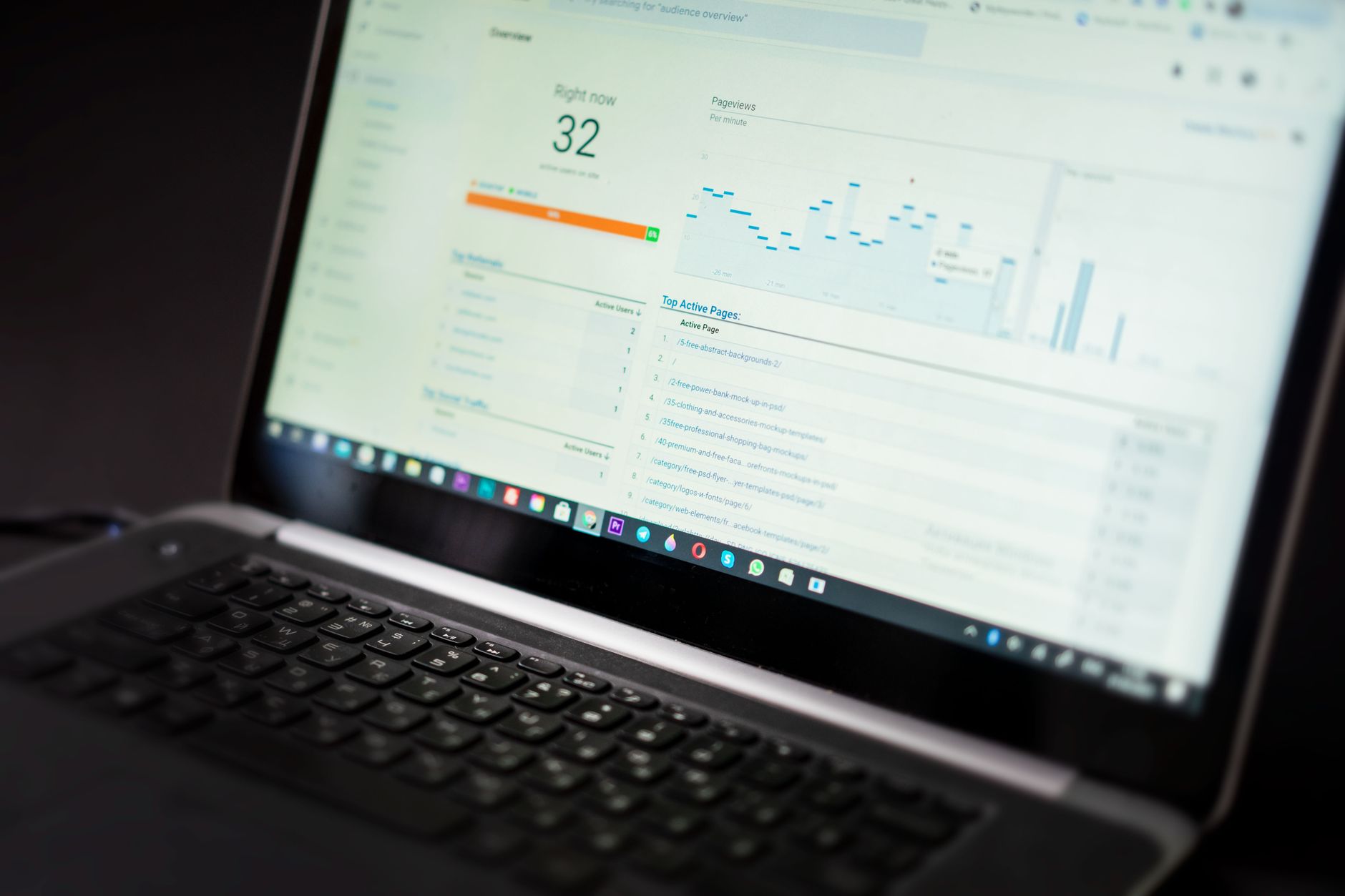
Low rankings usually come from a scattered plan, not one missing plugin. Most WordPress sites do not need more tools. They need the right tools, configured cleanly, and used in the right order. A green light in an SEO plugin does not mean the page deserves to rank. What matters is whether your setup helps search engines crawl the right pages, understand them clearly, and send visitors to content that actually solves a problem.
This is where WordPress search engine optimization tools and techniques usually get confused. Site owners install overlapping plugins, chase score badges, and publish more pages before fixing crawl waste, title problems, and weak internal linking. One well-configured SEO plugin is enough. The goal is a site that loads cleanly, is easy to use, and gives Google fewer mixed signals.
If you want a broader baseline before changing settings, review our WordPress SEO best practices and our comparison of Yoast SEO vs Rank Math. Those guides pair well with the tool and technique priorities below.
Start with tools that control visibility
The first tools to use are the ones that affect whether important pages can be crawled, indexed, and understood. Fix the issues that block visibility before the issues that polish visibility.
For most sites, that means a primary SEO plugin, Google Search Console, a redirect tool if your SEO plugin does not include one, and a crawl checker you can use to spot broken links, duplicate paths, or thin archive pages. WordPress can create small technical problems that compound over time, especially on blog archives, WooCommerce filters, attachment pages, and old URL structures left behind after redesigns.
Google recommends descriptive, concise title text and warns against keyword stuffing and repetitive boilerplate in titles. It also notes that meta descriptions should accurately summarize each page and that structured data should match visible page content rather than describe something users cannot see. Those principles matter more than any plugin score. An SEO tool should help you implement them consistently, not distract you from them.
Which WordPress SEO tools matter most
The right stack is usually smaller than people expect. You need a few dependable tools that each solve a clear problem, not a crowded dashboard full of overlapping features.
| Tool type | What it helps with | What to watch for |
|---|---|---|
| SEO plugin | Titles, meta descriptions, canonicals, sitemaps, schema basics, indexing rules | Do not run more than one primary SEO plugin at the same time |
| Google Search Console | Indexing status, query data, page performance, coverage issues | Useful data, but do not panic over every fluctuation |
| Redirect manager | 301 redirects after URL changes, deleted pages, migration cleanup | Messy redirect chains can slow recovery after changes |
| Site crawl tool | Broken links, orphan pages, duplicate titles, status code errors | Audit output needs prioritization, not blind fixing |
| Speed and image tools | Caching, compression, lighter templates, image delivery | Do not chase perfect scores at the expense of usability |
| Internal linking workflow | Stronger architecture, better discovery, clearer topical relationships | Anchor text should stay natural and descriptive |
Primary SEO plugin
Your main SEO plugin should manage the fundamentals cleanly. That includes title templates, meta descriptions, canonical tags, XML sitemaps, archive indexing, and basic schema output.
The gap between popular plugins is not that one works and one does not. The gap is in interface, free features, workflow, and how much technical clutter they create. If your current setup is stable, switching plugins is rarely the first fix. If you are starting fresh, choose one plugin, configure it carefully, and avoid adding overlapping SEO extensions that duplicate metadata or sitemap output.
Google Search Console
Google Search Console is one of the most useful SEO tools because it shows what Google is actually indexing and which queries already generate impressions. That makes it a diagnosis tool, not just a reporting tool.
Use it to find pages sitting close to page one, pages with strong impressions but weak clicks, and pages that dropped after a redesign or plugin change. This is often where the fastest gains come from. Instead of publishing ten new posts, you can improve titles, strengthen internal links, and fix indexing conflicts on pages that already have traction.
Redirect and crawl tools
Redirect and crawl tools help clean up the quiet technical issues that drain performance over time. They are especially important after migrations, slug changes, category cleanups, and WooCommerce updates.
Use them to catch 404 pages, redirected internal links, duplicate URL versions, and orphaned pages that only exist in the sitemap. Most site owners do not have one catastrophic problem. They have a stack of smaller issues that compound. This is why crawl reviews matter so much on WordPress sites that have been edited by several people over several years.
The techniques that move rankings more than new tools
The strongest SEO gains usually come from better decisions, not from adding another plugin. Good tools support those decisions, but they do not replace them.
1. Improve titles before expanding content
Title tags are still one of the clearest on-page signals you control. Write them for humans first, then make sure they reflect the page topic without stuffing variations into the same line.
Google says titles should be descriptive and concise, and it discourages repetitive boilerplate and keyword stuffing. That means weak titles like SEO Services | SEO Company | SEO Expert are usually less helpful than specific titles that match the page intent.
| Weak title | Stronger title |
|---|---|
| SEO Services | SEO Company | SEO Expert | WordPress SEO Services for Small Businesses |
| Blog | WordPress SEO Tools for Small Business Sites |
| WordPress Plugins | Best WordPress SEO Plugin Setup for Clean Metadata |
2. Fix duplicate URLs before publishing more pages
Canonical confusion often hurts a page more than missing keyword variations. If several URLs show similar content, search engines can struggle to understand which version should rank.
On WordPress, duplication often comes from tag archives, attachment URLs, parameter variations, pagination, and WooCommerce filters. Consolidation usually beats expansion here. One stronger page is better than several thin near-duplicates built around slight keyword changes.
3. Build internal links with intent
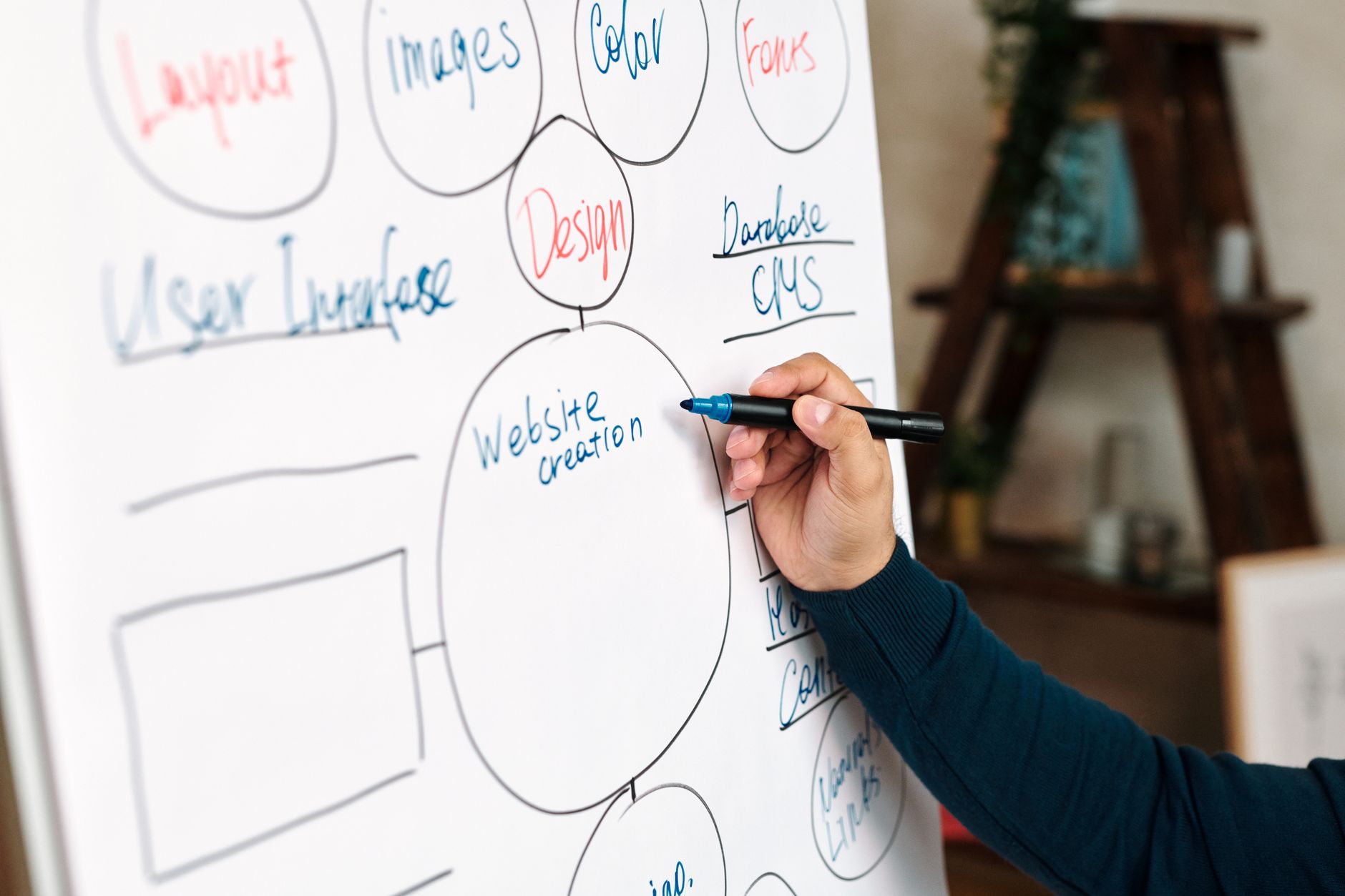
Internal links help search engines discover pages, understand topic relationships, and judge which pages matter most. They also help users find the next logical step without bouncing.
Google recommends anchor text that is descriptive, concise, and natural. In practice, that means linking relevant phrases to closely related pages instead of forcing exact-match anchors everywhere. If your service pages are buried or your strongest blog posts do not connect to commercial pages, that architecture problem can limit growth even if the content itself is decent.
If you are working through site structure issues, our guide to WordPress SEO best practices explains where crawlability, internal links, and title work fit into a practical sequence.
4. Keep speed improvements practical
Site speed matters when slow templates frustrate users or make the site harder to use. The goal is not a perfect report card. The goal is cleaner loading on the pages that actually drive leads and sales.
Start with heavy images, unnecessary plugins, caching gaps, and bloated templates. Test service pages, product pages, and blog posts separately because they often perform differently. You do not need a perfect score. You need a site that feels fast enough to use without friction.
A simple priority order for WordPress SEO
If your rankings feel stuck, do not try to fix everything at once. A short priority order is more useful than a giant checklist nobody follows.
| Priority | Focus area | Why it comes first |
|---|---|---|
| 1 | Indexing and crawl access | Pages cannot rank if search engines cannot reach or index them properly |
| 2 | Canonical and redirect cleanup | Prevents duplicate signals and lost equity after changes |
| 3 | Titles and page intent | Improves relevance and click quality |
| 4 | Internal linking | Strengthens hierarchy and discovery |
| 5 | Template speed and usability | Improves real experience on important pages |
| 6 | Content depth and consolidation | Helps pages answer intent more clearly |
| 7 | Schema and polish | Supports understanding, but does not replace the basics |
If you are not sure whether your current plugin configuration is helping or quietly hurting you, WordPress SEO Expert can help. We can review your indexing rules, plugin overlap, title patterns, and crawl waste before you spend more time creating content around a broken foundation.
What to stop doing
The quickest improvement for many sites is stopping the habits that create noise. More tools do not automatically mean better SEO.
Stop stacking overlapping SEO plugins. Stop treating plugin badges as proof a page is optimized. Stop publishing thin pages to target every slight keyword variation. Stop ignoring crawl waste because the homepage looks fine. A cleaner setup usually outperforms a busier one, especially on small business WordPress sites.
The best next step
The best next step is usually a focused review of your highest-value pages, not a full rewrite or another plugin install. Look at the pages already earning impressions, the pages tied to leads or sales, and the pages most likely to be held back by weak titles, poor internal links, or duplicate URLs.
WordPress SEO Expert can help you sort out whether your site needs technical cleanup, stronger on-page targeting, or a simpler tool stack. Book a free SEO consultation. No pitch, no pressure. Just an honest look at what your site actually needs and whether your current setup is part of the solution or part of the problem.
Contact WordPress SEO Expert today to schedule a consultation.

















