

Low organic traffic usually comes from a scattered setup, not one missing plugin or one bad blog post. WordPress can rank extremely well, but only when crawlability, page targeting, internal links, and site speed work together. This guide shows which WordPress SEO tips matter most if you want better organic traffic without chasing plugin score badges.
Most site owners do not have one catastrophic SEO problem. They have a stack of smaller issues that compound over time: weak title tags, thin internal linking, duplicate URLs, bloated plugins, and pages that do not clearly match search intent. If that sounds familiar, start with the basics in our WordPress SEO best practices guide and use the checklist below to prioritize fixes in the right order.
What should you fix first on a WordPress site?
Fix indexing and page targeting before anything else. If your important pages are blocked, duplicated, or poorly titled, more content will usually not solve the problem. The fastest wins usually come from making sure the right pages can be crawled, understood, and linked internally.
In practical terms, that means checking whether key service pages, product pages, and blog posts are indexable, included in your sitemap, and not diluted by unnecessary duplicates. Google recommends descriptive, concise title text and advises against keyword stuffing and boilerplate titles, which is why title cleanup is often one of the first on-page fixes worth making. Google’s title link guidance is clear on this point.
| Priority | What to check | Why it matters |
|---|---|---|
| 1 | Indexing settings and noindex rules | Pages cannot rank if search engines cannot access them |
| 2 | Title tags and search intent match | Helps Google understand the page and improves click potential |
| 3 | Canonical and redirect setup | Reduces duplicate URL confusion |
| 4 | Internal linking | Helps distribute authority and discover deeper pages |
| 5 | Site speed and mobile usability | Improves user experience and removes technical friction |
| 6 | Content depth and structure | Helps the page answer the query clearly |
Use one SEO plugin well, not several badly
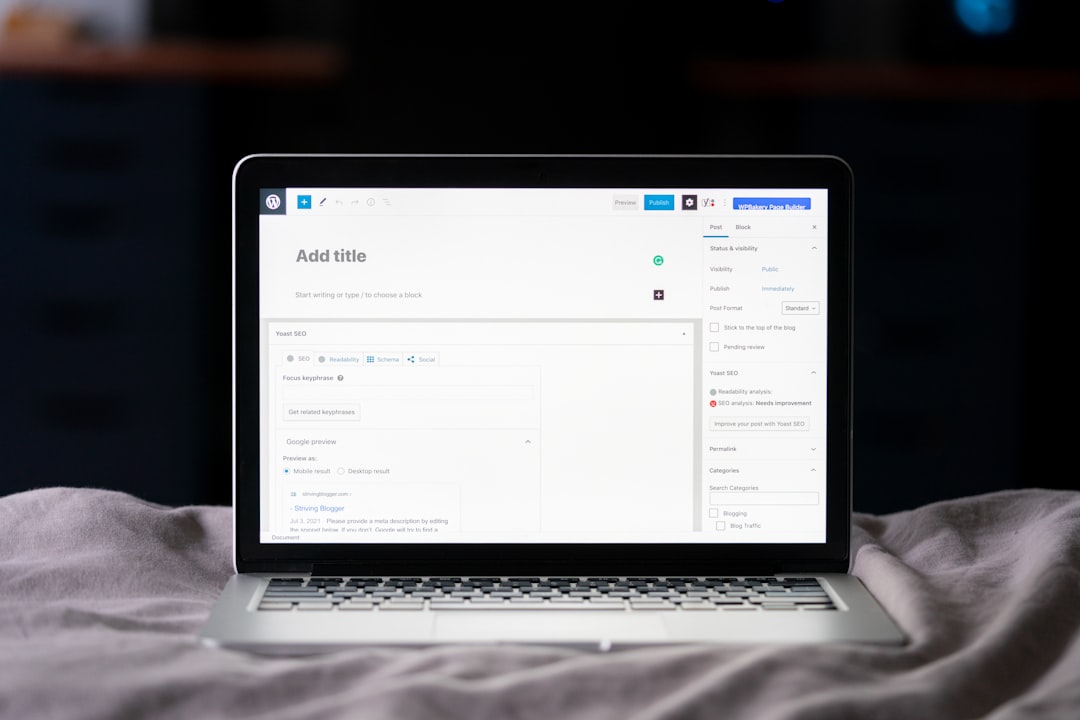
One primary SEO plugin is usually enough for most WordPress sites. Running overlapping plugins for titles, schema, sitemaps, redirects, and robots rules often creates conflicting settings that are hard to diagnose later.
Choose one main SEO plugin and configure the essentials first: title templates, meta descriptions, XML sitemaps, schema basics, and archive indexing rules. Then stop. More toggles do not automatically mean better SEO. Most ranking problems come from poor implementation, not from missing an obscure plugin feature.
Write titles and descriptions for humans first
Your title tag is one of the strongest on-page signals you control directly. A good WordPress SEO habit is writing a unique title for each important page instead of reusing the same phrase pattern across services, posts, and product categories.
Google advises writing concise, descriptive titles and avoiding repetitive wording. Google also explains that search snippets are generated automatically, but a useful meta description can still help when it better summarizes the page. Review Google’s snippet documentation if you want to understand how descriptions may appear in results.
| Weak title | Stronger title |
|---|---|
| SEO Services | SEO Company | SEO Expert | WordPress SEO Services for Small Businesses |
| Blog | WordPress SEO Tips for Better Organic Traffic |
| Blue Widgets, Best Blue Widgets, Buy Blue Widgets | Blue Widgets for Commercial Kitchens |
A simple title formula that usually works
Use primary topic plus clear qualifier. That might be service plus audience, product plus use case, or blog topic plus outcome. The goal is not to squeeze in every keyword variation. The goal is to tell both users and search engines exactly what the page offers.
Clean up duplicate URLs before publishing more content
Duplicate and near-duplicate URLs are a quiet traffic killer on WordPress sites. Archive pages, tag pages, parameters, attachment URLs, and inconsistent internal links can split signals across multiple versions of the same page.
Google documents redirects, rel=”canonical”, and sitemap inclusion as signals that can help indicate the preferred version of a page. That is why canonical discipline matters: pick one preferred URL, link to it consistently, and redirect obsolete variants when appropriate. You can review Google’s canonical guidance for the technical details.
This is especially important after redesigns, migrations, or WooCommerce changes, where old paths and filtered URLs often remain crawlable long after the new structure goes live.
Internal links are one of the easiest wins

Internal linking helps Google discover pages, understand relationships between topics, and gauge which pages matter most on your site. It also helps users move from general information to the next useful page instead of bouncing after one visit.
Google recommends using crawlable links and natural anchor text rather than stuffing keywords unnaturally into every link. In practice, that means linking broad guides to service pages, related posts to one another, and high-traffic pages to pages that need more visibility. If site performance is also part of the problem, review our guide on improving WordPress site speed for SEO so your internal traffic lands on faster pages.
A useful rule is simple: every important page should receive at least a few contextual links from other relevant pages. If a page is only reachable through a sitemap or main menu, it is usually under-supported.
If you are not sure which pages deserve more internal links, WordPress SEO Expert can help identify the pages that are closest to ranking and map links that support them naturally.
Make WordPress faster where it counts
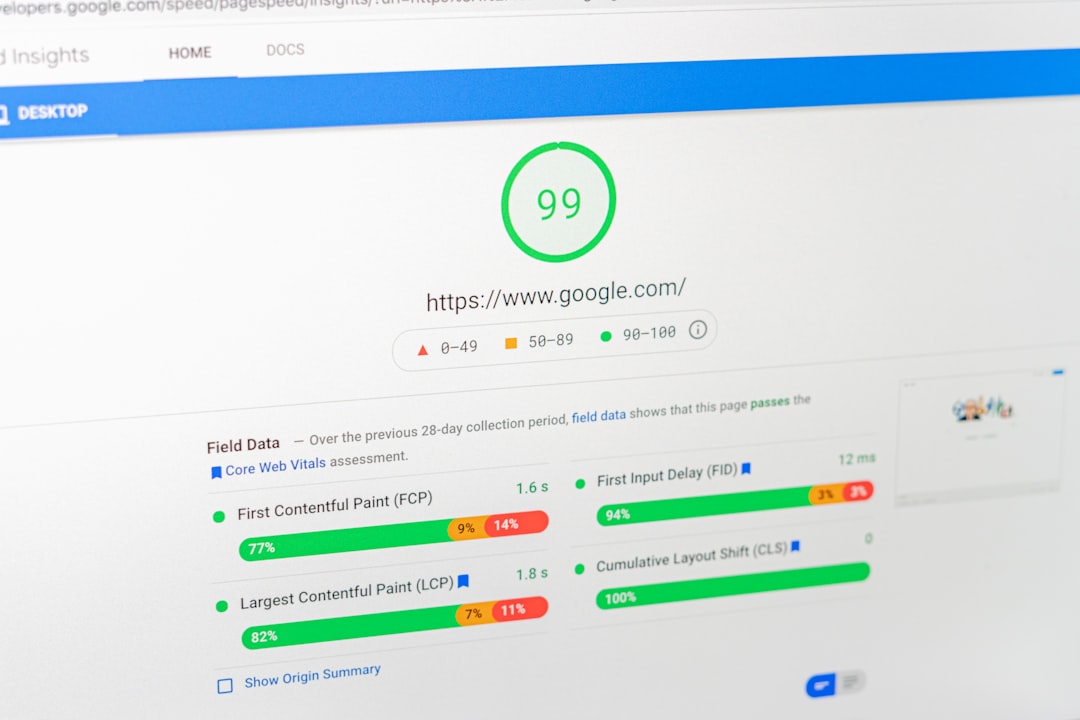
Site speed matters most when it affects real usability. The biggest WordPress speed problems usually come from oversized images, too many scripts, weak hosting, and plugins loading assets everywhere whether they are needed or not.
Start with obvious fixes that usually produce the largest gains: compress large images before or after upload, enable page caching, remove plugins you do not truly need, and test your homepage, service templates, posts, and category pages separately. Do not assume one good score means the whole site is healthy. Different templates often have very different problems.
A practical point many site owners miss is that speed work should support SEO, not replace it. If your page does not match intent, getting it from slow to fast will not magically make it rank. But once content quality is comparable, technical friction can absolutely hold a page back.
Structure content so it is easy to scan and answer-driven
Search-friendly content is usually easier to read, not more complicated. One clear H1, useful H2s, short paragraphs, and sections that answer the query directly tend to outperform walls of text and vague introductions.
That does not mean writing shorter pages just for the sake of it. It means removing filler and making each section earn its place. Google’s people-first content guidance emphasizes helpful summaries, clear headings, and content created for readers rather than for arbitrary word counts. You can review Google’s helpful content guidance for the broader principle.
A better way to think about content depth
Depth is not about writing the longest page in the search results. Depth is about covering the decisions, comparisons, objections, and next steps that a searcher actually has. Many WordPress sites would perform better by consolidating thin overlapping posts into one stronger page instead of publishing more scattered content.
Common WordPress SEO mistakes to stop making
Most stalled sites are not missing advanced tactics. They are repeating a few basic mistakes that add up over time. Cleaning these up is usually more valuable than adding another tool or publishing another low-priority article.
| Mistake | Why it hurts | Better approach |
|---|---|---|
| Chasing plugin score badges | Confuses SEO scoring with actual rankings and user value | Audit indexability, intent, and page quality first |
| Using multiple SEO plugins | Creates conflicting metadata and schema | Use one main plugin and keep the setup clean |
| Publishing thin posts on overlapping topics | Splits relevance across weak URLs | Consolidate related content into stronger pages |
| Ignoring internal linking | Leaves important pages under-supported | Add contextual links from relevant high-value pages |
| Letting duplicate URLs accumulate | Dilutes signals and wastes crawl attention | Use canonicals, redirects, and cleaner archive rules |
A practical weekly WordPress SEO routine
The best routine is simple enough to repeat. Spend a little time each week improving pages that already matter instead of constantly starting new ones. Small, consistent fixes usually outperform occasional large overhauls.
Review your top pages, improve one or two title tags, add internal links to underlinked pages, check for obvious duplicate URL issues, and update content that no longer matches what searchers need. That routine keeps your SEO foundation cleaner than doing a giant cleanup once a year.
If you want a second set of eyes before changing settings or restructuring content, WordPress SEO Expert can review your site and help you prioritize the fixes that are most likely to improve organic traffic.
Final takeaway
Better organic traffic from WordPress usually comes from a cleaner foundation, not more complexity. Fix what search engines can crawl, improve how pages are targeted, connect pages with stronger internal links, and remove the technical friction that makes good content underperform.
If your rankings are stuck and you are not sure what to fix first, contact WordPress SEO Expert to schedule a consultation. We can help you diagnose whether the real bottleneck is technical SEO, on-page targeting, content structure, or site architecture before you waste time on the wrong fix.

















