
Low rankings usually come from a scattered plan, not one missing plugin. WordPress SEO in 2026 still rewards sites that are easy to crawl, fast enough on mobile, clear about topic intent, and structured so users can find the next relevant page without friction.
There is no single best WordPress SEO trick for 2026. The better question is which fixes remove the bottlenecks on your site first. For most businesses, that means checking indexing, titles, internal links, page speed, and duplicate URLs before publishing more content.
If you want a stronger foundation before changing settings, review our WordPress SEO best practices for 2026 and our guide on how to improve WordPress site speed for SEO.
Start with crawlability and indexability

If Google cannot access and index the right pages, everything else underperforms. Before touching plugins or rewriting copy, confirm that your key pages return a normal status code, are linked internally, and are not blocked by accidental noindex settings.
In WordPress, the biggest problems are often simple ones: the search engine visibility setting was left enabled after staging, important pages are buried too deep, or archive and parameter URLs are creating noise. We recommend reviewing posts, pages, categories, and service URLs first, then checking XML sitemaps and canonical signals second.
What to check first
Look at your homepage, main service pages, top blog posts, and any page already getting impressions in Google Search Console. Those URLs usually produce the fastest returns because small technical fixes on existing pages are easier to measure than broad sitewide changes.
Use one SEO plugin well
Most WordPress sites need one SEO plugin configured properly, not three plugins fighting over titles, schema, sitemaps, and redirects. Conflicting settings can create duplicate canonicals, mixed metadata, and unpredictable behavior after updates.
Pick one tool, configure the essentials, and stop there unless you have a clear reason to add more. The essentials are title templates, meta descriptions, XML sitemaps, archive indexing rules, and basic schema where the page content supports it.
Write titles for humans, not plugin scores
Title tags still matter because they help search engines understand the page and strongly influence clicks. Google recommends descriptive, concise titles rather than vague or overly long ones, so the practical goal is clarity, not stuffing every keyword variation into one line.
Weak title example: SEO Services | SEO Company | SEO Expert. Stronger title example: WordPress SEO Services for Small Businesses. The stronger version is easier to understand, easier to scan, and closer to what a searcher actually wants.
Meta descriptions are similar. They are not a magic ranking boost, but they can improve click-through when the summary matches intent. Keep them specific, readable, and aligned with the page content.
Internal links do more than people think
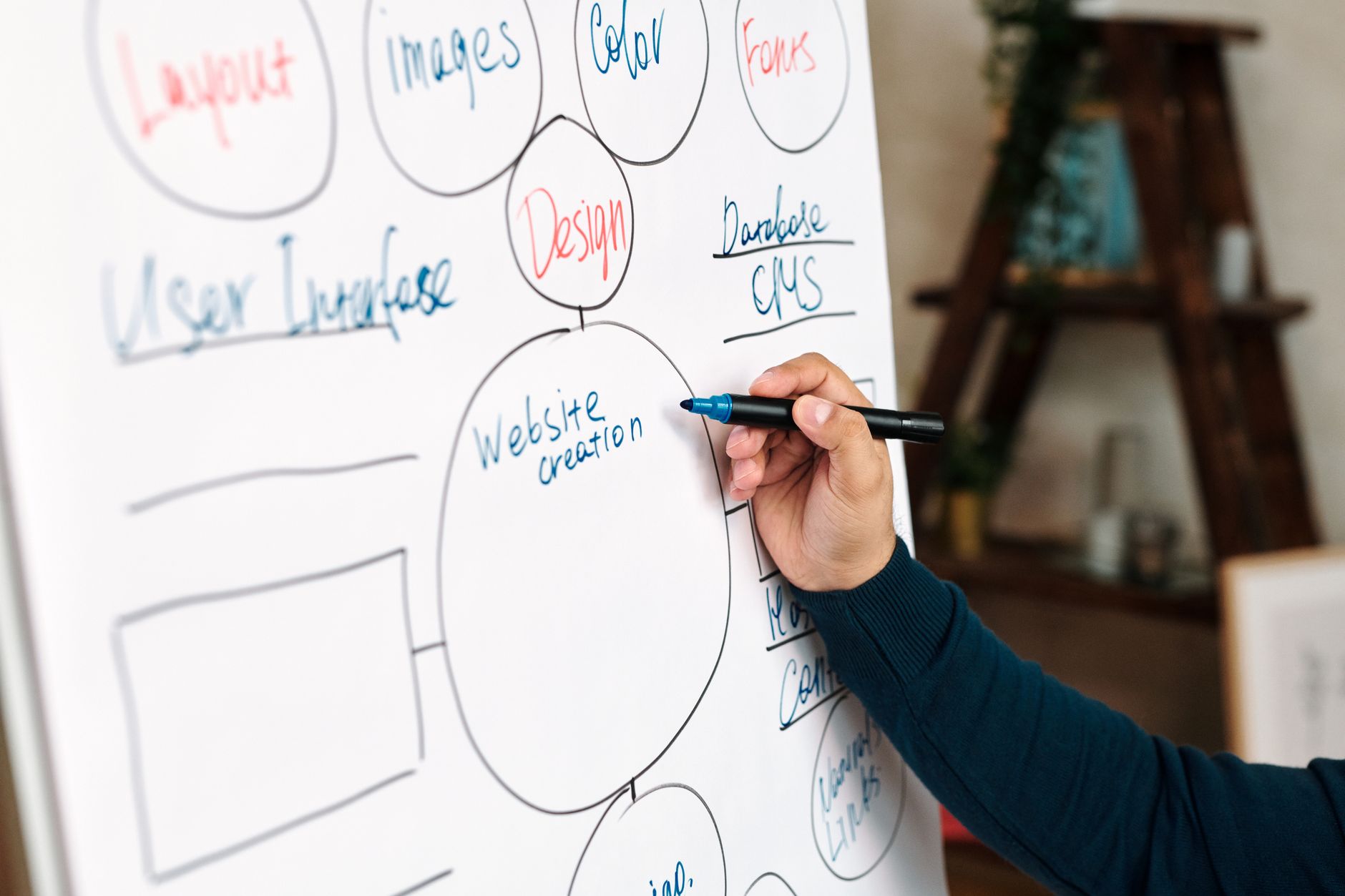
Internal linking is one of the most underused WordPress SEO wins. It helps search engines discover pages, understand topic relationships, and see which URLs matter most. It also helps users move naturally from a broad question to a specific service or supporting explanation.
Link from high-visibility pages to revenue pages. Link from broad guides to narrower how-to articles. Link related posts where the connection genuinely helps the reader. If a page exists only in your sitemap and nowhere else, it is usually underlinked or orphaned.
If your site architecture feels messy, WordPress SEO Expert can help identify which pages should pass authority internally and which sections need consolidation before you publish more content.
Fix duplicate URLs before they spread
Duplicate and near-duplicate URLs still waste a lot of SEO effort on WordPress sites. Common culprits include tags, search results, attachment pages, filtered ecommerce URLs, pagination confusion, and inconsistent URL versions.
The best practice is straightforward: choose the preferred URL, link to it consistently, use redirects where needed, and avoid plugin overlap that outputs mixed canonical signals. Most sites do not have one catastrophic duplication problem. They have a stack of smaller ones that slowly dilute relevance and crawl attention.
Page speed matters, but only in context
Performance matters because slow, unstable, and laggy pages create a worse user experience. It matters most when your content and authority are already competitive. In 2026, responsiveness remains important because Interaction to Next Paint replaced First Input Delay as a Core Web Vitals metric on March 12, 2024.
Do not chase a perfect performance score. Focus on what actually slows the page down: oversized images, heavy builders, too many scripts, weak hosting, uncached templates, and font or layout issues. That is where measurable gains usually come from.
WordPress speed fixes worth doing
Resize images before upload, convert large images to modern formats where practical, limit unnecessary plugins, and test key templates separately. WordPress introduced native image lazy loading in version 5.5, which helps with below-the-fold images, but custom themes and old templates can still create avoidable load and layout problems.
Use a practical stopping point. If real users can navigate the site smoothly and your priority pages load well on mobile, more speed work may have a lower return than improving internal links, page intent, or thin content.
Keep content structure simple and useful
Search-friendly content is easier to scan and easier to match with intent. That usually means one clear H1, logical H2 and H3 sections, short paragraphs, descriptive image alt text where it adds meaning, and enough depth to answer the query without padding the page.
Do not split one topic into several weak pages just to target slight keyword variations. In many cases, one stronger page with cleaner structure and better internal support will outperform three thin posts competing against each other.
WordPress SEO priorities for 2026
If you want a practical order of operations, start with access and clarity before expansion. Technical access, URL discipline, and page intent usually create more impact than publishing more content into a messy structure.
| Priority | What to check | Why it matters |
|---|---|---|
| 1 | Indexing and noindex rules | Pages cannot rank if they are blocked or excluded incorrectly |
| 2 | Canonical and redirect setup | Reduces duplicate URL confusion and consolidates signals |
| 3 | Title tags and page intent | Improves relevance and click-through potential |
| 4 | Internal linking | Helps discovery, hierarchy, and topical relationships |
| 5 | Speed and interaction issues | Improves usability and supports better page experience |
| 6 | Content depth and structure | Helps satisfy the query more completely |
| 7 | Schema and sitemap hygiene | Supports cleaner technical signals |
What to stop doing
Stop treating plugin score badges as the goal. Stop stacking overlapping SEO plugins. Stop publishing thin tag pages, near-duplicate location pages, and slight keyword variations that belong on one better page. Those habits create activity, not progress.
Also stop assuming WordPress is fully optimized out of the box once you install an SEO plugin. WordPress gives you a good base, but your real performance depends on theme quality, hosting, URL management, internal links, and how carefully you handle indexing rules.
The best next step
The best next step is a focused review of your highest-value pages, not a full-site panic rewrite. Start with the pages already closest to results, fix the technical and on-page issues blocking them, and expand only after the foundation is clean.
If you want a second set of eyes before changing settings, WordPress SEO Expert can help diagnose whether your rankings are being held back by technical SEO, weak page targeting, slow templates, or scattered site architecture. Book a free SEO consultation and we will help you prioritize the fixes that actually matter.

















