

Low rankings usually come from a scattered plan, not one missing plugin. The strongest WordPress SEO tips for small businesses are the ones that help you fix page purpose, site structure, on-page basics, and measurement in the right order instead of chasing plugin scores.
Small business sites rarely have one catastrophic SEO problem. More often, they have a stack of smaller issues that compound over time: overlapping pages, weak internal links, vague titles, and no clear review process in Search Console. Google’s guidance continues to emphasize helpful, people-first content and clear page signals, which means your strategy should start with usefulness and clarity before advanced tactics. If you want a second set of eyes before changing settings, review this small business WordPress SEO strategy and compare it against your current setup.
Start With a Simple SEO Plan

The first step is to assign one clear job to each important page. Your homepage should target your broadest core service, service pages should target buyer-intent searches, and blog posts should support those pages by answering related questions.
This matters because Google recommends using the words people actually search for in prominent places like the title and main heading, but that only works when the page has a clear topic. If one page tries to rank for everything, or three pages target the same phrase, search engines and users both get mixed signals. A tighter plan usually improves rankings faster than publishing more content.
What that looks like on a small business site
A practical setup is simple. Keep one main service page for each real service, one location page only when you truly serve that area, and blog content that supports those core pages. This prevents cannibalization and gives every page a reason to exist.
Weak example: three near-duplicate pages for the same service with only city names swapped out. Stronger example: one main service page, one well-supported location page, and one article that answers a common pre-sale question. That structure is easier to maintain and easier for Google to understand.
Fix Site Structure Before Publishing More

If your site feels messy, adding more pages usually makes the problem worse. Clean navigation, fewer competing URLs, and better internal linking often produce more movement than another month of unfocused blog publishing.
Your most important pages should be reachable in a few clicks from the homepage. Service pages should sit in the main navigation or one level below it. Blog posts should link back to related service pages using descriptive anchor text. Google’s documentation specifically notes that crawlable links and descriptive text help its systems understand your pages and site structure.
This is also where many WordPress sites lose momentum. Category archives, tag archives, author archives, and old attachment URLs can create clutter when they are left unmanaged. You do not need to remove useful archives, but you do need to make sure they support your main pages instead of competing with them.
If your traffic dropped after a redesign or performance changes, it is worth reviewing how technical issues can hide underneath content problems. For a related breakdown, see these real WordPress site speed fixes for SEO.
Get the On-Page Basics Right
On-page SEO still matters, but it works best when it clarifies the page instead of stuffing in keywords. Focus on making each page obviously relevant, easy to scan, and useful enough that a visitor does not need to keep searching.
That means writing a unique title, one clear H1, helpful subheadings, and body copy that answers the next obvious customer questions. Google’s SEO guidance says title text should be clear, concise, and accurately describe the page. That is a better standard than trying to force exact-match keywords into every field.
Weak vs stronger title examples
Weak title: SEO Services | SEO Company | SEO Expert.
Stronger title: WordPress SEO Services for Small Businesses.
Weak title: Home.
Stronger title: Plumbing Services in Dallas for Homes and Small Offices.
Notice the difference. The stronger version tells both the user and the search engine what the page offers, who it is for, and why it is relevant.
Use One Clean Plugin Setup
Most small business sites do not need more SEO plugins. They need one reliable plugin configured properly, plus a process for reviewing pages manually.
A common problem on WordPress is stacking overlapping tools: one SEO plugin, one schema plugin, one redirect plugin, and another plugin that duplicates sitemap or metadata features. That setup increases the chance of conflicting settings, duplicate outputs, and maintenance headaches. Keep your stack lean and make sure you understand which plugin controls titles, meta descriptions, schema, redirects, and XML sitemaps.
The real goal is not getting every indicator green inside the plugin. The goal is making the page more useful, easier to understand, and better aligned with search intent. Plugin scores can help catch omissions, but they should not drive the strategy.
Track Performance in Search Console Monthly
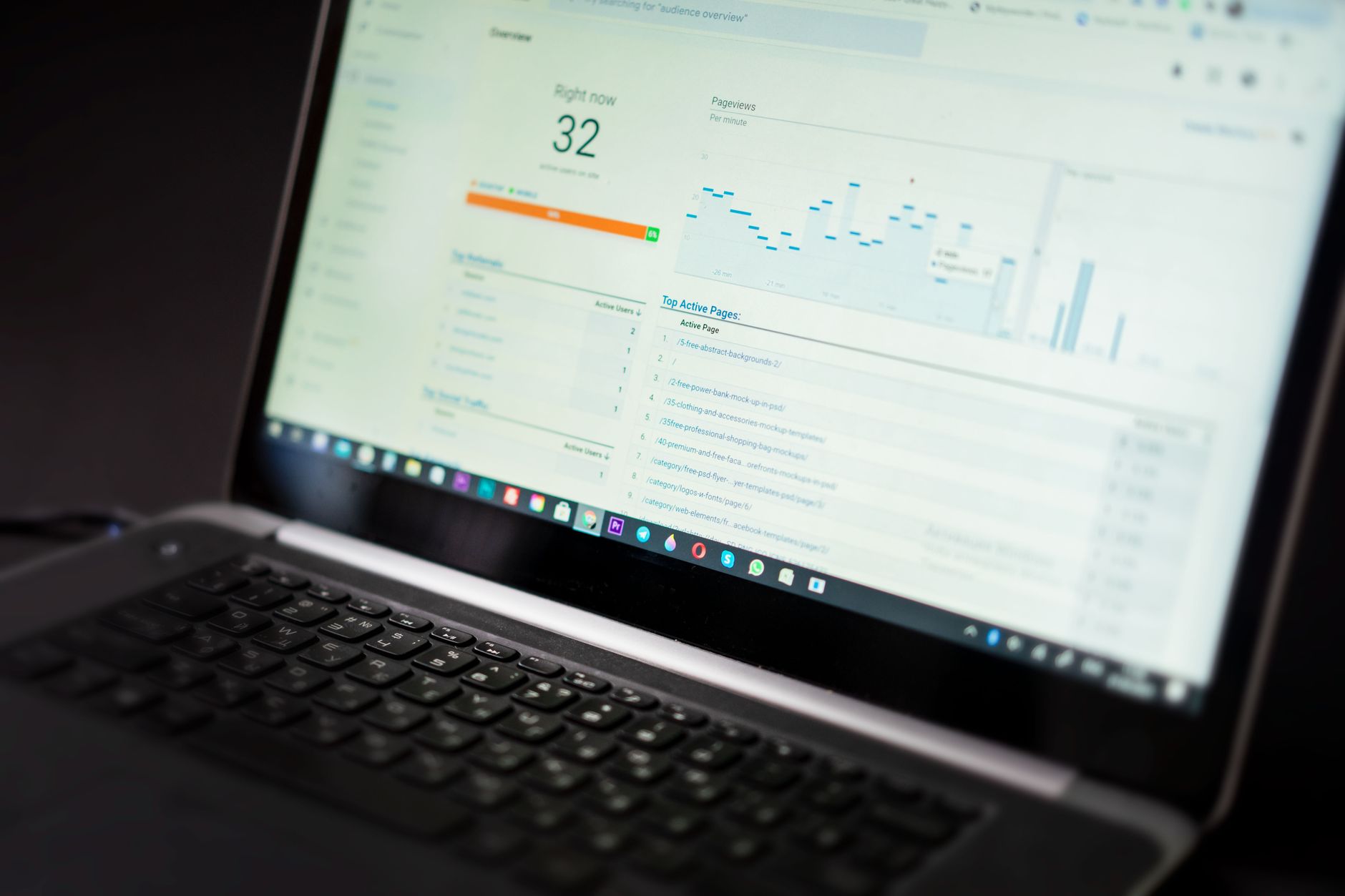
If you are not checking Google Search Console, you are missing the clearest SEO feedback available for free. The Performance report shows clicks, impressions, CTR, and average position, which gives small businesses a practical way to decide what to update first.
This is where strategy becomes measurable. A page with growing impressions but flat clicks may need a stronger title or better search intent match. A page with steady rankings but weak leads may need clearer offers, better proof, or a stronger call to action. Search Console does not solve the problem for you, but it shows where to look instead of guessing.
| Priority | What to check | Why it matters |
|---|---|---|
| High | Pages with high impressions and low clicks | These often have the fastest CTR upside |
| High | Core service pages losing position | These pages usually affect lead volume most |
| Medium | Blog posts getting impressions for off-target queries | This can reveal intent mismatch or weak page focus |
| Medium | Pages with no impressions after indexing | This can point to weak targeting, thin content, or internal linking problems |
A simple monthly review is enough for many smaller sites. Open your top pages, review their top queries, and decide whether the page needs a title rewrite, stronger internal links, clearer service information, or consolidation with another page.
Prioritize Technical Health Without Overcomplicating It
Technical SEO matters most when it removes friction. You do not need an enterprise checklist. You need to confirm that search engines can crawl the site, index the right pages, and load the experience without avoidable problems.
Review basic index settings, sitemap behavior, redirect chains, broken internal links, mobile rendering, and page speed bottlenecks. Google’s documentation makes clear that crawlable links, useful page content, and clean titles matter more than gimmicks. For many small businesses, technical cleanup is about removing confusion rather than adding complexity.
This is especially important after theme changes, migrations, or plugin swaps. A redesign can preserve the visual brand while quietly changing URL structure, internal links, heading hierarchy, and metadata output. When rankings stall after a relaunch, the issue is often structural, not mysterious.
If you are experiencing these issues, our team at WordPress SEO Expert can help. We look at what is actually blocking growth before recommending more content, more plugins, or bigger changes.
A 90-Day SEO Strategy Small Businesses Can Follow
The easiest way to stay consistent is to follow a short roadmap. Most small businesses will get further with a focused 90-day plan than with a huge strategy document that never gets implemented.
| Month | Main focus | Key actions |
|---|---|---|
| Month 1 | Audit and cleanup | Map keywords to pages, improve navigation, remove overlap, fix obvious technical issues |
| Month 2 | Core page improvements | Rewrite service pages, improve titles and headings, strengthen internal links, tighten calls to action |
| Month 3 | Support and measurement | Publish supporting articles, review Search Console data, refresh pages with high impressions and low CTR |
This sequence works because it fixes the foundation first. Publishing every week on top of a weak site structure usually spreads effort too thin and makes reporting harder to interpret.
Common WordPress SEO Mistakes Small Businesses Make
Most WordPress SEO problems are not advanced. They come from inconsistent execution, unclear targeting, and publishing habits that created more pages without creating more value.
The most common mistakes include targeting broad keywords too early, creating multiple weak pages for the same service, ignoring internal links, letting archives pile up without a plan, and measuring success only through plugin scores. Another frequent mistake is assuming a traffic plateau means you need more blog volume when the real issue is weak service pages or poor page focus.
The fix is usually to simplify, consolidate, and prioritize. One strong service page is usually better than four thin versions. One useful article that supports a money page is usually better than ten posts written just to fill a calendar.
Final Takeaway
WordPress SEO tips only help when they connect to a real plan. For most small businesses, that means clarifying page purpose, tightening site structure, improving titles and headings, and reviewing performance data consistently instead of jumping between random tactics.
WordPress SEO Expert helps small businesses diagnose what is actually holding rankings back, then fix the highest-impact issues first. Contact WordPress SEO Expert today to schedule a consultation if you want a practical roadmap instead of another generic checklist.

















