

Low rankings usually come from a stack of smaller SEO mistakes, not one missing plugin. WordPress sites often publish decent content, install an SEO plugin, and still stall because titles are weak, important pages compete with each other, internal links are thin, or technical settings send mixed signals to Google.
That is the real value of a WordPress SEO guide: not another giant checklist, but a clear way to spot the mistakes that quietly hold back rankings. This article walks through the problems we see most often, what to fix first, and where WordPress SEO Expert can help if you want a second set of eyes before changing settings.
The most common WordPress SEO mistakes
Most WordPress SEO problems fall into four buckets: unclear targeting, weak on-page signals, messy site structure, and technical confusion. The fastest gains usually come from fixing the pages and settings that already exist instead of publishing more content and hoping rankings improve.
| Mistake | Why it hurts rankings | What to fix first |
|---|---|---|
| No clear keyword target per page | Google gets mixed signals about what the page should rank for | Map one main topic to each core page |
| Keyword-stuffed titles and headings | Titles become harder to read and may look spammy | Rewrite titles to be concise and descriptive |
| Multiple pages covering the same intent | Pages compete with each other instead of building one strong signal | Consolidate overlapping pages and set canonicals where needed |
| Weak internal linking | Important pages get less context and authority flow | Add descriptive links from related pages |
| Plugin overlap and technical clutter | Conflicting features can create duplicate metadata, noindex mistakes, or bloat | Keep one clean SEO setup and review sitewide settings |
Mistake 1: Treating the SEO plugin as the strategy
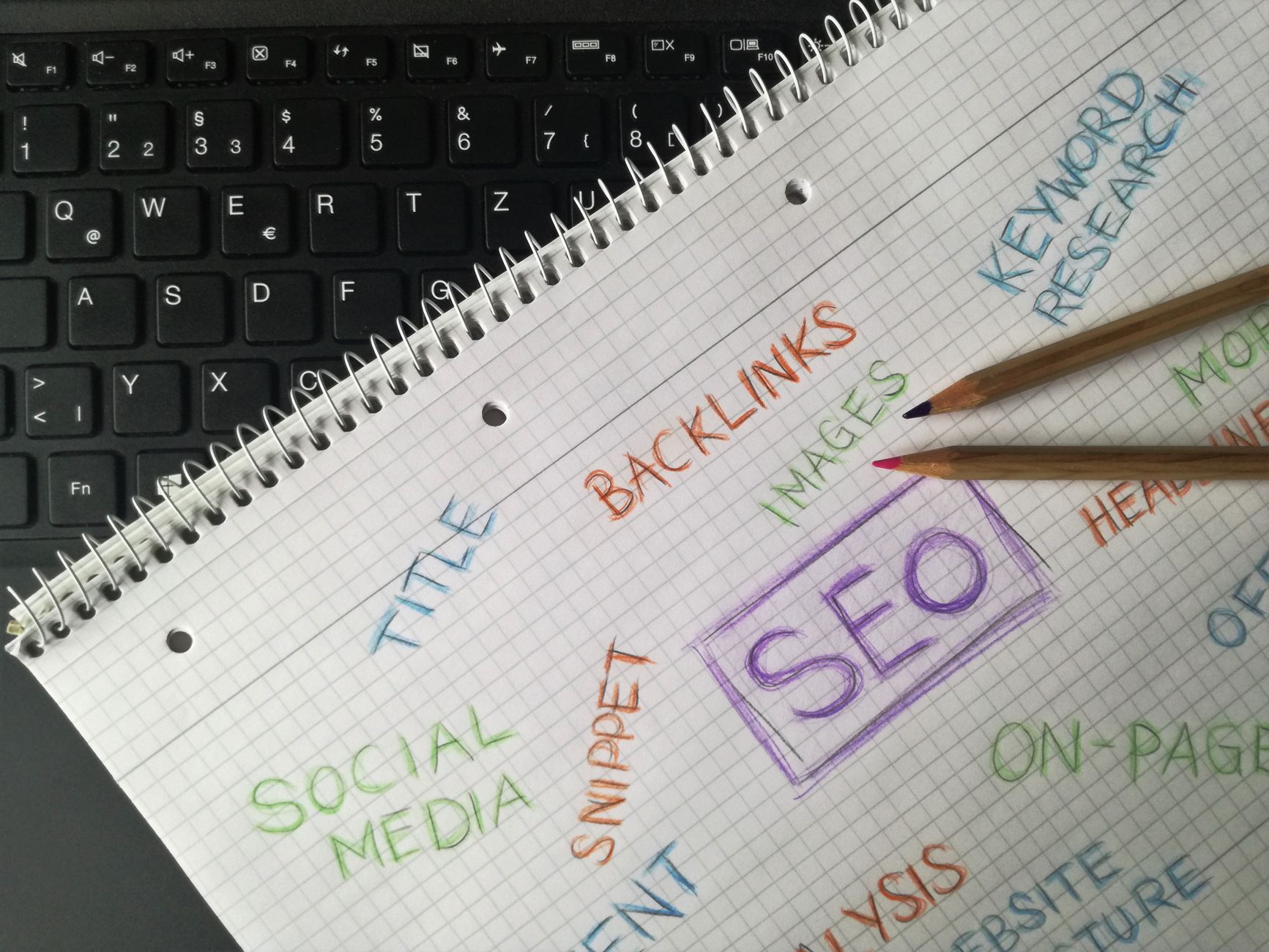
An SEO plugin helps you control titles, metadata, sitemaps, and technical settings. It does not decide which pages deserve to exist, which keywords matter, or whether your content actually matches search intent.
This mistake shows up when site owners chase green lights while the page itself is still unfocused. A service page might mention five different offerings, target no clear phrase, and bury the call to action halfway down the page. The plugin score may look fine, but the page still underperforms because the strategy is scattered.
A better approach is to give each important page one clear purpose, match it to a specific search intent, and build the page around that goal: give each important page one clear purpose, match it to a specific search intent, and build the page around that goal. The plugin should support that work, not replace it.
Mistake 2: Targeting too many keywords on one page
One page can rank for many variations, but it still needs one main topic. When a page tries to rank for several unrelated or loosely related terms, the copy becomes vague and the page loses topical focus.
This is common on homepages and service pages. A business tries to rank one page for WordPress SEO, technical SEO, local SEO, link building, WooCommerce SEO, and audits all at once. The result is broad copy that does not answer any one searcher’s problem deeply enough.
Fix this by assigning one primary keyword or topic to each core page, then supporting it with close variants and subtopics. If two services solve different problems, they usually deserve separate pages. If two pages target the same intent, they usually need to be merged.
Mistake 3: Writing title tags that are repetitive or stuffed

Title tags still matter because they help users and search engines understand the page. Weak titles are often either too generic or overloaded with repeated keywords, which makes them less useful and more likely to be rewritten.
Google’s title link documentation recommends descriptive, concise titles and specifically advises against keyword stuffing and boilerplate repetition. It also notes that excessively repetitive titles make it harder for users to tell pages apart.
Weak title: WordPress SEO | SEO Services | SEO Company | SEO Expert
Stronger title: WordPress SEO Services for Small Businesses
If several pages on your site use the same template with only one word changed, review them. Distinct titles usually perform better because they set clearer expectations before the click. If your titles need broader cleanup, the same page-level discipline applies here too: make one change at a time and review the impact.
Mistake 4: Letting pages compete with each other
When multiple pages target the same intent, rankings often stall because Google has to choose which version to treat as primary. Instead of one strong page building authority, you end up with several middling pages diluting the signal.
This happens with city pages that say nearly the same thing, blog posts that overlap heavily with service pages, or old articles that were rewritten as new URLs without consolidation. Google’s canonical guidance explains that canonical signals and redirects help search engines understand which URL should be treated as the preferred version.
The practical fix is straightforward. Keep the strongest page, merge overlapping content where useful, redirect weaker duplicates when appropriate, and make sure your internal links point to the version you want to rank. On WordPress sites that have been publishing for years, this one change can clean up a surprising amount of confusion.
Mistake 5: Ignoring internal links
Internal links help users move through the site and help search engines understand which pages matter most. Weak linking is one of the easiest mistakes to fix because the pages already exist; they just are not connected well enough.
Google’s documentation says crawlable links help Google find other pages on your site, and that descriptive anchor text helps people and search engines make sense of those pages. That means generic anchors and orphan pages waste opportunity.
A good rule is to add links where a reader would naturally want the next answer. A post about SEO planning should link to a deeper strategy resource. A post about performance problems should link to a technical guide. Service pages should also link to related supporting content, not sit isolated in the navigation.
If you are not sure where to start, review your highest-value pages first: homepage, main services, major category pages, and posts that already get impressions. Those are usually the pages worth strengthening before anything else.
Mistake 6: Publishing more content before fixing technical basics
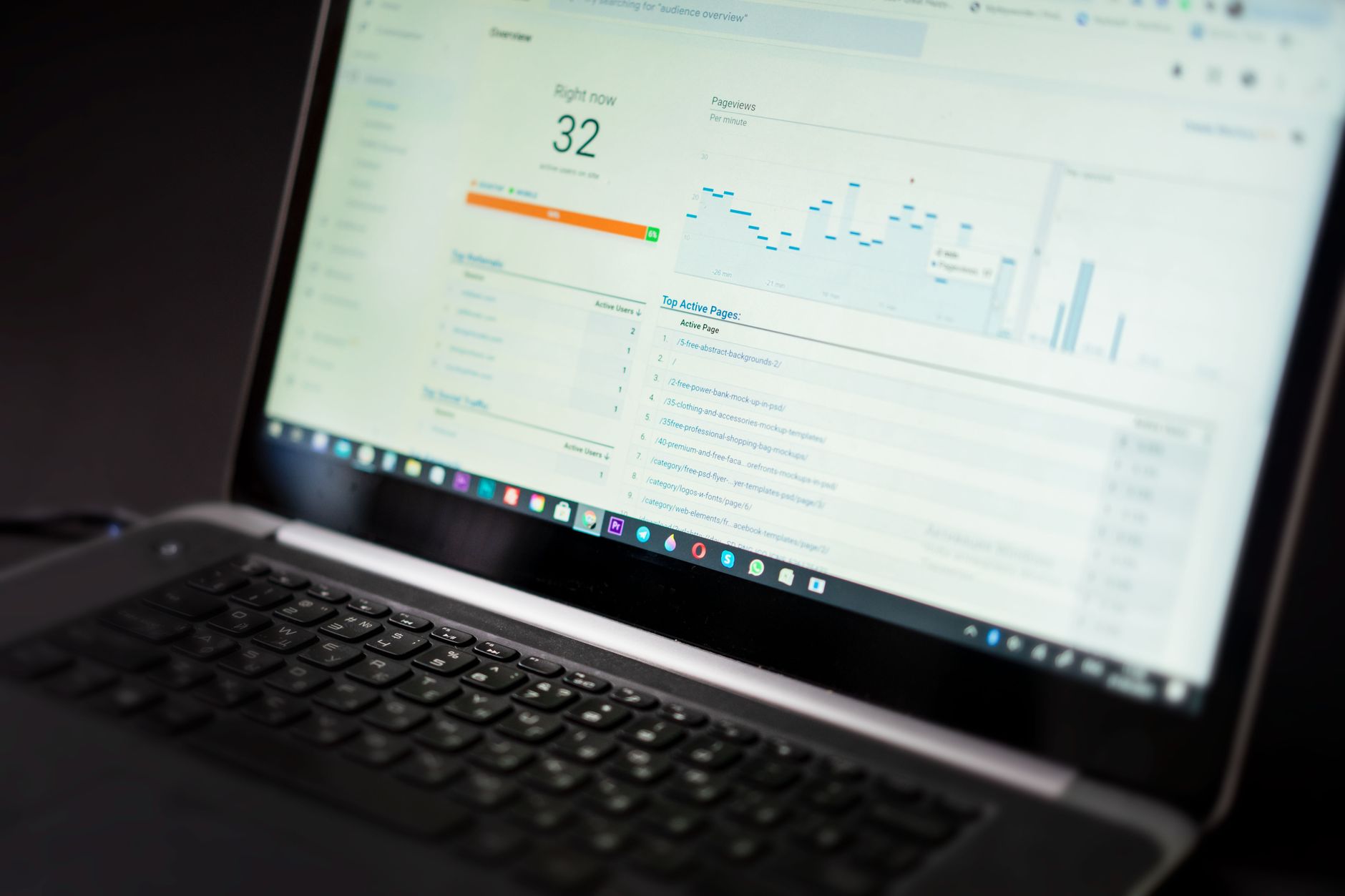
More content does not solve crawl issues, poor page speed, duplicate archives, or weak page templates. If the technical foundation is messy, adding more URLs often multiplies the problem instead of improving results.
Many site owners feel stuck because they are working hard but in the wrong order. They keep publishing while core pages are slow, tag archives are thin, templates generate weak headings, or an old plugin setup creates conflicting metadata. That is why rankings can stay flat even when content volume goes up.
Start with a technical pass on the basics: indexability, title and heading structure, sitemap behavior, canonical settings, internal links, image handling, and page speed. If performance is part of the issue, a focused WordPress site speed review walks through concrete fixes rather than vague advice.
If you are seeing these issues and are not sure which one matters most, our team at WordPress SEO Expert can help. A short diagnostic review is often enough to show whether the bottleneck is content quality, site structure, or technical setup.
What to fix first on a stuck WordPress site
The right order is usually simpler than people expect. Fix the pages and settings closest to ranking impact first, then move to supporting improvements. That keeps the work focused and prevents busywork.
| Priority | Area | What to do |
|---|---|---|
| 1 | Core page targeting | Assign one main topic to each service, category, or landing page |
| 2 | Titles and headings | Rewrite vague or repetitive titles and clarify the main H1 on each page |
| 3 | Cannibalization and duplicates | Merge overlapping pages and clean up canonicals or redirects |
| 4 | Internal linking | Add descriptive links between related pages and posts |
| 5 | Technical cleanup | Review index settings, sitemap behavior, plugin overlap, and performance issues |
Final takeaway
The biggest WordPress SEO mistakes are usually not advanced. They come from unclear page purpose, overlapping content, weak titles, thin internal linking, and technical clutter that builds up over time. Fixing those issues in the right order is often enough to unlock pages that already deserved to rank better.
If you want a practical review of what is actually holding your site back, contact WordPress SEO Expert today to schedule a consultation. We will help you sort the real problems from the noise and prioritize the fixes most likely to move the needle.

















