

Low rankings usually come from a scattered plan, not one missing plugin. A solid WordPress SEO setup starts with crawlability, indexation, site structure, and page quality before you worry about plugin scores. This WordPress SEO guide explains what to fix first, what can wait, and how to avoid the common mistakes that keep good sites stuck.
Most site owners do not have one catastrophic SEO problem. They have a stack of smaller issues that compound over time. That is why a page can be well written and still underperform. The good news is that WordPress gives you clean control over titles, canonicals, internal links, sitemaps, and content structure when the setup is handled properly.
What WordPress SEO actually means
WordPress SEO is not about chasing green lights in a plugin. It is the process of making your site easy for search engines to crawl, easy for users to navigate, and clear about which pages deserve to rank.
In practice, that means making sure your important pages can be indexed, your URLs are clean, your title tags are descriptive, your internal links support priority pages, and your site loads well on mobile. Google recommends clear, concise titles and useful page descriptions, and it also recommends using self-referential canonicals on indexable pages to clarify preferred URLs. Mobile usability still matters because Google primarily crawls and indexes the mobile version of websites. If those basics are weak, publishing more blog posts usually will not solve the ranking problem.
If you are launching a new site, start with our WordPress SEO checklist for new websites. If the site is already live but underperforming, the next sections will help you prioritize the right fixes.
The first 5 areas to check
Start with the technical foundation before rewriting content. If search engines cannot reliably crawl, understand, and consolidate your pages, on-page improvements will have limited impact.
| Area | What to check | Why it matters |
|---|---|---|
| Indexation | Make sure important pages are not set to noindex and the site is not blocking crawlers | Pages cannot rank if they are excluded from search |
| Titles and meta | Write unique page titles and strong descriptions for core pages | Better relevance and stronger click-through potential |
| Canonical setup | Confirm each indexable page points to its preferred URL | Helps consolidate duplicate or overlapping URLs |
| Internal links | Link related pages using descriptive anchor text | Helps Google understand page relationships and priority |
| Mobile performance | Check layout, speed, and usability on phones | Google primarily uses the mobile version for indexing |
Choose one SEO plugin, then configure it well
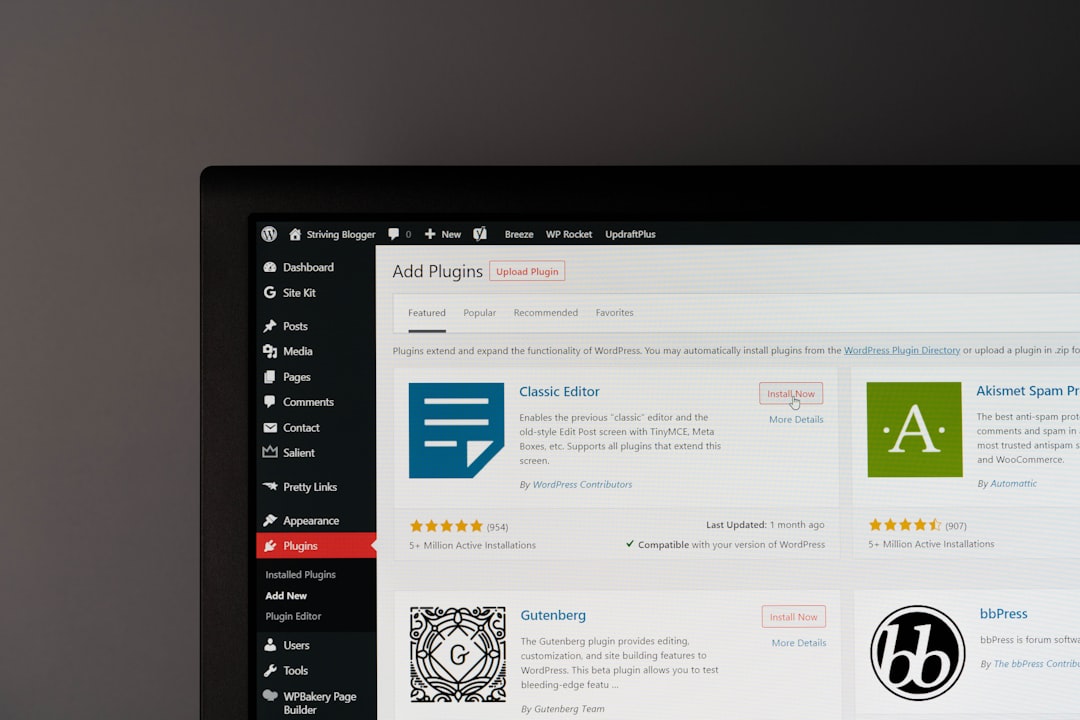
There is no single best SEO plugin for WordPress, but there is a best one for your workflow. The wrong move is stacking multiple SEO plugins and creating conflicts in titles, schema, canonicals, and sitemaps.
Whether you use Yoast, Rank Math, or another established option, keep the setup clean. Use one plugin only. Then review the homepage title, default title templates, XML sitemap output, archive indexing rules, and schema settings. Google may use your title element as the title link in search, so write titles that are unique, descriptive, and concise instead of boilerplate phrases repeated across every page.
A weak title might be SEO Services | SEO Company | SEO Expert. A stronger version is WordPress SEO Services for Small Businesses. The second tells both users and search engines what the page is actually about.
Fix crawl and index problems before content rewrites

Technical access problems come first. If the site has noindex tags in the wrong places, conflicting sitemaps, redirect problems, or messy duplicate URLs, content updates will not have room to work.
Check whether the preferred version of your domain resolves consistently, whether HTTP redirects to HTTPS, and whether your important pages appear in the XML sitemap. Review category, tag, author, and date archives carefully instead of leaving every archive indexable by default. WordPress sites often create more indexable URLs than they need, especially when plugins, taxonomies, and pagination start piling up.
Google’s canonical guidance is especially relevant here. Self-referential canonical tags help reinforce the preferred URL, while redirects remain a strong canonicalization signal when duplicate versions exist. If your site has gone through redesigns or migrations, compare old URL paths with the current structure and make sure important legacy pages are redirected to the most relevant new destinations.
If you are not sure whether the issue is crawlability, duplication, or page quality, review our guide to improving WordPress site speed for SEO alongside a technical review. Speed is not the whole story, but a slow mobile experience can make a weak page even less competitive.
On-page SEO still matters, but only after the foundation
Once the technical basics are in place, improve the pages that matter most. Focus first on service pages, product categories, and other URLs that should actually drive leads or sales.
For each priority page, tighten the title tag, clarify the main heading, improve the opening paragraphs, and add internal links from relevant supporting pages. Make sure the page answers the real query instead of circling around it. Helpful content is usually specific, direct, and written for people who need a solution, not for a plugin score. That means fewer vague introductions and more concrete answers early on the page.
Meta descriptions deserve attention too. Google says it may use the meta description when it better summarizes the page for users, so write them as short, useful summaries rather than stuffing them with repeated keywords. Good descriptions help the right visitor decide to click.
Internal linking is where many WordPress sites fall short
Internal linking is one of the easiest WordPress SEO wins because you control it completely. Most underperforming sites have useful pages sitting too deep, too isolated, or linked with weak anchor text.
Link from blog posts to service pages when the connection is natural. Link between related guides. Update older posts when you publish newer, more complete resources. Descriptive anchors like WordPress SEO checklist for new websites tell Google more than generic anchors like read more. They also help users understand where the next click will take them.
If you are building out a broader SEO plan, WordPress SEO Expert can help identify which existing pages should pass authority to your commercial pages and which pages need stronger topical support.
When site speed helps, and when it will not
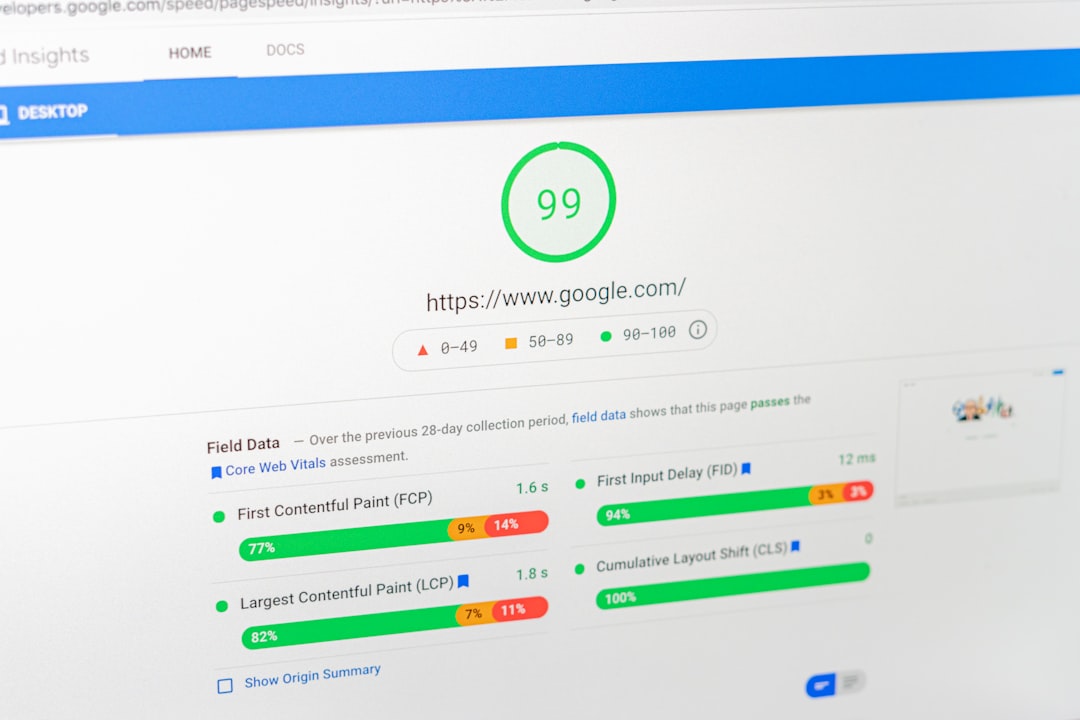
Speed matters, but it is not magic. A faster site improves user experience and can remove a competitive disadvantage, but it will not rescue weak content or unclear search intent.
The practical goal is a site that loads well on mobile, avoids major layout shifts, and does not frustrate users with heavy images or bloated scripts. That usually means compressing images, using caching, reducing unnecessary plugins, and testing the real mobile experience instead of relying only on desktop tools. For many businesses, getting the site into a solid, stable range is far more valuable than chasing a perfect speed score.
A simple WordPress SEO action plan
If your rankings are stuck, do not try to fix everything at once. Work in sequence so you can tell what is actually improving the site.
| Priority | Action | Expected outcome |
|---|---|---|
| 1 | Audit indexation, redirects, canonicals, and sitemap output | Removes technical blocks and duplication issues |
| 2 | Improve titles, headings, and copy on core pages | Stronger relevance for target searches |
| 3 | Add internal links from supporting content to priority pages | Clearer site structure and better page priority signals |
| 4 | Improve mobile speed and usability | Better user experience and fewer friction points |
| 5 | Publish supporting content only after the above is stable | Content works harder because the foundation is stronger |
If you want a second set of eyes before changing plugin settings or rewriting major pages, WordPress SEO Expert can help. We look at what is actually holding the site back, then turn it into a short, prioritized roadmap instead of a generic checklist.
Final takeaway
WordPress SEO works best when you simplify it. One plugin, one clean technical setup, clear page targets, and internal links that support the pages that matter most will usually outperform a cluttered setup full of overlapping tools and random content publishing.
If your site has been stuck for months, the problem is usually diagnostic, not motivational. Contact WordPress SEO Expert today to schedule a consultation. We will help you identify whether the real issue is technical SEO, on-page relevance, site structure, or a mix of smaller problems that have been compounding over time.

















