
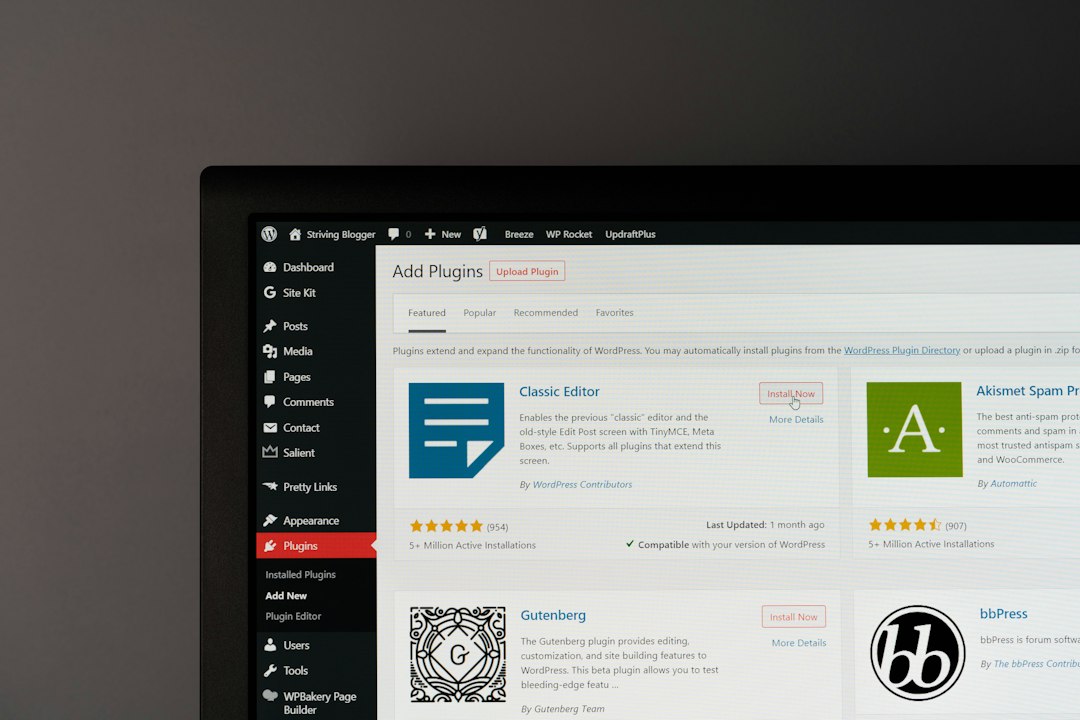
WordPress SEO continues to evolve as search engines become better at understanding content, user intent, website quality, and overall experience. In 2026, successful SEO is less about repeating exact keywords and more about creating a technically sound website that genuinely helps its audience.
Here are practical WordPress website SEO best practices to focus on.
1. Prioritize Helpful Content
Content should be created for the people who will actually use it.
Before publishing an article or page, consider:
- What problem does it solve?
- Who is it for?
- What information does the visitor need?
- Does it provide something useful beyond basic information?
Avoid creating large numbers of pages simply to target slightly different keyword variations.
2. Match Search Intent
Understanding why someone searches is essential.
A user searching for an informational topic may want a guide or explanation. Someone searching for a specific service may need pricing, process information, examples, or a way to contact the business.
Create pages that satisfy the purpose behind the search rather than forcing every keyword into the same type of content.
3. Keep WordPress Technically Healthy
Regularly update:
- WordPress core
- Themes
- Plugins
- Security settings
Remove unused plugins and themes where appropriate.
A technically maintained website is easier to manage and less likely to develop avoidable problems.
4. Improve Page Experience
Visitors should be able to use your website without unnecessary friction.
Pay attention to:
- Loading speed
- Mobile usability
- Navigation
- Readability
- Layout stability
- Forms and buttons
SEO and user experience often overlap because search visibility is more useful when visitors can actually use the website effectively.
5. Optimize Images

Images should look good without unnecessarily increasing page size.
Resize oversized images, compress them, and use appropriate formats. Add useful alt text when an image provides meaningful information.
Do not add keyword-heavy alt text that does not accurately describe the image.
6. Strengthen Internal Linking
Internal links help organize your content.
Create natural connections between:
- Service pages
- Blog posts
- Guides
- Product pages
- Location pages
- Supporting resources
Use descriptive anchor text and make sure the linked page is genuinely relevant.
7. Build Topic Depth
Instead of publishing random articles, develop content around the subjects that matter to your business.
For example, a WordPress SEO website could cover:
- Technical SEO
- On-page SEO
- Keyword research
- Website speed
- Local SEO
- Content optimization
- SEO audits
Connect these articles logically so the website has a clear topical structure.
8. Monitor Indexing
Google Search Console should be part of regular SEO monitoring.
Check for:
- Indexing errors
- Unexpected exclusions
- Duplicate pages
- Crawling problems
- Security issues
If an important page is missing from search, investigate its technical status before rewriting the entire page.
9. Use Structured Data Carefully
Structured data can help search engines understand certain types of information.
Use appropriate schema where it genuinely applies to the content. Avoid adding markup that does not accurately represent the page.
Correct implementation matters more than using as much schema as possible.
10. Earn Relevant Backlinks
Backlinks can support authority and visibility when they come from relevant and trustworthy websites.
Focus on earning links through:
- Original research
- Useful resources
- Digital PR
- Industry relationships
- Expert contributions
- High-quality outreach
Avoid low-quality link schemes designed only to increase backlink numbers.
11. Improve Existing Content
Not every SEO improvement requires a new article.
Review existing pages and look for:
- Outdated information
- Weak introductions
- Missing sections
- Poor titles
- Broken links
- Weak internal linking
- Declining traffic
Updating genuinely outdated or incomplete content can make an existing page more useful.
12. Use Search Data for Decisions
Do not rely entirely on assumptions.
Search Console data can show which queries generate impressions and clicks. Analytics tools can help you understand what visitors do after arriving.
Use this information to identify opportunities and prioritize work.
13. Avoid Unnecessary SEO Changes
Not every SEO trend needs to be implemented on every WordPress site.
Before making a change, ask whether it solves a real problem.
A simple website with clean architecture, useful content, good performance, and strong internal linking can be more effective than a website overloaded with complicated tools and unnecessary settings.
14. Review SEO Regularly
SEO should be part of normal website maintenance.
A regular review can cover:
| Area | What to Check |
|---|---|
| Technical | Indexing, redirects, sitemap |
| Content | Relevance, accuracy, usefulness |
| Performance | Speed and mobile experience |
| Links | Internal and external links |
| Search data | Clicks, impressions, queries |
For larger websites, a WordPress SEO consultant can help prioritize technical, content, and strategic improvements.
The strongest approach in 2026 is still practical: understand your audience, create genuinely useful pages, maintain a healthy WordPress website, and use search data to improve continuously.

















