

Low rankings usually come from a scattered plan, not one missing plugin. Most WordPress sites do not have one catastrophic problem. They have a stack of smaller issues that compound over time. The fix is a workflow that tells you what to check first, what can wait, and what to stop doing altogether.
This workflow is built for WordPress websites that publish consistently but still struggle to grow. It focuses on visibility blockers before polish. If you need a broader foundation first, review our WordPress SEO best practices and our comparison of Yoast SEO vs Rank Math before changing plugin settings.
Start With Indexing and Crawl Access
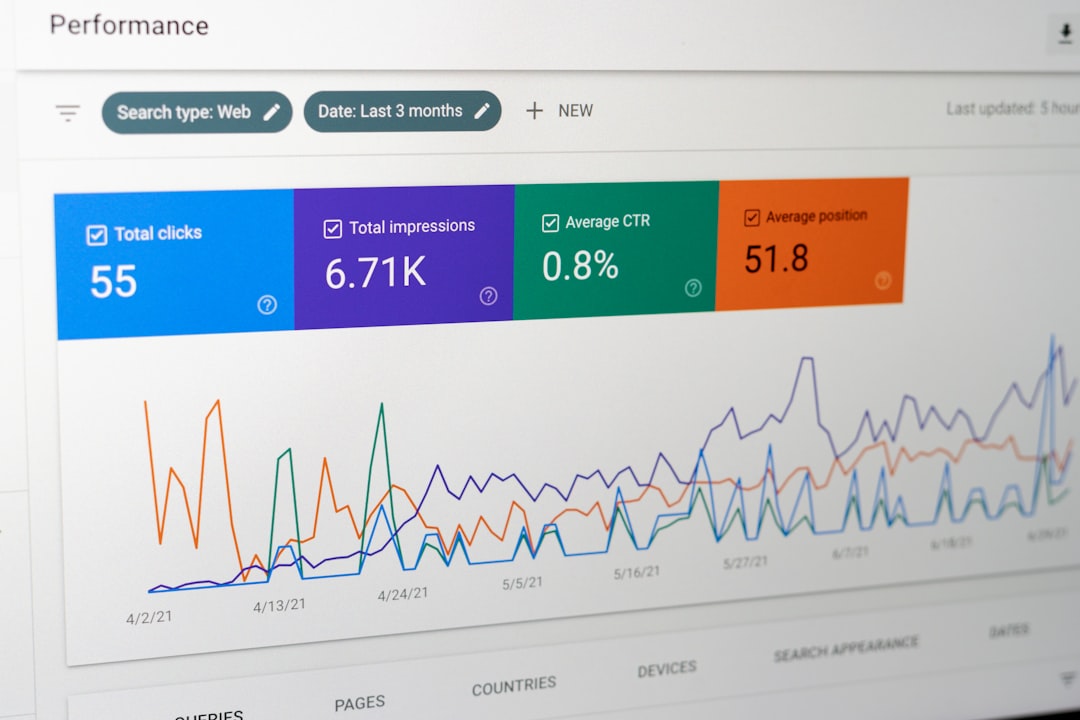
Check whether search engines can crawl and index the right pages before you touch titles, schema, or content refreshes. If the wrong pages are blocked, canonicalized poorly, or missing from your internal link structure, everything else underperforms.
Start inside WordPress by reviewing your reading settings, your SEO plugin index controls, and the pages that matter most for leads or sales. Service pages, product categories, and cornerstone blog posts should return a normal status code, be linked from crawlable pages, and appear in your XML sitemap when they are meant to rank. Google recommends using crawlable links with descriptive anchor text so it can better understand site structure and linked pages.
This is also where redesign and migration problems often show up. A traffic drop after launch is frequently tied to redirects, noindex rules, missing internal links, or canonicals pointing to the wrong place. Fix the issues that block visibility before the issues that polish visibility.
Use One SEO Plugin and Configure the Basics
One well-configured SEO plugin is enough. Running overlapping plugins often creates duplicate metadata, conflicting canonicals, and competing sitemap outputs that are harder to diagnose than the original problem.
Pick one primary SEO plugin and set up the essentials first: title templates, meta descriptions, XML sitemaps, archive indexing rules, and social defaults. Do not confuse plugin scores with SEO performance. A green light in an SEO plugin does not mean the page deserves to rank. It only means the page met that plugin’s checklist.
If you are still deciding between tools, our Yoast SEO vs Rank Math comparison can help you choose a cleaner setup instead of stacking features you do not need.
Write Titles and Descriptions After the Page Purpose Is Clear
Title tags and meta descriptions work best when the page already has a clear job. Decide whether the page is meant to sell, explain, compare, or capture local demand, then write search snippets that reflect that job without stuffing keywords.
Google recommends descriptive, concise titles and warns against keyword stuffing and repetitive boilerplate. It also may use your meta description when that summary better describes the page for a searcher. That means every important page should have a distinct title, a useful description, and copy that matches the promise made in search.
| Weak title | Stronger title |
|---|---|
| SEO Services | SEO Company | SEO Expert | WordPress SEO Services for Small Businesses |
| Blog | WordPress SEO Workflow for Growing Sites |
| Best SEO Plugin | How to Choose One SEO Plugin for WordPress |
Do not try to solve weak positioning with longer titles. You do not need a perfect score. The goal is a title that is easy to understand, distinct from other pages, and aligned with what the visitor expects to find.
Fix URL Duplication Before Publishing More
Duplicate or near-duplicate URLs dilute signals and create confusion about which page should rank. Before publishing more content, clean up the versions of pages that already overlap or compete with each other.
On WordPress sites, duplication often comes from tag archives, attachment pages, parameter URLs, trailing slash inconsistencies, category pagination, and WooCommerce filter combinations. Choose the preferred version, link to that version internally, and redirect or noindex the versions that do not need to rank. This is usually more valuable than publishing another thin post aimed at a slightly different keyword variation.
Most site owners do not need more pages. They need cleaner signals on the pages they already have.
Build Internal Links With a Clear Path

Internal linking should move authority and guide visitors to the next logical step. If important pages are buried, isolated, or only listed in a sitemap, they are harder for both users and search engines to find and understand.
Link informational content to service pages. Link broader guides to narrower supporting posts. Link comparison content to implementation content. Google advises using crawlable links with relevant anchor text, which is one reason loose button scripts and vague anchors can quietly weaken site structure.
If you are not sure which pages deserve the most internal links, start with the pages closest to revenue and the pages already earning impressions. Then connect supporting content around them instead of publishing random posts that never feed a business goal.
If your current architecture feels messy, WordPress SEO Expert can help you identify which links matter most and which pages are being left out of the main crawl path.
Check Template-Level Performance, Not Just the Homepage
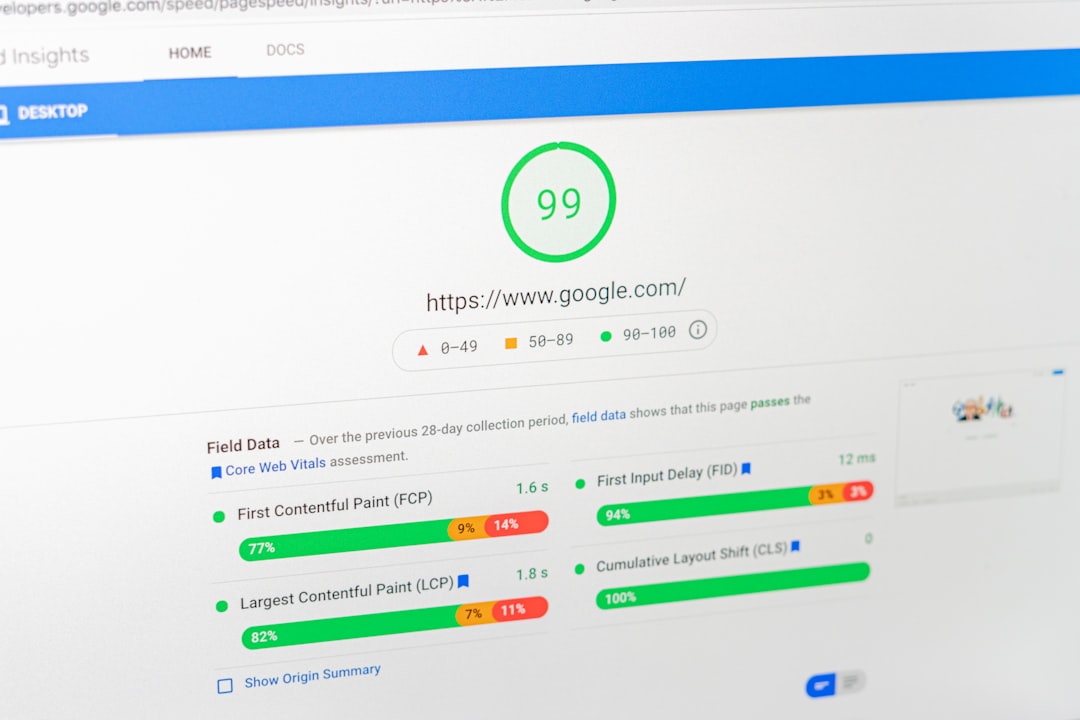
Speed improvements matter most when they make key templates easier to use. Testing only the homepage misses the pages that often carry search traffic, including service pages, product pages, blog posts, and archive templates.
Review your main page types separately. A blog template may perform well while product pages are slowed down by galleries, variation scripts, or review widgets. A service page may be clean while archive pages are bloated by theme features. Practical fixes usually include reducing unnecessary plugins, improving caching, trimming heavy scripts, and simplifying page builder sections before chasing edge-case scores.
You do not need a perfect score. The goal is a site that loads cleanly and is easy to use.
Use Schema to Clarify, Not to Compensate
Structured data helps search engines interpret the page more clearly, but it does not rescue weak content or broken technical SEO. Use the schema types that match the visible page and skip the ones that exist only because a plugin made them easy to turn on.
Google’s structured data guidelines say markup should reflect user-visible content and should not be misleading. That means a local business page can use local business details if they are actually present. An article page can use article markup if it is clearly an article. What you want to avoid is sitewide over-markup that adds noise without improving clarity.
If you are experiencing these symptoms, our team at WordPress SEO Expert can help. We can review plugin output, template markup, and indexing behavior before small technical errors spread across the whole site.
The Practical WordPress SEO Workflow
The most effective workflow starts with access, then structure, then relevance, then refinement. This order keeps you from spending hours polishing pages that still have crawl, index, or duplication problems underneath them.
| Priority | What to review first | Why it comes first |
|---|---|---|
| 1 | Indexing rules and crawl access | Pages cannot rank if search engines cannot reach or index them properly. |
| 2 | Canonicals, redirects, and duplicate URLs | These issues dilute signals and confuse which page should rank. |
| 3 | Page purpose, titles, and descriptions | Search snippets work better when the page intent is already clear. |
| 4 | Internal linking and site structure | Links help search engines discover priorities and help users move deeper. |
| 5 | Template performance and usability | Speed improvements matter most where users actually engage. |
| 6 | Content depth and on-page formatting | Once the foundation is clean, stronger content performs better. |
| 7 | Schema and secondary enhancements | These support visibility but should not come before the basics. |
What to Stop Doing
Stop chasing plugin checklists as if they are rankings. Stop publishing near-duplicate posts to cover tiny keyword variations. Stop stacking overlapping SEO plugins. Stop treating archive bloat as harmless. These habits create more noise than progress.
The strongest WordPress SEO setups are usually simpler than people expect. One plugin. Clear index rules. Clean canonicals. Strong internal links. Fewer but better pages. That is a workflow you can maintain without turning your dashboard into a troubleshooting project.
The Best Next Step
The best next step is to review the pages that matter most, not rewrite everything at once. Start with your top service pages, high-impression pages, and any section affected by a redesign, plugin change, or migration.
If you are not sure whether your current setup is helping or quietly hurting you, WordPress SEO Expert can help. Book a free SEO consultation. No pitch, no pressure. Just an honest look at what your site actually needs and whether your current setup is part of the solution or part of the problem.
Contact WordPress SEO Expert today to schedule a consultation and get a practical workflow for fixing the issues that are holding your WordPress site back.

















