
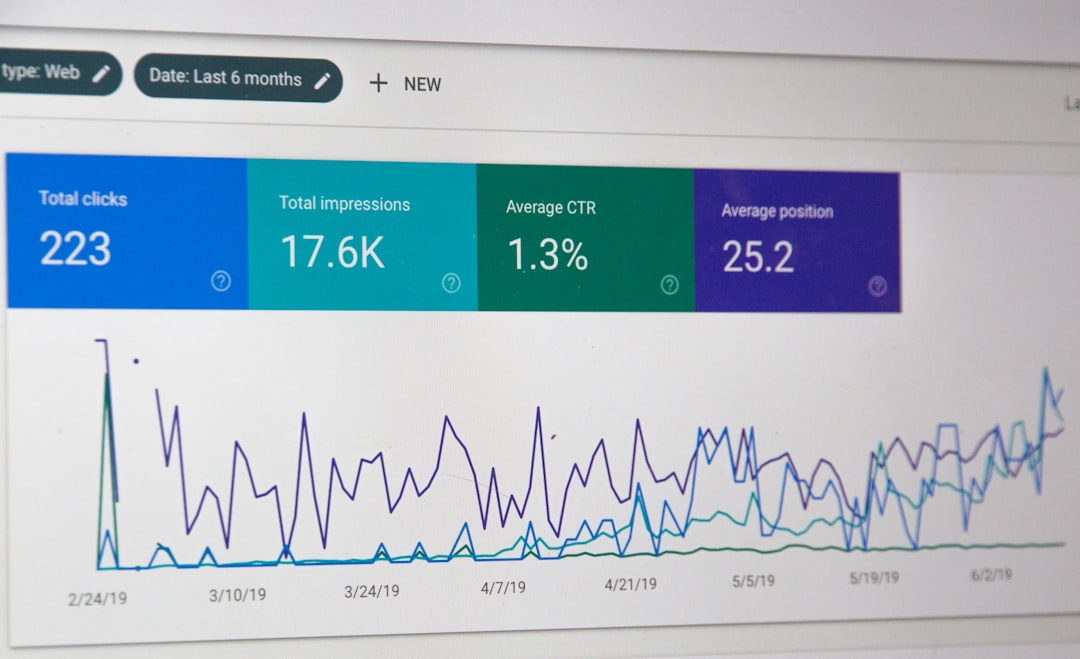
Most WordPress SEO tutorials do not fail because the advice is fake. They fail because they flatten everything into a checklist with no order. That is how site owners end up chasing plugin scores, publishing into weak site structures, and missing the few problems that actually hold rankings back.
A green light in an SEO plugin does not mean the page deserves to rank. Most sites with flat traffic do not have one dramatic issue. They have a stack of smaller mistakes that compound over time. The fix is not doing more random SEO work. The fix is learning which tutorial advice to ignore, which to keep, and what to fix first.
Why many WordPress SEO tutorials lead people off track
Many tutorials create confusion because they treat every SEO task as equally important. In reality, indexing, duplication, internal linking, and page targeting usually matter more than cosmetic plugin settings. Fix the issues that block visibility before the issues that polish visibility.

This is where DIY site owners lose time. A tutorial tells them to rewrite a meta description, add FAQ schema everywhere, and hit green scores on every page, while no one checks whether the important pages are actually crawlable, clearly targeted, and linked well from the rest of the site. If you need a broader framework, our WordPress SEO practical guide for DIY site owners lays out the work in the right order.
Mistake 1: Treating plugin scores like ranking proof
Plugin scores can be helpful reminders, but they are not proof that a page is strong. Tutorials that tell you to keep editing until every light turns green often push you toward awkward writing, repetitive phrasing, and shallow optimization.
Google recommends writing descriptive, concise titles and avoiding keyword stuffing or repetitive boilerplate, which is the opposite of what many score-chasing workflows produce. Tutorials that reward exact-match repetition can make pages look more optimized inside WordPress while making them less useful in search. If you want a cleaner baseline, our article on common WordPress SEO setup mistakes explains why plugin signals are often mistaken for SEO progress.
Mistake 2: Installing too many SEO plugins
One well-configured SEO plugin is enough. Tutorials that recommend stacking an SEO plugin, a schema plugin, a sitemap plugin, and a metadata plugin often create conflicts instead of improvements.
Multiple plugins can generate overlapping metadata, duplicate canonicals, and competing sitemap outputs. That makes troubleshooting harder and can send mixed signals about which pages matter. Simpler setups are usually easier to manage and easier to trust over time. If your current setup feels cluttered, WordPress SEO Expert can help you sort out what should stay and what should go.
Mistake 3: Copying title formulas from generic tutorials
Generic title formulas are one of the fastest ways to make a site look repetitive in search results. Tutorials often suggest stuffing several keyword variations into every title tag, even though that weakens clarity and click appeal.
Google’s guidance says titles should be unique to the page, clear, and concise. That means a service page title should tell a searcher what the page actually offers, not list near-duplicate phrases separated by pipes. A title should help a real person choose your page, not just satisfy a checklist.
| Weak title | Stronger title |
|---|---|
| SEO Services | SEO Company | SEO Expert | WordPress SEO Services for Small Businesses |
| WordPress SEO | SEO Tips | SEO Help | WordPress SEO Tutorial Mistakes to Avoid |
| Blog | SEO Tutorial | Common WordPress SEO Advice That Wastes Time |
Mistake 4: Following tutorials without checking indexability
Indexing problems quietly ruin more SEO efforts than weak copy ever will. A tutorial can give you ten on-page tips, but if key pages are noindexed, poorly linked, or buried under duplicates, those tips will not move much.
This is especially common after redesigns, theme changes, or plugin swaps. Pages can disappear from sitemaps, archive pages can stay indexable when they should not, and attachment or parameter URLs can multiply without anyone noticing. Before following any advanced tutorial, check whether your important pages are crawlable, indexable, and internally connected.
Mistake 5: Publishing thin posts just to hit a content schedule
Publishing more often is not always the same as building more search value. Tutorials that push volume-first blogging often create overlapping posts that target the same intent and compete with each other.
One strong page usually does more than three thin variations on the same topic. If a tutorial tells you to write separate posts for tiny keyword differences, be careful. Consolidation, stronger internal links, and clearer targeting usually outperform fragmented publishing. The better question is not how many posts you can publish this month. It is whether each page deserves to exist on its own.
Mistake 6: Using schema as a shortcut
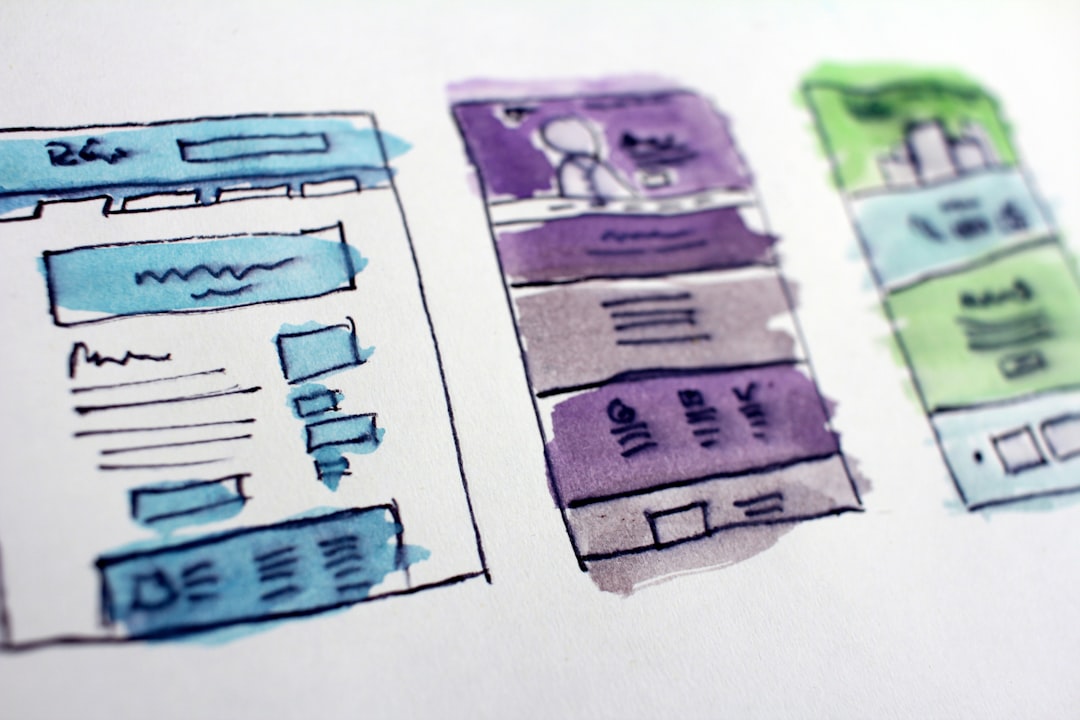
Schema can help search engines understand a page, but it is not a ranking shortcut. Tutorials that encourage turning on every schema type available often create markup that does not match the visible content.
Google’s structured data guidelines say markup should reflect what users can actually see and should not be misleading. That means schema should support the page, not decorate it. If a page does not contain visible FAQs, reviews, or product details, adding that markup does not make the page stronger. It just makes the setup messier.
Mistake 7: Ignoring internal links in tutorial workflows
Internal links are one of the most overlooked parts of WordPress SEO tutorials. Many walkthroughs focus on titles, keywords, and plugin settings while barely mentioning how pages connect to each other.
Google recommends using descriptive anchor text because it helps people and search engines make sense of your site. If your posts only live in the blog archive and never link into service pages, supporting articles, or broader guides, you are leaving one of your best structural signals underused. Every important page should have a clear role in the site and multiple relevant paths leading to it.
If your rankings are flat and you are not sure whether the real problem is indexing, duplication, weak targeting, or plugin clutter, WordPress SEO Expert can help. Book a free SEO consultation. No pitch, no pressure. Just an honest look at what your site actually needs and whether your current setup is part of the solution or part of the problem.
What to do instead of following every tutorial tip
The better approach is simple: reduce overlap, simplify the setup, and prioritize the pages that matter most. You do not need a perfect score. You need a site that is easy to crawl, easy to understand, and clear about which pages deserve attention.
| Priority | What to check first | Why it matters |
|---|---|---|
| 1 | Indexing and crawl settings | Blocked or excluded pages cannot perform |
| 2 | Plugin conflicts and duplicate output | Conflicting signals weaken clarity fast |
| 3 | Title targeting and page intent | Pages need a clear match to the searcher |
| 4 | Internal linking | Helps search engines discover and prioritize pages |
| 5 | Schema and meta cleanup | Supports visibility after the foundation is sound |
The next step if tutorial advice has left your site stuck
Tutorial overload usually creates motion, not progress. When every tactic feels urgent, site owners keep tweaking low-impact settings while the real blockers stay in place. That is why honest diagnosis matters more than another checklist.
Contact WordPress SEO Expert today to schedule a consultation. We will help you separate useful WordPress SEO guidance from noise, clean up the issues that compound over time, and build a plan that fits your actual site instead of a generic tutorial template.

















