

Most WordPress SEO problems are not caused by missing tools. They come from using too many tools without a clear order, or using the right tools for the wrong job. A green light in an SEO plugin does not mean the page deserves to rank. What matters is whether your setup helps search engines crawl the right pages, understand them clearly, and connect them through a clean site structure.
This is where WordPress SEO Expert sees site owners get stuck. They have installed plugins, adjusted settings, and published content, but rankings stay flat because the work is scattered. Fix the issues that block visibility before the issues that polish visibility. If you need a stronger baseline first, start with our practical guide for DIY WordPress site owners and then use the tool and technique stack below to tighten what matters most.
Start With Fewer Tools, Not More
The best WordPress SEO setup is usually simpler than people expect. One well-configured SEO plugin, one caching system, one image optimization workflow, and a clear internal linking plan will usually outperform a cluttered stack of overlapping features.
That is why we recommend treating tools as support layers, not solutions by themselves. Google recommends descriptive, concise title text and warns against keyword stuffing and repeated boilerplate. Google also recommends crawlable HTML links with descriptive anchor text, which means site structure and internal links still matter more than plugin scores or dashboards. If your current setup feels messy, our guide on how to fix WordPress SEO setup problems can help you simplify it before you add anything new.
The Core SEO Tools Worth Using
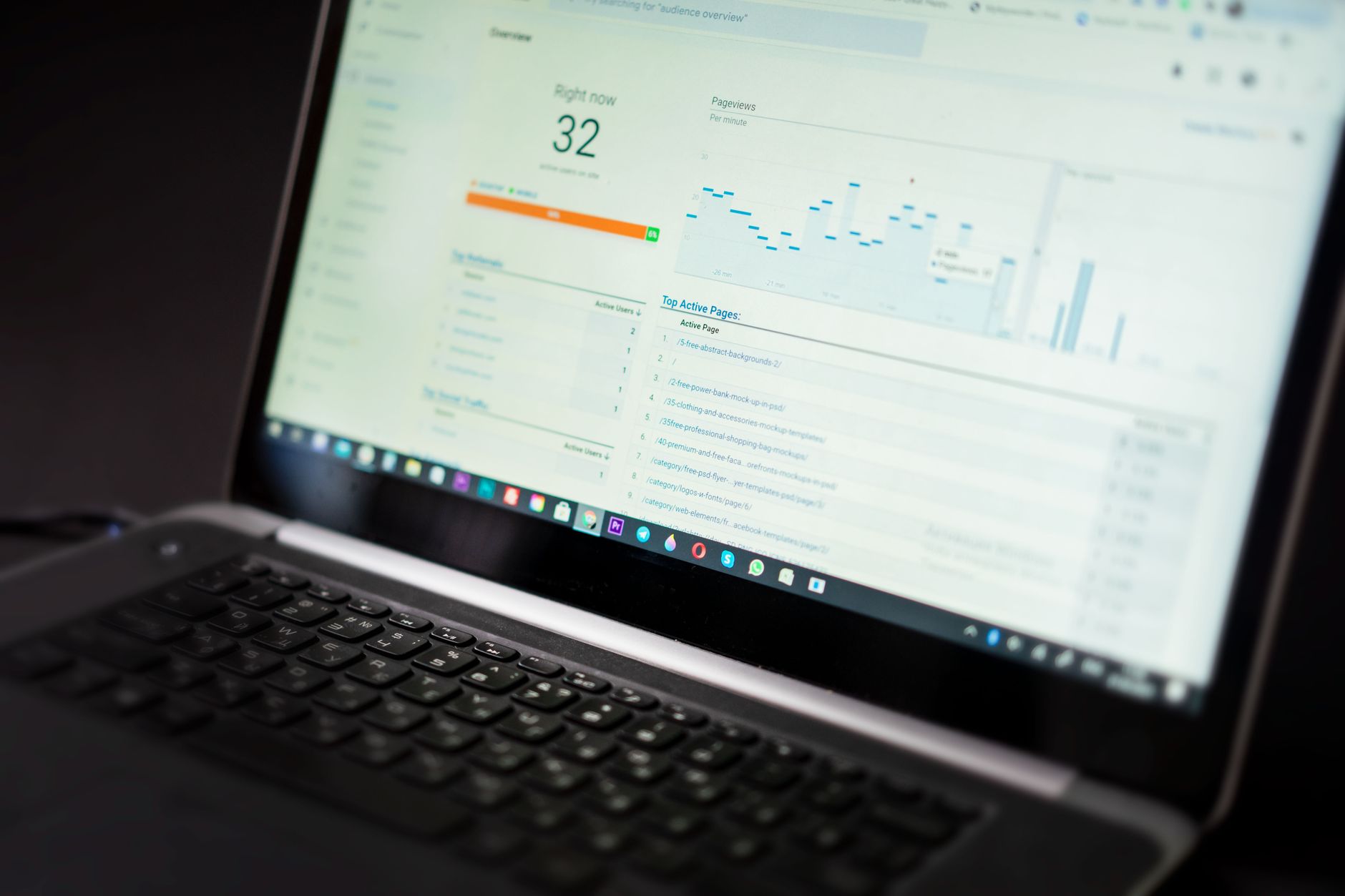
You do not need every popular SEO tool. You need a short stack that helps you manage metadata, monitor indexing, improve speed, and spot weak pages before they drag down the rest of the site.
| Tool Type | What It Helps You Do | Best Use |
|---|---|---|
| SEO plugin | Control titles, meta descriptions, canonicals, schema basics, and sitemaps | Sitewide SEO settings and page-level optimization |
| Google Search Console | Check indexing, impressions, click-through rate, and page performance | Finding visibility problems and quick-win pages |
| Caching plugin | Improve load times and reduce unnecessary server work | Core speed improvements |
| Image optimization tool | Compress and resize images for faster pages | Media-heavy pages and blog posts |
| Redirect manager | Handle changed URLs and prevent broken-page issues | Redesigns, migrations, and deleted pages |
| Crawl or audit tool | Find broken links, duplicate issues, and missing elements | Periodic SEO reviews |
The important part is not owning all six categories. It is knowing which one solves which problem. Most site owners do not have one catastrophic problem. They have a stack of smaller issues that compound over time.
Use One SEO Plugin Well
Your SEO plugin should manage titles, meta descriptions, XML sitemaps, canonical tags, and basic schema output. It should not become a reason to stack other plugins that create duplicate metadata, overlapping sitemaps, or conflicting canonicals.
For most sites, one well-configured SEO plugin is enough. The real technique is not chasing every feature. It is setting distinct page titles, writing page-specific meta descriptions, reviewing index settings for archives, and making sure the plugin is not creating output that conflicts with your theme or another extension. If you are comparing plugin setups or inherited a cluttered site, our advanced WordPress SEO setup strategies post can help you think through the trade-offs.
A Better Title Technique
Titles are still one of the clearest signals you control. Google’s documentation says each page should have descriptive and concise title text, and it specifically warns against repeated boilerplate and keyword stuffing. That means weak title patterns should be replaced with titles that describe the page clearly and match the searcher’s intent.
| Weak Title | Stronger Title |
|---|---|
| SEO Services | SEO Company | SEO Expert | WordPress SEO Services for Small Businesses |
| Blog | WordPress SEO Tips for Local Service Websites |
| Home | WordPress SEO Consultant for Growing Businesses |
This is a technique problem, not just a tool problem. The plugin gives you the field. The ranking value comes from how clearly you use it.
Use Google Search Console to Set Priorities
If you only use one free SEO platform outside WordPress, make it Google Search Console. It tells you which pages are getting impressions, which queries already associate with your site, and which URLs are excluded from indexing.
This is one of the fastest ways to stop guessing. Instead of rewriting random pages, look for pages already getting impressions but weak clicks, or pages ranking close enough to improve with better titles, stronger internal links, and tighter content. Search Console also helps you catch indexation problems before they spread. If you want a cleaner review process, pair it with a structured audit like the one in our WordPress SEO setup audit guide.
Speed Tools Matter, but Only After the Basics
Speed matters when pages feel slow, unstable, or frustrating to use. It does not matter because a tool gave you a perfect score screenshot. You do not need a perfect score. The goal is a site that loads cleanly, is easy to use, and sends consistent signals about which pages matter most.
The strongest speed techniques on WordPress are usually straightforward: compress large images, enable caching, remove unused plugins, and test your main page templates instead of obsessing over one page. Use a caching plugin for server-side and front-end performance help, then use an image optimization tool to reduce bloated uploads before they slow down service pages and blog posts.
Internal Linking Is a Technique, Not a Plugin Feature

Internal links help search engines discover pages and understand how your topics connect. Google recommends crawlable links built with HTML anchor tags and says anchor text should be descriptive and reasonably concise. That makes internal linking one of the most underused SEO techniques on WordPress.
The technique is simple. Link broad informational posts to focused service pages. Link related guides to each other where the connection is natural. Make sure important pages are not only reachable through menus or sitemaps. If you have a strong post on setup mistakes, link to it from a tools post when you mention plugin conflicts or indexing errors. That is one reason our WordPress SEO checklist mistakes to avoid article works well as a supporting resource for site owners who keep fixing symptoms instead of causes.
If you are not sure whether your rankings are being held back by weak internal links, indexing issues, or plugin clutter, our team at WordPress SEO Expert can help.
Schema and Structured Data Should Stay Simple
Structured data can help search engines understand your pages more clearly, but it should reflect what users actually see on the page. Google’s structured data guidance warns against markup that is misleading or not representative of the main content.
That means schema is a support layer, not a shortcut. For many WordPress sites, the most useful schema types are already handled by a properly configured SEO plugin. The technique is restraint: do not enable every schema option just because the tool offers it. Cleaner, accurate markup usually beats more markup.
A Practical Tool and Technique Order
The right order matters more than the full checklist. When rankings are flat, the goal is to fix the blockers first, then improve the pages already close to performing, and only then add support layers like extra schema polish or broader content expansion.
| Priority | Tool or Technique | What to Fix First |
|---|---|---|
| 1 | Search Console review | Indexing problems, excluded pages, weak CTR pages |
| 2 | SEO plugin cleanup | Titles, meta descriptions, canonicals, archive settings |
| 3 | Internal link review | Orphan pages and weak topical connections |
| 4 | Speed tools | Heavy images, poor caching, plugin bloat |
| 5 | Schema review | Only markup that matches visible page content |
What to Stop Doing
Stop adding tools every time rankings stall. Most plateaus are caused by weak prioritization, duplicate signals, unclear targeting, or thin internal support. Installing more plugins often makes those problems harder to see, not easier to solve.
Keep your setup lean. Use one SEO plugin. Review your important pages first. Treat plugin recommendations as suggestions, not as proof of quality. A green light in an SEO plugin does not mean the page deserves to rank.
When to Get Help
If your site has flat rankings, mixed plugin output, archive clutter, or pages that look optimized but still do not move, the problem is usually not effort. It is sequencing. You may be polishing pages that search engines still struggle to interpret or prioritize.
WordPress SEO Expert can help you sort out whether the real issue is indexing, duplication, weak targeting, speed, or plugin clutter. Book a free SEO consultation. No pitch, no pressure. Just an honest look at what your site actually needs and whether your current setup is part of the solution or part of the problem.
Contact WordPress SEO Expert today to schedule a consultation if you want a clearer tool stack, a better optimization order, and a practical plan you can actually use.

















