

Low rankings on WordPress usually come from a stack of smaller issues, not one missing plugin or one forgotten keyword. The fastest way to improve results is to fix the basics in order: indexing, site structure, on-page relevance, internal links, and page experience. That is the difference between a site that keeps publishing and a site that starts earning better visibility.
Google’s own guidance makes the priority clear: useful content matters more than tricks, and SEO works best when search engines can crawl, index, and understand your pages. WordPress gives you a strong base, but themes, plugins, and messy publishing habits can still get in the way. If you want a second set of eyes before changing settings, review our WordPress site speed fixes and our WordPress SEO strategy for small business to see how the bigger pieces fit together.
Start with the problems that block rankings
The first WordPress SEO tip is simple: do not start with plugin scores. Start with the issues that prevent pages from performing at all. If a page is noindexed, buried in weak site architecture, or targeting the wrong query, green lights inside a plugin will not fix it.
Most site owners do not have one catastrophic problem. They have a scattered setup: duplicate pages, thin category content, vague title tags, weak internal linking, oversized images, and no clear keyword target for each page. That combination is why a page can be well written and still underperform.
| Priority | What to check first | Why it matters |
|---|---|---|
| 1 | Search engine visibility and indexing settings | If important pages cannot be indexed, nothing else matters. |
| 2 | Permalinks, navigation, and internal links | Clear structure helps users and search engines understand page relationships. |
| 3 | Title tags, headings, and page intent | These help Google interpret what each page is actually about. |
| 4 | Content depth and uniqueness | Useful, original pages are more likely to earn visibility. |
| 5 | Speed, mobile usability, and layout stability | Performance problems can weaken user experience and hold back comparable pages. |
Use one clean SEO plugin setup
There is no single best SEO plugin for WordPress in every situation, but there is a best approach: use one main SEO plugin and configure it properly. Running overlapping SEO plugins often creates duplicate metadata, conflicting schema output, and confusion about which settings control what.
Choose one SEO plugin, complete its setup wizard, and then stop chasing scores. Use the plugin to manage title tags, meta descriptions, XML sitemaps, and index settings. Do not treat its content analysis as the goal. The goal is a page that matches search intent and is easy to understand.
What to configure inside the plugin
Check the homepage title and meta description, confirm the XML sitemap is enabled, review whether archives should be indexed, and make sure attachment pages are not creating thin low-value URLs. Also verify that only the page versions you want ranking are indexable.
If you already have rankings but growth is stuck, the better move is usually improving the pages themselves, not installing another optimization plugin.
Fix permalinks and site structure before publishing more

Clean URLs and a logical page structure are foundational WordPress SEO tips because they affect every page on the site. WordPress supports search-friendly permalinks, and a simple structure makes crawling easier while giving users a clearer path to important pages.
Use short, readable slugs. Keep core pages close to the homepage. Make sure service pages, category pages, and important posts are linked from places users can actually find. Google’s documentation also notes that internal link structure and relevant anchor text help its systems understand site sections and shortcuts.
A practical rule is one primary topic per important page. Your homepage targets the broad service or business theme. Service or category pages target commercial intent terms. Blog posts support those pages with narrower question-based topics. That structure reduces cannibalization and gives each page a clearer role.
Weak vs stronger URL examples
Weak: yoursite.com/?p=123
Stronger: yoursite.com/wordpress-seo-tips/
Weak: yoursite.com/blog/category1/post-name-2-final
Stronger: yoursite.com/post-name/
Write titles and headings for clarity, not stuffing
Strong titles and headings improve SEO when they describe the page clearly and match what searchers are looking for. Google explains that title links can be influenced by the page title and other headings, so vague or repetitive wording makes it harder to send clear relevance signals.
Use one clear H1 per page. Keep title tags specific, concise, and distinct from other pages. If every service page starts to look the same, Google gets mixed signals and users get weak snippets in search results.
Weak title: SEO Services | SEO Company | SEO Expert
Stronger title: WordPress SEO Services for Small Businesses
Weak heading: Welcome to Our Services Page
Stronger heading: WordPress SEO Services for Stalled Rankings
Google also emphasizes helpful, people-first content. That means your headings should preview the answer, not hide it behind generic labels. A visitor should understand the page in seconds, not have to scan five filler sections to find the point.
Match one keyword theme to one page
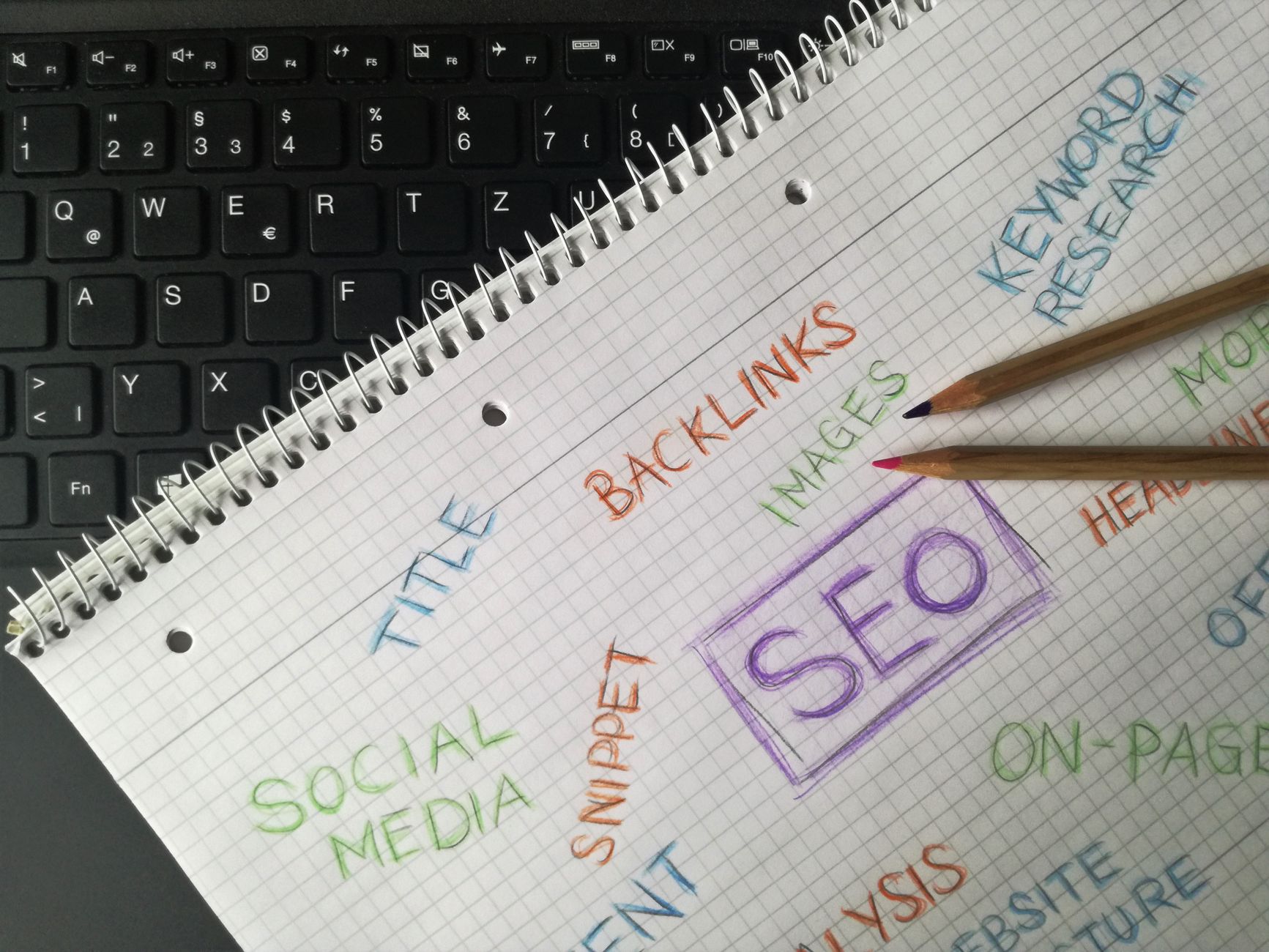
One of the most useful WordPress SEO tips is to stop targeting the same phrase across several pages. When multiple URLs compete for the same topic, you weaken the site’s signals and make it harder for Google to identify the best result from your domain.
Map one primary keyword theme to each important page, then support it with secondary phrases and related questions inside the content. This creates a cleaner content architecture and usually makes internal linking much easier.
For example, a service page may target WordPress SEO services, while a blog post targets how to improve WordPress site speed for SEO. Those topics support each other, but they should not compete with near-identical titles and copy.
If you are unsure whether your site has overlap problems, our guide on building a WordPress SEO strategy shows how to assign page roles before creating more content.
Strengthen internal links with descriptive anchor text
Internal links are one of the highest-leverage SEO improvements on WordPress because they help distribute attention to the pages that matter most. Google recommends concise, relevant anchor text, and that matters even more on sites where good pages are buried under years of posts.
Link from supporting blog posts to service pages, from older posts to newer high-value resources, and from broad pages to deeper related pages. Use descriptive phrases that tell the reader what they will get after clicking. Generic anchors waste context.
Good anchor: how to improve WordPress site speed for SEO
Weak anchor: click here
If you are dealing with service pages that rank on page two or three, stronger internal links are often one of the quickest tests worth making before rewriting everything.
If you are experiencing these symptoms, our team at WordPress SEO Expert can help.
Make content useful enough to deserve rankings
Publishing more content does not solve a quality problem. Google’s starter guidance says compelling and useful content influences search presence more than most technical tweaks, so each page should answer real questions clearly, in the order a customer actually thinks about them.
That usually means adding specifics people look for before they contact you: who the page is for, what problem it solves, what happens next, how your process works, and what makes the offer credible. Thin pages often fail because they say the service exists but do not help the visitor make a decision.
For blog content, avoid writing broad posts that repeat common advice without practical direction. A better post gives a short answer first, then the exact steps, settings, examples, or trade-offs. Specificity is what makes the content worth ranking and worth linking to internally.
Do not ignore image SEO and media basics
Images support SEO when they load efficiently and are labeled clearly. WordPress documentation highlights the value of alt text, and image optimization also affects page speed, which means media choices can influence both accessibility and performance.
Use descriptive file names before upload, add alt text that explains the image in context, and compress oversized files. Keep decorative images simple and avoid uploading originals straight from a phone or camera if the page only displays them at a fraction of that size.
If speed is already a visible issue, work through the exact fixes in our post on real WordPress site speed improvements. In many cases, image handling is the first win.
Review technical settings that quietly cause SEO problems
Many WordPress SEO problems are technical enough to hurt performance but simple enough to fix once you know where to look. A quick review of visibility settings, sitemap behavior, duplicate archives, redirects, canonicals, and mobile layout often reveals why rankings feel stuck.
Check whether the search engine visibility setting is enabled by mistake. Confirm your XML sitemap includes the right content types. Review category, tag, author, and date archives so you are not creating large amounts of thin or duplicate pages without a reason. Make sure broken URLs redirect cleanly if content has moved.
This is also where too many plugins create trouble. One plugin handles SEO. One caching setup handles performance. Anything beyond that should have a clear job. A cluttered plugin stack often creates the same kind of clutter in your SEO signals.
Use Search Console to decide what to fix next

The best WordPress SEO tips become much more useful when you connect them to actual data. Google Search Console shows which queries generate impressions, which pages get clicks, and where you may have a snippet problem, an intent mismatch, or a page that deserves an update.
Look for pages with rising impressions but weak click-through rates. Those often need stronger titles and meta descriptions. Look for pages sitting just outside top positions. Those may respond to better internal links, more complete copy, or clearer search intent alignment.
You do not need a giant reporting system. A simple monthly review of top pages, slipping pages, and low-CTR opportunities is enough to guide steady improvements.
A practical order for WordPress SEO improvements
If your rankings are stuck, the right sequence matters more than doing everything at once. Fix the blockers first, strengthen the important pages second, and only then expand content. That order avoids wasting time polishing pages that are structurally weak.
| Stage | Main action | Expected result |
|---|---|---|
| Stage 1 | Check indexing, sitemap, and plugin conflicts | Important pages become eligible to perform properly. |
| Stage 2 | Clean up URLs, page targets, and internal links | Site structure becomes easier to understand. |
| Stage 3 | Improve titles, headings, and core page copy | Relevance and click potential improve. |
| Stage 4 | Fix image weight and obvious speed issues | User experience and loading improve. |
| Stage 5 | Publish supporting content based on gaps | The site grows around a stronger foundation. |
Final takeaway
The best WordPress SEO tips are usually the least glamorous ones: make sure pages can be indexed, give each page a clear role, write titles and headings that make sense, build internal links that support important URLs, and keep the site technically clean. That is what moves rankings more often than plugin chasing.
If you want a practical review of what is actually holding your site back, contact WordPress SEO Expert today to schedule a consultation. We will help you prioritize the fixes that matter instead of handing you another vague checklist.

















