

Better WordPress SEO results usually come from fixing the right bottlenecks in the right order, not from adding another plugin or chasing green scores. If your rankings feel stuck, start with page targeting, internal links, titles, and technical cleanup before you publish more content.
Most site owners do not have one catastrophic problem. They have a stack of smaller issues that compound over time: overlapping pages, weak title tags, thin internal linking, and content that does not clearly match search intent. That is why a page can be well written and still underperform.
Google recommends people-first content and descriptive, concise titles rather than search-engine-first pages stuffed with repeated keywords. The practical takeaway is simple: make each page useful, distinct, and easy for Google to understand. If you need a second set of eyes, WordPress SEO Expert can help you sort out what to fix first.
Start With the Pages That Should Rank First
The fastest SEO win is usually better focus, not more content. Your homepage, service pages, and category pages should each target one clear topic instead of competing with each other for the same phrase.
A common mistake is publishing several pages that all aim at a broad term like WordPress SEO, SEO services, or website optimization. When multiple pages send similar signals, Google has to guess which one matters most. That weakens all of them.
Review your main pages and map one primary keyword theme to each. Your homepage should cover your broad core offer. Service pages should target buyer-intent searches. Blog posts should support those pages with narrower questions and examples. If your current setup feels scattered, this is the same foundation we described in our WordPress SEO strategy for small business article.
Fix Titles Before You Rewrite Whole Pages
Title tags often underperform because they are vague, repetitive, or over-optimized. A stronger title can improve relevance and click-through without rewriting the full page.
Google’s guidance says to write descriptive, concise title text and avoid keyword stuffing or repeated boilerplate across pages. That means titles like “SEO Services | SEO Company | SEO Expert” are weaker than titles that describe the actual page clearly.
Use this quick comparison when reviewing your pages.
| Weak title | Stronger title |
|---|---|
| WordPress SEO Tips | SEO Tips | SEO Help | WordPress SEO Tips for Better Rankings |
| Home | WordPress SEO Services for Small Businesses |
| Blog | Technical SEO Advice for WordPress Sites |
Keep titles specific to the page, put the main topic near the front, and avoid repeating the same phrase several times. This is one of the simplest changes to make when impressions are rising but clicks are flat.
Use Search Console to Find the Easiest Wins
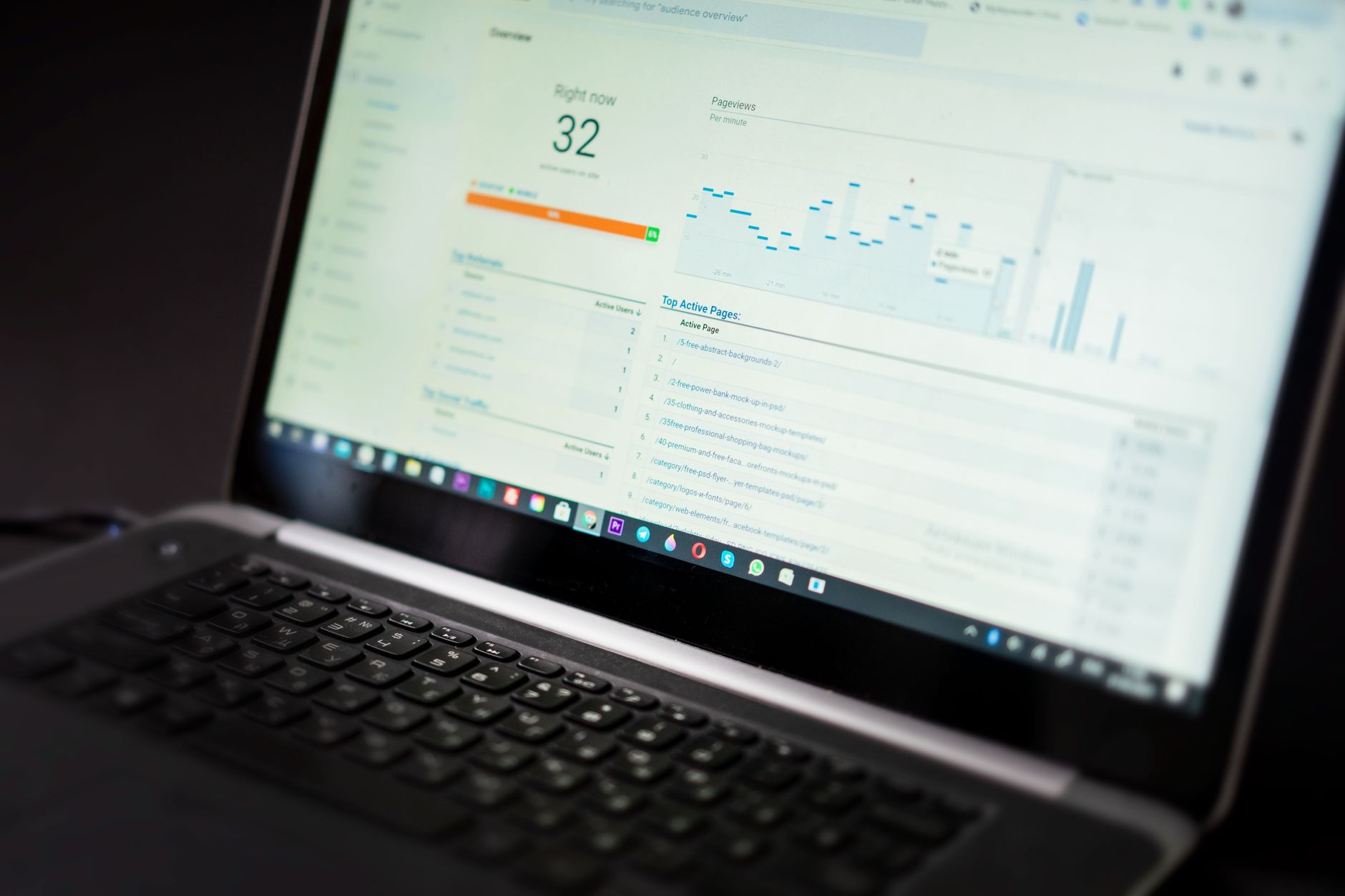
If you want better results, do not guess. Google Search Console shows the pages and queries already earning impressions, along with clicks, average CTR, and average position. That is often enough to build your next month of SEO work.
Look for pages with high impressions but weak CTR. In many cases, those pages do not need a full rewrite. They need a better title, a tighter meta description, or a clearer angle that matches the wording searchers use.
Look for pages sitting just off page one as well. A page in the middle positions often responds better to focused improvements than a brand-new article does. Strengthen the introduction, add missing subtopics, improve internal links, and make the page more obviously useful than the competing results.
Improve Internal Links With a Clear Structure

Internal linking helps Google understand which pages matter and how your topics connect. It also helps users move from general information to service or conversion pages without getting lost.
Most WordPress sites underuse internal links. Blog posts get published, then disappear into archives with no meaningful path back to a service page or category hub. That wastes authority and makes ranking harder than it needs to be.
Add descriptive links from blog content to your main commercial pages, and link related posts to each other when the connection is real. For example, if site speed is part of the ranking problem, send readers to our guide to improving WordPress site speed for SEO instead of leaving that topic isolated.
A good rule is to ask two questions on every page: what broader page should this support, and what narrower page should support this one? When you can answer both, internal links become easier to place naturally.
Prioritize Technical Issues That Block Good Content

Technical SEO matters most when it prevents strong pages from being crawled, indexed, or loaded properly. You do not need a giant audit to start. You need to identify the issues that create the biggest drag first.
Check these areas before you spend more time publishing:
| Area | What to check first | Why it matters |
|---|---|---|
| Indexing | Noindex settings, robots blocks, sitemap coverage | Pages cannot rank if Google cannot index them |
| Site structure | Orphan pages, duplicate archives, messy category paths | Weak structure dilutes relevance and authority |
| On-page setup | Missing H1s, duplicate titles, thin service pages | Google gets weaker relevance signals |
| Performance | Slow templates, oversized images, heavy scripts | Poor experience can suppress otherwise good pages |
Notice what is not on that list: obsessing over plugin scores. A plugin can flag useful issues, but it cannot decide whether the page satisfies intent, deserves links, or targets the right topic. Use plugin feedback as a prompt, not as the goal.
Make Content More Useful, Not Just Longer
Longer content does not automatically rank better. Better results usually come from pages that answer the next obvious question quickly, clearly, and with enough depth to remove doubt.
For a service page, that might mean explaining who the service is for, what is included, what problems it solves, and what happens next. For a blog post, it usually means covering the real decision points instead of padding the article with generic definitions.
As you revise, cut sections that repeat the same idea in different words. Then add the missing details a real buyer would want before contacting you. That balance is what makes content feel helpful rather than inflated.
If you are experiencing these issues, our team at WordPress SEO Expert can help. We look at the page, the query, and the technical context together so the recommendations are tied to the actual ranking problem.
A Simple Order of Operations for Better SEO Results
The best way to improve WordPress SEO is to follow a short, prioritized sequence. Fixing the foundation first gives later content and link-building work a better chance to pay off.
| Priority | What to do |
|---|---|
| 1 | Confirm important pages are indexable and mapped to distinct topics |
| 2 | Rewrite weak titles, headings, and meta descriptions on pages with impressions |
| 3 | Add internal links between blog posts, service pages, and category hubs |
| 4 | Improve thin or mismatched content on pages near page one |
| 5 | Address speed and template issues that affect multiple important pages |
This order works because it avoids a common trap: publishing new posts on top of a weak foundation. Many sites need cleaner targeting and stronger page signals more than they need more volume.
When Better Tips Are Not Enough
Sometimes the issue is not one tip. It is an interaction between content quality, internal linking, technical setup, and competition. That is why rankings can stay flat even when you have been “doing SEO” for months.
If you have already updated titles, improved internal links, and cleaned up obvious technical issues, the next step is a diagnostic review. Contact WordPress SEO Expert today to schedule a consultation. We will help you identify what is actually holding the site back before you spend more time changing settings or publishing more pages.

















