

Low rankings on a business website usually come from a scattered setup, not one missing plugin. Most WordPress sites underperform because important pages are hard to crawl, titles are weak, internal links are thin, or the site keeps sending mixed signals through archives, canonicals, and plugin overlap.
That is why the best WordPress SEO tips are rarely flashy. The real gains usually come from fixing the basics in the right order, then improving the pages that already matter to your business. If you want a broader checklist first, review our guides on WordPress SEO best practices and WordPress SEO tips that actually help rankings.
Start with crawlability before keywords
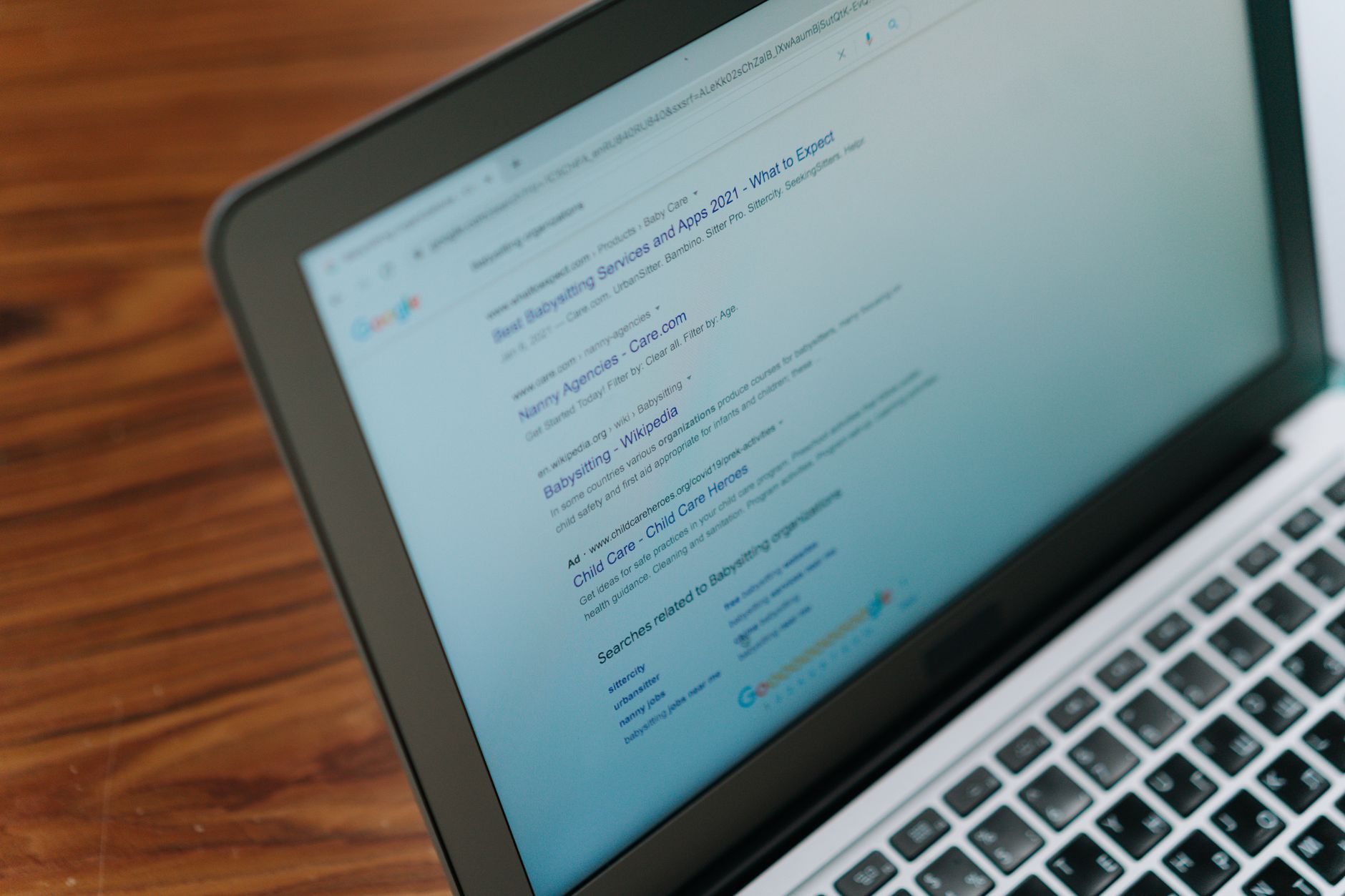
Before you chase new keywords, make sure search engines can actually reach and index the pages that make you money. A business site cannot rank consistently if service pages are set to noindex, hidden from internal navigation, or left out of the sitemap.
Check the Search Engine Visibility setting in WordPress, review page-level noindex rules in your SEO plugin, and confirm that your main services, locations, and lead-generation pages return a normal status code. Google’s own SEO documentation explains that useful pages are more likely to appear when a site follows core search best practices, and its guidance on people-first content reinforces that technical access and page usefulness work together. If your site was redesigned recently, this step matters even more.
Use one SEO plugin and configure it well
There is no single best SEO plugin for every business website, but there is almost never a reason to run several plugins that all control titles, schema, sitemaps, redirects, and canonical tags. One clean setup is easier to audit and far less likely to create conflicting signals.
Choose one main SEO plugin and set up the essentials first: title templates, meta descriptions, XML sitemaps, archive indexing rules, and default social sharing data. Leave advanced features alone unless you know exactly why you need them. Most site owners do not need every optional toggle turned on.
Write stronger title tags for service and product pages

Title tags still do heavy SEO work because they help search engines understand the page and help users decide whether to click. Weak titles are one of the easiest problems to fix on a business website.
Google’s title link guidance says clear, concise, unique titles work better than repeated phrases or boilerplate. In practice, that means a service page titled SEO Services | SEO Company | SEO Expert is weaker than a title focused on one offer and one audience. Keep the page topic obvious, avoid stuffing the same phrase multiple times, and make each important page distinct.
| Weak title | Stronger title |
|---|---|
| SEO Services | SEO Company | SEO Expert | WordPress SEO Services for Small Businesses |
| Home | Commercial Roofing Company in Dallas |
| Blog | WordPress SEO Tips for Business Websites |
Match one clear search intent per page
Pages perform better when they have one main job. A service page should sell the service and answer buying questions. A blog post should teach. A location page should prove local relevance. When one URL tries to do all three, rankings often stall.
This is where many business sites get stuck. They publish multiple pages around the same keyword, then wonder why none of them performs well. Instead of creating near-duplicates, consolidate overlapping pages and build one stronger resource around the actual intent behind the search.
Fix duplicate URLs with canonicals and redirects
Duplicate URL problems are common on WordPress because archives, parameters, HTTP and HTTPS variants, and trailing-slash differences can all create competing versions of the same page. If Google sees several similar URLs, your signals can get diluted.
Google recommends rel=”canonical” as a preferred solution for duplicate or very similar pages, and it also treats redirects as a strong canonical signal. For business websites, the practical goal is simple: decide which URL should rank, link to that version internally, redirect obsolete versions where appropriate, and avoid conflicting plugin output.
Build internal links that support revenue pages

Internal linking is one of the highest-leverage SEO tasks on a business site because it helps search engines discover pages, understand topical relationships, and judge which URLs matter most. It also helps users move from learning to contacting.
Link from blog posts to relevant services, from broad guides to deeper explanations, and from high-traffic pages to conversion-focused pages. Use descriptive anchor text instead of vague prompts. If you are planning a broader cleanup, our team at WordPress SEO Expert can help identify orphan pages, weak navigation paths, and missed linking opportunities before you publish more content.
Keep categories, tags, and archives under control
Taxonomy pages can help site structure, but they can also create clutter fast. Most business sites need a small number of intentional categories and far fewer tags than they think.
If every post creates a new tag, you can end up with dozens of thin archive pages that add little value. Categories should group meaningful topics. Tags should only exist if they genuinely improve navigation. When in doubt, fewer archive pages usually create a cleaner crawl path.
Improve images for speed and relevance
Image SEO is not just about alt text. Large, uncompressed images slow down high-value pages, while vague filenames and missing alt attributes waste context that can help both accessibility and search engines.
WordPress documentation notes that search engines look for alt and title attributes in image and link tags. Use alt text where it helps describe the image in context, compress oversized files before upload, and avoid decorative media that adds weight without supporting the page’s purpose. This matters most on homepages, service pages, and location pages with heavy visuals.
Use a simple SEO priority order
Most business owners do not have one catastrophic SEO issue. They have a stack of smaller problems that compound over time. A short priority list is more useful than a giant checklist you never finish.
| Priority | What to fix first | Why it matters |
|---|---|---|
| 1 | Indexing and noindex settings | Pages cannot rank if search engines cannot access them properly |
| 2 | Titles, headings, and page intent | Improves relevance and click potential |
| 3 | Canonicals and redirects | Prevents duplicate URL confusion |
| 4 | Internal linking and navigation | Strengthens structure and supports key pages |
| 5 | Images, speed, and plugin cleanup | Improves usability and reduces bloat |
What to stop doing
Stop treating plugin scores as the goal. Stop publishing several thin pages on slight keyword variations. Stop stacking overlapping SEO tools. And stop assuming WordPress is fully optimized just because an SEO plugin is installed.
Google’s guidance on helpful, reliable, people-first content makes the bigger point clearly: content should be built to help real visitors, not to manipulate rankings. For a business website, that usually means clearer service pages, better answers to buyer questions, stronger trust signals, and fewer technical mistakes.
If you want a second set of eyes before changing settings, WordPress SEO Expert can review your technical setup, page targeting, and internal links to show what is actually holding rankings back.
The bottom line
The best WordPress SEO tips for business websites are usually the least glamorous: make important pages crawlable, keep your plugin stack simple, write better titles, consolidate duplicates, and connect your pages with useful internal links. That is the work that gives good content a real chance to rank.
Contact WordPress SEO Expert today to schedule a consultation if you want a practical SEO roadmap instead of another generic checklist. We can help you figure out what to fix first and what to ignore.

















