

Low rankings usually come from a scattered plan, not one missing plugin. If you are new to SEO, the fastest way to make progress is to fix the settings and pages that affect visibility first, then worry about polish. A green light in a plugin does not mean the page deserves to rank.
This beginner-friendly walkthrough focuses on the WordPress SEO basics that actually matter: indexing, titles, internal links, site structure, and content quality. If you want a broader starting point, review our WordPress SEO best practices and our comparison of Yoast SEO vs Rank Math before you change plugin settings.
Start with what lets Google see your site
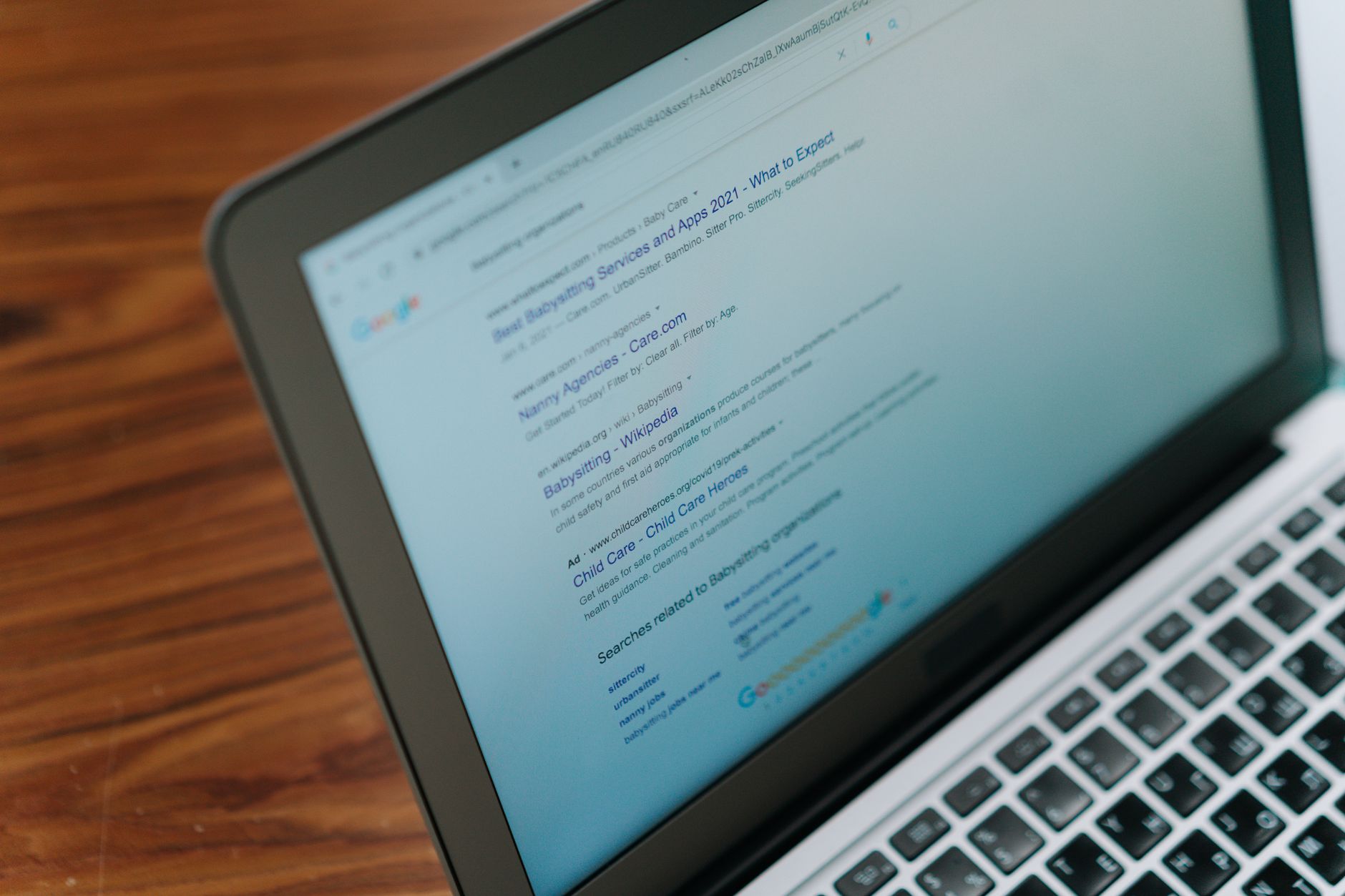
The first job is simple: make sure search engines can crawl and index the pages you actually want to rank. If that part is broken, better titles and longer content will not save the page.
Check that your main pages are published, linked from other pages, and not accidentally blocked by a noindex setting. In WordPress, beginners often overlook archive pages, duplicate URLs, and pages that exist in the sitemap but are hard to reach through normal navigation. Google’s own guidance emphasizes crawlable links and clear page structure, which is why the foundation matters before anything else.
Use one SEO plugin and configure it well
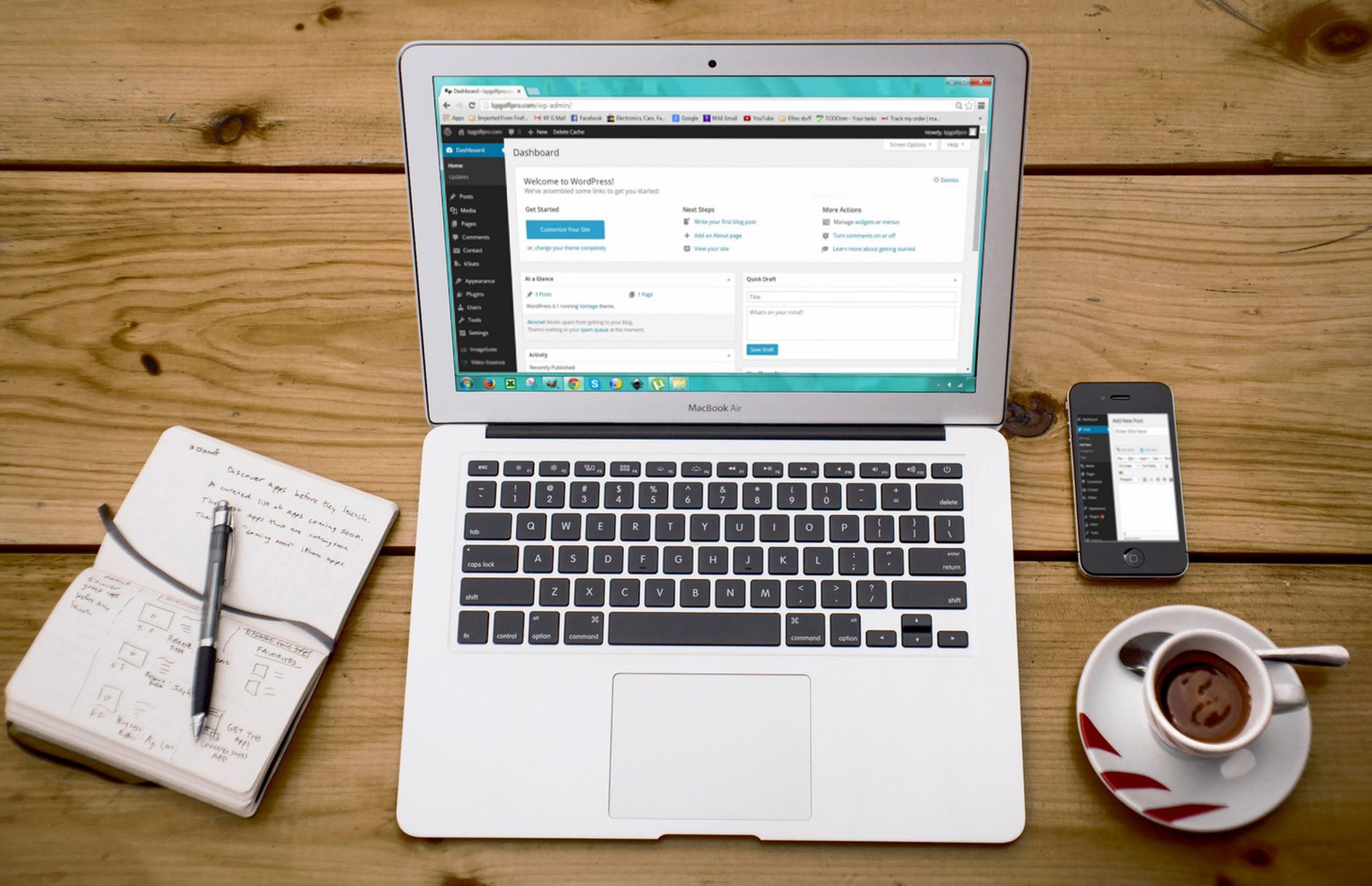
One well-configured SEO plugin is enough. Running overlapping plugins often creates duplicate metadata, conflicting canonicals, and competing sitemap outputs that are harder to debug than the original problem.
If you are choosing between popular options, the gap is usually not that one works and one does not. The real difference is which features are free, how the interface feels, and whether the plugin fits your site type. For most beginners, setting up one plugin correctly is more important than chasing every advanced feature in the dashboard.
Write page titles for people first
Your title tag is one of the clearest signals you control. Google recommends descriptive, concise titles and warns against keyword stuffing and repetitive boilerplate, so your goal is clarity, not stuffing the same phrase into every variation.
A beginner mistake is writing titles that sound like a list of keywords instead of a real page. Try to make each important page distinct and specific to the topic. The title should help a real person decide to click, not just help a plugin score turn green.
| Weak title | Stronger title |
|---|---|
| SEO Services | SEO Company | SEO Expert | WordPress SEO Services for Small Businesses |
| Blog | WordPress SEO Tips for Beginners |
| Best SEO Plugin, SEO Plugin, Plugin SEO | How to Choose a WordPress SEO Plugin |
Use meta descriptions as click support
Meta descriptions do not guarantee rankings, but they can improve how your page is summarized in search. Google may use the meta description when it describes the page better than the visible copy, so write it as a short, accurate preview of what the visitor will get.
Keep descriptions specific. Instead of vague filler, summarize the page clearly and match search intent. If the page explains setup steps, say that. If it compares plugins, say that. Unique descriptions are usually more useful than repeating the same sentence across your entire site.
Build internal links with intent
Internal links help search engines discover pages and understand which pages matter most. They also help visitors move naturally from a broad topic to a more specific answer or service page.
Google recommends anchor text that is descriptive and concise. That means linking phrases that tell readers what they will get, not generic text like “click here.” If you are publishing beginner content, connect it to related tutorials, service pages, and more advanced articles so your site feels organized instead of scattered.
If you are not sure whether your current plugin setup or internal linking is helping or quietly hurting your site, WordPress SEO Expert can help. Book a free SEO consultation. No pitch, no pressure. Just an honest look at what your site actually needs and whether your setup is part of the solution or part of the problem.
Keep your site structure simple
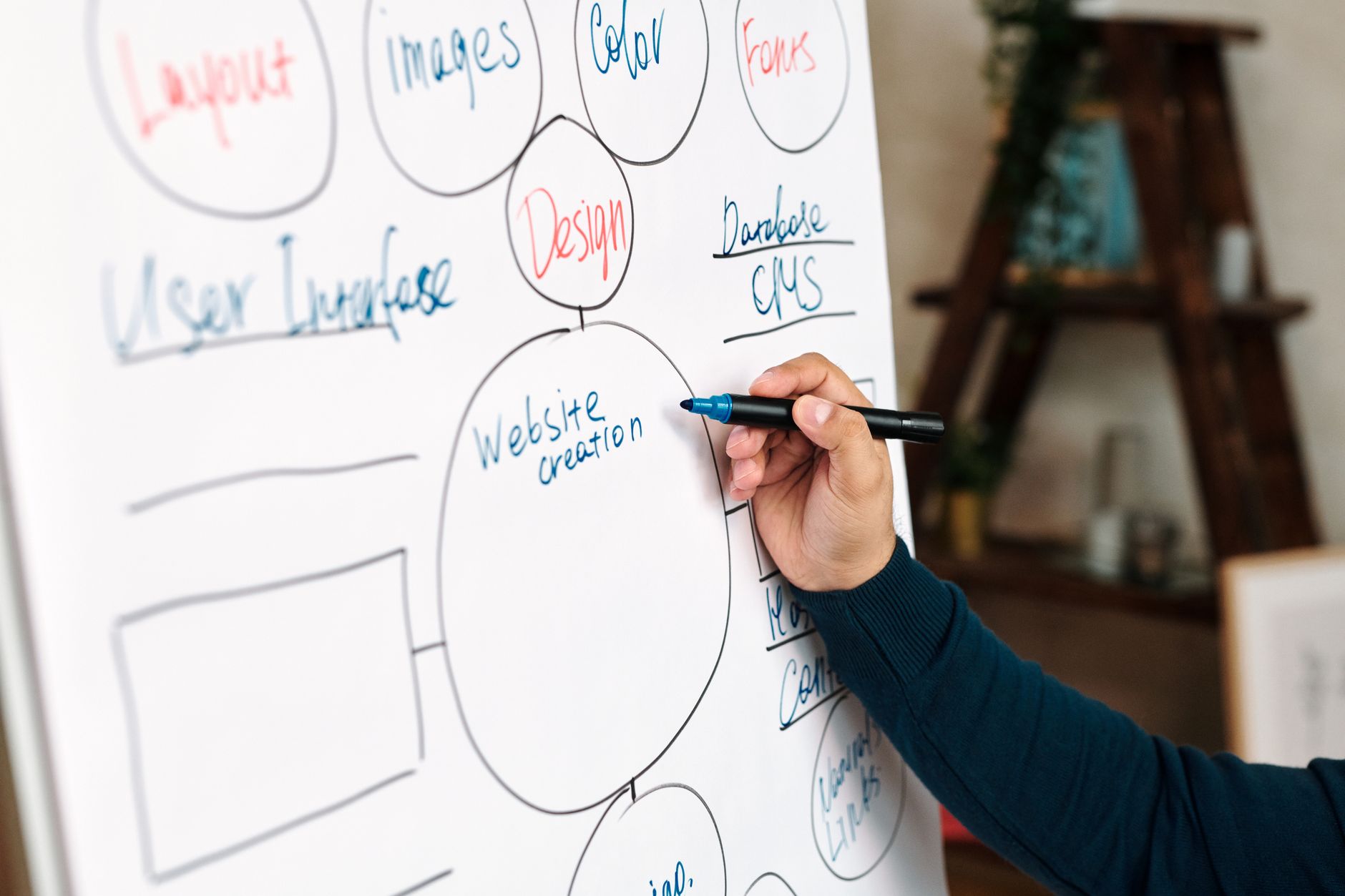
A simple structure is easier to crawl, easier to manage, and easier for beginners to maintain. Important pages should be easy to reach from your main navigation and from related pages within the site.
Try to avoid creating too many categories, tags, or thin archive pages. Most site owners do not have one catastrophic problem. They have a stack of smaller issues that compound over time, and messy structure is one of the most common ones. Fix the issues that block visibility before the issues that polish visibility.
Make your content easy to scan
Beginner-friendly SEO content works best when it is clear, focused, and easy to navigate. One strong H1, useful subheadings, short paragraphs, and a direct answer near the top of each section usually outperform bloated pages trying to cover everything at once.
Google’s people-first guidance aligns with this approach. Write for the visitor who needs an answer, not for a plugin checklist. If two posts on your site cover nearly the same topic, it is often better to combine them into one stronger page than to publish thin variations that compete with each other.
A practical beginner checklist
You do not need a perfect score. The goal is a site that loads cleanly, is easy to use, and sends clear signals about what each page is for. Work through the basics in order so you do not waste time polishing pages that still have visibility blockers.
| Priority | What to check first | Why it matters |
|---|---|---|
| 1 | Indexing and crawl access | Pages cannot rank if search engines cannot reach or index them. |
| 2 | Title tags and page intent | Helps Google and users understand what the page is about. |
| 3 | Internal linking | Supports discovery, hierarchy, and topic relationships. |
| 4 | Site structure | Reduces clutter and makes important pages easier to find. |
| 5 | Content formatting | Improves readability and helps the page satisfy intent. |
| 6 | Plugin settings | Keeps metadata, sitemaps, and canonicals consistent. |
What beginners should stop doing
Stop chasing every plugin recommendation as if it were a ranking factor. Plugin scores can be useful prompts, but they are not the goal. Also stop publishing multiple thin posts around tiny keyword variations, stacking overlapping SEO tools, and writing titles that sound robotic.
Most improvement comes from a cleaner setup and better prioritization, not from doing more of everything. If you fix crawl access, write better titles, strengthen internal links, and keep your site structure simple, you are already ahead of many beginner WordPress sites.
The best next step
The best next move is not a full site rewrite. It is a focused review of the pages that matter most, starting with your homepage, core service pages, and the posts already getting some impressions.
If you want a clearer plan, WordPress SEO Expert can help you sort out what to fix first and what to ignore for now. Contact WordPress SEO Expert today to schedule a consultation.

















