

Most small business WordPress sites do not have one fatal SEO problem. They have a setup that sends mixed signals through weak titles, thin archives, scattered internal links, and too many plugin decisions. The fix is usually not more effort. It is a cleaner order of operations.
A green light in an SEO plugin does not mean the page deserves to rank. Small business SEO gets better when the setup is simple, the important pages are easy to crawl, and each page has a clear job. If your current setup feels busy but results are flat, this is where to simplify.
Start With the Right Goal
The goal of a WordPress SEO setup is not to max out plugin scores. The goal is to help search engines find, understand, and prioritize the pages that actually drive leads or sales for your business.
That usually means focusing first on your homepage, your main service pages, your key location pages if they are truly distinct, and a small number of supporting blog posts. If those pages are not indexed properly, are using vague titles, or are poorly linked internally, publishing more content will not solve the core problem. If you need a broader baseline first, review our practical WordPress SEO guide for DIY site owners.
Use One SEO Plugin Only
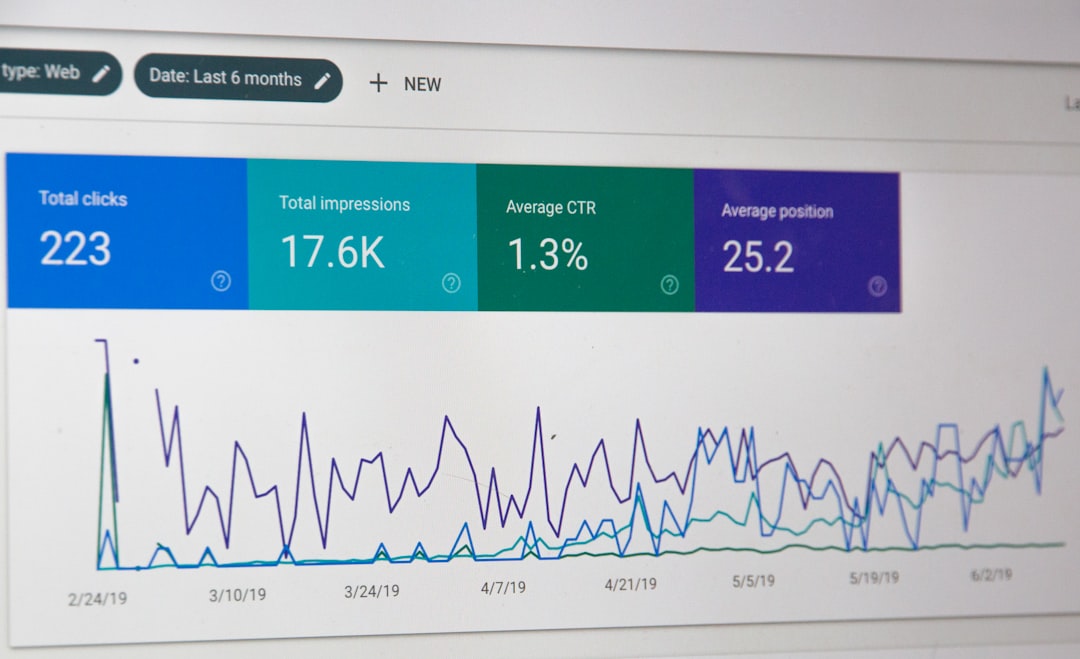
One well-configured SEO plugin is enough for most small business sites. Running overlapping plugins often creates duplicate metadata, conflicting canonicals, and competing sitemap outputs that make troubleshooting harder instead of easier.
This is one of the first things we check at WordPress SEO Expert. A site that has Yoast, Rank Math, a separate schema plugin, and another social metadata plugin often ends up with cluttered output and unclear signals. Keep one primary SEO plugin, configure it carefully, and remove anything that duplicates its job. If your current setup already feels messy, our guide on how to fix WordPress SEO setup problems walks through the cleanup process.
Check Indexing Before You Touch Content
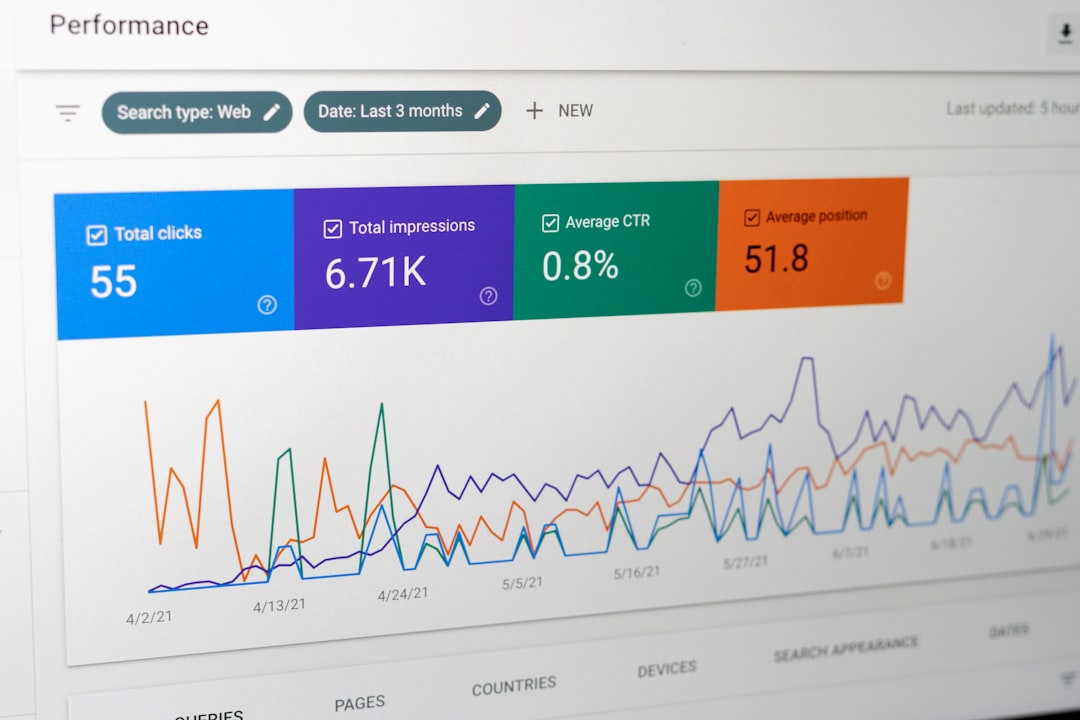
Before rewriting pages, make sure search engines can actually crawl and index the right URLs. This comes before title edits, before schema, and before publishing anything new because invisible pages cannot benefit from better copy.
Look at your visibility settings, sitemap status, and whether your important pages are linked from crawlable navigation or body content. Google says links are most reliably crawlable when they use standard HTML elements with href attributes, and it recommends descriptive anchor text that helps users and Google understand the destination. Google also recommends concise, descriptive title text and warns against repetitive boilerplate and keyword stuffing in title elements. Those two ideas work together: clean links and clear titles make your site easier to understand.
Pages to review first
Start with your homepage, primary service pages, contact page, top blog posts, and any revenue-driving landing pages. Then review archive pages, tag pages, author pages, and attachment pages to decide whether they deserve to be indexed or should stay out of search.
Set Titles and Meta Descriptions by Priority
Titles are one of the strongest on-page signals you control, so fix them on important pages first. Meta descriptions support click-through, but they should come after the title because they do not carry the same weight.
Google recommends writing unique, clear, and concise titles that accurately describe the page. It also says meta descriptions should accurately describe the specific page, not repeat the same generic summary across the site. For a small business, this means your service pages should say exactly what you offer and who it is for, not hide behind broad labels.
| Weak title | Stronger title |
|---|---|
| SEO Services | SEO Company | SEO Expert | WordPress SEO Services for Small Businesses |
| Home | Family Law Attorney in Denver |
| Blog | WordPress SEO Tips for Local Service Businesses |
Do not waste time perfecting every low-value page. Fix the pages already closest to leads, calls, and qualified search impressions. If your titles are vague, repetitive, or template-heavy, clean that up before expanding the site.
Clean Up Archives and Duplicate Paths
Small business sites often create extra URLs without meaning to. Tag archives, author archives, attachment pages, and filter URLs can dilute relevance and waste crawl attention if they stay live without a purpose.
Google has documented that faceted navigation can create very large numbers of URLs and is a common source of overcrawling issues. That matters most on larger sites and ecommerce builds, but the same principle applies to small businesses: if a URL does not need to compete in search, do not let it clutter the setup. Keep indexable pages limited to the pages that serve a real user need.
What usually belongs in search
Your homepage, core service pages, real location pages, product or category pages if you sell online, and blog posts that answer meaningful questions. Thin tags, duplicate author archives, and attachment pages usually do not help a small business rank.
Build Internal Links That Reinforce Priority

Internal links help search engines discover pages and understand which pages matter most. They also keep visitors moving instead of letting every page become a dead end.
This is one of the easiest wins for a small business site because most important pages are underlinked. Link relevant blog posts to service pages. Link related service pages to each other when the connection helps the reader. Use descriptive anchor text instead of generic prompts. For example, a post about fixing plugin conflicts should naturally point to a service page or a related guide if that helps the next step make sense.
If you are experiencing these issues, our team at WordPress SEO Expert can help. We look at whether the real problem is indexing, duplication, weak targeting, or link structure before recommending changes.
Keep the Technical Stack Simple
Small business WordPress SEO usually improves when the technical setup gets simpler, not heavier. Fewer overlapping tools means fewer conflicts, fewer strange template outputs, and fewer surprises after updates.
That does not mean ignoring speed, schema, or redirects. It means treating them as support layers after the crawl and page-priority issues are under control. Use one SEO plugin, one caching system, and only the extras that solve a real problem. You do not need a perfect score. You need a site that loads cleanly, is easy to use, and sends consistent signals about which pages matter most.
A Practical Setup Order for Small Businesses
If you want a clear sequence, start with visibility blockers and end with polish. This keeps you from spending hours editing copy on pages that are still structurally weak.
| Priority | What to fix | Why it comes first |
|---|---|---|
| 1 | Indexing and crawl access | Pages cannot rank if search engines cannot reach them. |
| 2 | Plugin conflicts and sitemap output | Conflicting sitewide signals distort the entire setup. |
| 3 | Titles for key pages | Clear page targeting improves relevance quickly. |
| 4 | Archive and duplicate URL cleanup | Removes clutter that competes with important pages. |
| 5 | Internal linking | Strengthens discovery and reinforces page importance. |
| 6 | Meta descriptions and schema | Supports click-through and clarity after the foundation is stable. |
When DIY Setup Stops Being Efficient
Most small business owners can improve a basic setup on their own, but flat rankings usually mean the issue is no longer effort. It is diagnosis. When several smaller problems compound, guessing through plugin settings often wastes more time than it saves.
WordPress SEO Expert can help you sort out what is actually blocking visibility and what is just noise. Book a free SEO consultation. No pitch, no pressure. Just an honest look at what your site actually needs and whether your current setup is part of the solution or part of the problem.
Contact WordPress SEO Expert today to schedule a consultation if you want a practical WordPress SEO setup strategy that fits a small business site without unnecessary complexity.

















