
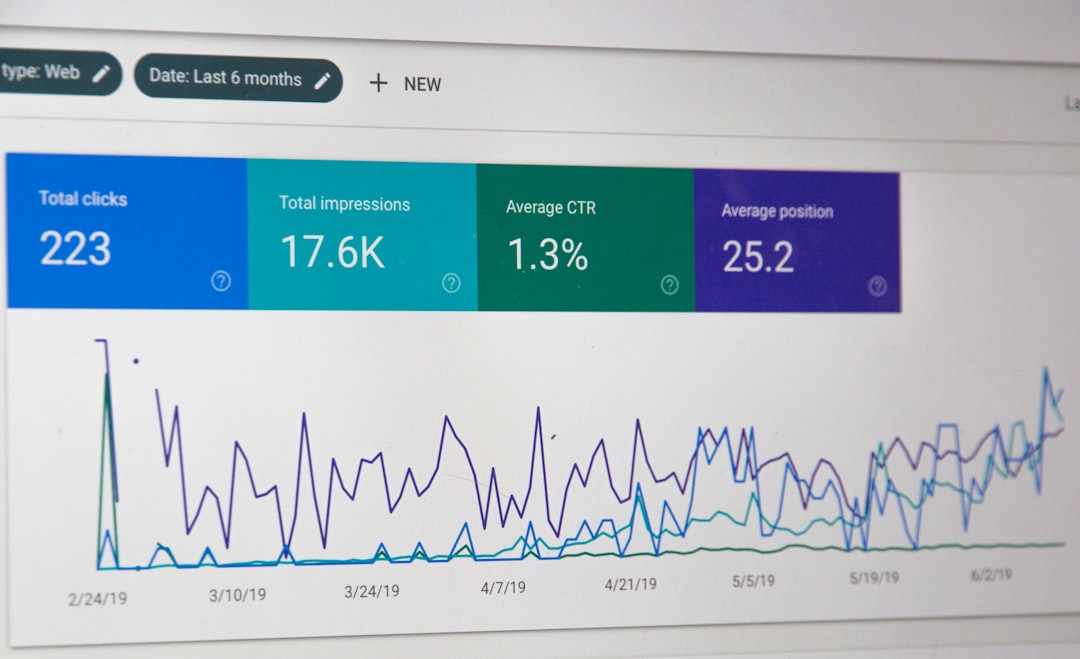
Flat rankings usually come from an unclear audit process, not from one missing plugin or one forgotten setting. A WordPress SEO services audit works when you review the site in order, separate high-impact issues from cosmetic ones, and turn the findings into a short plan your team can actually implement.
Most site owners do not have one catastrophic problem. They have a stack of smaller issues that compound over time. A green light in an SEO plugin does not mean the page deserves to rank. One well-configured SEO plugin is enough, and overlapping tools often create duplicate metadata, conflicting canonicals, and competing sitemap outputs.
If you need a baseline before reviewing service pages and deliverables, start with our WordPress SEO setup audit guide. If you are still handling most changes yourself, our practical WordPress SEO guide for DIY site owners adds the broader context behind the audit decisions below.
What a WordPress SEO services audit should actually do
A useful audit should identify what is blocking visibility first, then show what deserves improvement second. That means checking crawlability, indexing, duplication, page targeting, and internal linking before spending hours on minor snippet edits or plugin score chasing.
Too many SEO audits turn into giant checklists with no prioritization. That is why business owners leave with fifty notes and no idea what to fix first. A better audit sorts findings by impact. Fix the issues that block visibility before the issues that polish visibility.
This is also where a service-based audit differs from a generic website review. It should look closely at revenue pages, supporting content, template settings, plugin overlap, and whether the site structure helps search engines understand which pages matter most.
Start with indexing and crawl access

If important pages cannot be crawled or indexed, everything else can wait. The first job of an audit is to confirm that your service pages, primary category pages, and top supporting content are reachable through crawlable links, indexable when appropriate, and not blocked by settings you forgot were turned on.
Google says links should be crawlable and anchor text should be descriptive so both users and search engines can understand the destination more clearly. It also recommends using words people would search for in prominent locations such as page titles, headings, and link text. Those basics matter more than plugin badges or novelty features.
During this step, review page-level noindex settings, robots directives, sitemap inclusion, orphan pages, and whether important pages return normal status codes. If a page matters to leads or sales, it should be easy to reach through your internal links and easy for search engines to process.
Audit plugin overlap before changing on-page copy
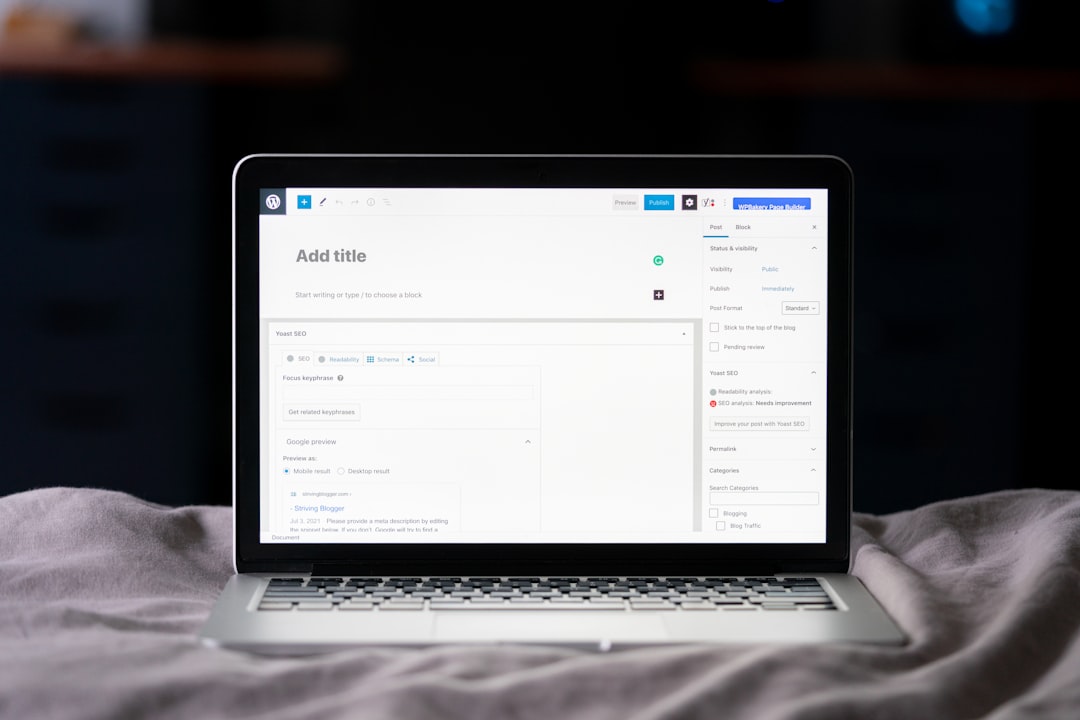
Many WordPress SEO problems come from configuration conflicts, not missing features. Before you rewrite titles or add schema, confirm which plugin controls titles, meta descriptions, XML sitemaps, canonicals, redirects, and social metadata. If two tools manage the same output, clean that up first.
One well-configured SEO plugin is enough for most WordPress sites. Running overlapping SEO plugins often creates duplicate metadata, competing sitemap outputs, and technical noise that makes troubleshooting harder than it needs to be. The goal is not the plugin with the most options. The goal is a setup your team can understand and maintain.
If you are unsure whether your current stack is helping or quietly creating conflicts, WordPress SEO Expert can help. We review the setup the way a working consultant would: by looking for the few settings that affect a large portion of the site at once.
Review titles, intent, and service-page targeting
Title tags and page positioning matter, but only after the site can be crawled and indexed correctly. The audit should check whether each important page has a distinct purpose, a clear title, and content that matches what the searcher likely expects to find.
Google recommends writing descriptive, concise title elements and warns against keyword stuffing and repetitive boilerplate. If several service pages could swap titles without changing meaning, that usually points to weak targeting, duplicate positioning, or both.
| Weak title | Stronger title |
|---|---|
| SEO Services | SEO Company | SEO Expert | WordPress SEO Services for Small Businesses |
| Blog | WordPress SEO Tips for Service Businesses |
| Audit Services | WordPress SEO Audit for Ranking Problems |
The same logic applies to service-page intent. A page should not try to rank for every variation of SEO help, WordPress help, technical help, and local help at the same time. Stronger pages are specific about what they solve, who they help, and what action should come next.
Check canonical tags, redirects, and duplicate paths

Duplicate URL issues quietly weaken many WordPress sites. A proper audit should identify where multiple URLs represent the same or nearly the same content, then confirm that canonical tags, redirects, and internal links all point toward one preferred version.
Common trouble spots include attachment pages, thin tag archives, duplicate category structures, parameter URLs, trailing slash inconsistencies, and WooCommerce filter pages. These issues do not always look dramatic on the surface, but they can scatter signals and waste crawl attention over time.
If the site recently changed themes, page builders, URLs, or navigation, treat redirects as a top-priority audit item. Traffic drops after redesigns often come from missed redirects, altered internal links, or pages that kept existing but lost the signals that previously helped them perform.
Evaluate internal linking before publishing more content
Internal linking often reveals whether the site has a real SEO strategy or just a collection of pages. An audit should confirm that your most important service pages receive contextual links from relevant articles, supporting pages, and category hubs rather than relying only on the main navigation.
This is where scattered content plans become visible. If multiple blog posts target similar phrases but barely support the pages that drive inquiries, publishing more articles will not solve the real problem. The issue is weak consolidation and weak architecture.
Use descriptive anchor text, link related topics together naturally, and make sure important pages are not effectively hidden three or four clicks deep. If you want a more detailed framework, our WordPress SEO setup audit guide pairs well with this service-level review.
Test template-level issues, not just individual pages
The fastest audits look for template-level patterns because one setting can affect dozens of pages at once. Review service page templates, blog post templates, archive templates, and product or category templates separately so you can catch inherited problems early.
Check heading structure, breadcrumb output, mobile usability, schema alignment, archive indexation rules, and whether the template creates clutter before the main content. You do not need a perfect score. The goal is a site that loads cleanly, is easy to use, and sends consistent signals about which pages matter most.
For WooCommerce sites, pay extra attention to faceted navigation, product variations, and thin category pages. For service businesses, look closely at location pages and near-duplicate service pages that change a few words but offer little distinct value.
Use a simple priority order for the audit
The easiest way to keep an audit practical is to use a fixed sequence. Start with visibility blockers, then move to relevance improvements, then finish with supporting enhancements. This keeps teams from polishing pages that still have basic indexing or duplication problems underneath.
| Priority | What to audit | Why it comes first |
|---|---|---|
| 1 | Indexing rules and crawl access | Pages cannot rank if search engines cannot reach or index them. |
| 2 | Canonicals and redirects | Prevents duplicate URL confusion and preserves stronger signals. |
| 3 | Titles and page intent | Improves relevance and helps important pages target the right searches. |
| 4 | Internal linking | Strengthens discovery, hierarchy, and topical relationships. |
| 5 | Template usability and supporting signals | Reduces friction and helps maintain consistency across the site. |
If your team follows this order, audit work becomes much easier to prioritize. A site with minor title issues and major indexation problems does not need a copy sprint first. It needs a technical cleanup and a simpler path to the pages that matter most.
What to stop doing during an SEO services audit
Stop treating plugin scores as proof that the page is well optimized. Plugin checklists can catch small on-page issues, but they do not tell you whether the page matches intent, whether the URL should be indexed, or whether the site structure supports the page properly.
Also stop publishing new content to compensate for structural confusion. If the site already has weak internal linking, duplicate page targeting, and archive clutter, adding more pages often makes the reporting messier without fixing the underlying problem.
If you are stuck between technical cleanup and content decisions, WordPress SEO Expert can help. We can tell you whether the real bottleneck is indexing, duplication, weak targeting, or plugin clutter before you spend more time changing the wrong things.
The best next step after the audit
The best next step is a short action plan tied to business value. Start with the pages closest to revenue, the pages already earning impressions, and the templates that affect the largest section of the site. You do not need to fix everything at once to get momentum back.
If your rankings are flat and you are not sure whether the real problem is indexing, duplication, weak targeting, or plugin conflicts, WordPress SEO Expert can help. Book a free SEO consultation. No pitch, no pressure. Just an honest look at what your site actually needs and whether your current setup is part of the solution or part of the problem.
Contact WordPress SEO Expert today to schedule a consultation and get a clearer plan for what to fix first on your WordPress site.

















