

WordPress SEO questions usually sound different on the surface, but most of them trace back to the same issue: a scattered setup. One plugin setting, one title tag, or one sitemap rarely makes or breaks performance by itself. Most sites struggle because several smaller issues compound over time and blur Google’s understanding of what should rank.
This page answers the WordPress SEO questions we hear most often from business owners, store managers, and DIY site owners. The goal is not to give you a giant checklist. It is to help you fix the issues that block visibility before the issues that only polish it. If you want a stronger baseline first, start with our WordPress SEO best practices and our comparison of Yoast SEO vs Rank Math.
What is WordPress SEO, really?
WordPress SEO is the process of making your site easier for search engines to crawl, understand, and trust. It is not a plugin score, a single setting, or a one-time task after launch.
In practice, that means improving the parts of your site that influence visibility most: page titles, internal links, indexability, site structure, content quality, and technical consistency. WordPress gives you a flexible foundation, but themes, plugins, archives, and custom page builders can also introduce duplication and crawl waste if they are not configured carefully.
Do I need an SEO plugin?
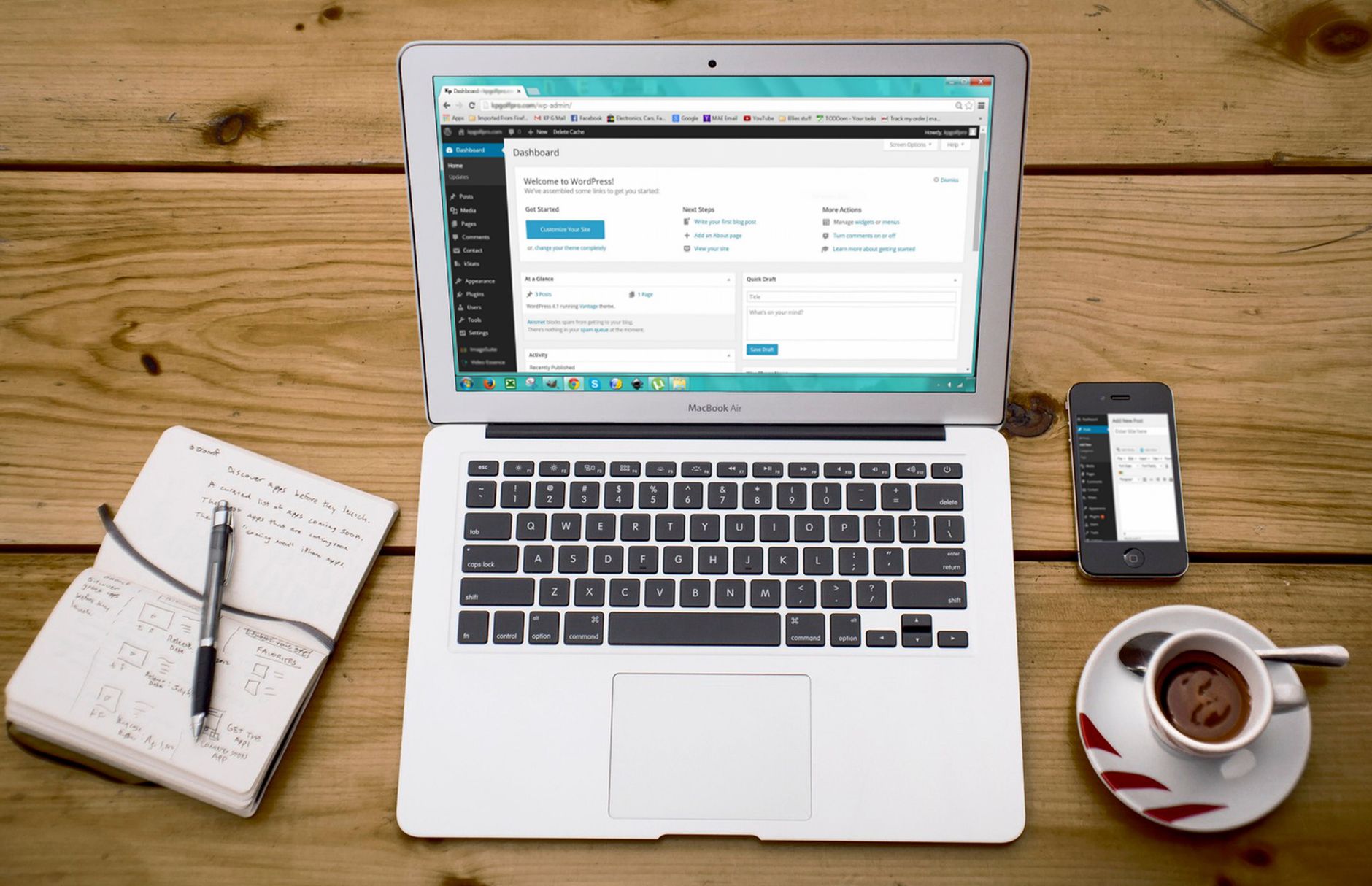
Yes, most WordPress sites benefit from one SEO plugin because it gives you practical control over titles, meta descriptions, sitemaps, canonicals, and indexing rules. The key word is one.
One well-configured SEO plugin is enough. Running overlapping plugins often creates duplicate metadata, conflicting canonicals, and competing sitemap outputs. A green light in an SEO plugin does not mean the page deserves to rank. The plugin gives you controls. Your results still depend on the quality of your information architecture, the usefulness of your content, and whether Google can crawl the right pages cleanly.
Which matters more: content or technical SEO?
Both matter, but technical SEO comes first when it blocks discovery or indexing. A strong page cannot perform if search engines cannot crawl it properly, understand the preferred URL, or reach it through your internal links.
After the technical foundation is stable, content becomes the bigger differentiator. That is why we tell clients to fix the issues that block visibility before the issues that polish visibility. A useful service page with clear intent usually beats a longer page that is buried in weak architecture or surrounded by duplicate variations.
What should I fix first on a WordPress site?
Start with the settings and structures that affect whether important pages can be found and indexed. That usually means crawlability, indexability, canonicals, redirects, internal linking, and title tags before anything else.
| Priority | What to check first | Why it comes first |
|---|---|---|
| 1 | Indexing and crawl access | Pages cannot rank if search engines cannot reach or index them |
| 2 | Canonical and redirect setup | Prevents duplicate URL confusion and split signals |
| 3 | Title tags and page intent | Helps search engines and users understand the page quickly |
| 4 | Internal linking | Strengthens discovery, hierarchy, and topic relationships |
| 5 | Template performance and UX | Supports a cleaner experience on key pages |
| 6 | Content depth and formatting | Helps the page satisfy search intent more clearly |
If you are working through this list and still cannot tell what is actually hurting performance, WordPress SEO Expert can help. We look for the bottlenecks in sequence so you do not waste time polishing pages that have deeper crawl or indexing problems.
Do title tags still matter?
Yes, title tags still matter because they help search engines and users understand what a page covers. Google recommends descriptive, concise titles and warns against keyword stuffing and repetitive boilerplate.
That guidance comes directly from Google Search Central, which recommends writing descriptive and concise title text, avoiding repeated boilerplate, and avoiding keyword stuffing in title elements. It also advises making titles distinct enough that users can tell pages apart in search results. You can review Google’s guidance here: title link best practices.
| Weak title | Stronger title |
|---|---|
| SEO Services | SEO Company | SEO Expert | WordPress SEO Services for Small Businesses |
| Blog | WordPress SEO Questions Answered for Business Owners |
| Best Plugins, SEO Plugins, WordPress SEO Plugins | How to Choose One SEO Plugin for WordPress |
Do meta descriptions help rankings?
Not in the simple way many plugin tutorials suggest. Meta descriptions are better treated as click support, not as a magic ranking lever.
Google explains that snippets are often generated from page content, but it may use the meta description when that description better summarizes the page. That means a strong description can improve relevance and click appeal even if it is not the main reason a page ranks. Google’s documentation on snippets and meta descriptions is worth reviewing before you mass-generate the same description across a whole site.
How important are internal links?

Internal links are more important than most site owners think because they help search engines find pages, understand relationships between topics, and judge which pages matter most on your site.
Google recommends crawlable links and descriptive anchor text, which is why scattered navigation and vague anchors can quietly hold a site back. If an important page only appears in your sitemap and nowhere else, that is a structural problem. Google’s documentation on crawlable links and anchor text backs this up. If your linking is thin or random, revisit your WordPress SEO best practices before publishing more pages.
Should I publish more posts to rank faster?
Usually no. Publishing more does not help if the new pages are thin, overlapping, or hard to discover. More content only helps when it fills a real gap and fits a clear site structure.
Many low-performing sites do not need more content first. They need consolidation, better internal linking, stronger titles, and cleaner indexing rules. Thin near-duplicate posts often dilute relevance instead of building it. One stronger page usually outperforms several weaker versions that only swap a few phrases.
Is site speed part of SEO?
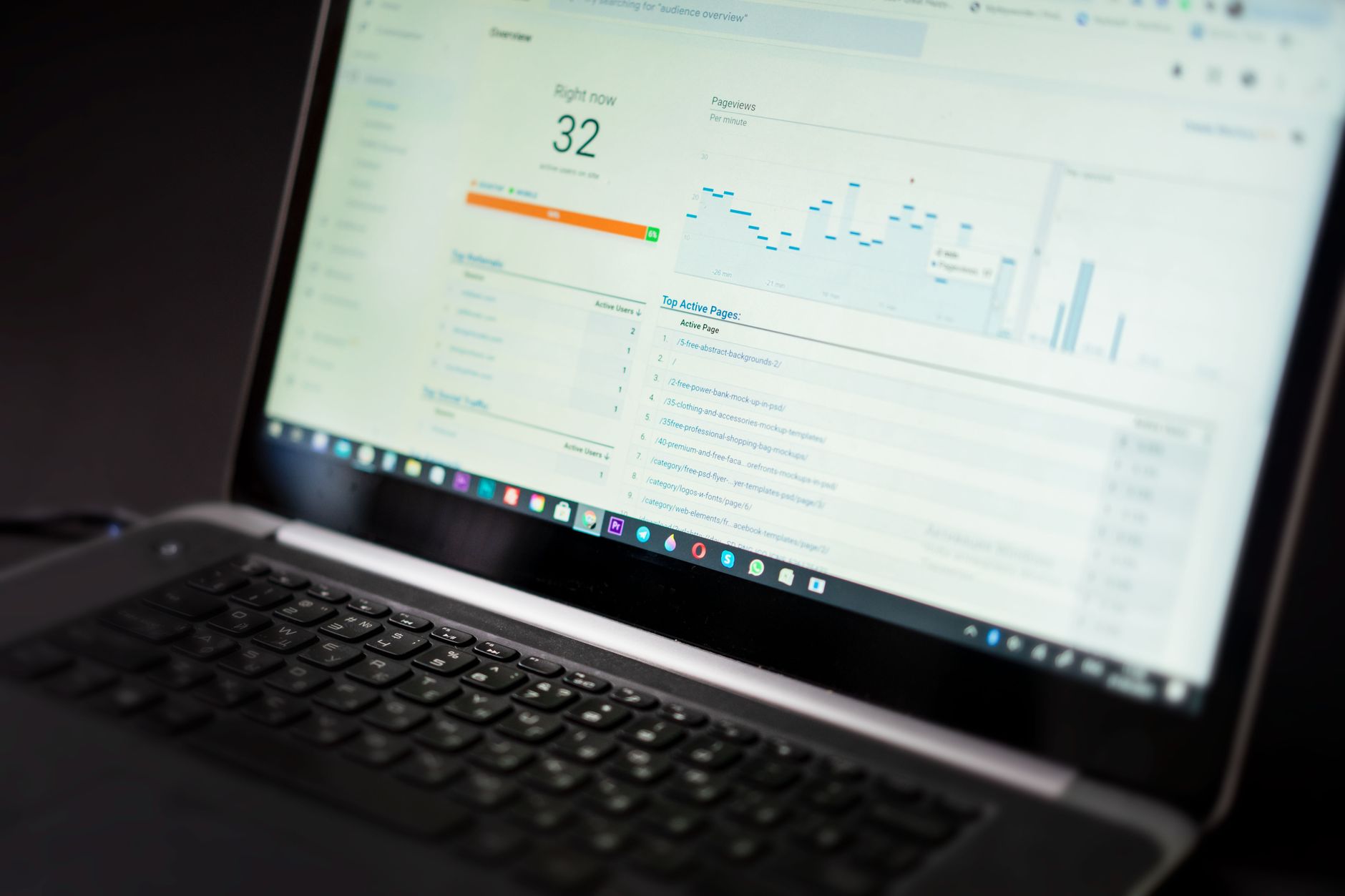
Yes, but do not turn speed into a distraction from higher-impact problems. The goal is a site that loads cleanly and is easy to use, not a perfect score screenshot.
Site speed matters most when slow templates frustrate users, delay access to content, or make key pages feel broken. Important page types often behave differently, so test service pages, blog posts, and product templates separately. If your current speed work is limited to chasing plugin suggestions, you may be polishing the wrong layer of the stack.
Can WooCommerce create SEO problems?
Yes, WooCommerce can create SEO problems when filters, variations, tag archives, pagination, and inconsistent canonicals generate too many low-value URLs. The issue is usually not WooCommerce itself. It is the way the store is configured.
Store owners often worry about product descriptions, but crawl waste and duplication are frequently the bigger problem. Category structures, filtered URLs, and archive behavior can quietly drain crawl attention away from pages that actually drive revenue. If you are comparing plugin setups for a store, our Yoast SEO vs Rank Math comparison can help you avoid overlapping features and unnecessary clutter.
How do I know if my SEO plugin setup is hurting me?
The warning signs are usually duplicate metadata, multiple sitemaps, conflicting canonicals, archive pages you did not mean to expose, and settings you no longer understand. Clean SEO setups are easier to trust and easier to troubleshoot.
If you inherited a site, changed themes, migrated plugins, or layered on new tools over time, your SEO configuration may look tidy in the dashboard while producing messy output in the code. The solution is rarely adding another plugin. It is simplifying what is already there and checking what the site actually outputs.
If you are not sure whether your current plugin configuration is helping or quietly hurting you, WordPress SEO Expert can help. Book a free SEO consultation. No pitch, no pressure. Just an honest look at what your site actually needs and whether your current setup is part of the solution or part of the problem.
What is the biggest WordPress SEO mistake?
The biggest mistake is chasing isolated tactics without a clear order of operations. Most site owners do not have one catastrophic problem. They have a stack of smaller issues that compound over time.
That is why plugin score chasing, thin content publishing, and overlapping tools tend to waste time. Sequential prioritization works better. Fix what blocks visibility first. Then improve what strengthens relevance. Then polish what improves click-through and usability. You do not need a perfect score. You need a site that is technically clean, easy to understand, and useful to the people you want to reach.
The next step if rankings feel stuck
If your rankings are flat, the right next step is usually diagnosis, not more publishing. Look at your highest-value pages first and identify whether the real bottleneck is crawlability, duplication, weak titles, poor internal linking, or mismatched search intent.
WordPress SEO Expert helps business owners and site managers sort through that quickly. We focus on what to fix first, what to leave alone, and what is creating noise without creating results. Contact WordPress SEO Expert today to schedule a consultation.

















