

Low rankings usually come from a scattered plan, not one missing plugin. WordPress SEO optimization for Google works best when you fix crawlability, titles, internal links, page speed, and image signals in the right order instead of chasing plugin scores.
Most site owners do not have one catastrophic problem. They have a stack of smaller issues that compound over time. That is why a page can be well written and still underperform. If you have already published content and installed an SEO plugin, the next step is to make sure your setup matches what Google actually recommends for search visibility, titles, image understanding, and page experience.
What WordPress SEO optimization for Google actually means
WordPress SEO optimization for Google means making your site easier to crawl, easier to understand, and more useful to searchers. The goal is not a perfect plugin score. The goal is a site structure and page setup that help Google index the right URLs and help users choose your result.
Google’s own guidance puts the basics in plain language: use clear page titles, avoid keyword stuffing, write helpful content, and make the page experience solid. That sounds simple, but WordPress sites often drift off course because of duplicate archives, weak title templates, image issues, and performance bloat from themes and plugins. If you are launching a new site, start with this WordPress SEO checklist for new websites so indexing problems do not follow you into production.
Fix this first: the five areas that move the needle
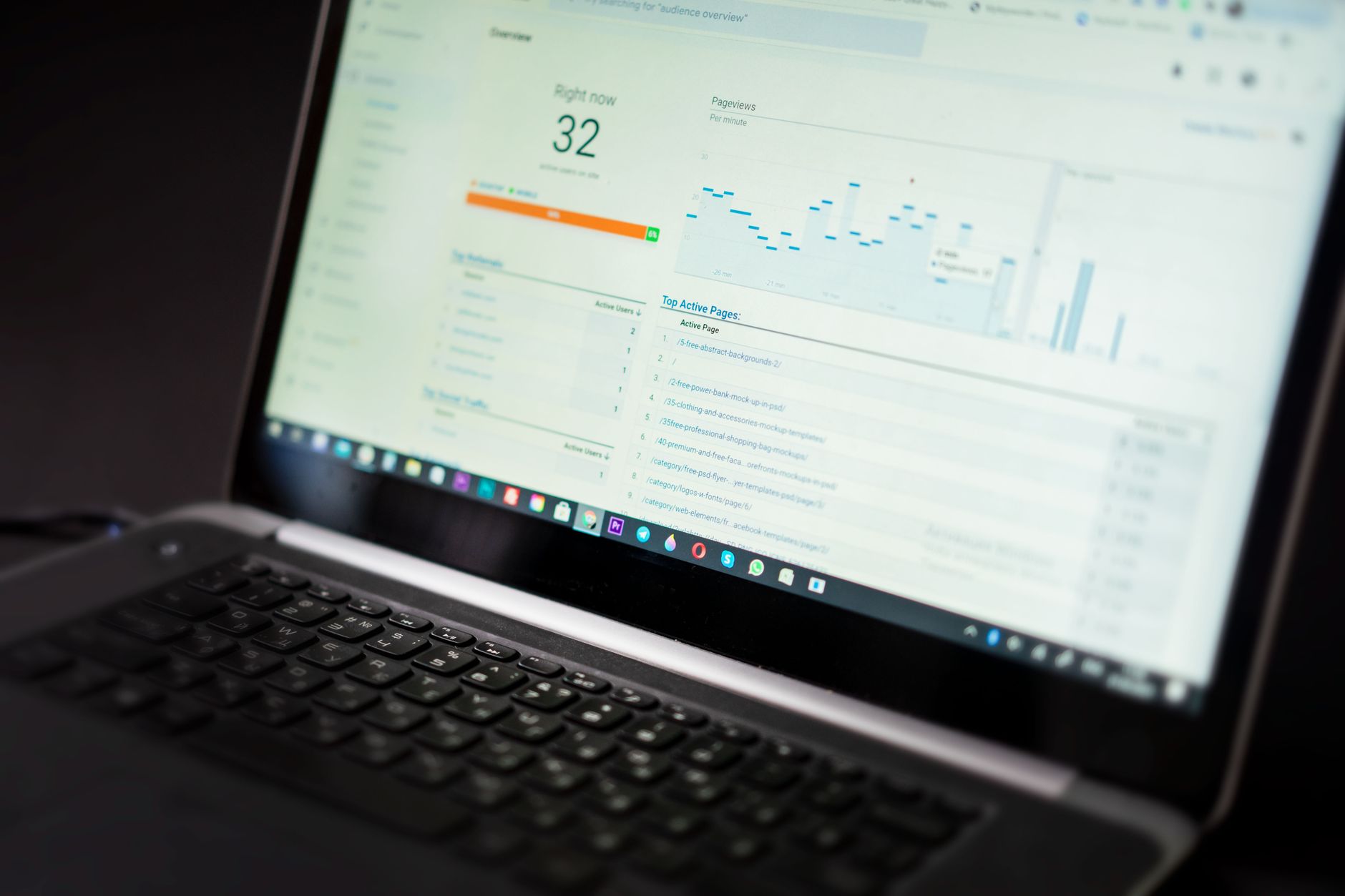
If your rankings are stuck, start with technical access and page clarity before you spend time publishing more content. A clean setup gives your existing pages a fair chance to rank. The table below shows the order we recommend for most small business WordPress sites.
| Area | What to check first | Why it matters |
|---|---|---|
| Indexing | Search engine visibility, noindex tags, robots.txt, sitemap | If Google cannot crawl or index the page, nothing else matters yet |
| Titles and headings | Unique title tags, clear H1, no repeated boilerplate | These help Google and users understand the page quickly |
| Site structure | Internal links, navigation, categories, URL consistency | Good structure helps authority flow to important pages |
| Images | Alt text, filenames, compression, placement near relevant text | Improves accessibility, relevance, and speed |
| Page experience | LCP, INP, CLS, caching, script bloat | Slow or unstable pages reduce usability and can hold similar pages back |
1. Make sure Google can crawl and index the right pages

Start by confirming the site is indexable and that only one sitemap is acting as the main source of URLs. This is the fastest way to catch the quiet technical problems that keep good content out of search.
Check Settings, then Reading, and make sure search engine visibility is not blocking the site. Review your robots.txt file and make sure key sections are not disallowed by accident. Then confirm your SEO plugin sitemap loads correctly and includes the pages you actually want indexed. If your site has already been live for a while, compare this with a broader technical cleanup approach for WordPress SEO performance so you do not treat indexing and speed as separate problems.
2. Write titles for humans first, not plugins
Your title tag is often the first thing a searcher sees, so it needs to be clear and specific. Google advises writing descriptive, concise titles and avoiding repetitive boilerplate or stuffed keyword patterns that make results look spammy.
A weak title usually tries to cram in every variation. A stronger title tells the searcher exactly what is on the page. For example, a service page titled “SEO Services | SEO Company | SEO Expert” is vague and repetitive. A clearer version such as “WordPress SEO Services for Small Businesses” gives both searchers and Google a better summary of the page.
On WordPress, set title templates at the post type level, but hand-write important titles for your homepage, service pages, and top commercial pages. Also make sure the visible page heading supports the same topic. Google may use your title element, main heading, or other prominent on-page text when generating the search result title, so mixed signals can hurt click-through rate.
3. Build internal links with intent
Internal linking is how you tell Google which pages matter most and how topics relate to each other. Publishing more posts without connecting them usually creates a bigger site, not a stronger one.
Link from supporting posts to your core service pages and from broad guides to narrower implementation content. Keep the anchor text descriptive. Instead of generic phrases, link the exact topic the reader expects to find next. This is especially useful when one article explains launch risks and another explains performance bottlenecks. The two resources above are a good example of how supporting guides can reinforce your main WordPress SEO pages.
If you are not sure what deserves links first, start with pages that bring leads, pages already ranking on page two, and pages that answer high-intent searches. Those usually benefit the most from clearer site architecture.
4. Optimize images the way Google expects
Image SEO is not just about file size. Google recommends descriptive filenames and useful alt text, and it also uses the surrounding page content to understand what an image represents. That means context matters as much as compression.
Use short descriptive filenames before upload, write alt text that explains the image naturally, and place important images near relevant copy. Avoid turning alt text into a keyword dump. On the performance side, compress large images before or during upload and serve modern formats where your stack supports them. This is one of the simplest ways to improve load speed without changing your design.
5. Improve page experience without chasing a perfect score

Page experience matters, but it is rarely the only reason a page does not rank. Use it as a practical cleanup area, not a distraction. Google’s Core Web Vitals guidance focuses on three thresholds: LCP under 2.5 seconds, INP under 200 milliseconds, and CLS under 0.1.
For most WordPress sites, the biggest gains come from compressing oversized images, reducing render-blocking scripts, enabling page caching, and trimming plugin bloat. If your site is slow after that, hosting quality is usually the next bottleneck. You do not need a perfect Lighthouse score to compete. You need a fast enough site that does not get in the way of a good page.
If you are seeing red flags in Core Web Vitals or a redesign made things worse, WordPress SEO Expert can help diagnose whether the real issue is speed, indexing, duplication, or page targeting before you change settings blindly.
A practical WordPress SEO setup for Google
Most businesses do better with one clean SEO plugin configuration than multiple overlapping tools. The point is consistent output, not feature overload. Choose one plugin, configure titles, meta rules, schema defaults, and sitemaps carefully, then leave the rest alone unless you have a clear reason to change it.
A simple setup usually includes one SEO plugin, readable permalinks, a clean sitemap, no unnecessary archive indexing, optimized images, and a caching layer that matches your host. That foundation is enough to support stronger content and stronger internal linking. It also makes troubleshooting much easier when rankings stall.
When optimization should stop
Stop when the basics are consistently right and your important pages are clearly aligned with search intent. Endless tweaking inside plugins rarely produces meaningful ranking gains once titles, indexing, links, and speed are under control.
That is the point where content quality, page targeting, and off-page authority usually matter more than another round of minor settings changes. Many stalled sites do not need more tools. They need a prioritized plan.
Get a second set of eyes on your SEO setup
WordPress SEO Expert helps businesses figure out why rankings are stuck before they waste time on the wrong fix. If you want a clearer action plan, book a free SEO consultation and we will help you identify the technical, on-page, and structural issues worth fixing first.
If your site has gone through a redesign, migration, or long period of flat traffic, contact WordPress SEO Expert today to schedule a consultation. We will help you separate real ranking obstacles from plugin noise and build a cleaner plan for Google.

















