

WordPress SEO for beginners works best when you stop chasing plugin scores and start fixing the basics in order. Most flat rankings come from scattered setup choices, not a lack of effort. A green light in an SEO plugin does not mean the page deserves to rank, and most beginners need a simpler plan, not more settings.
WordPress SEO Expert helps site owners sort out what actually matters first: indexing, page targeting, internal links, and a clean plugin setup. If you are new to optimization, the goal is not perfection. The goal is a site that is easy to crawl, easy to understand, and clear about which pages matter most.
Start With the Basics That Affect Visibility
Beginner SEO should start with the issues that block visibility before the issues that polish visibility. If search engines cannot crawl the right pages, index your core content, or understand what each page targets, changing titles and meta descriptions will not do much on their own.
Start by checking that your site is public in WordPress, that your main pages are live, and that your navigation links to important content. Then review whether your homepage, service pages, product pages, or core blog posts clearly match one topic each. If you need a broader roadmap, read this practical guide for DIY site owners before changing too many settings at once.
Use One SEO Plugin and Configure It Well
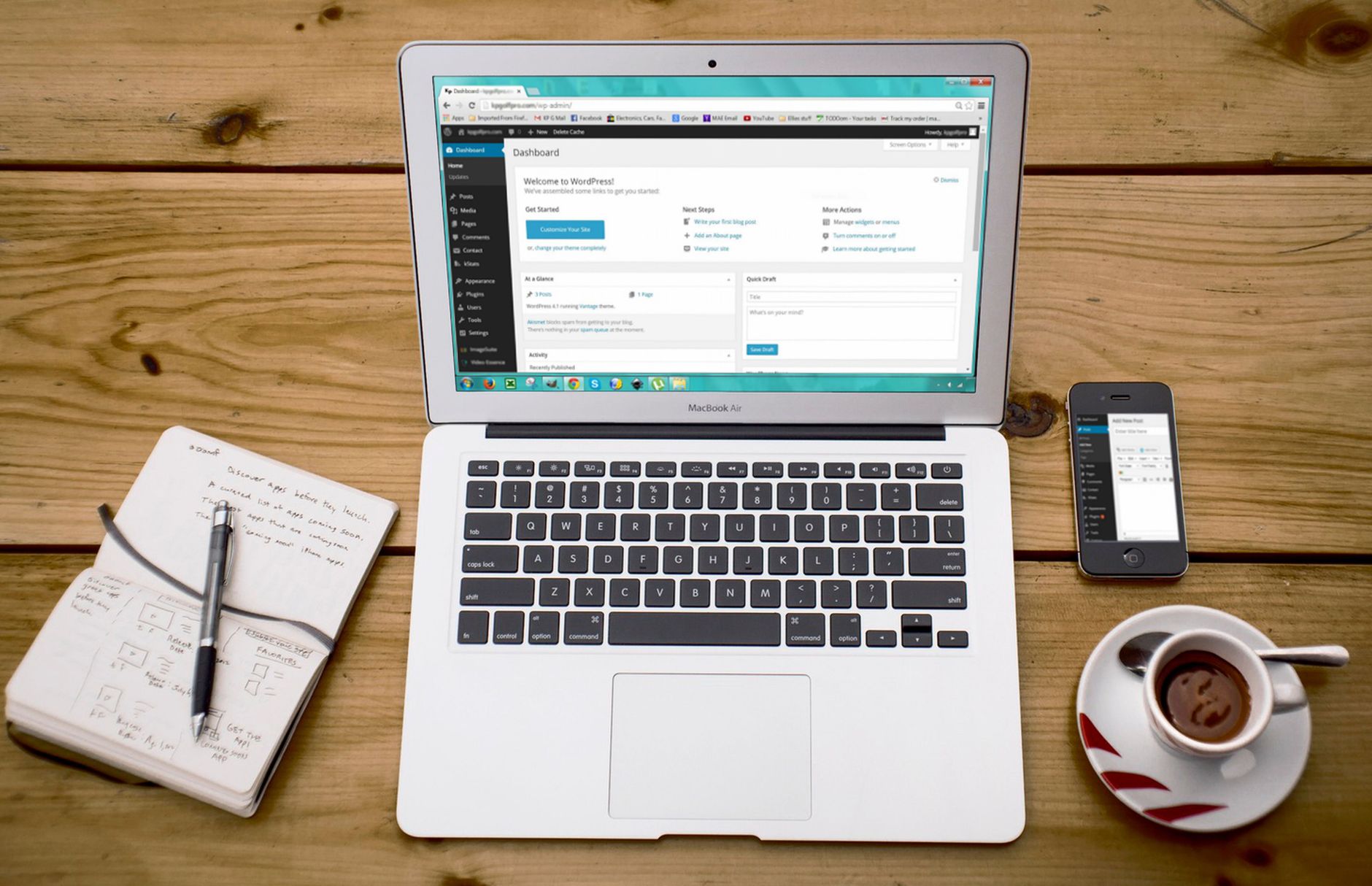
One well-configured SEO plugin is enough for most WordPress sites. Running overlapping plugins often creates duplicate metadata, conflicting canonicals, and competing sitemap outputs that make a beginner setup harder to trust and harder to troubleshoot.
If your site has Yoast, Rank Math, or another major SEO plugin, keep one primary tool and remove the extras that do the same job. Beginners often assume more plugins mean more optimization, but the opposite is usually true. A cleaner setup sends clearer signals and gives you fewer places to make mistakes.
Optimize Titles and Headings Before Fine Details
Page titles and headings are some of the clearest signals you control, so fix them early. Each important page should target one main topic, use one clear H1, and have a title that describes the page in plain language without stuffing variations into every field.
Weak titles usually sound generic or repetitive. Stronger titles tell both the reader and the search engine what the page is actually about. This is where many beginner sites can improve quickly without rewriting everything.
| Weak title | Stronger title |
|---|---|
| SEO Services | SEO Company | SEO Expert | WordPress SEO Services for Small Businesses |
| Blog | WordPress SEO Tips for Beginners |
| Home | Local Plumbing Repair in Austin |
Keep headings just as clear. Use one H1 for the page topic, H2s for major sections, and H3s only when you need to split a section into smaller parts. Do not use headings just to make text look bigger. Use them to organize meaning.
Write Meta Descriptions for Important Pages
Meta descriptions support clicks, not rankings, so they matter most on pages you actually want people to visit. A short, specific description can help the right visitor choose your page instead of a competing result.
Focus first on your homepage, primary service pages, product categories, and posts that already get impressions. Write each description like a short summary with a reason to click. Avoid generic text that could fit any page on your site.
Strengthen Internal Links Early
Internal links are one of the easiest beginner wins because they help search engines discover pages and understand your site structure. They also help visitors move from basic information to the next useful page instead of stopping after one visit.
Link related blog posts to service pages, connect overlapping articles, and make sure important pages are not isolated. For example, if you are cleaning up a messy setup, review how to fix WordPress SEO setup problems and link that guidance to any page about plugin conflicts, indexing, or duplicate URLs. Descriptive anchor text works better than vague phrases because it gives more context.
Keep Technical SEO Simple at the Start
Technical SEO can sound intimidating, but beginners only need to focus on a few essentials first. Make sure your sitemap is enabled, thin archives are reviewed, broken internal links are fixed, and your important pages are indexable.
Many WordPress sites create extra pages automatically, including tag archives, author archives, date archives, and attachment pages. Not all of these help you rank. If they are thin, repetitive, or not useful to visitors, they may need to be noindexed or cleaned up. Most site owners do not have one catastrophic problem. They have a stack of smaller issues that compound over time.
Focus on Useful Content, Not More Content
Beginners usually get better results from improving a few important pages than from publishing a large batch of thin posts. One strong page that clearly answers a search need will usually outperform several weak pages targeting slight keyword variations.
Before creating a new page, ask what the searcher is trying to do. Are they learning, comparing, or ready to contact you? Match the page to that intent, then support it with clear headings, useful details, and links to related pages. If your rankings are flat and you are not sure whether the problem is indexing, duplication, weak targeting, or plugin clutter, our team at WordPress SEO Expert can help.
A Beginner SEO Checklist for WordPress
The easiest way to stay focused is to follow a short sequence and avoid jumping between tools. This checklist keeps your attention on the fixes that usually matter most first.
| Priority | What to do |
|---|---|
| 1 | Make sure the site and key pages can be indexed |
| 2 | Keep one SEO plugin and remove overlaps |
| 3 | Improve page titles and heading structure |
| 4 | Write unique meta descriptions for core pages |
| 5 | Add internal links between related pages |
| 6 | Clean up thin archives and unnecessary URLs |
| 7 | Improve existing content before publishing more |
When Beginner SEO Stops Being Beginner SEO
If you have handled the basics and rankings are still stalled, the issue is usually not effort. It is prioritization, structure, or a technical problem hiding underneath the content work. This is especially common after redesigns, plugin changes, or inherited WordPress setups.
WordPress SEO Expert can help you diagnose what to fix first instead of guessing through scattered advice and overlapping tools. Book a free SEO consultation. No pitch, no pressure. Just an honest look at what your site actually needs and whether your current setup is part of the solution or part of the problem.
Contact WordPress SEO Expert today to schedule a consultation if you want a cleaner, more practical plan for improving your WordPress SEO without overcomplicating it.

















