
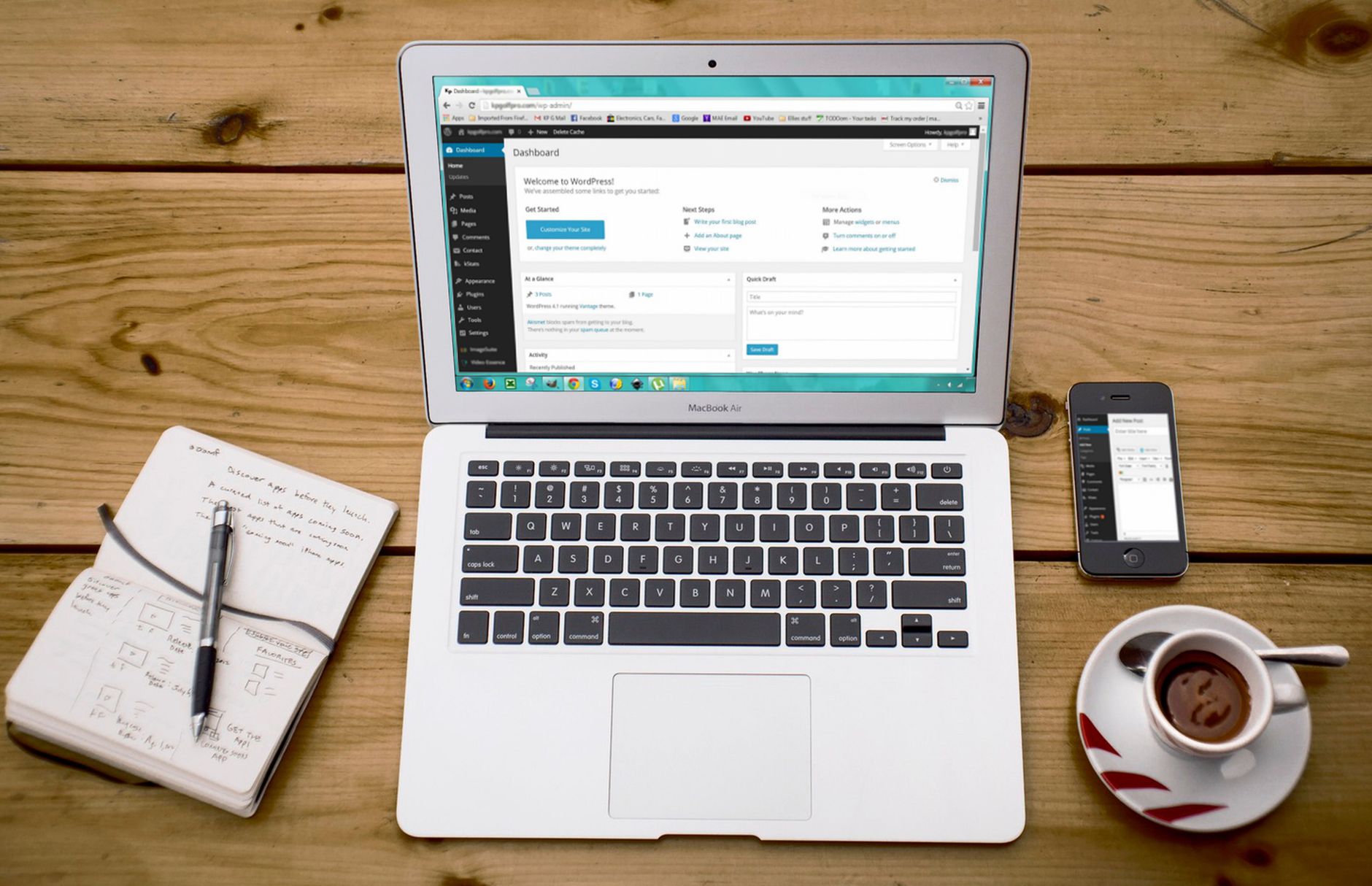
Common WordPress SEO mistakes usually come from scattered priorities, not a lack of effort. Many site owners have already installed plugins, written pages, and followed checklists. The problem is that small setup issues, weak page targeting, and plugin clutter can quietly hold back rankings even when the site looks “optimized.”
A green light in an SEO plugin does not mean the page deserves to rank. The pages that improve first are usually the ones with cleaner indexing rules, stronger titles, better internal links, and fewer conflicting signals. If you want the bigger picture first, start with this practical WordPress SEO guide for DIY site owners before making more plugin changes.
Why WordPress SEO mistakes pile up so easily
WordPress is flexible, which is useful for publishing and site management, but that same flexibility makes it easy to create duplicate archives, overlapping plugin output, and pages that are technically live but poorly supported. Most sites do not have one catastrophic problem. They have a stack of smaller issues that compound over time.
That is why priority matters more than volume. Fix the issues that block visibility before the issues that polish visibility. If indexing is messy or important pages are poorly linked, more blog posts and more settings changes usually add confusion instead of traction.
Mistake 1: Using more than one SEO plugin
One well-configured SEO plugin is enough. Running overlapping plugins often creates duplicate metadata, conflicting canonicals, and competing sitemap outputs, which makes troubleshooting much harder than it needs to be.
This is one of the most common cleanup issues on WordPress sites that have changed owners, added extra schema tools, or installed a second plugin to chase features. Before you do anything else, simplify the stack. If you are unsure where plugin conflicts show up, our post on how to fix WordPress SEO setup problems walks through the patterns we see most often.
Mistake 2: Treating plugin scores like ranking signals



Plugin checks can catch basic omissions, but they do not measure whether a page actually matches search intent or deserves to rank. Chasing green lights often leads to awkward copy, forced keyword repetition, and unnecessary editing on pages that have bigger underlying problems.
Google recommends descriptive page titles and warns against keyword stuffing and repetitive boilerplate. Google also recommends crawlable links with descriptive anchor text, which means the fundamentals are still about clarity and structure, not about pleasing a plugin scorecard. Keep the tool in its place. Use it to catch obvious issues, not to define success.
Mistake 3: Writing weak or repetitive title tags
Your title tag is one of the clearest on-page signals you control, so vague or repetitive titles can hold back strong pages. Pages titled with generic phrases like Home, Services, or stacked keyword lists make it harder for users and search engines to understand the page’s real purpose.
| Weak title | Stronger title |
|---|---|
| SEO Services | SEO Company | SEO Expert | WordPress SEO Services for Small Businesses |
| Blog | WordPress SEO Tips for Service Businesses |
| Home | WordPress SEO Consultant for Growing Sites |
The goal is not clever wording. The goal is a title that is concise, specific, and clearly tied to the page content. If your important pages all follow the same generic title pattern, fix those before rewriting lower-priority posts.
Mistake 4: Leaving archive pages unmanaged
Archive settings are one of the easiest places to create thin or duplicate content in WordPress. Author archives, date archives, and low-value tag archives can add a large number of pages that do not help rankings and may compete with stronger content.
Single-author sites often do not need indexed author archives. Sites with dozens of one-post tags usually do not need indexed tag pages either. The right move is not to noindex everything by default. It is to decide which archives actually help users and which ones only add clutter.
Mistake 5: Ignoring internal linking
Internal links help search engines discover pages, understand hierarchy, and connect your informational content to your service or money pages. When internal linking is weak, important pages can stay under-supported even if the content itself is solid.
Many WordPress sites rely too heavily on menus and forget contextual links inside page copy. Link related posts to each other, link blog posts to relevant service pages, and make sure important pages are reachable from other crawlable pages. If you need a cleaner framework, review our practical WordPress SEO guide for a layered approach.
Mistake 6: Publishing thin content to cover every keyword variation
Publishing more pages does not automatically create more visibility. Thin posts that target slight keyword variations often overlap, compete with each other, and dilute the authority of the page that should have been the main answer.
A better approach is consolidation. Build one strong page for one primary intent, then support it with related content that covers distinct subtopics. This gives users a clearer path and gives search engines more consistent signals about which page matters most.
Mistake 7: Skipping Search Console checks
If you are not reviewing Google Search Console, you are missing the clearest SEO feedback available to you for free. It helps you spot indexing problems, excluded pages, and queries where your site already has visibility but needs better targeting or better click appeal.
This is where scattered SEO work becomes a plan. Look for pages with impressions but weak clicks, pages that are excluded unexpectedly, and areas where Google is associating your content with the wrong terms. Those patterns usually tell you what to fix next far better than plugin dashboards do.
If you are experiencing these symptoms, our team at WordPress SEO Expert can help. A focused review can show whether the real issue is indexing, duplication, weak targeting, or plugin clutter before you waste more time changing random settings.
Mistake 8: Overlooking SEO issues after redesigns or migrations
Traffic drops after redesigns are usually caused by technical changes, not by Google suddenly disliking the site. Missing redirects, changed URLs, lost metadata, and altered internal links can all reduce visibility if they are not checked carefully during launch.
If rankings drop after a rebuild, compare the old and new URL structure, confirm redirects are in place, and review whether key pages kept their topical focus. Migration problems can look mysterious from the outside, but they are usually traceable once you review the technical changes in order.
What to fix first
The fastest gains usually come from fixing visibility blockers before polishing secondary details. That means simplifying plugin conflicts, checking indexing, improving title quality, cleaning up archive settings, and strengthening internal links before worrying about minor feature tweaks.
| Priority | What to review | Why it matters |
|---|---|---|
| 1 | Indexing and crawl access | Pages cannot perform if search engines cannot reach or index them correctly. |
| 2 | SEO plugin overlap | Conflicting metadata and sitemaps can create sitewide confusion. |
| 3 | Title tags on key pages | Stronger titles improve clarity and click potential. |
| 4 | Archive settings | Thin or duplicate archives can waste attention and dilute focus. |
| 5 | Internal links | Better linking reinforces page importance and topic relationships. |
When to get help
If your rankings are flat and you are not sure whether the real problem is indexing, duplication, weak targeting, or plugin clutter, WordPress SEO Expert can help. Most sites do not need more tools. They need a clear diagnosis and a practical order of operations.
Contact WordPress SEO Expert today to schedule a consultation. Book a free SEO consultation. No pitch, no pressure. Just an honest look at what your site actually needs and whether your current setup is part of the solution or part of the problem.

















