
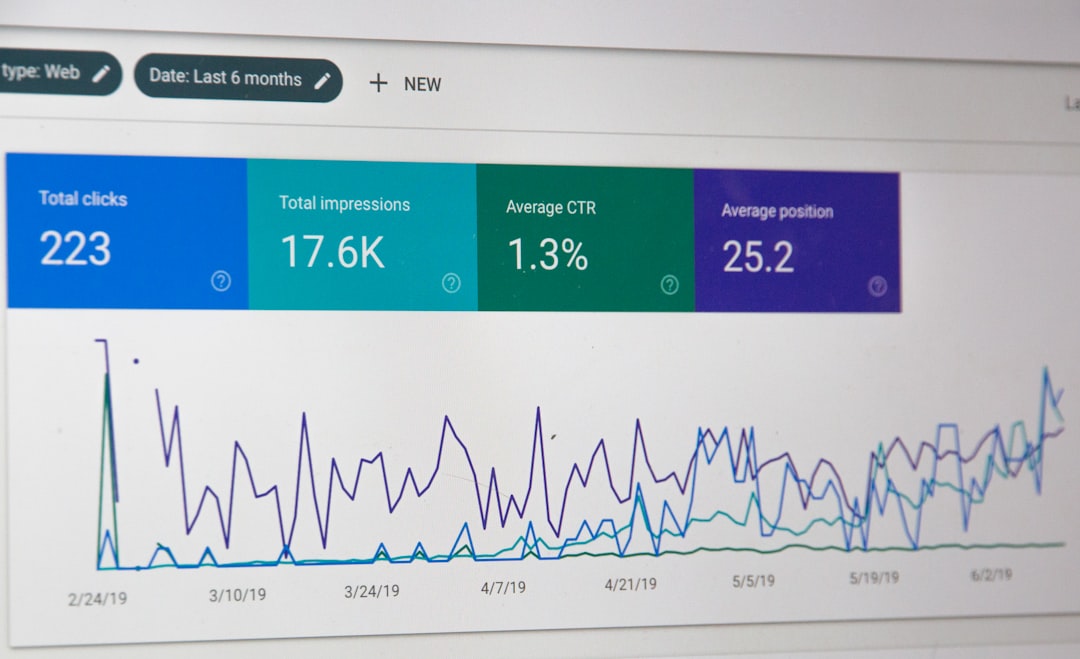
Low rankings usually come from a scattered plan, not one missing plugin. Most WordPress sites do not fail because of one dramatic mistake. They lose ground because smaller issues stack up: overlapping plugins, weak titles, thin archive pages, messy canonicals, and content published without a clear purpose.
This is the good news. If your traffic feels stuck, you usually do not need a rebuild. You need to fix the issues that block visibility before the issues that polish visibility. If you want a broader baseline before making changes, review our WordPress SEO best practices and our comparison of Yoast SEO vs Rank Math if plugin confusion is part of the problem.
Using too many SEO plugins
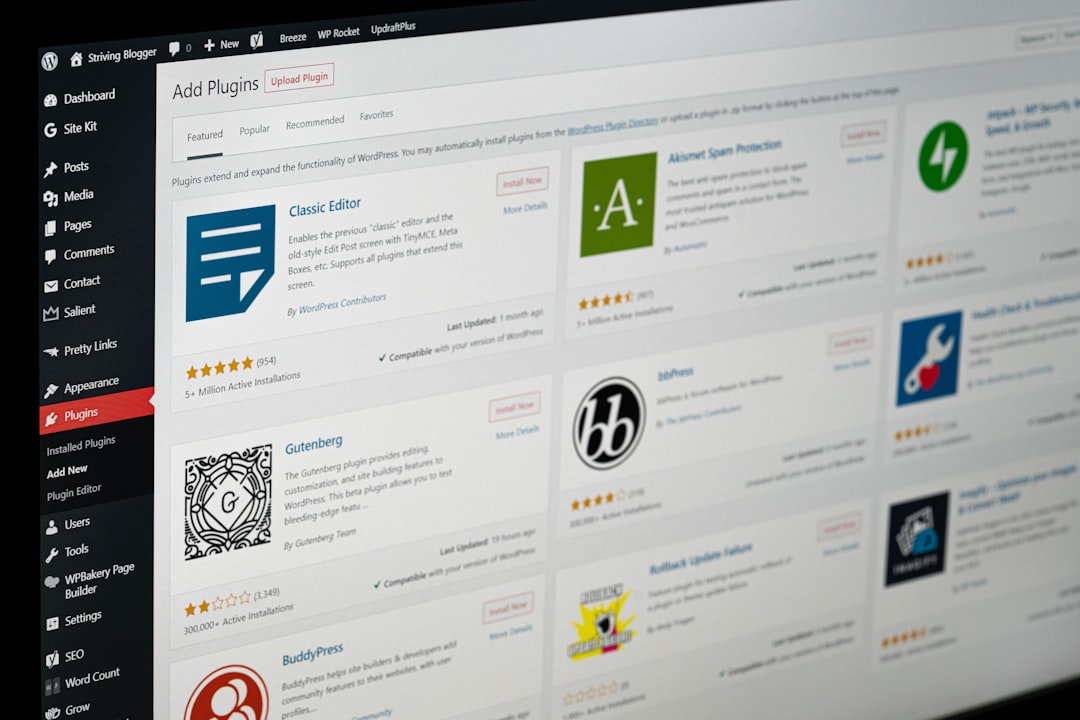
One well-configured SEO plugin is enough. Running overlapping plugins often creates duplicate metadata, conflicting canonicals, and competing sitemap outputs that make troubleshooting harder than it needs to be.
This is one of the most common WordPress search engine optimization mistakes because it feels productive. Site owners install a plugin for titles, another for schema, and another for redirects, then assume more tools mean better coverage. In practice, the setup gets noisier. A green light in an SEO plugin does not mean the page deserves to rank, and duplicate outputs can send mixed signals to search engines.
If you are choosing between major plugins, the real question is not which one has the longest feature list. It is which one gives you the controls you need without clutter. Google recommends descriptive and concise title text and warns against keyword stuffing in title elements, which matters more than stacking tools that all try to manage the same fields. Google’s title link guidance is a useful reference here.
Treating plugin scores like an SEO strategy
Plugin scores can be useful reminders, but they are not rankings. Chasing every recommendation often leads to awkward copy, repetitive headings, and pages written for a checklist instead of a real searcher.
This mistake shows up when a business page reads like it was forced to repeat the same phrase in every heading just to turn a red indicator green. Most site owners do not have one catastrophic problem. They have a stack of smaller issues that compound over time. If your content is thin, your internal linking is weak, or the wrong pages are indexed, a better plugin score will not solve the deeper issue.
Use plugin suggestions as prompts, not orders. The goal is a page that is clear, useful, and easy to navigate. You do not need a perfect score. You need a clean setup and pages that actually match intent.
Writing keyword-stuffed title tags
Your title tag still matters, but repeating the same term over and over is not optimization. Clear, specific titles help users understand the page and help search engines distinguish one URL from another.
Google recommends writing descriptive, concise title text, avoiding keyword stuffing, and avoiding repeated boilerplate across pages. That is especially important on WordPress sites where templates can produce near-identical titles at scale. Google’s documentation makes that guidance explicit.
| Weak title | Stronger title |
|---|---|
| SEO Services | SEO Company | SEO Expert | WordPress SEO Services for Small Businesses |
| WordPress SEO | WordPress Search Engine Optimization | WordPress SEO Mistakes Small Businesses Should Fix First |
| Blog | WordPress SEO Tips for Service Businesses |
Fix the issues that block visibility before the issues that polish visibility. If your titles are vague, stuffed, or duplicated, clean those up before spending time on minor plugin settings.
Ignoring crawl and index settings

If the right pages are not crawlable or indexable, nothing else performs as well as it should. This is the first technical check to make before rewriting content or changing templates.
Common WordPress problems include accidental noindex settings, category and tag archives that add noise, orphan pages with no internal links, and service pages buried too deep to be discovered easily. Search engines still need clear paths to your important URLs. A well-written page cannot rank if it is blocked, de-emphasized, or effectively hidden inside the site structure.
This is also where redesigns and migrations go wrong. A site can look better after launch while visibility drops because redirects, canonicals, and indexing rules were not checked carefully enough. If your rankings slipped after a relaunch, WordPress SEO Expert can help you isolate whether the problem is crawl access, metadata, missing content, or internal link loss.
Letting duplicate URLs pile up
Duplicate URL problems dilute signals and create confusion about which version of a page should rank. On WordPress, this usually comes from archives, attachment pages, parameters, filter URLs, or inconsistent internal linking.
WooCommerce stores are especially vulnerable here. Product filters, sort parameters, pagination, and variation-related URLs can quietly create a large footprint of low-value pages. Publishing more content will not fix that. Clean architecture will. Decide which pages deserve to be indexed, point internal links to the preferred versions, and redirect outdated or redundant variants where appropriate.
If your store has category clutter or crawl waste, our guide to WordPress SEO best practices is a good starting point before you expand the catalog further.
Using schema markup carelessly
Schema can help search engines understand a page more clearly, but only when it matches the visible content. Adding every available schema type does not strengthen a page. It usually makes the setup messier.
Google’s structured data guidelines say markup should reflect content visible to readers and should not be misleading. That means you should use relevant schema cleanly instead of turning on broad defaults everywhere because a plugin offers them. Google’s structured data policies are clear on that point.
The practical rule is simple. Mark up what the page actually is. If it is a service page, keep the schema aligned with that service page. If it is a product page, keep the product data accurate and visible. More markup is not automatically better markup.
Publishing thin pages for slight keyword variations
Creating several weak pages around tiny keyword differences usually hurts more than it helps. One stronger, better-structured page often performs better than three near-duplicates competing with each other.
This mistake is common on service sites that spin up multiple pages with almost identical copy, changing only a city name or a phrase variation. It is also common on blogs where topics that should be consolidated get split into fragments. The result is content overlap, weak internal linking, and pages that struggle to stand out.
Consolidate where you can. Build one page around a clear primary topic, support it with relevant subtopics, and link related pages intentionally. If you are not sure whether your current content map is helping or quietly cannibalizing itself, WordPress SEO Expert can help.
Writing poor meta descriptions
Meta descriptions are not a direct ranking fix, but they do influence how your page is summarized in search. Weak descriptions waste a chance to improve click quality and clarify relevance.
Google may use the meta description when it better summarizes the page than the on-page content, and it recommends unique descriptions that accurately describe each page. That is why boilerplate descriptions across a whole WordPress site are such a missed opportunity. Google’s snippet documentation explains how descriptions can be used.
Keep descriptions specific. Tell the searcher what they will get, not just the broad topic. Good descriptions support the click. They do not try to cram in every keyword variation.
Forgetting internal links

Internal links help search engines discover pages, understand topic relationships, and identify which URLs matter most. They also help users take the next logical step instead of bouncing.
Many WordPress sites publish new posts, then leave them disconnected from service pages, category hubs, or older related content. That weakens the page even if the writing is solid. Connect related articles, point supporting content toward your higher-value pages, and make sure important URLs are not isolated.
If plugin selection is part of your workflow problem, our Yoast SEO vs Rank Math comparison can help you simplify the setup before you expand your internal linking plan.
What to fix first
The right sequence matters more than the size of your checklist. Start with the problems that block search visibility, then move to the issues that improve clarity and polish.
| Priority | What to fix | Why it comes first |
|---|---|---|
| 1 | Indexing and crawl access | Pages cannot perform if search engines cannot reach or index them properly |
| 2 | Canonicals, redirects, and duplicate URLs | Prevents mixed signals and diluted authority |
| 3 | Title tags and page intent | Improves relevance and click potential |
| 4 | Internal linking | Strengthens discovery, hierarchy, and flow through the site |
| 5 | Meta descriptions and schema cleanup | Supports clearer search presentation and cleaner technical signals |
If you are experiencing these symptoms, our team at WordPress SEO Expert can help. We look for the smaller issues that compound over time, then help you fix them in the right order instead of burying you in a giant list of low-impact tasks.
The best next step
Most WordPress SEO mistakes are fixable, but they respond best to a clear sequence. Clean up plugin overlap, improve titles, review index settings, reduce duplication, and strengthen internal links before you chase cosmetic improvements.
Contact WordPress SEO Expert today to schedule a consultation. Book a free SEO consultation. No pitch, no pressure. Just an honest look at what your site actually needs and whether your current setup is part of the solution or part of the problem.

















