

Low rankings usually come from a stack of avoidable mistakes, not one missing plugin. Most WordPress sites that stall in search have decent content but weak indexing rules, conflicting plugin settings, thin internal linking, or titles written for SEO scores instead of real searches.
That is why generic “WordPress SEO tips” often do not help. The real win comes from spotting what is quietly holding the site back, fixing the highest-impact issues first, and ignoring busywork that makes dashboards look better without improving traffic.
This guide covers the most common WordPress SEO mistakes to avoid, what to do instead, and how to prioritize fixes without turning your site into a plugin experiment. If you want a broader foundation first, review our guides on WordPress SEO best practices and how to improve WordPress site speed for SEO.
The Most Common WordPress SEO Mistakes
Most WordPress SEO mistakes are not dramatic. They are small configuration and content decisions that compound over time until rankings flatten, crawl waste increases, and important pages struggle to compete.
1. Installing multiple SEO plugins
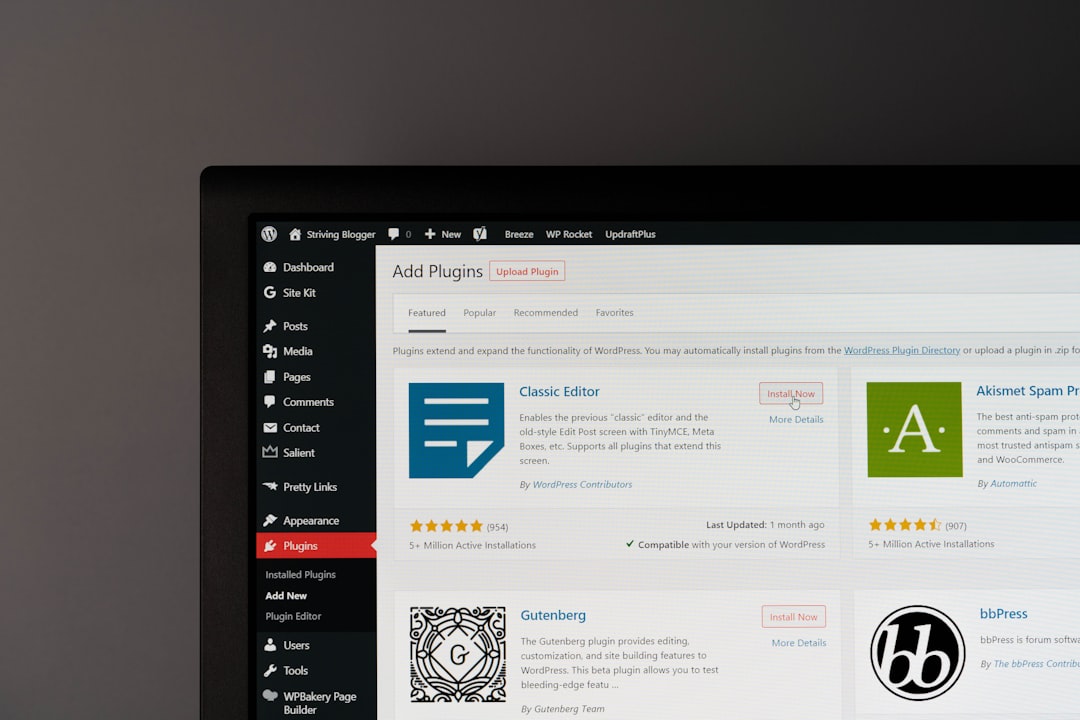
Using more than one SEO plugin is one of the fastest ways to create technical conflicts. When multiple plugins try to control titles, canonicals, schema, XML sitemaps, and robots rules, the result is often mixed signals rather than better optimization.
Use one primary SEO plugin and configure it well. Keep the setup clean, check title templates, sitemap settings, archive indexing rules, and schema output. If you are running overlapping SEO features from several tools, simplify before you do anything else.
2. Letting important pages stay noindex
A well-written page cannot rank if search engines are told not to index it. This happens more often than site owners realize, especially after redesigns, staging-site migrations, theme changes, or plugin setting updates.
Check your reading settings, plugin-level noindex rules, and page-level SEO settings. Make sure key service pages, product categories, and top blog posts return a normal status code, are internally linked, and appear in the XML sitemap if they should be indexed.
3. Writing title tags for plugins, not people
Title tags still matter, but stuffing them with repeated keywords, cities, and brand terms usually makes them weaker. A title should match the page topic clearly and give a searcher a reason to click.
Weak title: SEO Services | SEO Company | SEO Expert. Stronger title: WordPress SEO Services for Small Businesses. The second title is clearer, easier to scan, and more aligned with what the page actually offers.
4. Publishing content with weak internal links
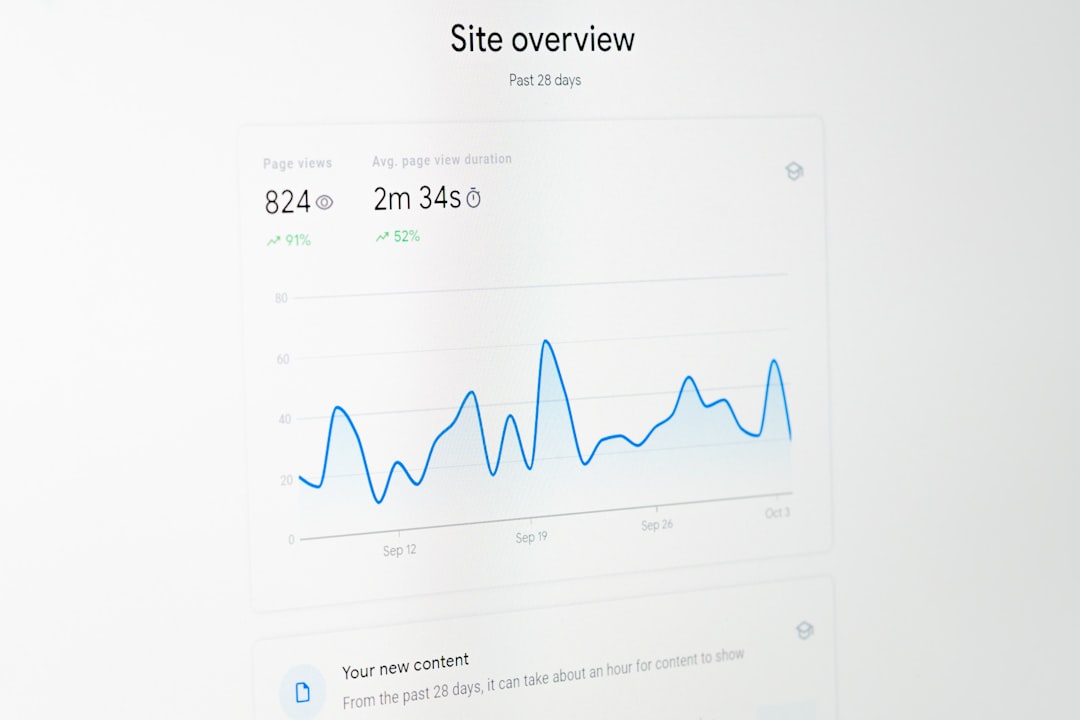
Publishing new posts without connecting them to the rest of the site is a common mistake. Internal links help search engines discover pages, understand topic relationships, and pass relevance to pages that matter most.
Link broad posts to supporting guides, and link informational posts to relevant service pages where appropriate. If a page only exists in the sitemap and has no meaningful internal links, it is harder for both users and crawlers to treat it as important.
If you are not sure how to structure this, WordPress SEO Expert can help map stronger internal linking and page hierarchy before you publish more content that goes nowhere.
5. Treating categories, tags, and archives as an afterthought
WordPress can create more indexable URLs than many site owners expect. Categories, tags, author archives, date archives, attachment pages, and search-result pages can all expand the site without adding much value.
That does not mean every archive is bad. It means you should decide which archive types help users and deserve indexing, and which ones should stay out of search. Too many low-value archives can dilute crawl focus and create thin pages that do not deserve to rank.
6. Ignoring canonical and redirect problems
Duplicate URLs are still one of the most common WordPress SEO problems. Small inconsistencies like HTTP versus HTTPS, trailing slash variations, filtered URLs, outdated page versions, and duplicate archive paths can split signals across multiple versions of the same content.
Set a clear preferred URL for each important page. Use redirects for obsolete versions, keep internal links pointed to the preferred version, and avoid plugin conflicts that generate inconsistent canonical tags.
7. Chasing plugin score badges
A green light in an SEO plugin does not mean the page is well optimized. Many sites with perfect plugin scores still fail to rank because the page misses search intent, has weak structure, or sits on a site with crawl and architecture problems.
Use plugin suggestions as reminders, not as the goal. Search performance usually improves more from better page targeting, stronger titles, cleaner technical settings, and more useful internal links than from forcing every score indicator to turn green.
8. Overlooking site speed and interaction issues
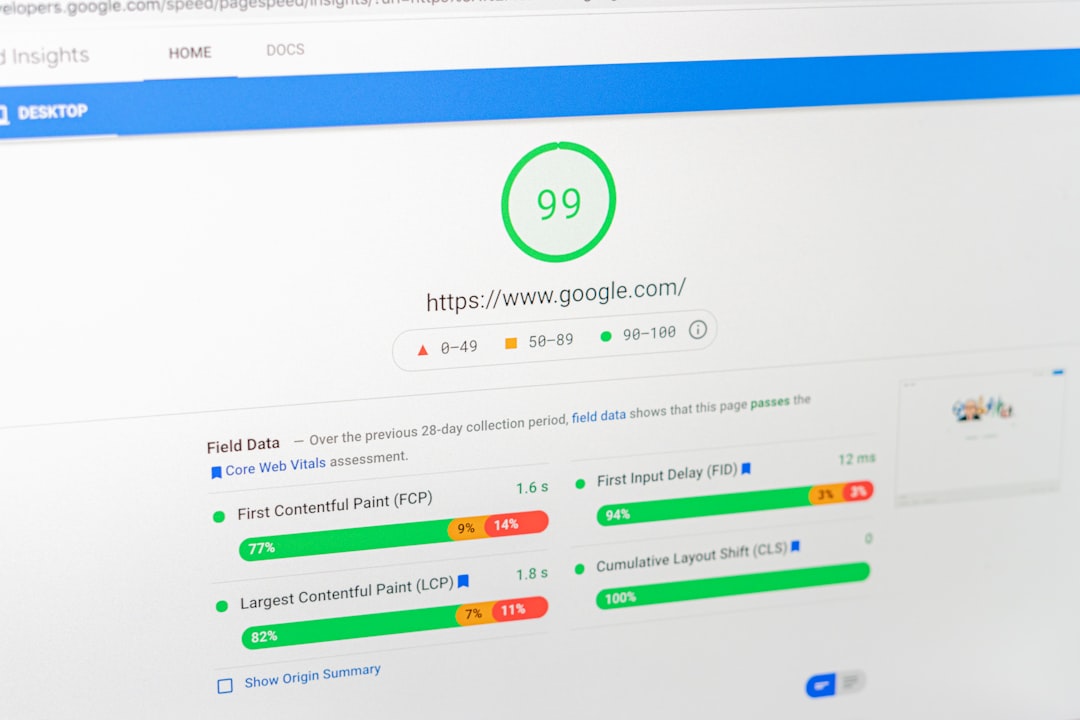
Slow pages hurt usability first, and SEO second. Heavy images, bloated themes, too many scripts, and weak hosting can make a page frustrating enough that even strong content underperforms.
The mistake is not just having a slow site. It is applying vague advice without identifying the actual bottleneck. Large images, excessive plugins, render-blocking assets, and uncached pages usually matter more than cosmetic tweaks. If speed is part of the problem, start with our guide on real WordPress speed fixes.
What to Fix First
The right order matters because some SEO problems make other work less effective. Fix indexing, duplication, and page targeting before you spend weeks publishing more content.
| Priority | What to check | Why it matters |
|---|---|---|
| 1 | Indexing and noindex rules | Pages cannot rank if they are blocked or excluded |
| 2 | Canonical and redirect setup | Prevents duplicate URL confusion |
| 3 | Title tags and page intent | Improves relevance and click-through potential |
| 4 | Internal linking | Helps discovery and reinforces important pages |
| 5 | Site speed issues | Improves page experience and usability |
| 6 | Archive and taxonomy control | Reduces thin-page bloat and crawl waste |
What to Stop Doing
Most WordPress sites do not need more SEO activity. They need less scattered activity. Stop stacking plugins, stop publishing thin variations of the same topic, stop relying on auto-generated metadata, and stop assuming WordPress is fully optimized just because an SEO plugin is active.
There is no single best SEO trick that fixes a site overnight. Better results usually come from a cleaner setup, clearer page targeting, fewer mixed signals, and a site structure that both users and search engines can follow easily.
When to Get a Second Set of Eyes
If you have already published content, installed the usual SEO tools, and rankings still are not moving, the issue is often diagnostic rather than tactical. Something is either blocked, diluted, misaligned, or simply not prioritized correctly.
That is where WordPress SEO Expert can help. We review what is actually holding the site back, prioritize the fixes that matter first, and help you avoid wasting time on plugin noise. If you want a second set of eyes before changing settings, request a free WordPress SEO audit.
Contact WordPress SEO Expert today to schedule a consultation and get a clearer plan for fixing the WordPress SEO mistakes that are keeping your site stuck.

















